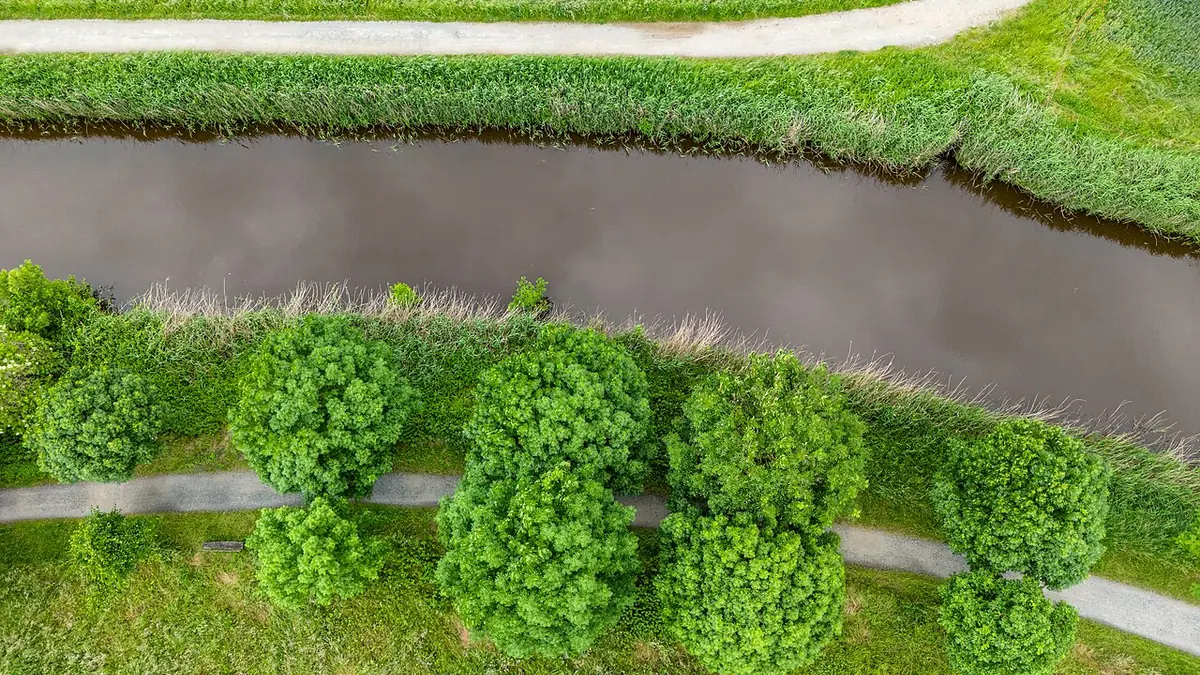
Drone Shoots Produce a Mountain of Files — Here's the Free Way Through It
DJI's consumer and prosumer drones — the Mini, Air, and Mavic lines — all shoot RAW stills as DNG files. A single flight session with bracketing and panorama grids can easily produce several hundred of them. The usual advice is "just get Lightroom," which turns a hobby that already cost a four-figure drone into another monthly bill.
You don't need it. DNG is an open, superbly-supported format, and a fully free desktop pipeline handles drone work well — including the two things drone photos need most: aggressive culling and recovery of bright skies.
Why Drone Photos Need Culling More Than Most
Drone photography is repetitive by nature. You hover, shoot, nudge the position, shoot again. Auto Exposure Bracketing fires three or five frames at a time. Panorama modes produce grids of overlapping frames. By the time you land, 80% of your card is near-duplicates.
imagic is built for exactly this: its AI scores every DNG for sharpness, exposure, noise, and composition, then groups duplicates and bursts so each hover position collapses into one decision. Wind-blur rejects — the classic drone failure — show up immediately as low sharpness scores. Download imagic's free trial and point it at the flight folder.
Recovering Skies and Shadows
Small drone sensors have limited dynamic range, so the classic drone frame — bright sky over dark landscape — pushes them hard. This is where shooting DNG pays off. imagic's own built-in RAW engine gives you proper highlight reconstruction and shadow lifting on the RAW data, which routinely rescues skies that look blown in the JPEG preview.
For bracketed sets, process the middle exposure first; you'll often find the DNG has enough latitude that you don't need the HDR merge at all.
Batch Processing an Entire Flight
Consistency matters when a client (or your own Instagram grid) will see twenty images from the same session. The workflow:
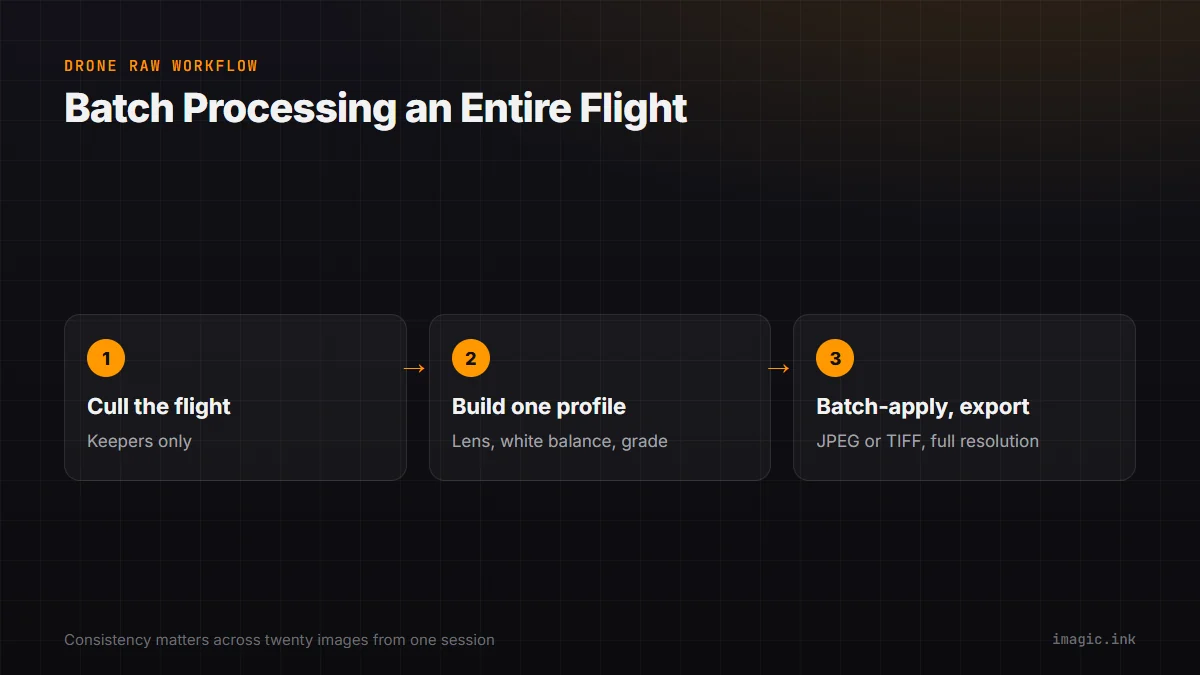
- Cull the flight in imagic — keepers only.
- Build one processing profile in imagic: lens correction, white balance, your color grade.
- Batch-apply it to every keeper and export JPEG or TIFF at full resolution.
imagic runs the same pipeline with scene-aware grades and crash-resilient export, which matters when you're batch-processing hundreds of 48 MP panorama frames.
A Note on Panoramas
Stitch panoramas from the processed TIFFs, not from camera JPEGs — you keep the corrected exposure and full bit depth through the stitch. Free tools like Hugin handle the stitching side.
Cost Comparison
Lightroom is $9.99 a month, every month, forever. The pipeline above — imagic, a one-time purchase from EUR 19 with RAW processing built in — costs less than a single spare propeller set.
Summary
DJI's DNG files are fully supported without an Adobe subscription. Cull the flight with imagic's AI scoring, develop with its own built-in highlight recovery, batch export with one consistent grade. Your drone was expensive; the editing doesn't have to be. Start with imagic's free 500-export trial, no card required.