Headless CLI
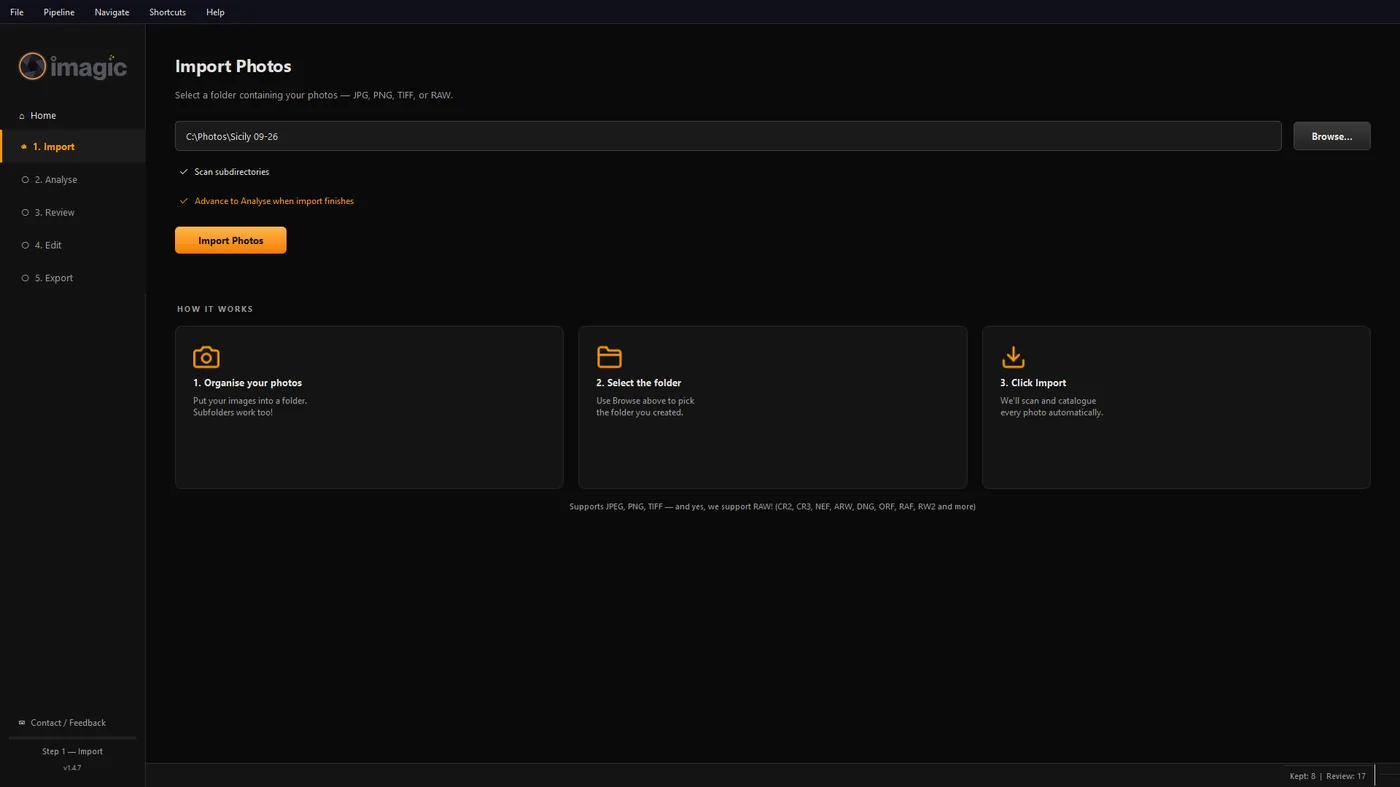
The headless CLI has been part of imagic for a while, no AI client required:
imagic --headless --scan DIR --analyse --export
--headless Run without opening the GUI
--scan DIR Catalog every photo in the given folder, including subfolders
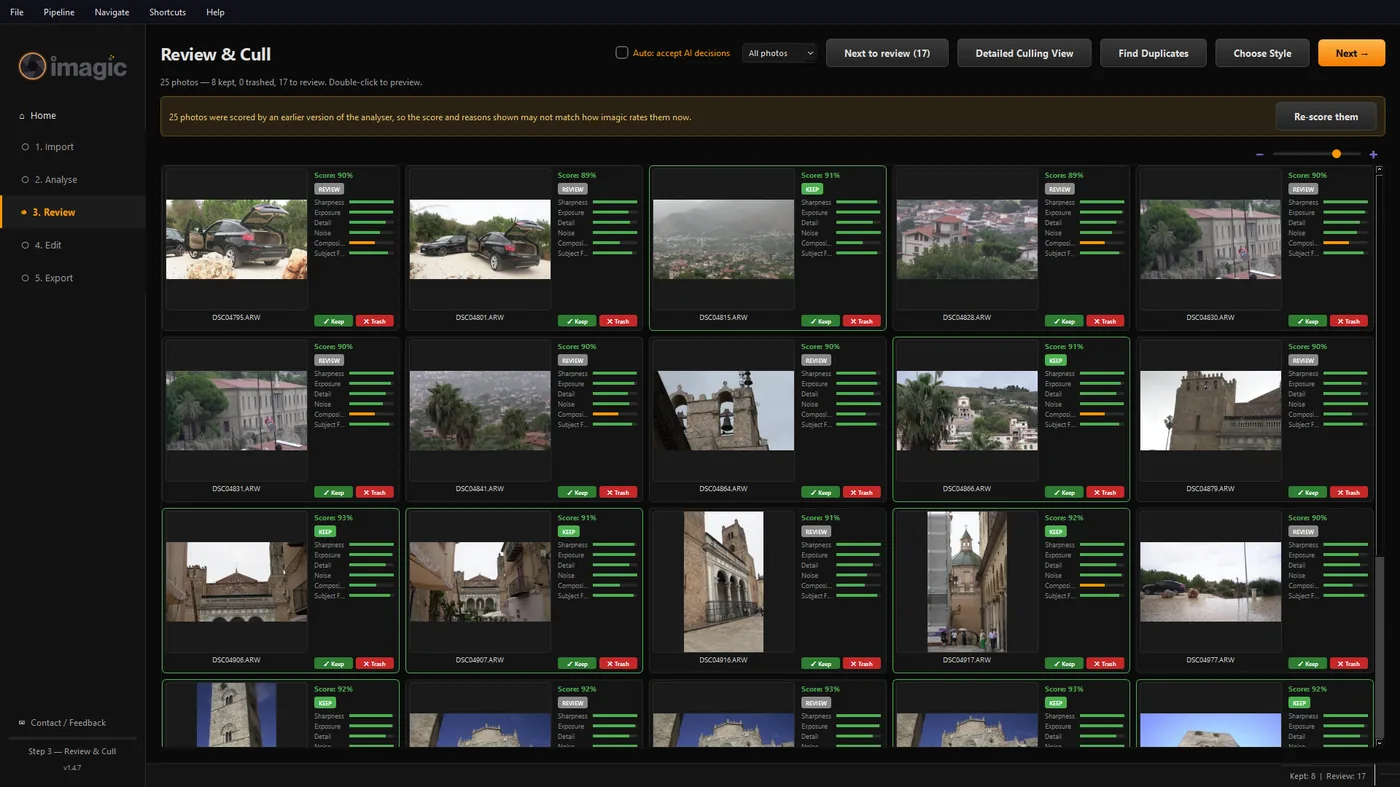
--analyse Run AI quality scoring and duplicate detection on the scanned photos
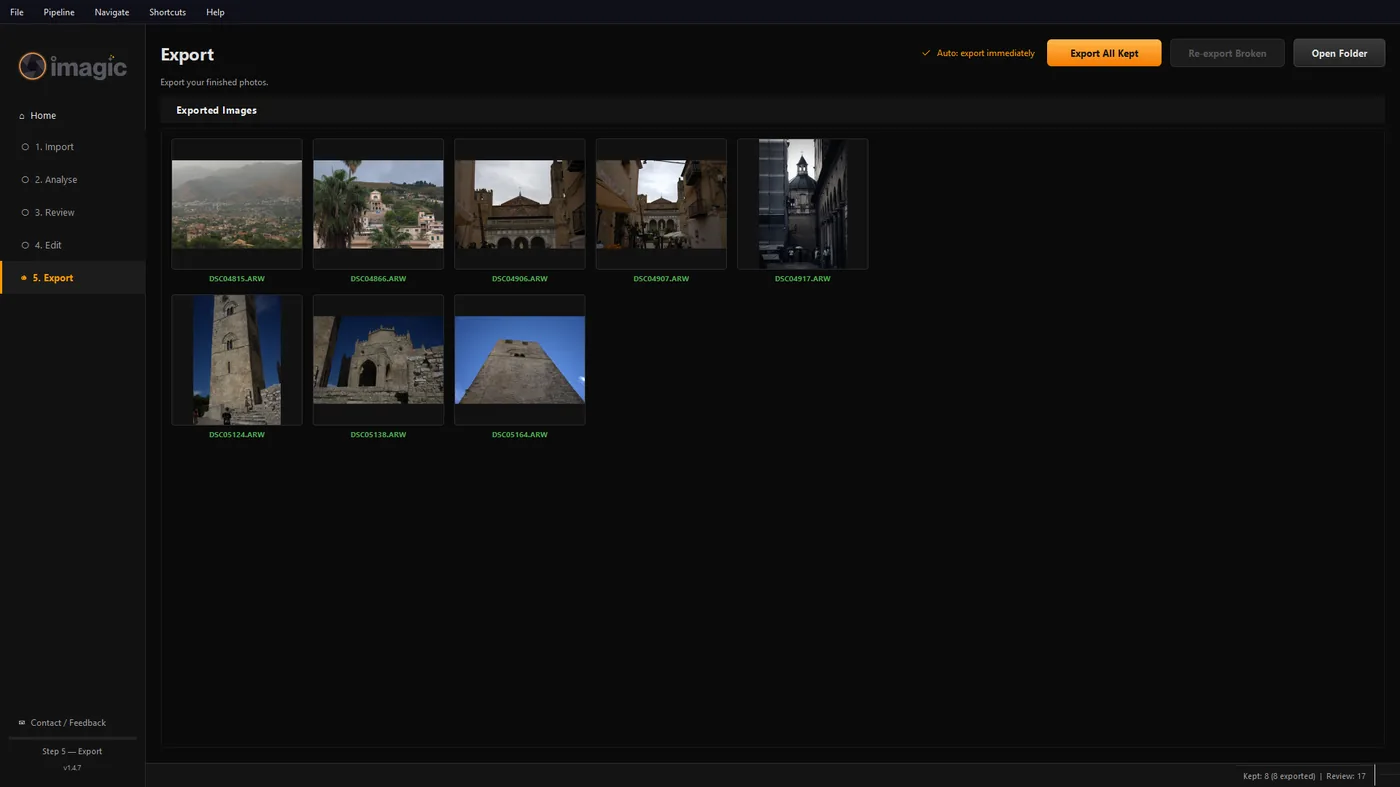
--export Batch export the kept photos with your current settings
MCP setup per client
Claude Code (pip install, MCP is an optional extra):
claude mcp add imagic -- imagic-mcp
Claude Code (packaged Windows app):
claude mcp add imagic -- "C:\Program Files\imagic\imagic.exe" --mcp
Claude Desktop, Cursor, and other clients that read a JSON config file all accept the same shape, add it to that client's MCP config, full snippets on the MCP setup page.
What the MCP tools cover
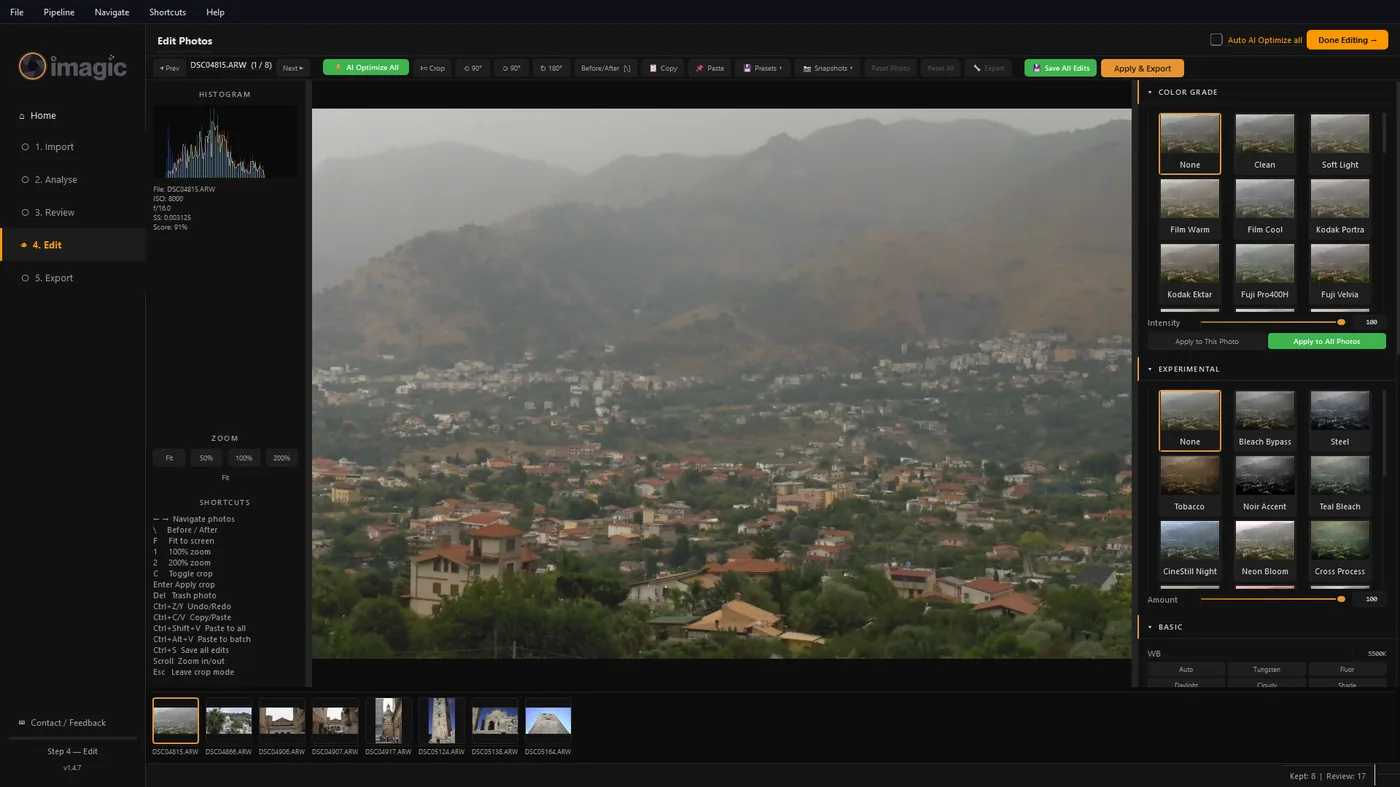
Once connected, an AI agent can call the same actions available in the app: scan a folder and cull it with reasons attached, list and inspect photos, apply adjustments or a saved preset across a set, export the keepers, and run or apply your style calibration. See imagic.ink/mcp for the full breakdown.
Style calibration walkthrough
The first time you connect an AI agent, imagic runs a short guided calibration. It pulls up to 8 scenario photos from your own library (fewer if your library does not cover every scenario type yet) and asks you to edit them as you normally would. It learns the exposure, color, and crop pattern from those photos and applies it on future automated passes. Re-run the calibration any time your style changes. Start with the guided 8-photo session, then train the same profile on your whole imagic-edited library with the learn_style_from_library tool, as many photos as you want. Within a single shoot you can also edit five and match the rest: the match_style_from_examples tool copies the look of your edited examples onto the shoot's remaining photos without changing your saved profile.
Troubleshooting
"imagic-mcp" isn't found. There is no separate command to install: the app is the server. Use the full-path form instead ("C:\Program Files\imagic\imagic.exe" --mcp on Windows, /Applications/imagic.app/Contents/MacOS/imagic --mcp on macOS) and re-run the claude mcp add command.
The agent connects but tools fail with a licensing error. Headless and MCP access both require an activated license, the same trial key or paid license used by the desktop app. Activate it once from the normal desktop app, headless and MCP mode reuse that activation automatically. There is no separate headless activation flag.
"This feature is part of imagic Max." Headless and MCP access are Max-only. If you activated a Lite or Plus license, or your trial expired, the app blocks the tools and shows this message with a link to imagic.ink/mcp. Start a free 500-export trial (full Max access) or upgrade your existing license for the difference from the same page.