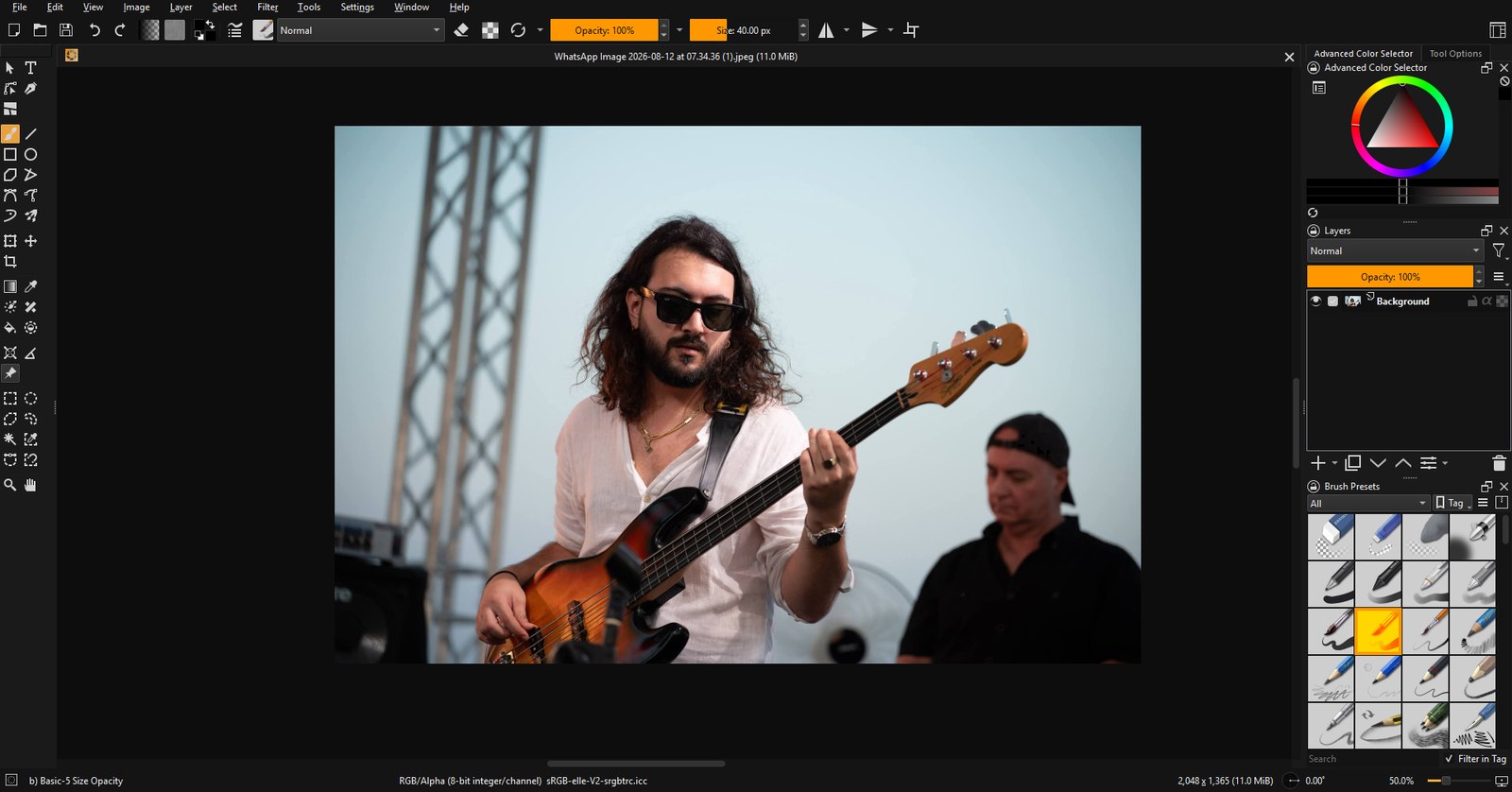
imagic studio is a full professional image editor: layers, masks, a legendary brush engine, PSD support and the keyboard shortcuts your hands already know. No subscription. No meter running. You buy it, it is yours.
imagic studio runs on Claude Code, Cursor, GitHub Copilot, Codex, Gemini CLI, Windsurf, Claude Desktop, and any MCP client built-in MCP server
One payment. Your licence key and Windows installer arrive by email the moment you pay. A macOS build is still in the works.
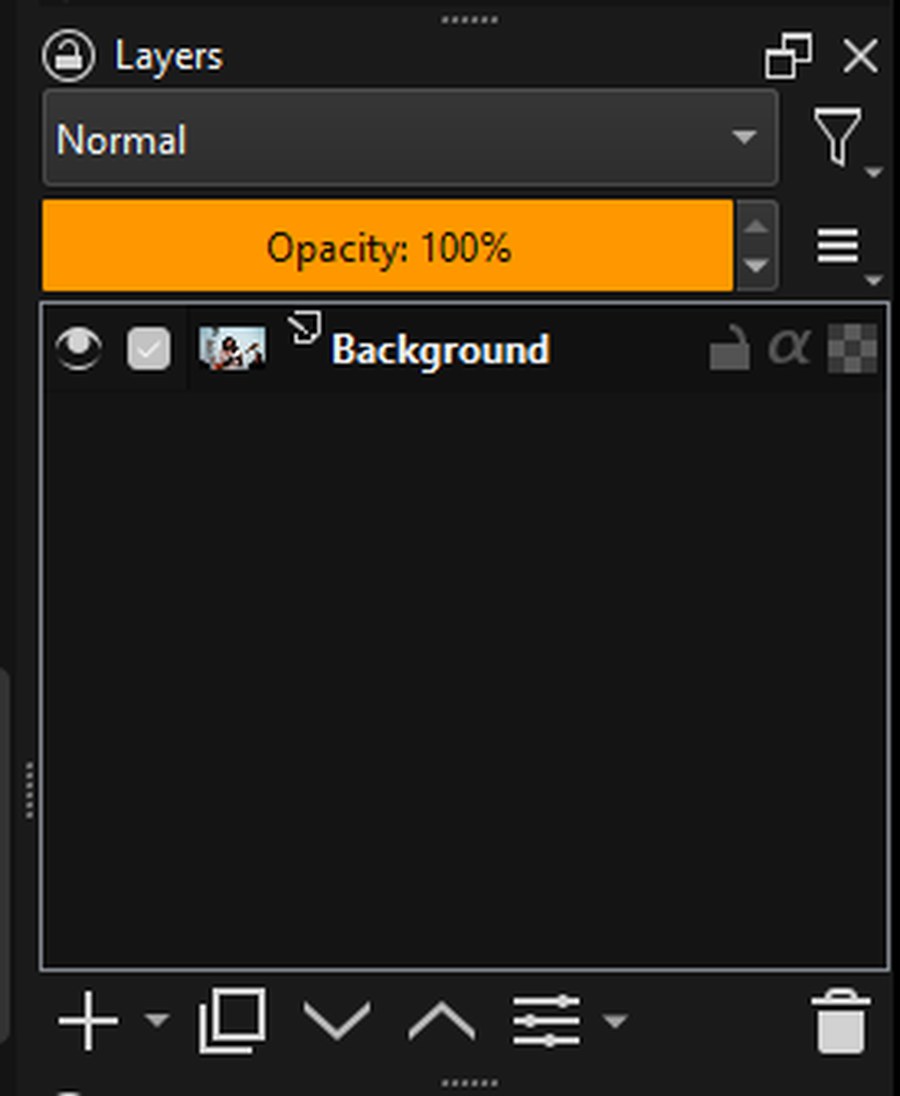
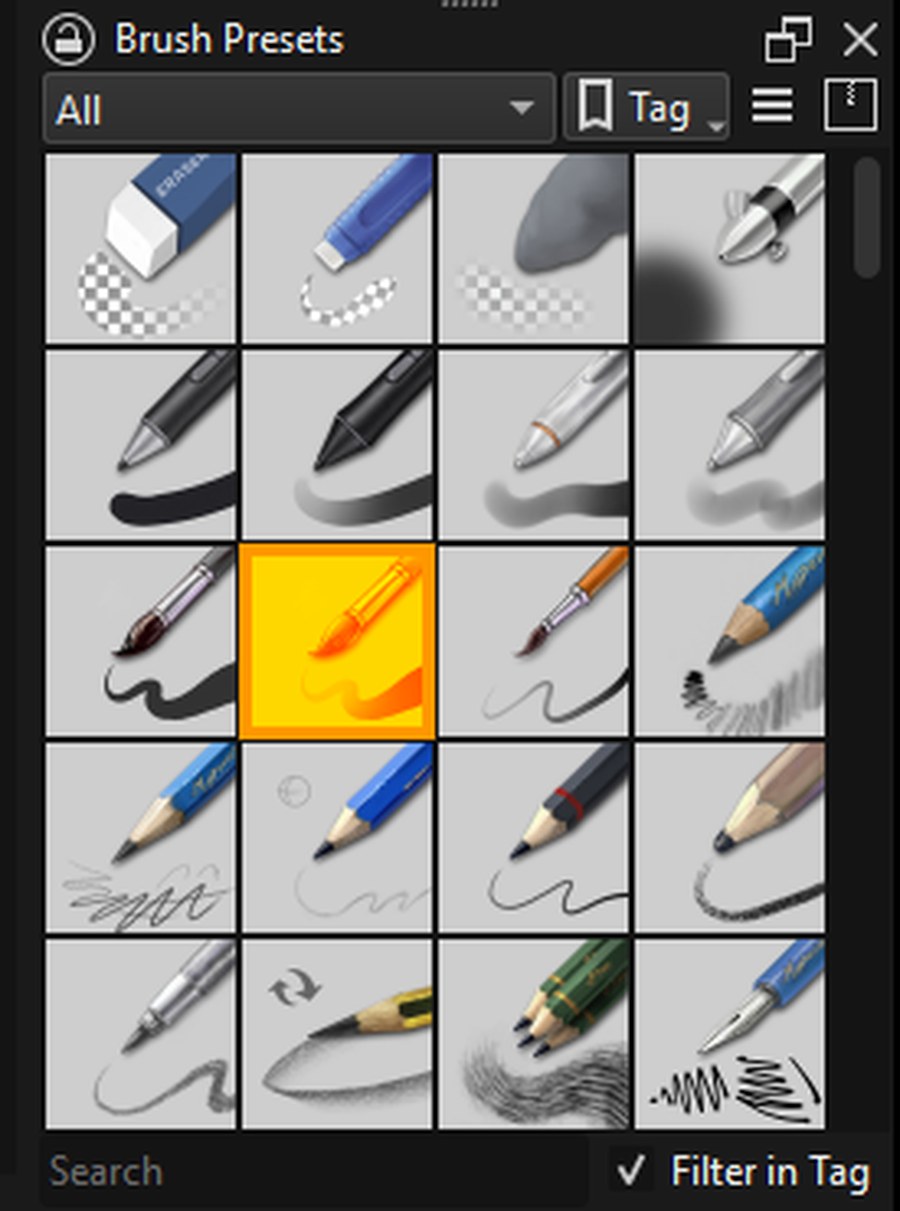
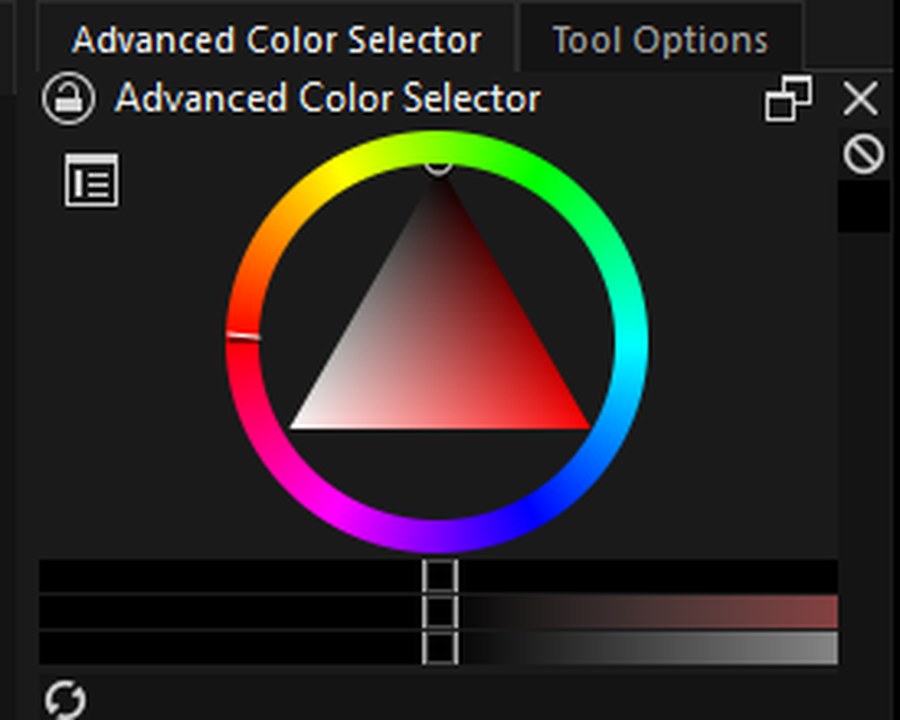
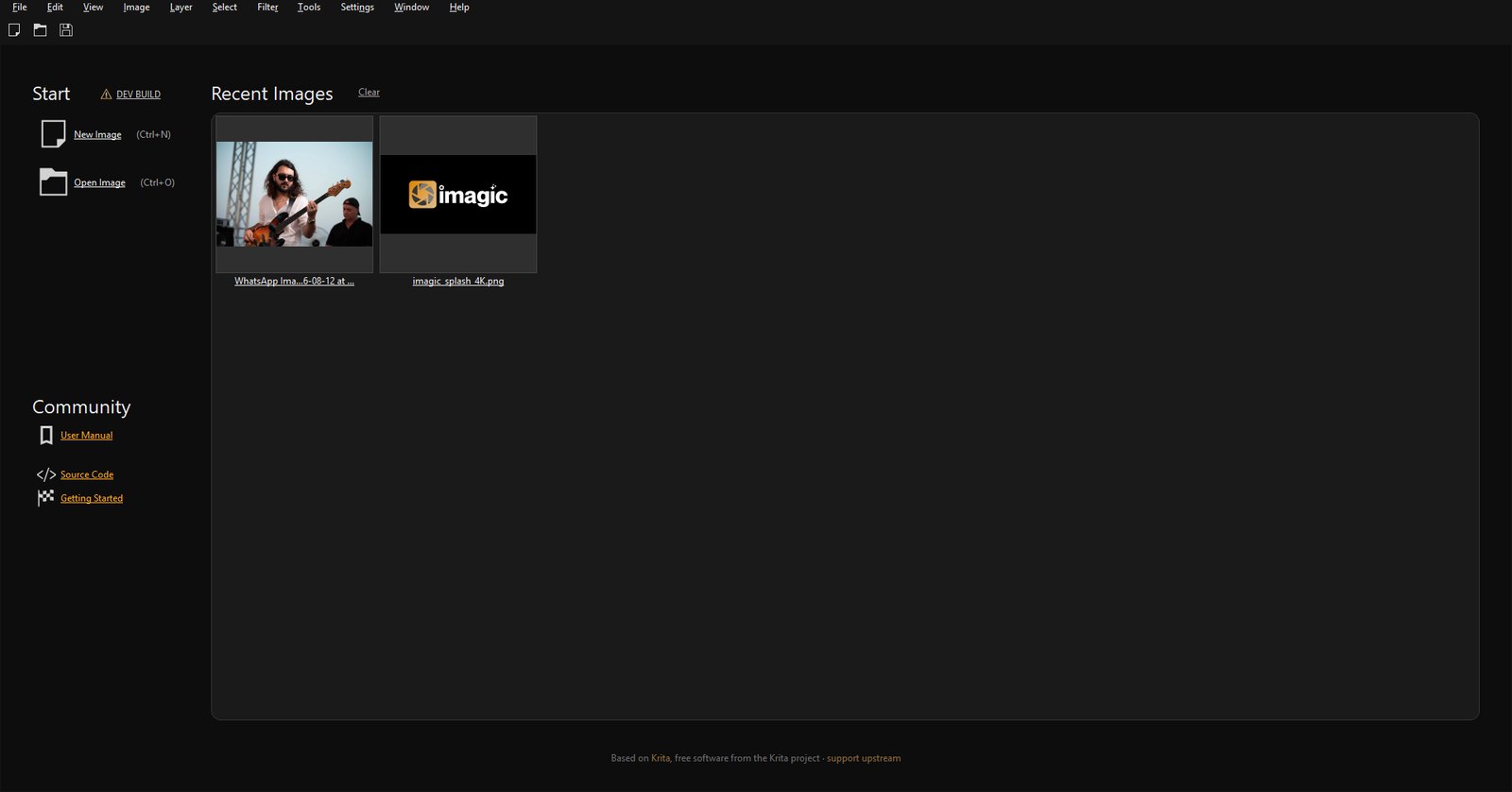
Every screenshot below is the actual app, not a mockup.

Compositing lives or dies on the layer system, so this one is the full stack, not a lite version. Group anything, blend everything, and keep edits reversible with masks instead of erasers.

The engine under imagic studio powers one of the most respected digital painting tools on earth. Hundreds of tuned presets ship in the box, and every one of them is yours to rebuild.

Real color management, not a vibe. Work in the spaces your output demands and proof it before anything ships.

Photoshop-compatible keyboard shortcuts and canvas gestures are the default, not a settings expedition. Ctrl+T transforms, space pans, Ctrl+click picks a layer.
Your PSDs open with their layers, and your work exports back to PSD for pipelines that expect it. The honest caveat every non-Adobe editor carries: extremely complex documents with smart objects or exotic effects may simplify on import.
Native .kra files keep absolutely everything, and roughly forty formats travel in and out, from web-ready WEBP and AVIF to film-grade EXR.
$ claude mcp add imagic-studio -- uvx --from "git+https://github.com/Lukefen31/imagic-studio@imagic/main#subdirectory=mcp" imagic-studio-mcp > convert every PSD in ./shoot to webp, then open the hero shot for me ✓ batch_convert 42 files → webp ✓ open_in_studio shoot/hero-042.webp Done in 61s. The hero shot is on your screen.
Like imagic Desktop, imagic studio ships with an MCP server, so Claude Code, Cursor, Claude Desktop or any MCP client can put the editor to work: real engine conversions across forty formats, batch pipelines, and handing files to your screen when a human should take over.
Tap to see RAW
What you pay depends on what you already own. None of these is a subscription.
imagic studio comes with Max at no extra cost, now and for every update in this major version. Nothing to buy, nothing to upgrade: your key already covers it.
Claim it with your keyYour Plus licence takes half off at checkout. Same app, same updates, same key; the discount applies itself when you enter your licence, with nothing to claim and no code to remember.
Buy at half priceBuy imagic studio on its own. No imagic licence required and nothing else to sign up for; it is a complete editor on its own terms.
Buy imagic studioFor scale: keeping Photoshop on your machine is about €275 a year, every year. Prices are charged in euro; your currency is shown as an approximation.
Own an imagic licence already? Drop the key in and the price sorts itself out.
imagic studio is built on Krita, an open-source imaging engine refined for over two decades. We publish our complete source, keep the engine honest, and add the imagic part: the design, the defaults, the packaging and someone to answer your email. If you love the engine, consider supporting upstream.
€20, once, and what you already own can bring that down: imagic Plus takes 50% off at checkout, and imagic Max includes studio outright. No subscription in any case, and every update in this major version is included.
Right now, on Windows. Version 1.0 is out: pay and the installer link plus your licence key land in your inbox within a minute. A macOS build is in progress, and there is a one-field signup at the bottom of this page if you want the email the day it lands.
PSD files open and export. Extremely complex documents with smart objects or exotic layer effects may simplify on import, the same honest caveat every non-Adobe editor carries.
An MCP server ships alongside the app. Point Claude Code, Cursor or any MCP client at it and your agent can convert files through the real engine, run batch jobs, and open results on your screen. It automates your grunt work; it does not generate images.
imagic Desktop is for photographers: culling, RAW processing and delivering shoots. imagic studio is the pixel editor: retouching, compositing, painting and design. They are siblings and they play nicely together.
Yes. The app never phones home to keep working, never locks your files, and never expires. If we vanished tomorrow the source is public and your editor keeps editing.

No subscription, no meter, no account. Windows today, and every update in this major version included.
The macOS build is not finished yet. Leave your address and you get one email the day it is.