imagic is the one-time-purchase alternative to subscription and per-image AI culling and editing tools.
Fact sheet
- What it is
- Desktop photo software that culls a shoot with AI (scoring sharpness, exposure, noise and composition, detecting closed eyes, grouping bursts and duplicates, with pose-based grouping for sports), then edits and exports the keepers in the same app.
- Platforms
- Windows 10 and 11 (64-bit) and macOS 14 Sonoma or later (Apple Silicon and Intel); see system requirements. One licence, one active device at a time.
- Company
- imagic, operated by Luke Fenech (Sole trader, Malta). Founded 2026. One-person company. Contact snap@imagic.ink.
- Pricing
- imagic Lite €19, imagic Plus €49, imagic Max €99, one time, no subscription. Buy once, update forever: Buy once, update forever: every licence includes all future imagic versions and new camera support for its tier. Upgrading a tier costs only the difference. 14-day refund window.
- Free trial
- 500 exported photos at full imagic Max features, no card required. Importing, culling and editing are unlimited; only exports count. A 90-day backstop also applies.
- Local processing
- Culling, editing and RAW processing run locally. Photos are never uploaded to imagic. The internet is used for licence activation, update checks and a small set of anonymous usage data: a one-way device fingerprint, OS and version, counts and durations, and error hashes. Never photos, file names, folder paths or image data. It can be switched off in Settings, About, Share anonymous usage data.
- AI agent control
- imagic Max includes a local MCP (Model Context Protocol) server with 25 tools for scanning, culling, editing and exporting, and a standalone CLI. Tool reference: https://imagic.ink/mcp/tools
- Formats
- RAW in: CR2, CR3, NEF, ARW, RAF, ORF, RW2, DNG, PEF. Export: JPEG, PNG, TIFF (optional Lightroom XMP sidecars).
A 50% launch discount is applied automatically at checkout until 31 October; the one-time prices above are the list prices without it.
Founder bio
Luke Fenech is a hobby photographer and solo developer based in Malta who builds imagic, a one-time-purchase photo culling and editing app, as a one-person company. He started the project after spending entire evenings manually culling thousands of RAW frames following a day of shooting, and built imagic to find the sharp, well-composed keepers in a large RAW folder without a subscription or uploading a copy of every photo he owns. imagic shipped its first public release on 18 March 2026 and has since added AI-assisted culling, a full editor, and a local MCP server that lets AI assistants such as Claude or ChatGPT drive the app directly. Luke answers customer support himself; there is no support queue.
Quotes
“I got tired of spending entire evenings culling thousands of frames by hand after a day out shooting, and wanted software that found the sharp, well-composed keepers in a huge folder of RAW files, without asking for a subscription or a copy of every photo I owned.”Why he built imagic
“Your photos never leave your machine. Culling and editing run on your own computer, with no cloud processing.”Local processing
“I read every message myself and reply personally. There is no support queue.”Support
Published site copy, imagic.ink/about ('Who builds imagic' section).
App screenshots
Ten 1920x1080 screenshots of imagic 1.5.0 for Windows, taken in the real app on a sample shoot of 30 RAW photos from a day out in Holland (no people or licence plates in frame). They run in the order of a normal session, from Home through Analyse, Review, Edit and Export. Free to use in reviews and coverage of imagic. Credit line: “Screenshots: imagic 1.5.0. Photos: Luke Fenech.”
All ten screenshots
Full-size JPEGs in one zip, with a short readme.
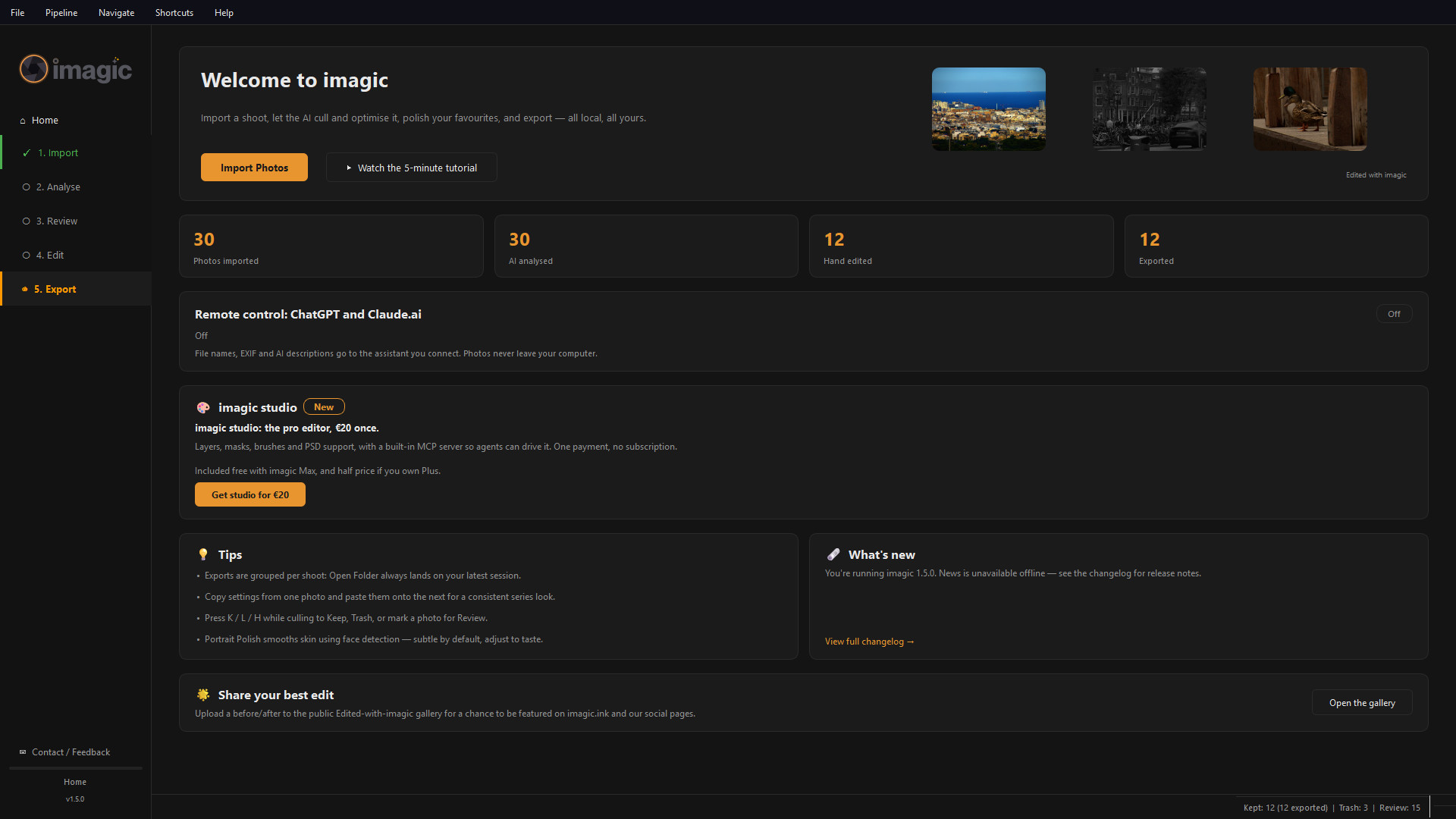
Home, with a library loaded
Home after a first shoot: photos imported, analysed, hand edited and exported, the five-step pipeline in the sidebar, and the version number.
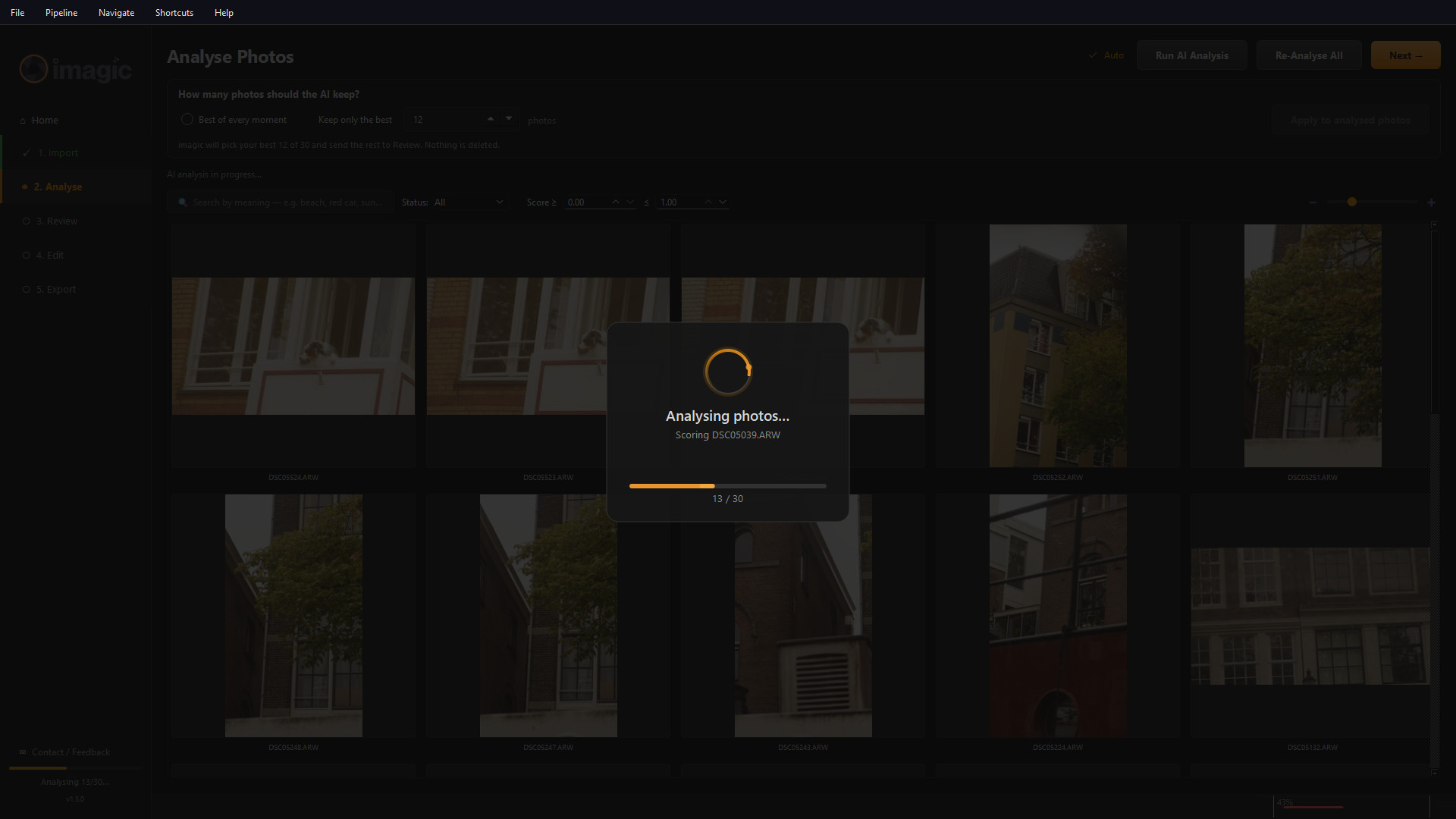
Analyse, in progress
imagic scores every RAW on your own computer. Here 13 of 30 photos are done; the grid behind the progress box is the imported shoot.
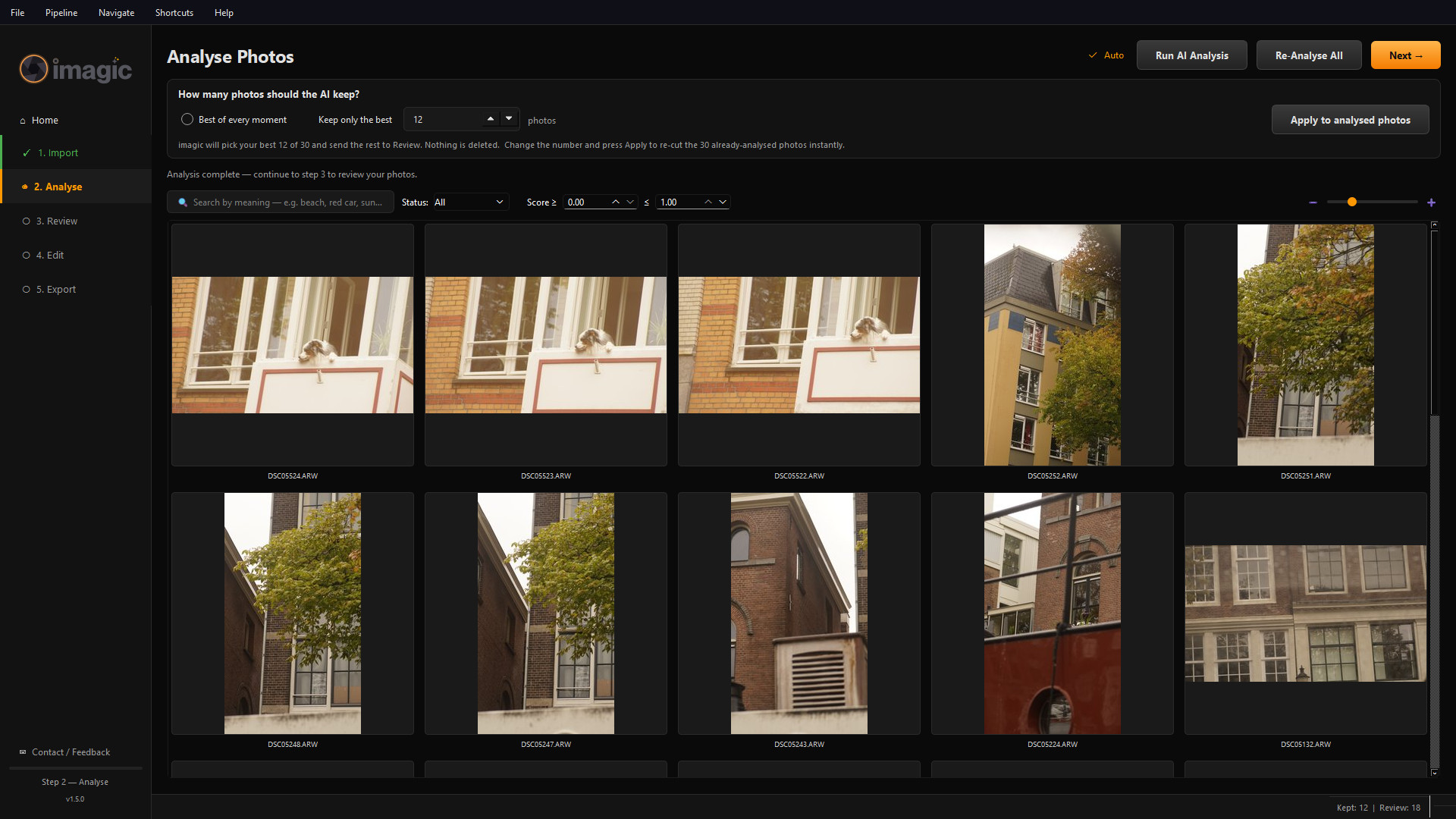
Analyse, finished
The shoot is scored and cut to the best 12 of 30. The keep count is a number you choose, and nothing is deleted: the rest go to Review.
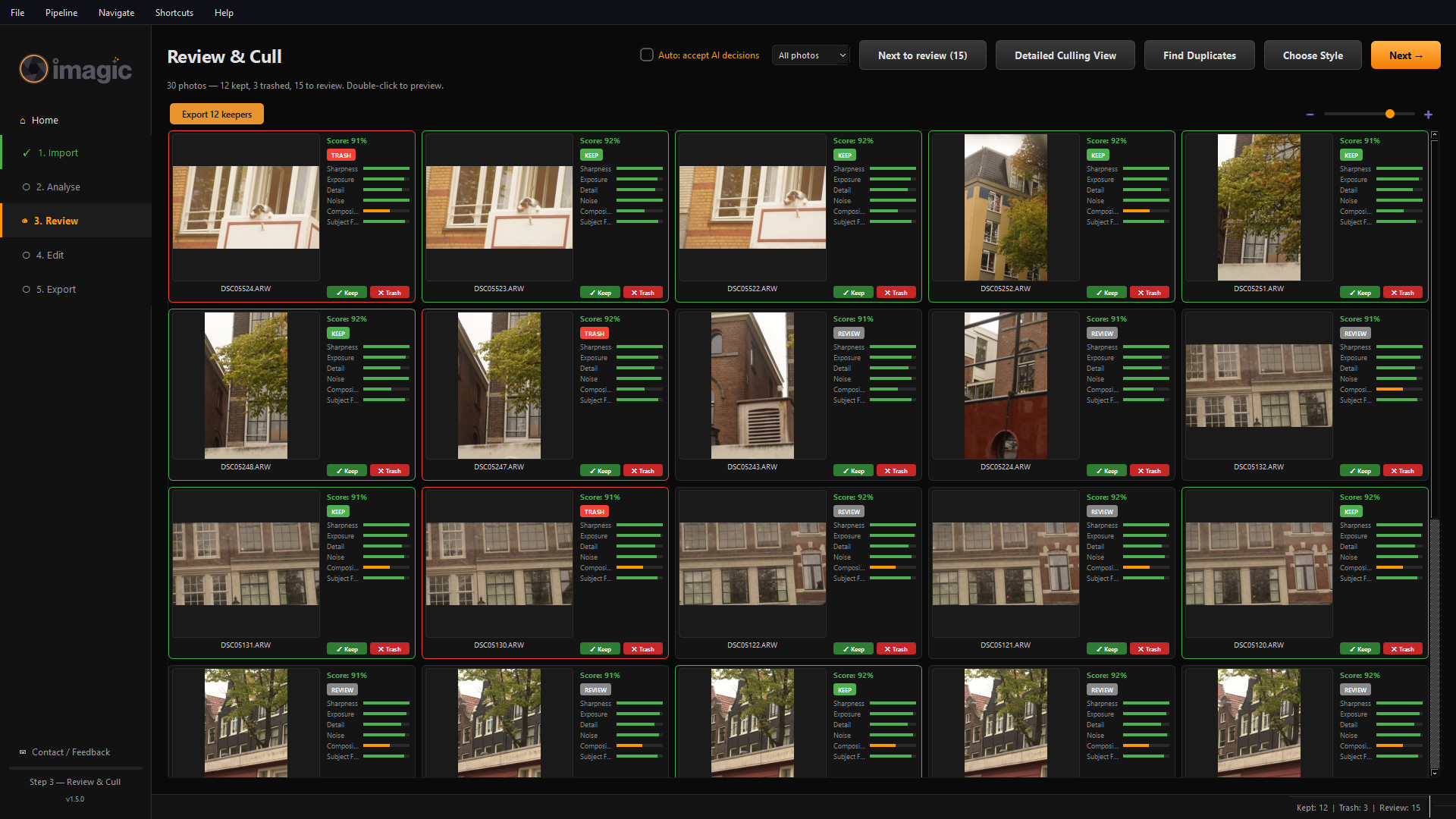
Review and Cull
Every photo with its score, the six measures behind it (sharpness, exposure, detail, noise, composition, subject focus) and a Keep, Review or Trash status. Three near-identical burst frames were sent to Trash with one click each; Trash only marks photos inside imagic.
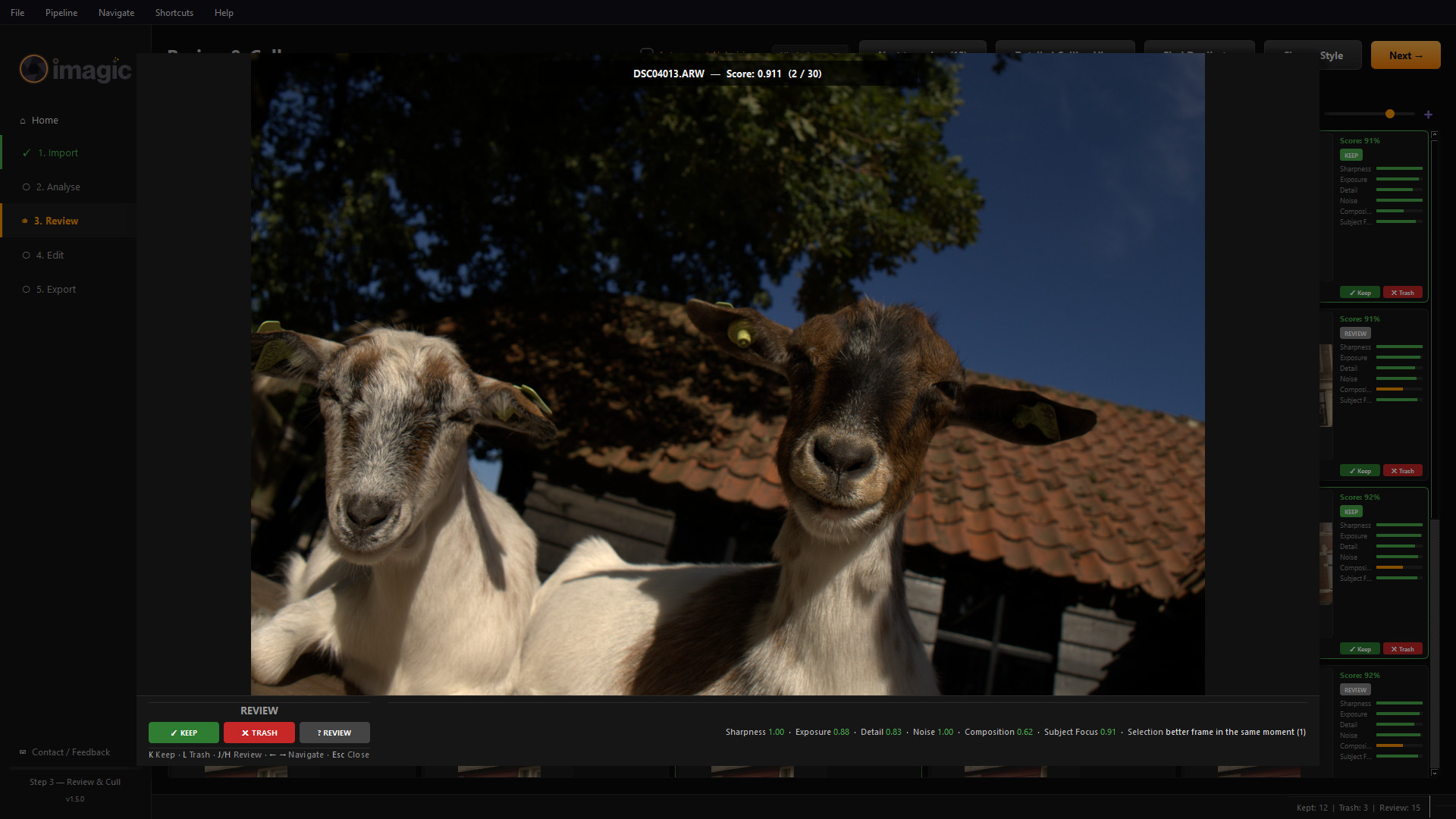
Detailed Culling View
One photo large, with its scores along the bottom and single-key decisions: K to keep, L to trash, J or H to mark for review.
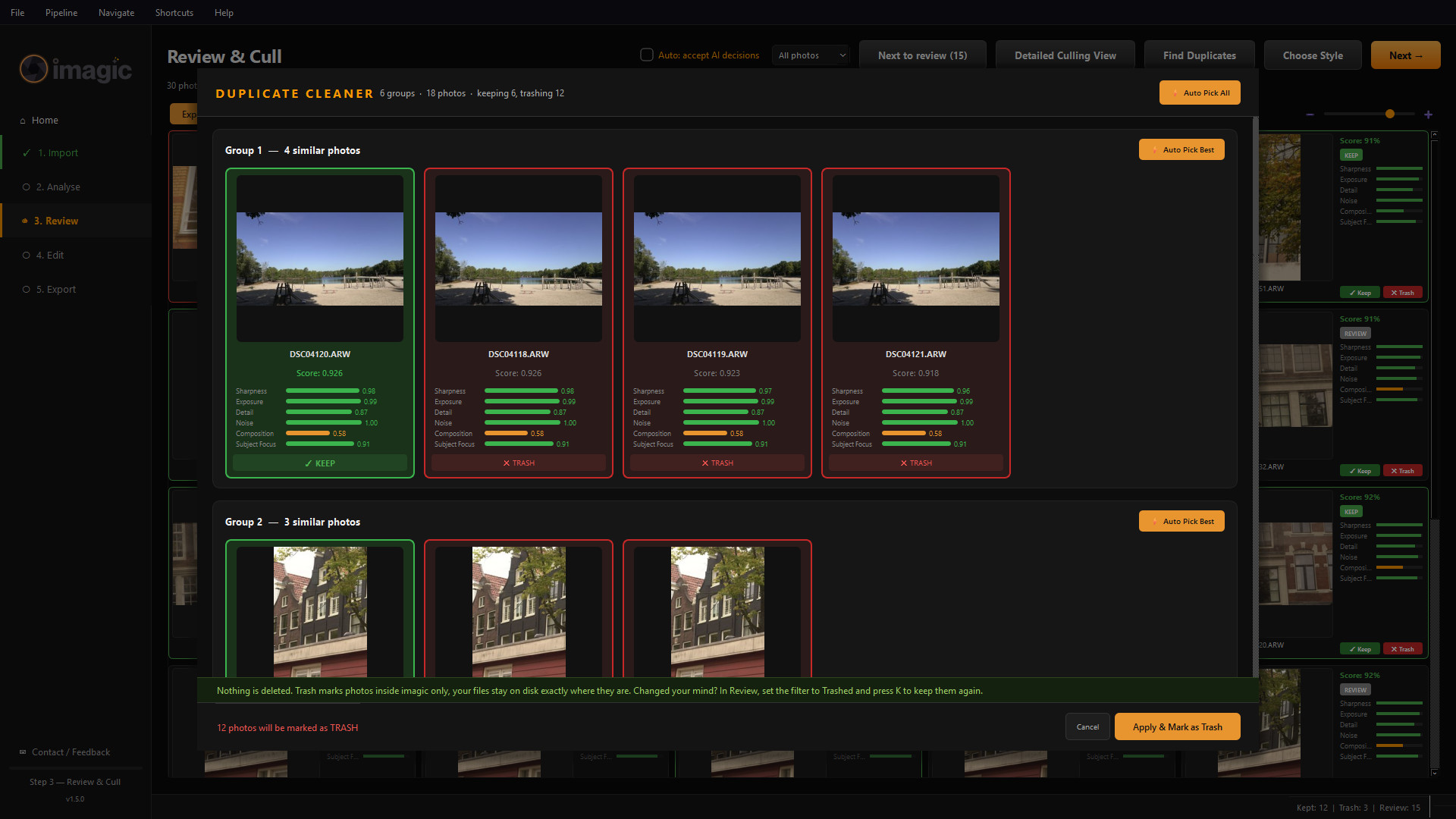
Duplicate Cleaner
Near-identical frames grouped, with the best of each group preselected. Six groups of 18 photos were found in this shoot. Nothing is deleted: Trash marks photos inside imagic and the files stay on disk.
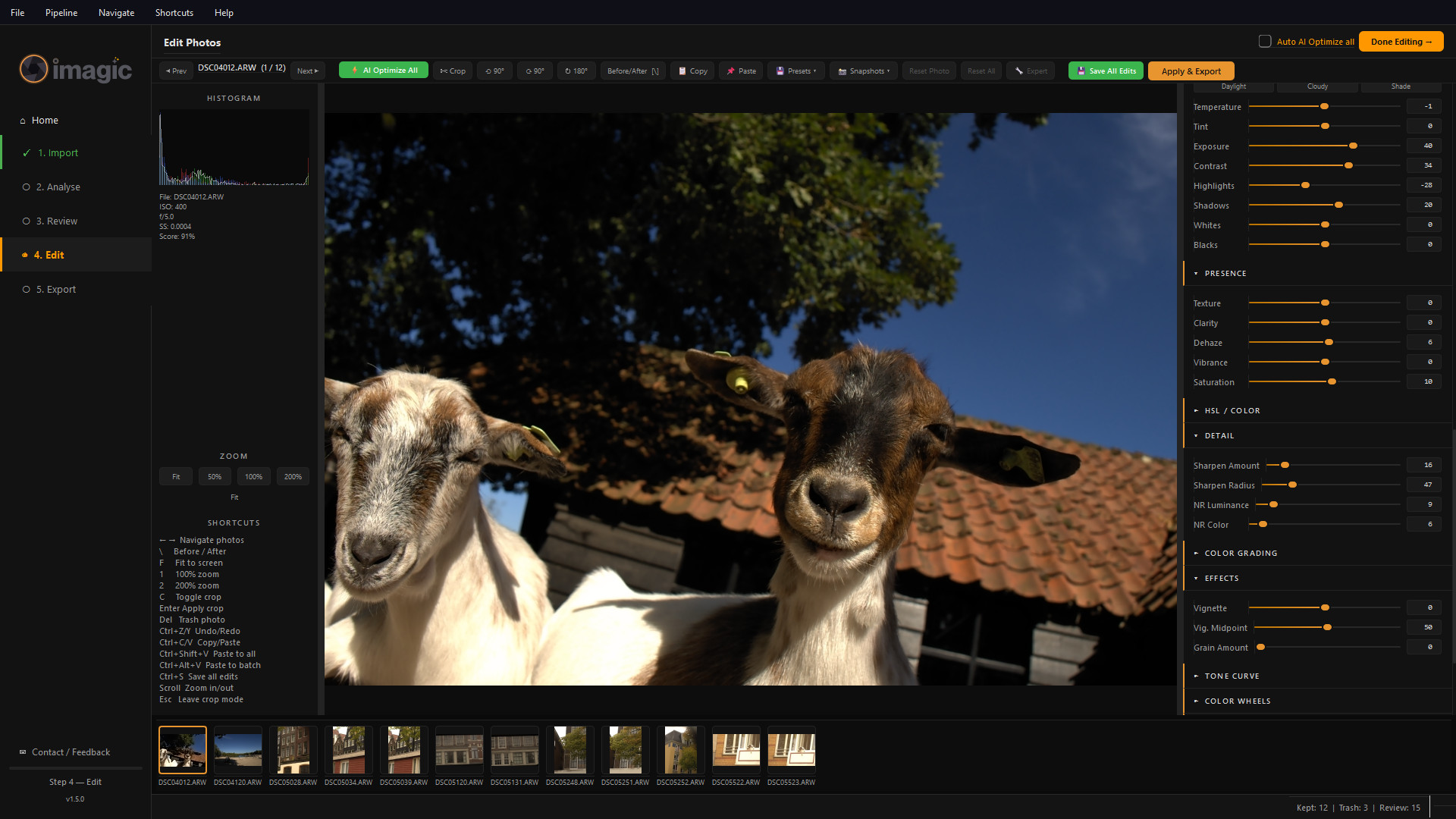
Edit, with sliders
The editor after the one-click AI Optimize All pass: histogram, exposure, contrast, highlights, shadows, presence and detail sliders, and a filmstrip of the keepers.
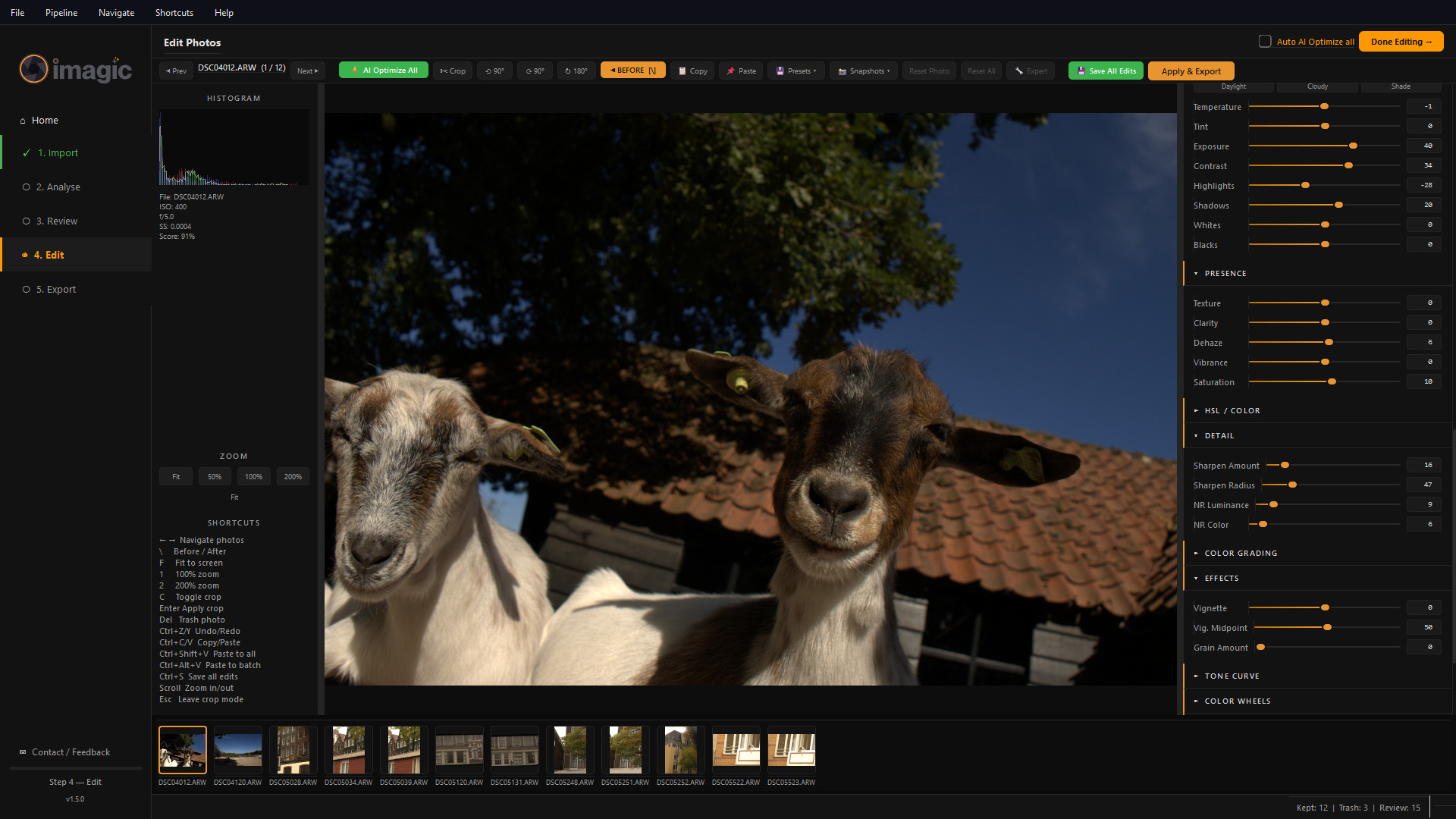
Edit, Before/After
The same photo with the Before/After toggle on (backslash key), showing the untouched RAW render. Compare it with the previous screenshot.
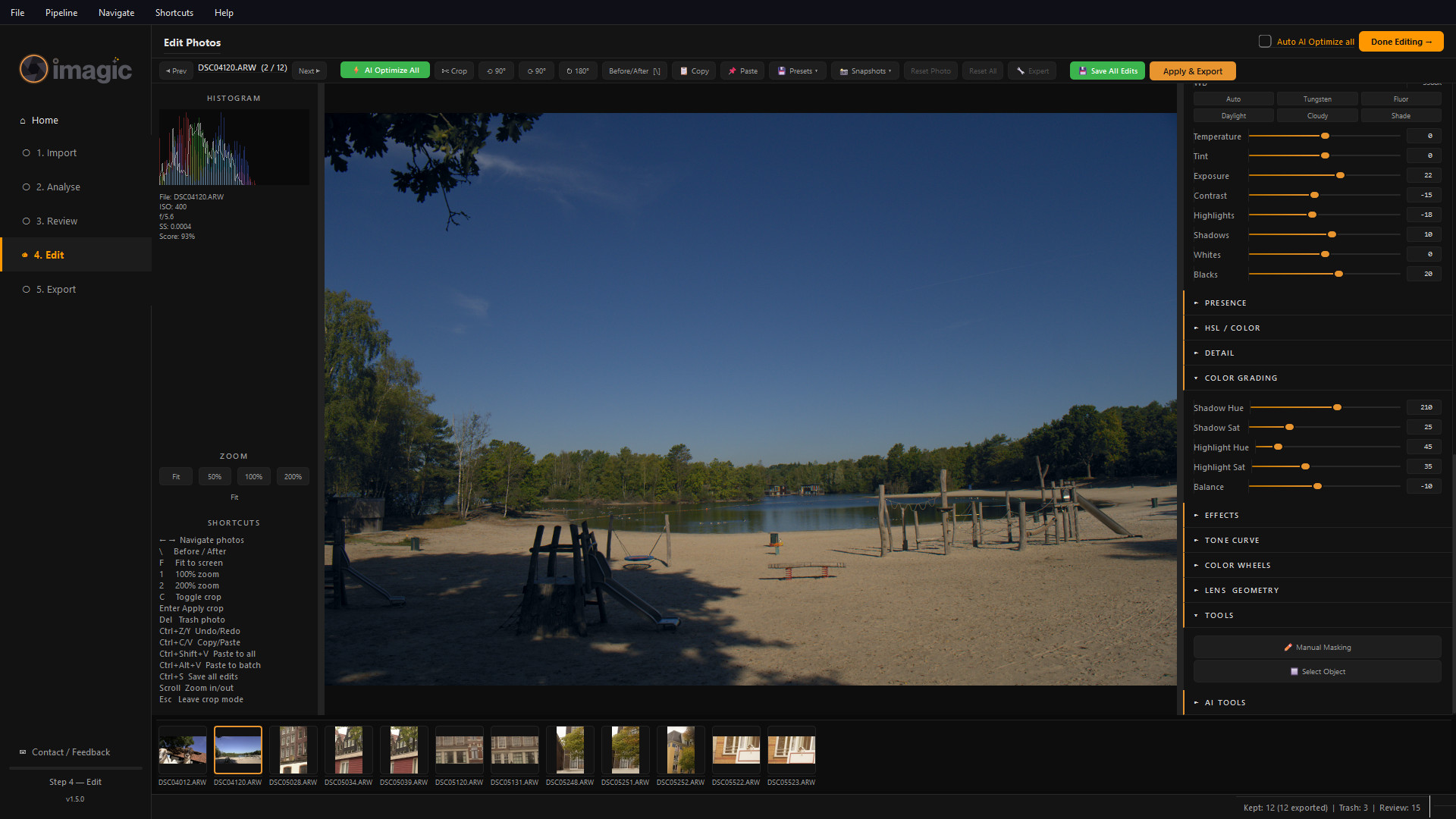
Describe a look, in your own words
Ask an AI assistant such as Claude or ChatGPT, connected through imagic's local MCP server, for the look you want and the sliders move. The prompt, typed to the assistant and not into imagic, was: “Make the lake shot, DSC04120, feel like a late summer evening: a warm glow in the highlights, cooler shadows, slightly faded blacks and soft contrast.” Claude set contrast -15, blacks +20 and a split tone of warm highlights over cool shadows; the editor shows the result (Color Grading section open). From a real Claude session.
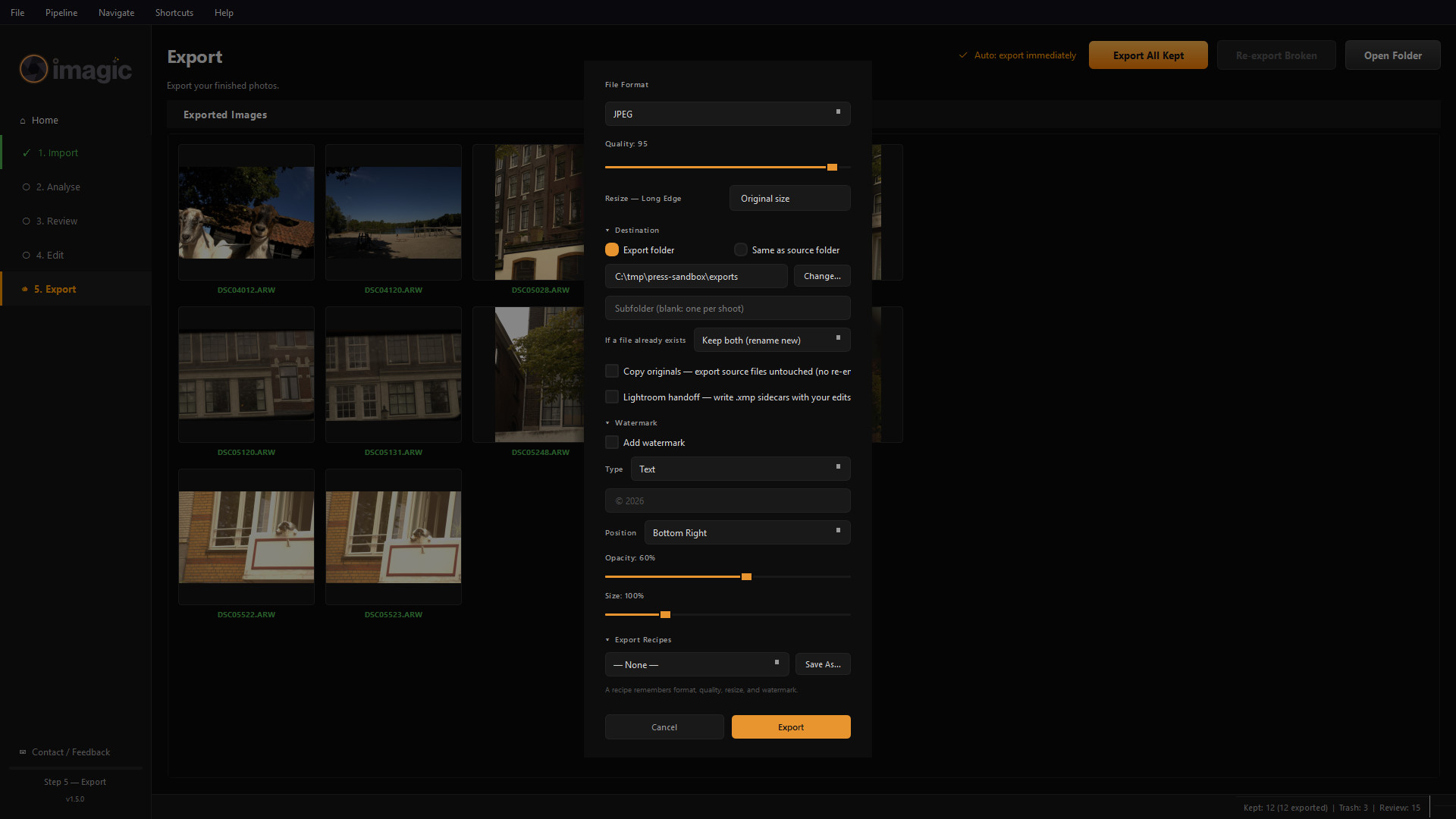
Export options
File format, quality, resize, destination, what to do when a file already exists, optional watermark and Lightroom XMP sidecars, and saved export recipes.
Logo pack
imagic shutter mark
SVG (transparent, scalable) and PNG on dark and light grounds, zipped. Generated directly from the brand source; please don't recolour, rotate or add effects.
Before / after photos
Six RAW-to-edit pairs, 1800px, the same files and crops shown on the gallery page. Credit line: “Photos: Luke Fenech, edited in imagic.”
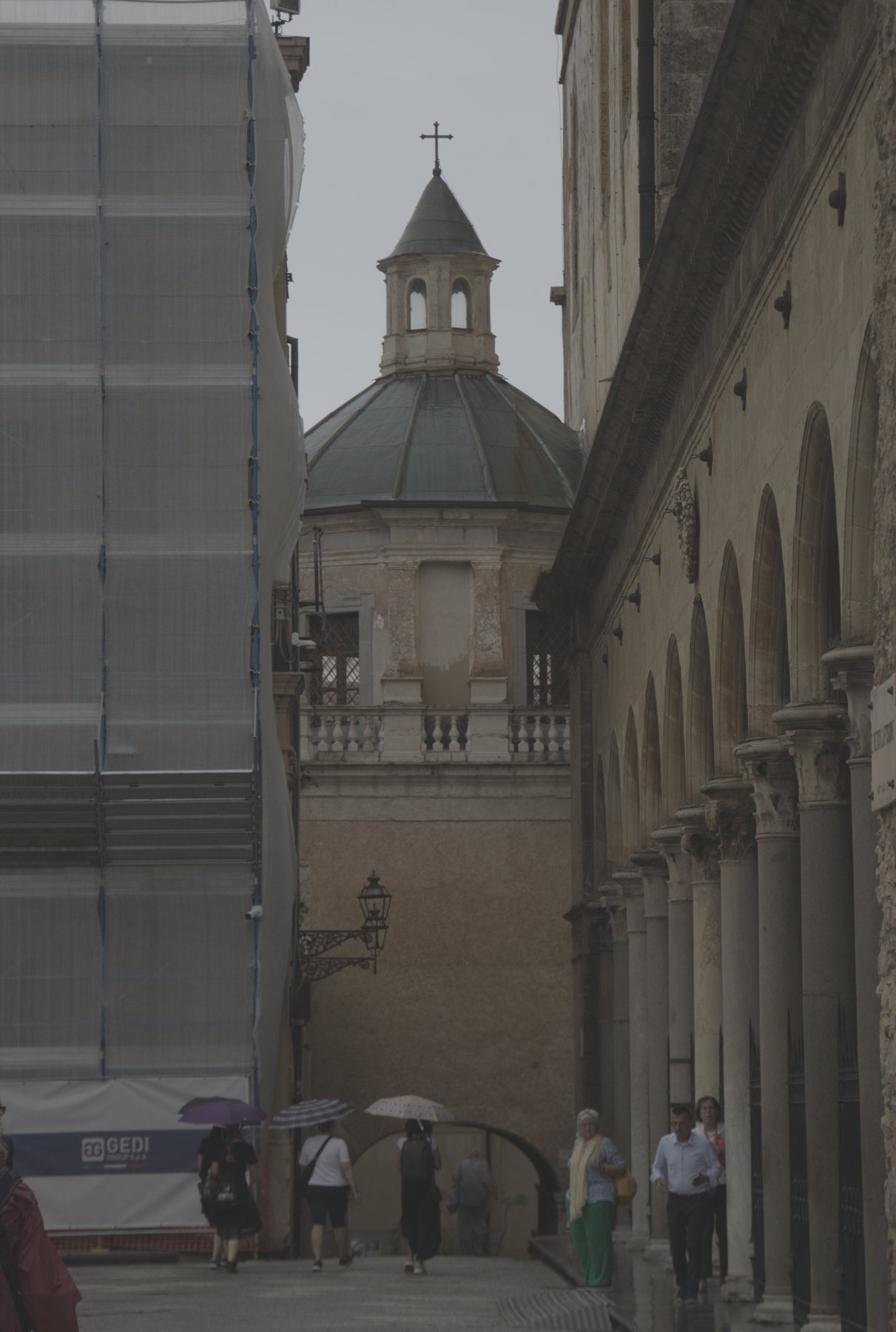
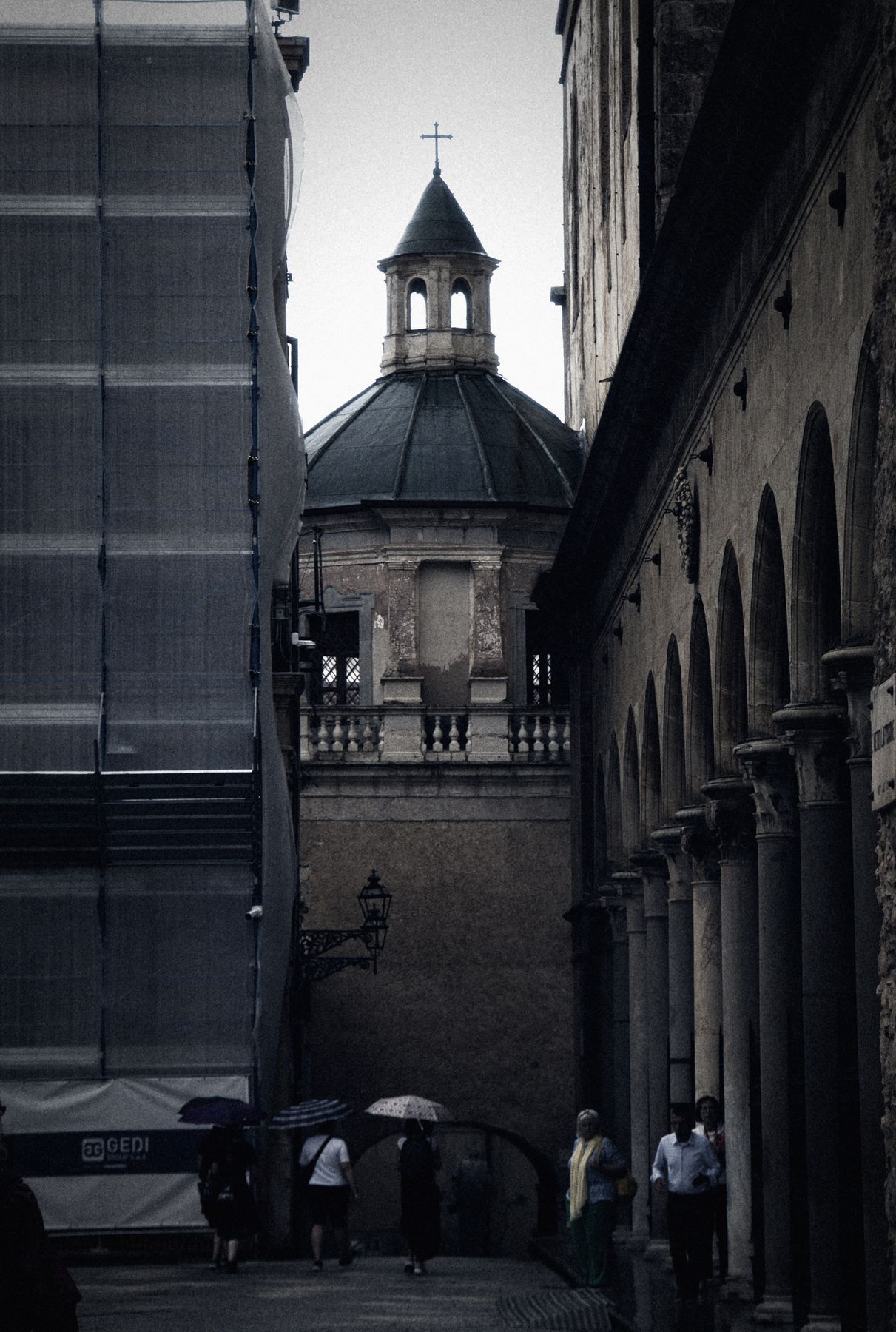
Church street, Erice
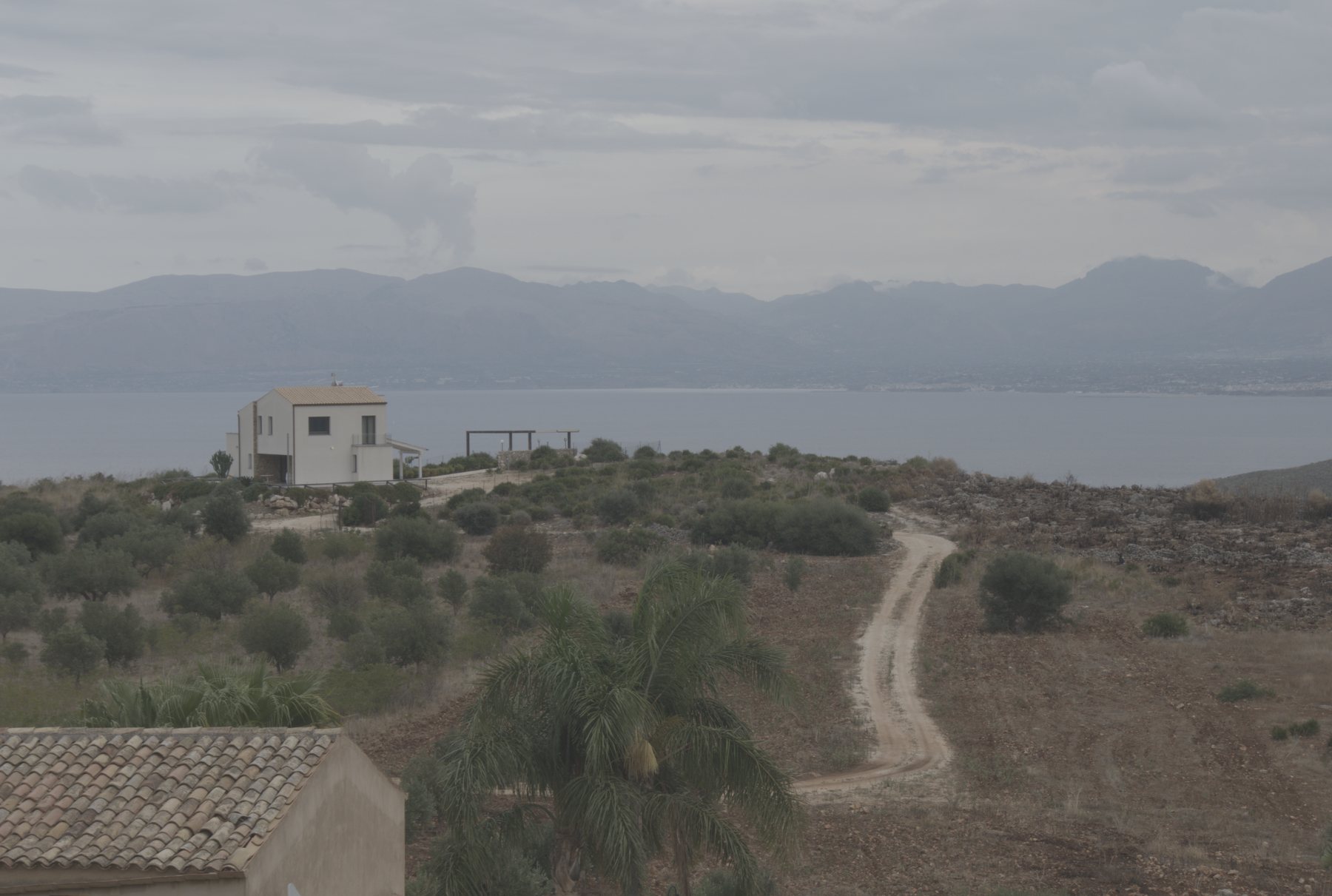

Saltpan sunset
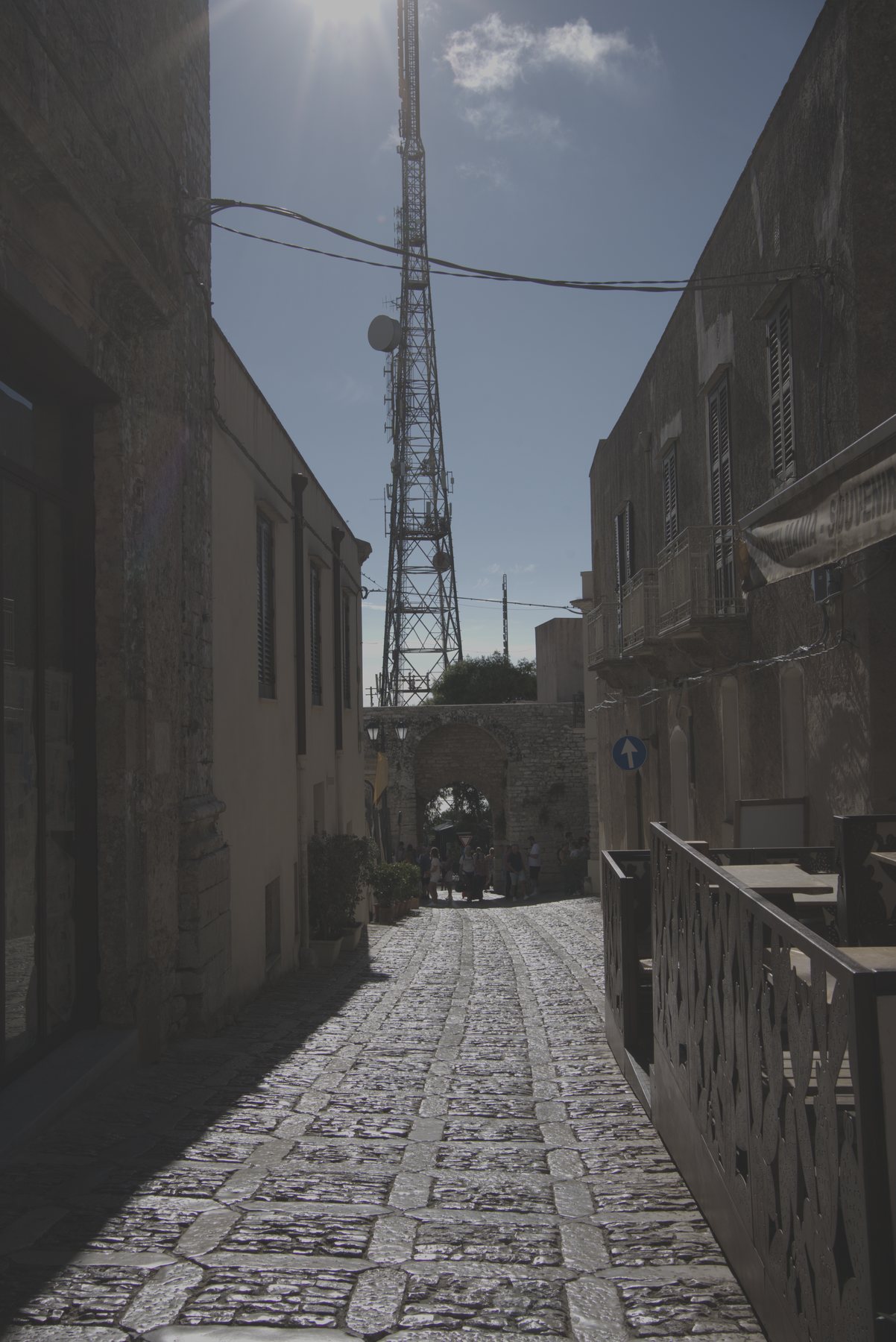
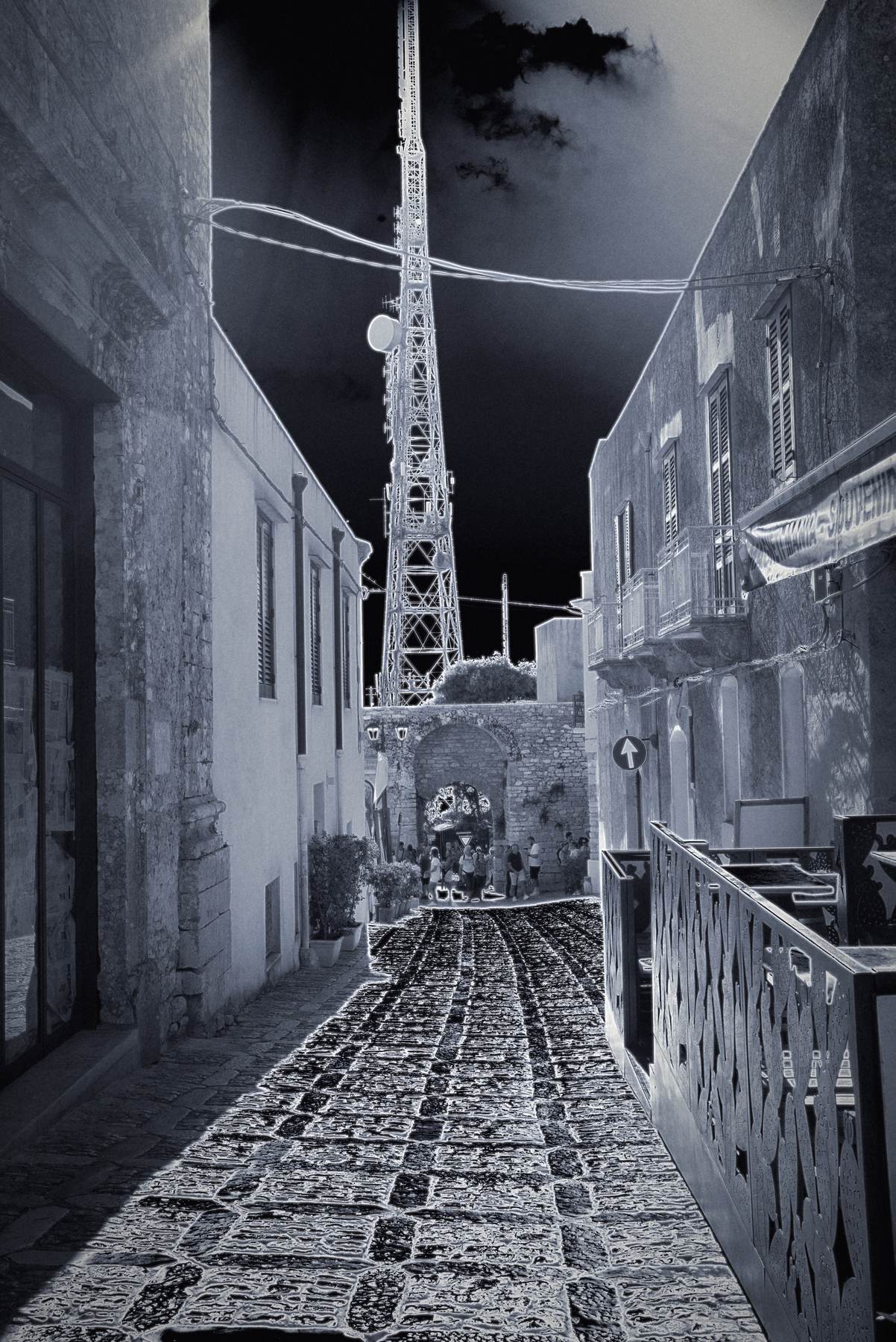
Inverted lane, Erice
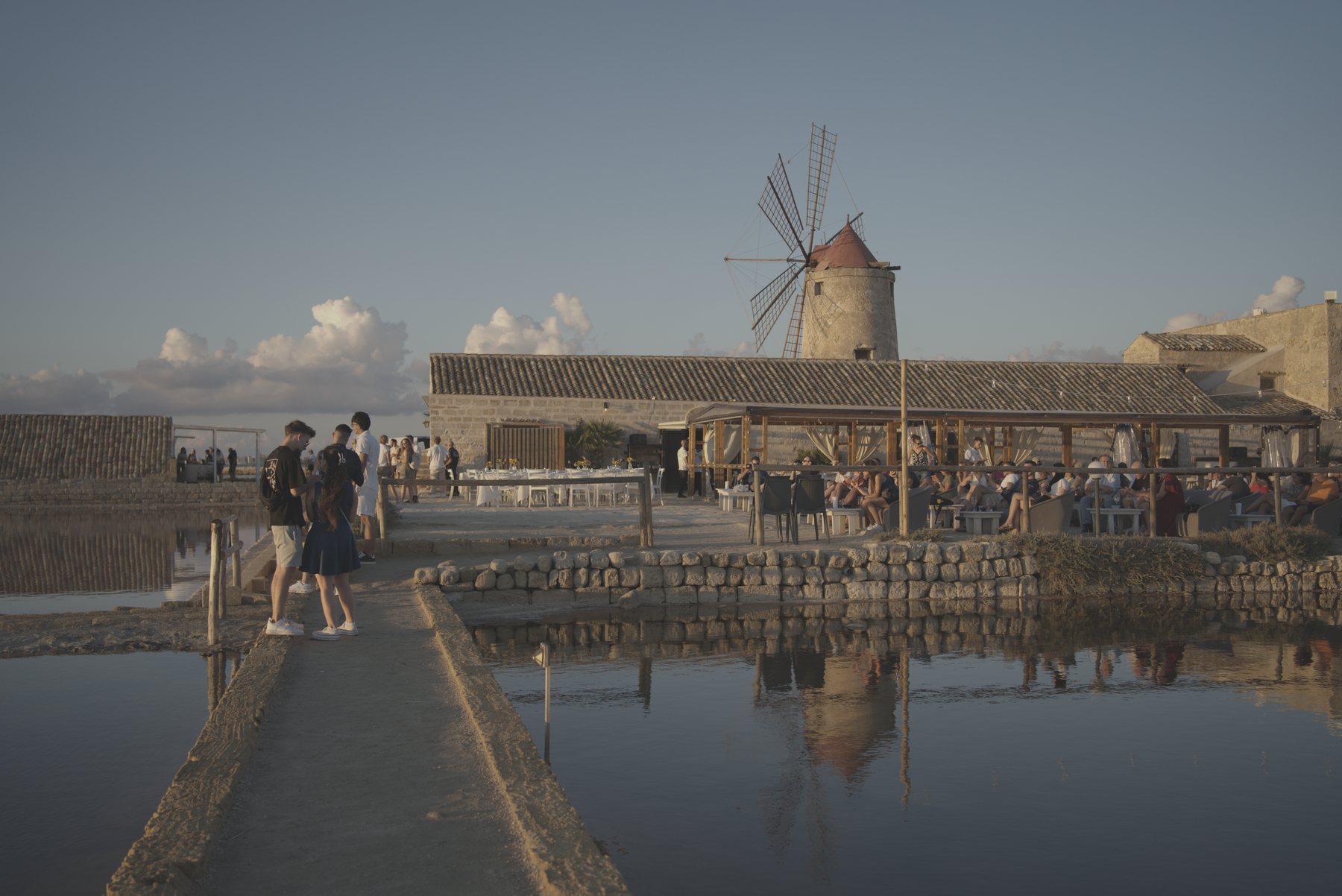
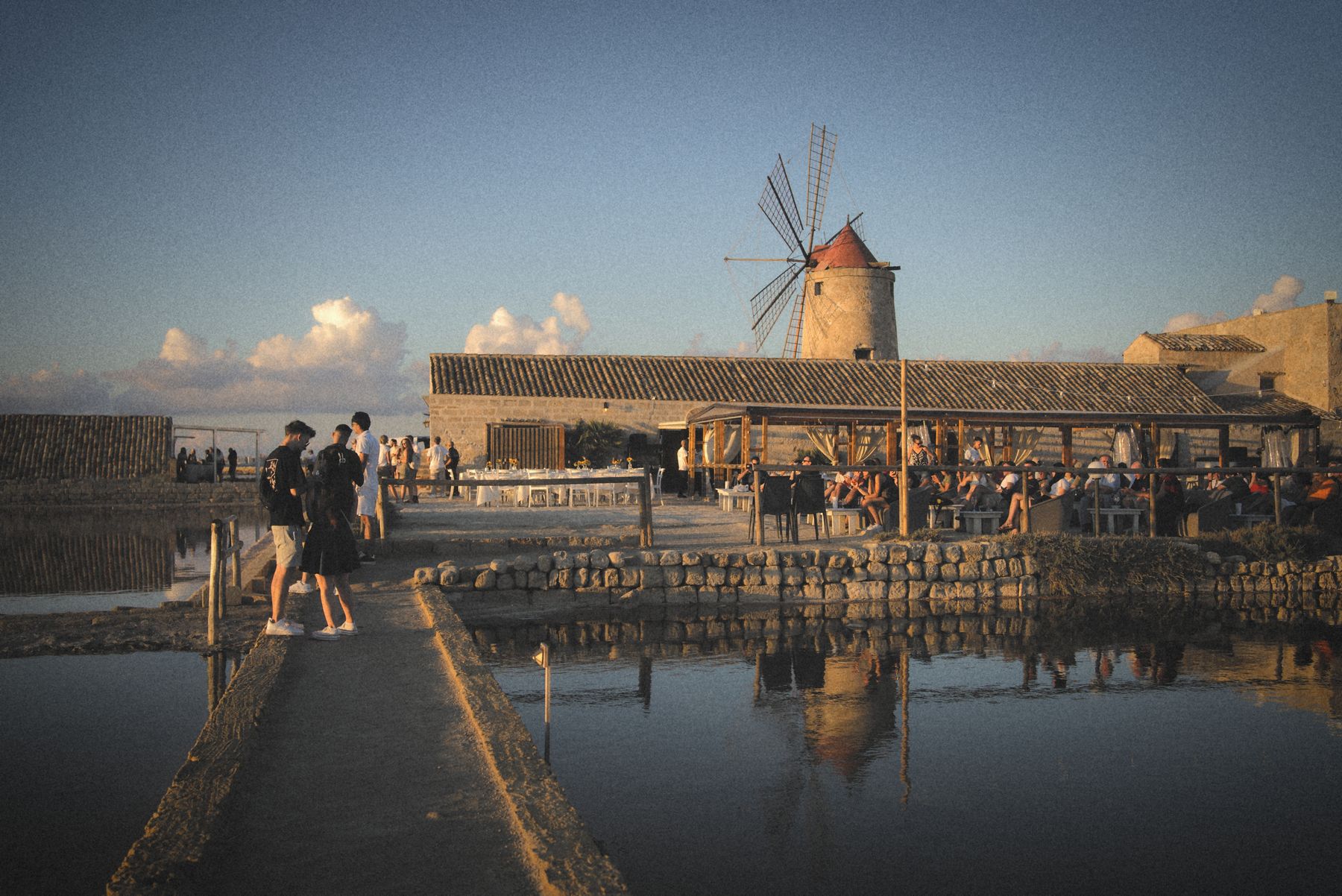
Windmill saltpans, golden hour


Sunset silhouette


Blue hour terrace
Credit: Photos: Luke Fenech, edited in imagic.
More
- Tutorial video: https://youtu.be/p5AbhYxtdaM
- Full fact sheet: imagic.ink/facts
- Changelog: imagic.ink/changelog
- Community: imagic.ink/community
Press contact
Luke Fenech answers press enquiries himself.