
Why Photographers Go Looking for a Luminar Neo Alternative
Luminar Neo made its name on AI-powered editing — sky replacement, relight, one-click enhancements. It's genuinely capable software. But talk to photographers who've owned it for a while and the same frustrations come up repeatedly: the pricing keeps shifting between subscription plans and "lifetime" deals, core improvements arrive as paid extension packs, and the upgrade emails never stop. Many people who bought a perpetual license found that staying current still costs money every year.
If what drew you to Luminar was AI that saves editing time without an Adobe subscription, it's worth knowing there's a leaner way to get exactly that.
What imagic Does Differently
imagic approaches AI photo editing from the workflow end rather than the effects end. Instead of AI sky replacement, you get AI that handles the tedious parts of a real shoot:
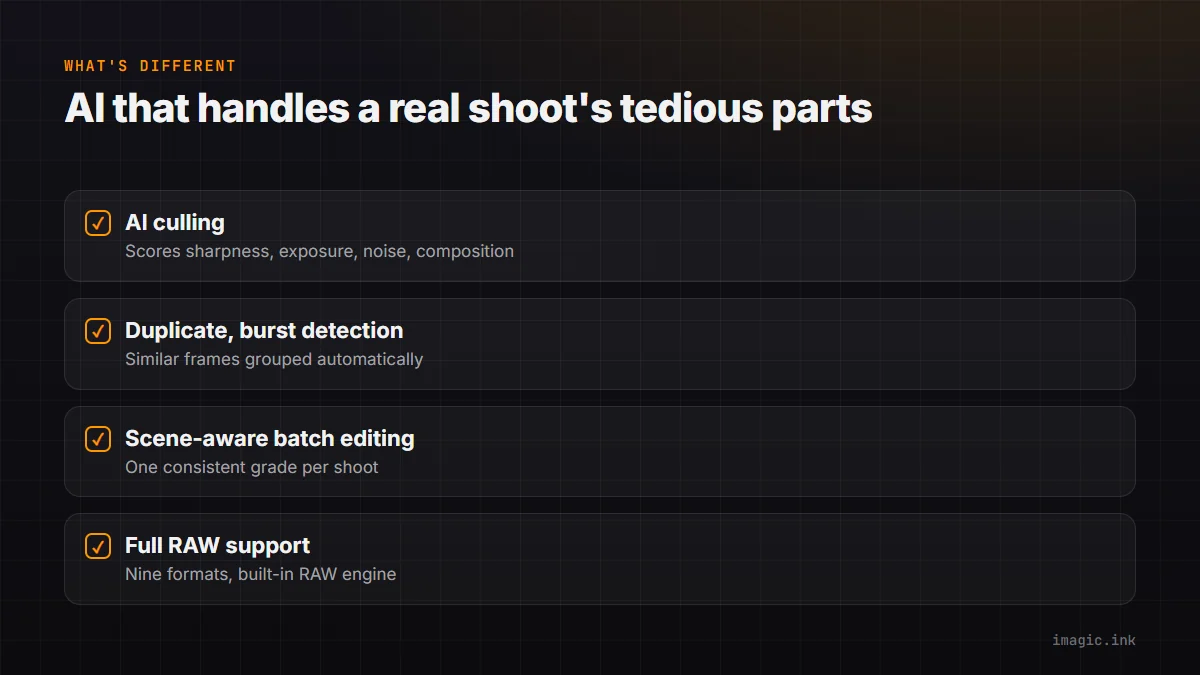
- AI culling — every frame scored for sharpness, exposure, noise, and composition, so a 500-frame shoot narrows itself to the keepers.
- Duplicate and burst detection — similar frames grouped automatically; you pick the best of each group.
- Scene-aware batch editing — consistent color grades applied across an entire shoot, not one photo at a time.
- Full RAW support — CR2, CR3, NEF, ARW, RAF, ORF, RW2, DNG, and PEF, with a built-in RAW engine for demosaicing and deep RAW development.
The philosophy: most photographers don't lose their evenings to missing AI filters. They lose them to culling, sorting, and making 200 images look consistent. That's the part worth automating.
The Pricing Difference Is the Point
imagic is a one-time purchase, no subscription: Lite starts at EUR 19, with Plus and Max tiers unlocking more of the editor and batch stack as you need it. There are no extension packs, no annual "update plan," no upgrade tiers, and no marketing emails engineered around a countdown timer. There's also a free 500-export trial with no card required, covering everything in Max, so you can run your own shoot through it before spending anything.
Where Luminar Neo Still Wins
Honesty matters in a comparison: if your editing style leans on generative and portrait-retouch effects — replacing skies, relighting faces, erasing objects — Luminar's effect toolbox is bigger, and imagic doesn't try to compete there. imagic is built for photographers whose bottleneck is volume and consistency, not compositing. Plenty of people run imagic for culling and batch work and keep a copy of something else for the occasional heavy retouch.
Switching Is Low-Risk
imagic reads your RAW files in place — no catalogue import, no proprietary library lock-in. Your files stay in your folders, XMP metadata is preserved, and processing happens locally on your machine (nothing uploads to a cloud). Try it on one shoot alongside your current tool and compare the time spent.
Summary
Luminar Neo sells AI effects with an increasingly complicated price tag. imagic sells finished shoots: AI culling, duplicate detection, and consistent batch edits for a one-time purchase from EUR 19, no subscription and no upsells. If the upsell fatigue is what brought you here, that difference is the whole answer. Take the 500-export free trial and run your next shoot through it.