The whole of imagic in two minutes, recorded in the real app on 469 RAW files from a week in Sicily. The automatic way: import a folder, let the AI score and cull every frame, clean up duplicates, edit every photo with AI Optimize All and export. By hand: cull in the full-quality gallery with K and L, then edit with real RAW sliders, 44 colour grades and AI Masking. By asking: connect Claude, ChatGPT or any MCP app and have it run imagic for you, on your own computer.
Transcript
Read the full transcript
0:00Three ways to use imagic
imagic culls and edits your RAW photos, on your own computer. Here are the three ways to use it, in two minutes.
0:071. Automatic
One: let imagic do the work.
0:09Import a shoot
Point it at a folder of RAWs. It imports the whole shoot: nothing is moved, and nothing is uploaded.
0:16AI culling
The AI scores every frame for sharpness, exposure, eyes and focus.
The best frame of each burst is kept, and the rest are sorted for you.
0:27Duplicates
Find Duplicates groups the near-identical shots.
Auto Pick keeps the best of each, and the rest go to the trash.
0:35AI Optimize All
AI Optimize All edits every photo in one go, and learns from the ones you edit yourself.
0:42Export
Export at full resolution, as JPEG, PNG or TIFF, at any quality.
And the whole shoot is finished.
0:512. By hand
Two: do it yourself.
0:53Cull by hand (K keeps, L trashes)
Prefer to choose? The culling gallery shows one photo at a time, at full quality.
K keeps, L trashes, and your call always beats the AI's.
The arrow keys move on, so a whole card goes by in minutes.
1:07Edit by hand
In the editor, every slider is real RAW processing.
Pull back a bright sky with the highlights slider,
try one of forty-four colour grades, like Portra, cinematic, or black and white,
or let AI Masking select the subject, and edit only that part.
Then copy your edit, and paste it onto the next photo, or all of them.
1:283. By asking (agent mode)
Three: just ask.
imagic connects to Claude, ChatGPT or any MCP app, and still runs on your computer.
Ask it to cull four hundred and sixty-nine RAWs, and it's done in under a minute.
Describe a look, and it sets real sliders and masks. Nothing is generated.
1:48Get imagic
imagic runs on Windows and Mac, with a free trial of five hundred exports. Get it at imagic dot ink.
More tutorials
 11:29
Every feature, by hand
11:29
Every feature, by hand
The complete guide
Every feature of imagic in the real app on a real shoot of 469 RAW files: AI culling, the culling gallery with the arrow keys and J, K and L, the duplicate cleaner, every editor slider, colour grades and effects, crop, masks, the AI tools, export and every setting.
 4:37
Agent mode (MCP)
4:37
Agent mode (MCP)
By prompt: Claude drives imagic
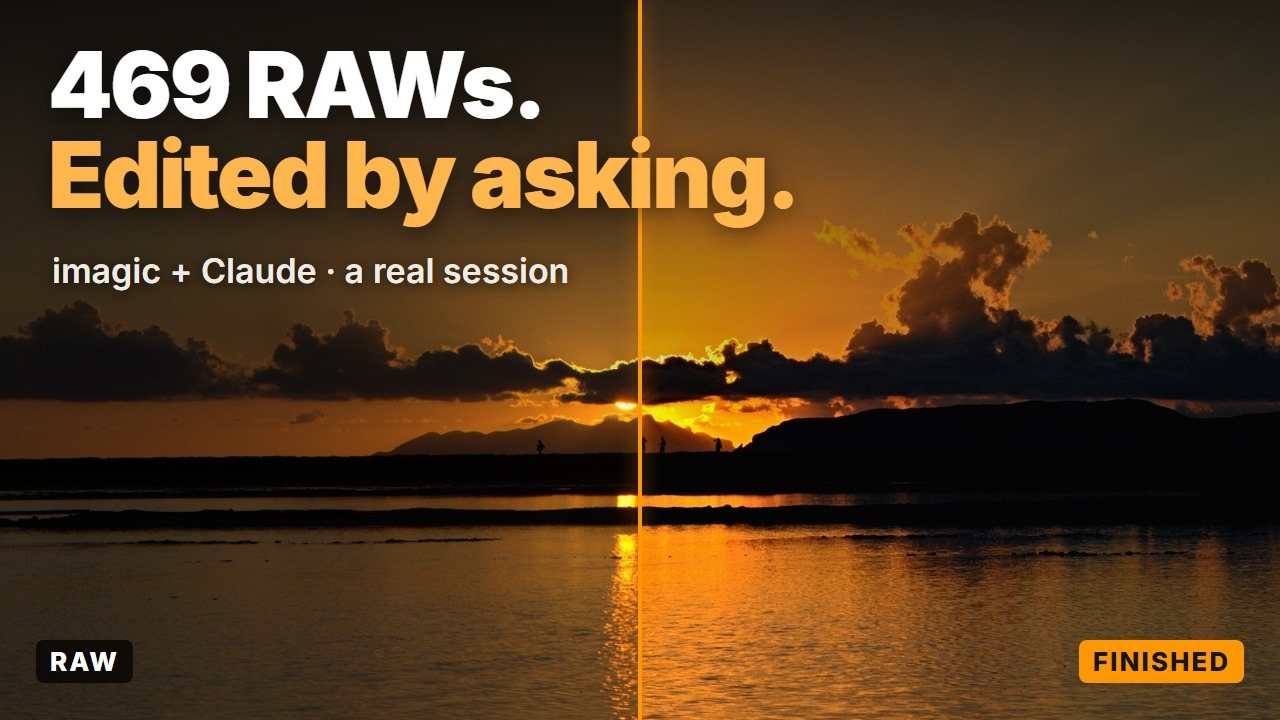
A real session, start to finish: Claude drives imagic through its MCP server on 469 RAW files. Culling, presets, crops, exact sliders, a described look, effects, AI masks and export, all by prompt.
Try it on your own shoot
Windows and Mac. Runs on your computer, your photos never leave it. Free trial of 500 exports.
Download imagic