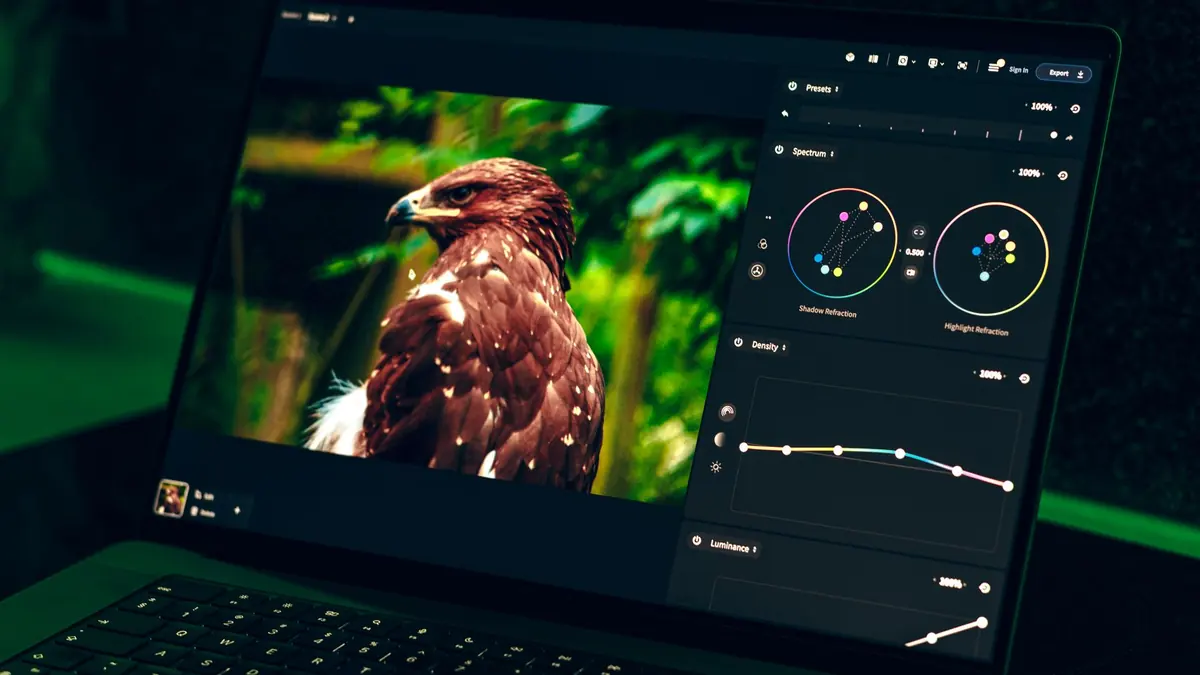
The Lightroom Preset Economy
Lightroom presets have become a cottage industry. Photographers sell preset packs for $20, $50, even $150+ for curated collections. The implicit assumption is that you need Lightroom (at $9.99/month) to use them, and that the preset itself is the shortcut to a professional look. Neither assumption is entirely accurate.
What a Preset Actually Is
A Lightroom preset is a file that stores a set of slider values — exposure, contrast, saturation, HSL settings, tone curves, grain, vignette, and so on. It's not magic; it's a saved configuration. The same settings can be reproduced in any RAW processor that exposes the same controls, and saved as that processor's native profile format.
RawTherapee Profiles (PP3 Files)
RawTherapee's equivalent of a Lightroom preset is the PP3 processing profile. The community has produced a large library of free PP3 profiles covering:
- Film emulation (Kodak, Fujifilm, Ilford, etc.)
- Genre-specific looks (portrait, landscape, street, black and white)
- Technical profiles (neutral starting points, camera-specific calibrations)
These are freely available and can be applied via RawTherapee's own batch export. No subscription, no preset purchase.
darktable Styles
darktable, the other major free open-source RAW processor, uses "styles" as its equivalent of presets. The darktable community has an online style repository with hundreds of free downloads. darktable can also import some third-party LUT (Look Up Table) formats, expanding the available options further.
Converting Lightroom Presets
If you've already purchased Lightroom presets, it's often possible to recreate them in RawTherapee by matching the key parameters. The major controls (exposure, contrast, highlights, shadows, white/black points, HSL adjustments, tone curve, and split toning) all have direct equivalents. For film emulation presets, RawTherapee's HALD CLUT support often provides a better free alternative anyway.
Where imagic Fits
imagic doesn't apply presets — its role is to cull and select the best frames before you apply any processing. But the workflow pairing is important: imagic selects the best 200 frames from 1,000, then you apply your chosen RawTherapee profile (your Lightroom preset equivalent) to those 200 in a batch. The final result is identical to a Lightroom-preset-based workflow, without the monthly fee.
The True Cost of Presets
- Lightroom subscription: $9.99/month = $120/year
- Popular preset pack: $50-150 one-time
- Total first year: $170-270
vs.
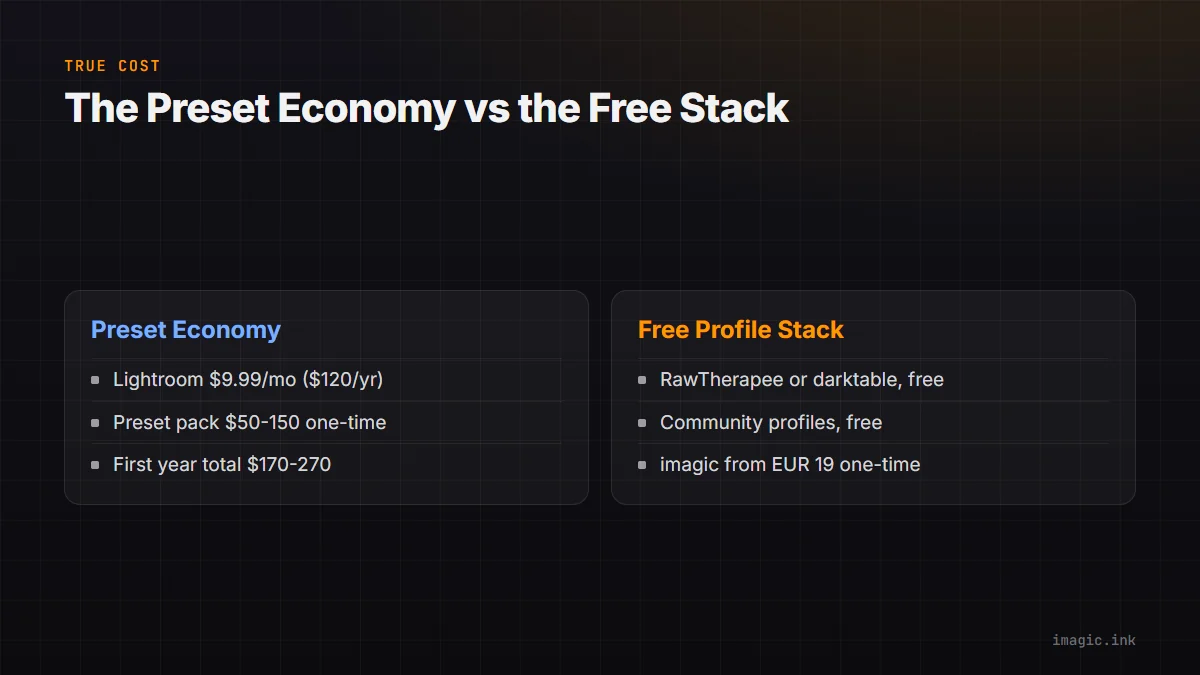
- imagic desktop app: from EUR 19 one-time
- RawTherapee: Free
- Community profiles: Free
- Total: from EUR 19
The affordable stack is not inferior — for most photographers, it's genuinely better once you invest a few hours in learning the tools.
Frequently asked questions
Do free RawTherapee profiles work as well as paid Lightroom presets?
For most looks, yes. A PP3 profile stores the same slider values a Lightroom preset does: exposure, contrast, HSL, tone curve, and grain. The community library covers film emulation, portrait, and landscape looks in similar depth to paid preset packs.
Can I still use darktable styles if I cull with imagic first?
Yes. imagic only handles the cull, so the keepers it selects export cleanly to RawTherapee or darktable for style application afterward. The workflow order does not limit which styles or profiles you can apply later.
Is switching away from paid preset packs actually worth the setup time?
For most photographers, yes. A few hours learning PP3 profiles or darktable styles typically pays back within the first year compared to a Lightroom subscription plus preset purchases. See our software comparison guides for more free-versus-paid breakdowns.