On-Device AI Models for Photography: How They Fit in Your RAM
On-device AI photography explained: why culling models run locally without a datacenter, quantization in plain terms, latency, and the privacy dividend.
How AI culling, quality scoring, MCP servers, and agent-driven editing actually work, and how to put them into a real workflow.
On-device AI photography explained: why culling models run locally without a datacenter, quantization in plain terms, latency, and the privacy dividend.
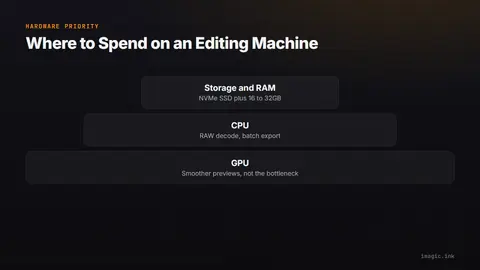
Photo editing computer requirements explained: where GPU helps, where CPU and NVMe storage matter more, and sensible specs by budget.
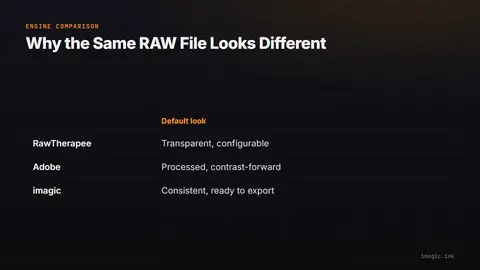
RAW processing engine comparison: why the same RAW file looks different in RawTherapee, LibRaw-based tools, and Adobe, and how to match profiles.
Darktable presets searches spiked recently. Here is what darktable's own 5.6 release notes actually document, and what is not confirmed.
A repeatable method to measure ai photo culling accuracy on your own shoots: manual cull 500 frames, compare to AI, and tune what disagreement means.
Why local ai photo editor tools matter for client privacy: wedding, newborn, and school shoots, cloud terms of service, and local processing as a selling point.
AI photo composition analysis explained: rule-of-thirds heuristics vs learned aesthetics, where composition scoring genuinely helps, and its limits.
AI photo sharpness detection explained: motion blur vs missed focus vs soft lenses, and why subject-aware scoring beats naive frame-wide sharpness.
How closed-eye detection scores across a burst to solve the group-photo blink problem, and how it picks the frame where everyone's eyes are open.
RapidRAW is a free, GPU-accelerated RAW editor with a real search spike behind it. Here is what it actually does, who it suits, and what it still cannot do.
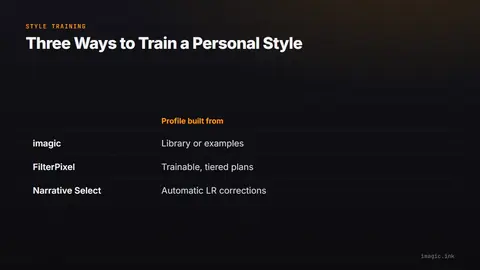
How a local AI editing profile learns from photos you already edited, why the training step is the part worth keeping off a server, and what it will not do.
A checked 2026 guide to which cameras and apps support Content Credentials (C2PA), what the standard actually proves, and where verification has failed.
MCP lets an AI agent call imagic's existing tools instead of editing photos itself. A plain-English guide to hosts, clients, servers, and what stays local.
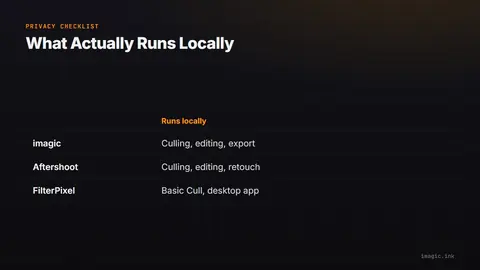
Learn how to check whether any photo culling tool uploads your images to the cloud, with a five-point checklist and five real examples.
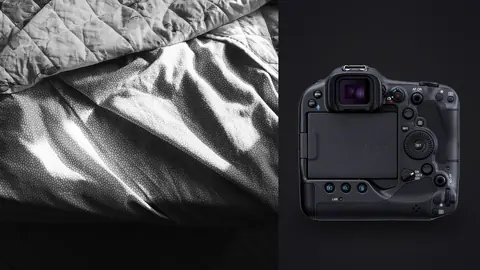
Use the Canon EOS R3 for thoughtful boudoir portraits with advanced focus, lighting, movement, privacy, and a practical session checklist.
Build a safe headless photo workflow with tool discovery, state checks, reversible culling, learned style, logs, retries, and export approval.
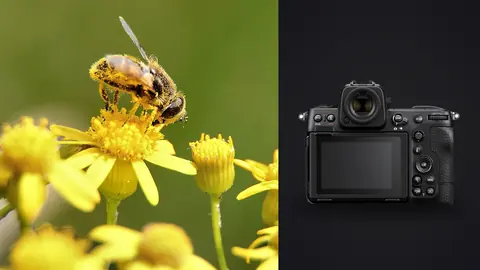
Plan a Nikon Z8 macro photography RAW workflow for NEF focus shifts, live-insect culling, stack preparation, natural detail, and accurate export.
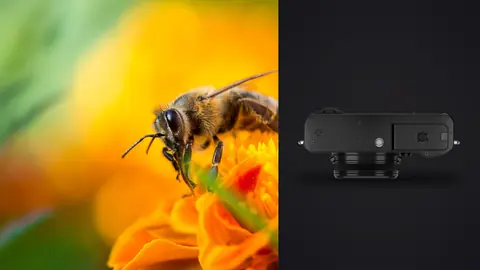
Build a Fujifilm X100VI macro RAW workflow for close-focus RAF capture, insect-safe sequences, focus review, color control, crop decisions, and export.
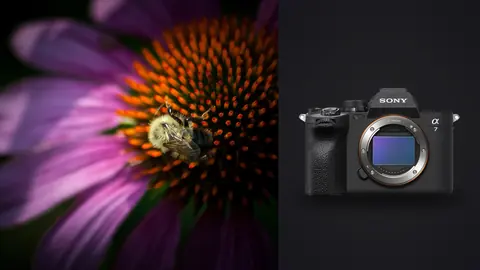
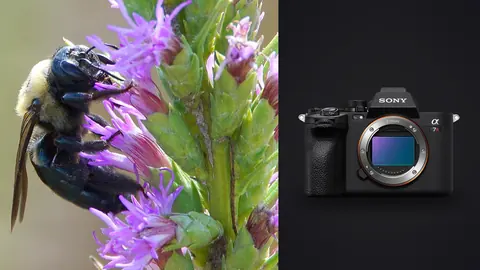
Build a Sony A7 IV macro RAW workflow for ARW capture, focus-plane review, flash and stack sequences, ethical insect culling, detail editing, and export.
Learn how MCP connects an AI host to photo tools, then design discovery, permissions, local ingest, reversible culling, style, and export safely.
Plan Sony A7R V macro work around lens working distance, habitat, subject scale, wind, light, support, focus brackets, ethics, and ARW review.
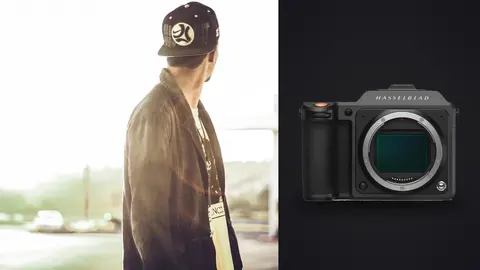
Plan Hasselblad X2D 100C fashion lookbooks around XCD lenses, studio depth, camera marks, color references, power, storage, and client space.
Plan Canon EOS R6 Mark II fashion lookbooks around RF lens roles, studio depth, outdoor permits, light direction, camera marks, and crew flow.
Build a private Canon EOS R5 Mark II boudoir RAW workflow for CR3 backup, consent-led culling, eye-focus review, skin tone work, proofing, and export.
Try imagic free for 500 exports with no card required, then keep AI culling, duplicate removal, and batch editing with a one-time license from €19 — no subscription.
Download imagic Desktop