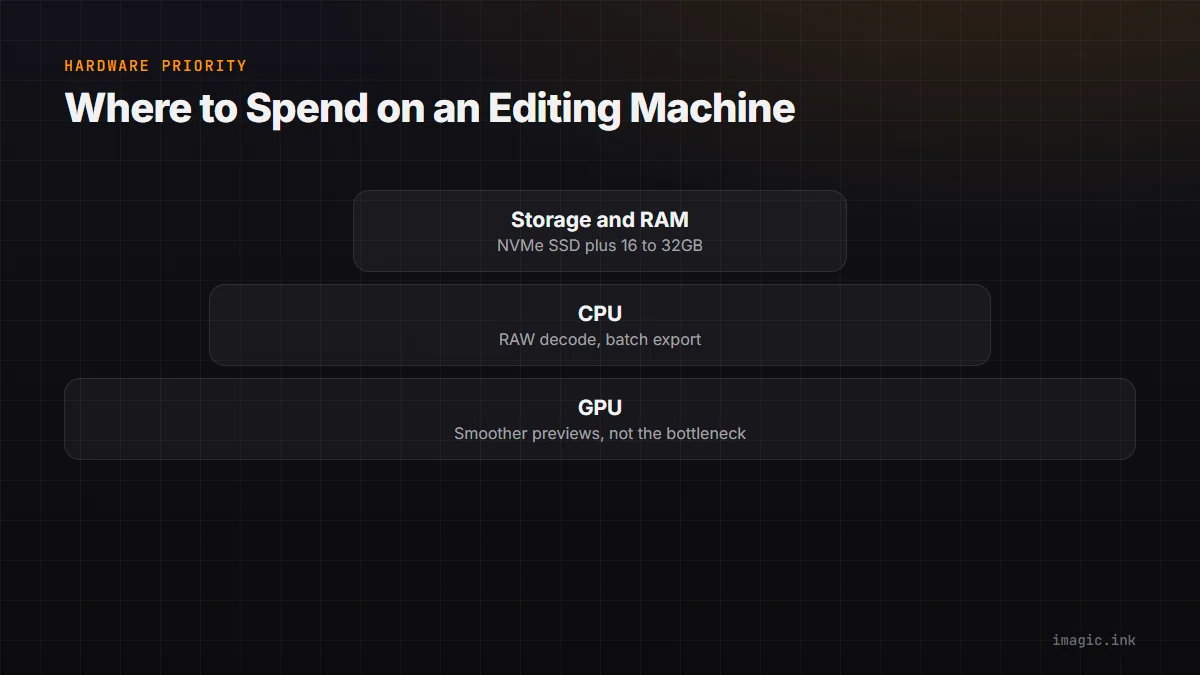
Every hardware buying guide for photographers assumes a beefy GPU is the priority, borrowed straight from video editing and gaming advice. For most photo editing workflows, that assumption is wrong, or at least incomplete. RAW decoding, batch export, and file handling lean much harder on CPU speed and storage throughput than on graphics horsepower, and knowing the actual bottleneck saves real money on a new machine.
Where a GPU Genuinely Helps
Modern editors do use the GPU for some things: rendering live previews while you drag a slider, some AI inference tasks (though many run efficiently on CPU too), and certain filter or blur operations that parallelize well across GPU cores. A dedicated GPU makes the editing experience feel smoother in real time, less lag when scrubbing through adjustments, faster preview redraws on high-resolution files. This matters more the larger your files and the more aggressively you push local adjustments (masks, brushes) rather than global sliders.
Where CPU and Storage Actually Dominate
RAW decoding, the process of turning sensor data into a viewable image described earlier in the AI and technology section, is primarily a CPU-bound, single-file operation that does not parallelize across a GPU the way video rendering does. Batch export of hundreds of files is largely CPU-bound too, and single-core clock speed plus core count both matter since export can spread across multiple files at once. Storage throughput is the quietest bottleneck of all: importing and exporting thousands of RAW files off a slow spinning hard drive or a budget SD card reader can dwarf any processing time, since the software spends more time waiting on disk I/O than actually computing. An NVMe SSD for the active working library, not just the OS drive, is one of the highest-value upgrades for editing speed, often more impactful than a GPU upgrade at the same price.
RAM: The Unglamorous Requirement
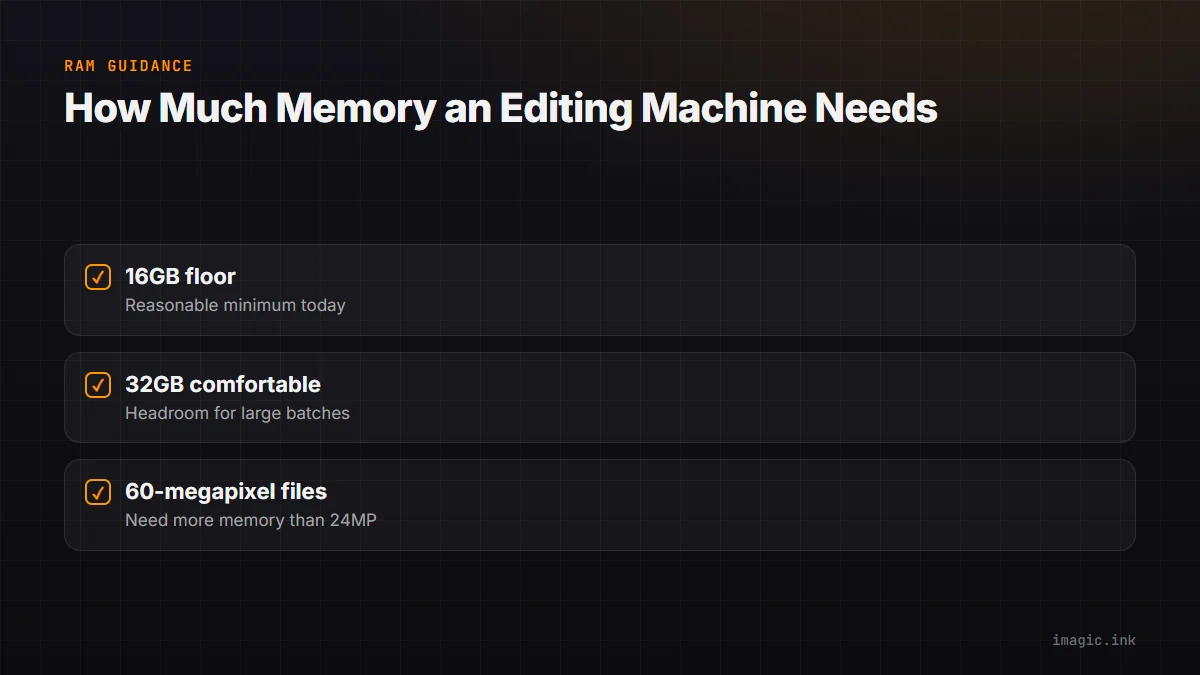
RAM does not make headlines the way GPUs do, but running out of it silently tanks performance through swapping to disk, which turns a fast machine into a slow one without any obvious warning. 16GB is a reasonable floor for modern RAW files from high-resolution mirrorless bodies; 32GB gives comfortable headroom for large batch operations and keeping other applications open simultaneously. This matters more as sensor resolution climbs, since a 60-megapixel RAW file simply needs more memory to hold in an editable state than a 24-megapixel one did a decade ago.
Sensible Specs by Budget
For a budget build focused on editing rather than gaming: prioritize a fast NVMe SSD and 16 to 32GB RAM over a discrete GPU, and put remaining budget into a mid-range multi-core CPU. For a mid-range build: add a modest discrete GPU for smoother previews and any AI-accelerated features, while keeping storage and RAM as the primary spend. For a high-end build where budget allows most things: a strong CPU, 32GB or more RAM, fast NVMe storage, and a capable GPU all matter, but in that rough order of return on investment for straight photo editing rather than video or 3D work.
Where Local AI Culling Fits Into the Picture
imagic's AI culling and quality scoring run locally and are tuned to work efficiently on modest consumer hardware rather than requiring a workstation GPU, which is why a photographer on a mid-range laptop can still run full-shoot culling without hardware anxiety. See system requirements and the free trial for specifics on what actually runs where.
Frequently asked questions
Do I need a gaming GPU for photo editing?
No. A gaming-tier GPU is built for a different workload (real-time 3D rendering) than photo editing needs. A mid-range GPU or even integrated graphics is usually sufficient once CPU, RAM, and storage are adequate.
Is a laptop good enough for serious photo editing?
Yes, as long as it has a fast NVMe SSD, at least 16GB RAM, and a reasonably modern multi-core CPU. Thermal throttling on thin laptops during long export sessions is a bigger practical concern than raw processing power.
What single upgrade helps editing speed the most?
For most existing machines, moving the active photo library from a hard drive or an external USB drive to an internal NVMe SSD delivers a bigger, more noticeable speed improvement than almost any other single hardware change.