
"Sharp" and "in focus" get used interchangeably, but they are not the same property, and conflating them is exactly what makes naive sharpness scoring unreliable. AI photo sharpness detection that works well has to tell these apart, and understand why a sharp background can fool a scoring system that only looks at the frame as a whole.
Three Different Problems, One Word
"Not sharp" can mean at least three genuinely different things, each with a different cause and a different fix:
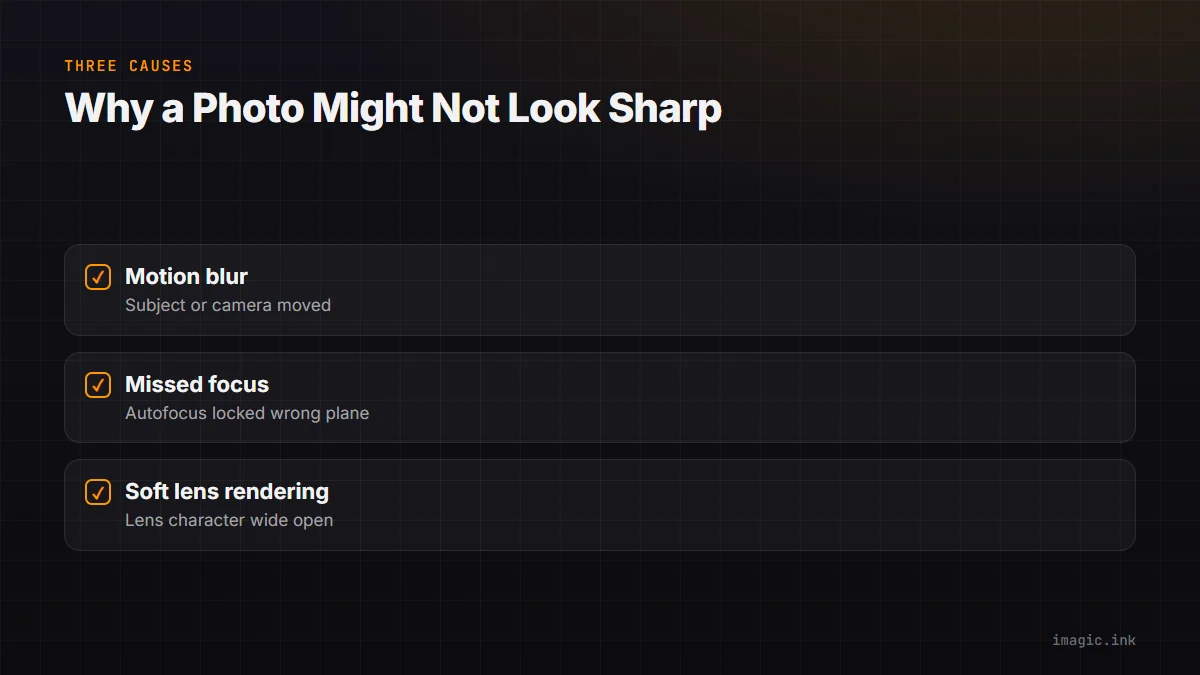
- Motion blur: the subject or camera moved during the exposure, producing directional streaking. This is an exposure-time problem, not a focus problem, and it affects moving subjects even when autofocus locked correctly.
- Missed focus: the autofocus system focused on the wrong plane, the background instead of the subject's eyes, for instance, and the point of focus is genuinely sharp, just not where it needed to be.
- Soft lens rendering: the lens itself renders detail with lower contrast or resolution at a given aperture, most common wide open on faster lenses, which affects the whole frame's apparent crispness even with correct focus and no motion.
A frame can score poorly on a naive "how sharp is this overall" test for any of these three reasons, and the right response differs: motion blur usually means the frame is unusable, missed focus might still be usable if the composition works despite the wrong focus plane, and lens softness might just be the lens's character at that aperture and not worth rejecting for.
Why a Sharp Background Can Fool Naive Scoring
A sharpness score computed across an entire frame, rather than aware of where the subject actually is, can be misled by a sharp, high-contrast background paired with a genuinely soft or missed-focus subject. This happens often in portraits with busy backgrounds: architectural detail, foliage, or text in the background can register as high sharpness in a frame-wide measurement even when the person in the foreground, the actual subject, is out of focus. A naive scoring system can rate that frame as sharp when the part that matters is not.
How Subject-Aware Scoring Handles It
Better sharpness scoring first identifies where the subject actually is, typically via face or subject detection, and then measures local sharpness specifically in that region rather than averaging across the whole frame. This flips the background problem: a sharp background behind a soft subject correctly scores low, because the measurement is weighted toward the region that actually matters for the shot. For portraits and events specifically, subject-aware scoring commonly weights eye and face sharpness even more heavily than the rest of the subject region, since eye sharpness is usually the single biggest factor in whether a portrait reads as in focus to a viewer.
What This Means for Shallow Depth of Field
A related case worth calling out: a portrait shot at a wide aperture with a deliberately blurred background is not a sharpness failure, it is a stylistic choice, and subject-aware scoring should recognize that the softness is intentional and located exactly where a shallow depth-of-field shot is supposed to be soft. Frame-wide scoring can incorrectly penalize this as "not sharp" when the actual subject region is perfectly crisp.
Where imagic Fits
imagic's AI quality scoring evaluates sharpness with subject and face awareness rather than a naive frame-wide average, running locally as part of AI culling at every tier. See AI Photo Sharpness Detection for a deeper technical look, and AI Photo Scoring Accuracy, Explained for where scoring in general is and is not reliable.
Frequently asked questions
Can AI sharpness scoring tell the difference between motion blur and missed focus?
Good implementations can, since the two produce different visual signatures (directional streaking versus a uniformly soft focus plane), which matters because the right response to each differs.
Will sharpness scoring reject a shallow depth-of-field portrait for a blurred background?
Subject-aware scoring should not, since it measures sharpness specifically in the subject region rather than averaging the whole frame, correctly treating the blurred background as intentional rather than a failure.
Is a frame with a sharp background and a soft subject scored as sharp or soft?
With subject-aware scoring, it should score as soft, since the measurement is weighted toward the subject region rather than the frame as a whole. Naive frame-wide scoring can get this wrong.
Try imagic free for 500 exports, no card required, subject-aware AI sharpness scoring included. Start the free trial.