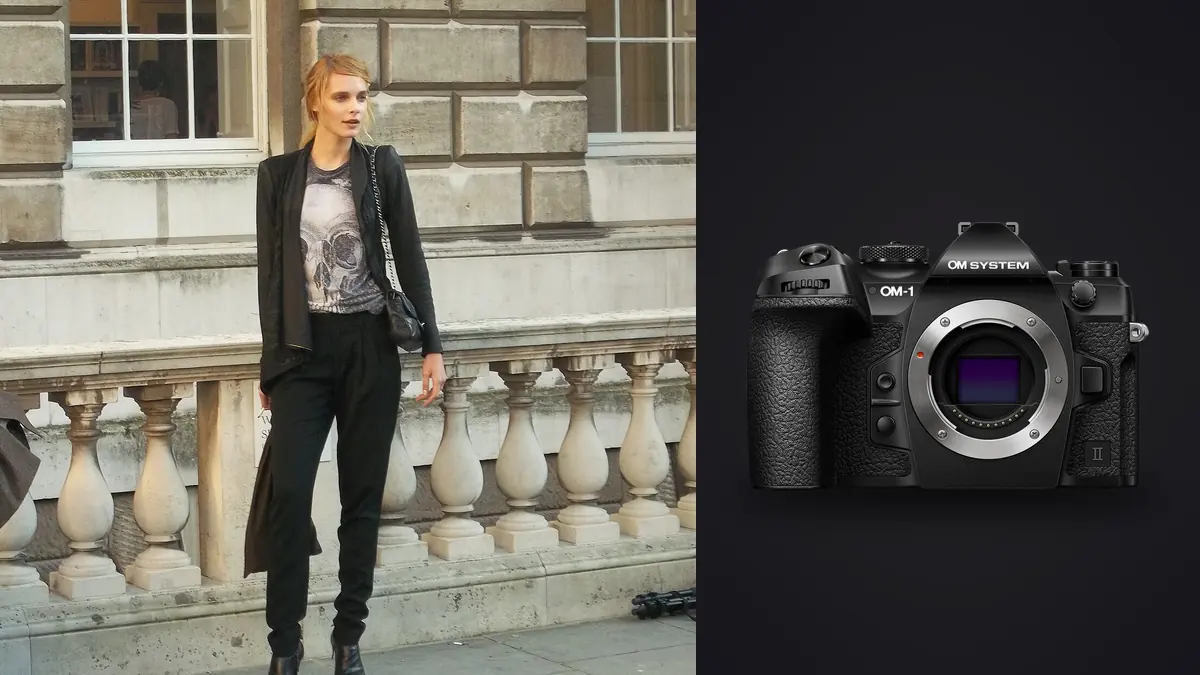
An OM System OM-1 Mark II fashion lookbook RAW Workflow should make a fast-moving location production auditable. The compact Micro Four Thirds body, stacked sensor, stabilization, and dual SD slots suit mobile sets, but every ORF still has to connect to the correct garment, colorway, model, pose requirement, and approval state.
The workflow should prioritize commercial completeness before visual ranking. A strong expression cannot replace a missing back view, and a technically sharp frame is not deliverable when a label folds, an accessory changes, or color no longer represents the item. File structure, color references, and human garment review are therefore central.
Create a production code that survives location changes
Give every garment or styled look a unique short code tied to the official product list. Add colorway, model, set, and variant only where they prevent ambiguity. Photograph a slate at the beginning and end of each look. If styling changes an item, record the substitution rather than quietly reusing the planned code.
Map required views before capture: front, side, back, seated, movement, detail, horizontal, vertical, and any crop-safe option. Mark which are mandatory and which are creative extras. This lets the on-set check identify a real omission before wardrobe and light move on.
Synchronize all camera clocks and define a filename prefix for each body. Keep personal details out of public names. A controlled project sheet can map codes to people and products without embedding that information in every proof or temporary export.
Set ORF capture for the delivery
Choose the normal RAW option and confirm that current software opens the OM-1 Mark II ORF correctly. Make sample files before an important production and carry them through lens correction, color, retouch handoff, and output. Preserve the native ORF even if another stage needs TIFF or DNG.
The sensor resolution supports many standard lookbook uses when framing is disciplined. Avoid treating crop as a replacement for the correct lens distance. Leave intentional room for known aspect ratios, but do not capture every frame loose. Product detail, final dimensions, and expected print use should determine how much crop latitude is required.
Use a restrained camera preview. Strong contrast or stylized color can make garments look finished on the rear screen while hiding shadow texture or shifting product hue. A neutral reference under each final lighting setup is more useful for color decisions than a visually dramatic preview.
Use dual cards as a documented first layer
Configure both SD slots for duplicate ORF recording when immediate redundancy is required, or document a different split or overflow plan. Read both cards after a test exposure. A second slot only helps when the production knows what it contains and when each card can be cleared.
Label cards by camera and number. A card runner or assistant should log the look range, transfer destination, verification, and return state. Keep exposed media in a distinct case position. Never format based on a verbal assurance that files are probably copied.
Create a working copy and separate backup after transfer, then open frames from each look and compare counts. The camera cards can remain an additional temporary copy until the set is secure. Store previews, catalogs, and exports outside the original ORF folder.
Keep stabilization and shutter choices visible
Stabilization helps handheld framing on a moving location set, but it does not freeze a walking model, fabric swing, or hair. Choose shutter speed for the gesture, then use aperture and ISO to support the required depth and quality. If the pose moves through several planes, confirm that face and garment remain within useful focus.
Electronic capture can reduce sound and support fast sequences, but pulsing lights and quick movement may create bands or distortion. Test the actual LED, fluorescent, and display sources before the look begins. Switch method when artifacts appear rather than hoping every affected frame can be repaired.
Flash introduces synchronization and recycling constraints. Make a short sequence around the peak movement and watch whether later frames receive equal light. If output falls, slow the rhythm or reduce flash demand. Do not batch-correct inconsistent flash frames as though the source remained stable.
Audit each look while it can still be reshot
At the end of a look, check required views against the code. Inspect eye focus, garment edges, closures, logos, hems, accessory count, and backdrop condition. Use full-frame review for product state and magnification for focus. Neither view alone is enough.
Confirm that no stand, clip, tag, cable, or private object enters the frame. A small distraction may be repairable, but relying on retouch increases cost and can alter product truth. Correct it on set when safe and permitted, then make a clean replacement.
Mark a provisional hero and alternate without treating that mark as final approval. The product or brand review may favor a frame with clearer fit over the most expressive pose. Preserve options until all stakeholders use the stable file ID.
Cull ORF files by product requirement
First organize by look code, not by overall technical score. Prove that each mandatory view exists. Then remove attention from obvious technical failures while keeping the originals recoverable. Compare the remaining frames for expression, pose, garment drape, symmetry, focus, and color.
Use a simple decision table to prevent one criterion from dominating.
| Pass | Primary question | Typical action |
|---|---|---|
| Coverage | Is every required view present? | Flag gaps for reshoot |
| Product | Is the garment correct and readable? | Keep accurate variants |
| Technical | Are focus, motion, and exposure usable? | Compare close frames |
| Creative | Does pose and expression support the brief? | Select hero and alternate |
imagic can ingest ORF files locally, score sharpness, exposure, closed eyes, and composition, and group bursts or near-duplicates. Those signals can speed navigation, but garment accuracy and shot-list coverage require a person. Culling sets statuses and does not delete the original.
Normalize color by set and source
Start from the neutral reference for the exact set, then establish exposure and broad tone on a representative frame. Synchronize only files made under the same light, backdrop, and modifier placement. Location daylight can shift during a look, so inspect every synchronized frame for drift.
Use product references and approved swatches where available. Display calibration and controlled viewing matter because memory is unreliable for subtle colorways. Keep intentional set color separate from spill that changes the garment. A local correction may be safer than forcing a global white balance.
Protect texture in black fabric, lace, reflective trim, and pale garments. Crushing shadows or clipping highlights can remove construction details. Apply contrast for the visual brief while keeping the features the product team needs.
Separate batch development from detailed retouch
RAW development establishes lens correction, exposure, white balance, crop, and a conservative detail baseline. Retouching handles temporary marks, fabric cleanup, backdrop repairs, and approved local corrections. Keep those stages versioned and preserve the ORF source ID in every master.
imagic supports non-destructive adjustments and JPEG or TIFF export but does not provide tethering or layers, and its retouching is limited to the Heal / Remove brush, red-eye correction and portrait polish in Plus and Max. It can handle local culling and a repeated baseline, followed by another application for specialized work. Do not imply that its one-click style is a generic fashion preset; it uses a profile learned from the photographer's own edited work when such a profile exists.
Document what retouch may change. Product shape, seam construction, logos, colorway, and fit can be commercially significant. Altering them without direction creates an inaccurate asset even when the result looks polished.
Control proofing and approval
Generate clearly marked proofs at an appropriate size and profile. Use stable IDs, not gallery position, for comments. Keep proof watermarks, if required, outside the clean master and final directories. Limit access to unreleased collections.
Reconcile feedback from every channel into one approval list. Record hero, alternate, crop, retouch note, and final status per look. A late substitution should not inherit approval from the garment it replaced. Require explicit confirmation when the product code changes.
The imagic desktop page covers local culling and output. The AI and Technology section places automated review in context. Approval remains a production decision, not an AI score.
Compare the collection as contact sheets
Review all selected looks at a common thumbnail size. A contact sheet reveals gradual changes in camera height, crop, backdrop density, skin rendering, and garment brightness that can be missed during one-file editing. Flag outliers, then reopen their ORF sources before applying a broad correction.
Create separate contact sheets for product completeness and campaign rhythm. The first should make front, side, back, detail, and colorway coverage obvious. The second checks expression, movement, and visual pacing. Keeping the purposes separate prevents a creative sequence from hiding a missing commercial view.
Export a labeled review sheet only when the approval process needs it, and keep it out of the final asset directory. Its order can change as selections move, so comments should still use stable file IDs. Archive the approved sheet with the manifest when it documents a decision.
Export and archive by look code
Confirm JPEG or TIFF, color space, dimensions, compression, sharpening, crop variants, metadata, and naming. Generate derivatives from the approved master. Keep parent ID and variant suffix visible so a square, vertical, and horizontal output cannot be confused.
Audit the delivery against the product list. Open each file, verify the garment and colorway, and compare the count of required views. Review the set as a contact sheet for background, crop, skin, and garment consistency without forcing genuinely different materials to match.
Archive ORF originals, edit records, retouched masters, proofs required for decision history, final derivatives, and the approval manifest. Remove temporary caches after verification. A future revision should be able to locate the source without reopening unrelated private material.
Use an OM-1 Mark II lookbook RAW checklist
- Codes: map each look and colorway to the official list.
- Coverage: define mandatory views and crop-safe variants.
- Capture: choose compatible ORF settings and a neutral preview.
- Cards: verify both SD destinations and log every handoff.
- Audit: check product, focus, movement, and background before reset.
- Cull: establish completeness before selecting expression.
- Color: batch by actual source and compare approved references.
- Retouch: preserve product truth and trace masters to ORF.
- Proof: collect approval by stable identifier.
- Deliver: audit names, variants, colors, counts, and archive state.
Frequently asked questions
Can imagic tether an OM-1 Mark II on set?
No. imagic starts with files in a directory and does not provide tethering. Use separate compatible capture software, then ingest the stable copied folder.
Should automated sharpness outrank garment accuracy?
No. Technical quality matters after required product views and garment state are confirmed. A human must check fit, labels, accessories, construction, and colorway.
Can one color correction cover an outdoor lookbook day?
Only when light and reflections truly remain stable. Make fresh references after meaningful changes and synchronize within coherent groups rather than across the whole day.