
Most photographers never read the terms of service on the tools they upload client photos to. That is understandable: nobody has time to parse legal text before a deadline. But if you shoot weddings, newborns, or school portraits, what those terms say about your uploads is not a technicality. It is a client trust question, and increasingly a contractual one.
What Cloud Photo Tools Actually Do With Your Uploads
When a photo editor processes images "in the cloud," your files leave your machine and travel to a server you do not control. Depending on the vendor, that can mean temporary storage during processing, longer retention for caching or model training, or transfer through third-party infrastructure providers. Even reputable vendors typically reserve broad rights to store, analyze, and in some cases use uploaded content to improve their models, spelled out in dense terms of service that almost nobody reads end to end.
None of this makes cloud tools malicious. It makes them a data-handling decision you are making on behalf of your clients, often without telling them. A couple who hired you for a wedding did not sign up for their ceremony photos to sit on a third-party server, even briefly, even for a good reason.
The Client Categories Where This Actually Matters Most
Not every shoot carries the same sensitivity. A few categories raise the stakes considerably. Wedding photography often includes guests who never consented to being photographed at all, in a private, personal setting. Newborn and family sessions involve images of minors, a category most privacy-conscious parents are explicitly careful about online. School photography multiplies that concern across hundreds of children at once, frequently under contracts that already specify how student images must be handled and stored.
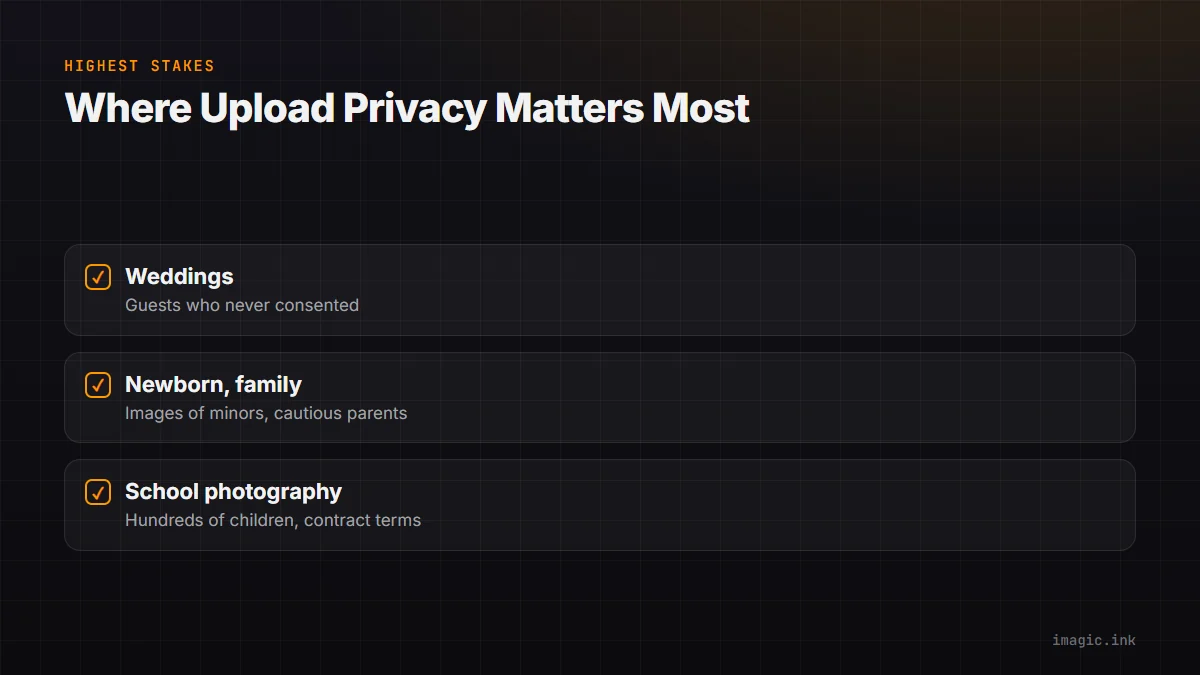
In all three cases, a data breach or an unexpected retention policy is not just embarrassing, it can breach the trust (and sometimes the written agreement) that got you the job in the first place. If you shoot in any of wedding, newborn and family, or school and volume photography, your editing tool's data handling is part of your professional obligation, not a side detail.
Reading a Cloud Editor's Terms of Service, What to Actually Look For
If you do use a cloud-based tool, three questions are worth answering before you upload anything. First, where are files stored, and for how long: some services state a fixed deletion window, many do not commit to one at all. Second, is uploaded content ever used to train models: this is usually buried in a data-use or "improving our services" clause. Third, who else can access files in transit, including sub-processors and analytics partners named in a privacy policy addendum. If a vendor cannot answer these clearly in plain language, that is itself useful information.
Local Processing as a Concrete Selling Point
Local AI photo editing skips this entire question by design. If quality scoring, culling, and editing all run on your own machine, files never touch a server, so there is no upload, no retention window, and no terms of service to parse. imagic's AI culling, duplicate detection, and batch editing all run locally on Windows or macOS, meaning a client's shoot stays on your drive from import to export.
This is worth saying out loud to clients, not just relying on quietly. A line in your wedding contract or your newborn session welcome guide, "your photos are edited locally and never uploaded to third-party AI services," is a differentiator most photographers are not currently offering, because most editors on the market are cloud-first by default. For sensitive categories, that sentence can matter more to a booking decision than an extra preset pack ever would. See more on this in the AI and technology archive.
Frequently asked questions
Does local processing mean I cannot use any cloud services at all?
No, it just separates concerns: local processing for the AI culling and editing work itself, while you can still choose to use cloud storage for backups or client delivery galleries under terms you have reviewed and agreed to.
Is local AI editing slower than cloud AI?
It depends on your hardware and the specific tool, but local processing avoids upload and download time entirely, which for a 3,000-image wedding shoot on a typical connection is often the larger factor.
How do I tell clients about my editing tools without overexplaining?
One short sentence in your contract or welcome packet is usually enough: state plainly that photos are processed locally and are not uploaded to third-party AI services during editing.