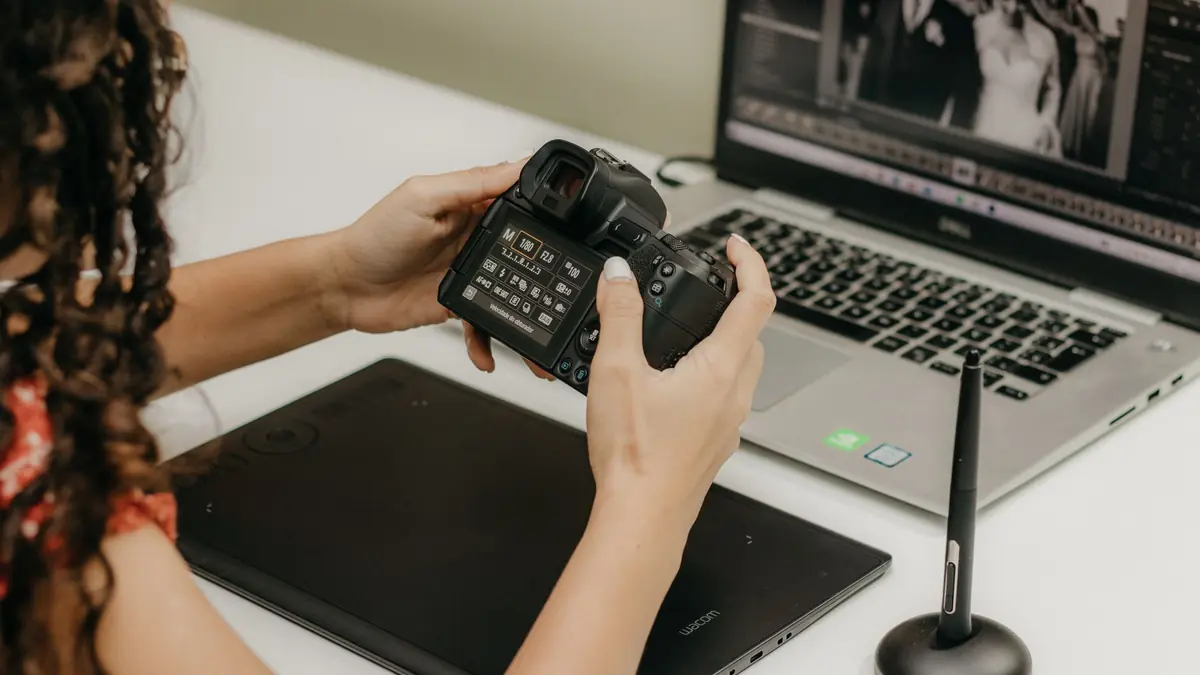
A wedding shoot is a specific kind of problem: 2,000 to 4,000 frames across wildly different lighting, a hard delivery deadline, and skin tones that need to look consistent across every batch-edited image in the gallery. Ranking a lightroom alternative for wedding photographers only makes sense against that specific job, not general editing capability, so this list is scoped to exactly that.
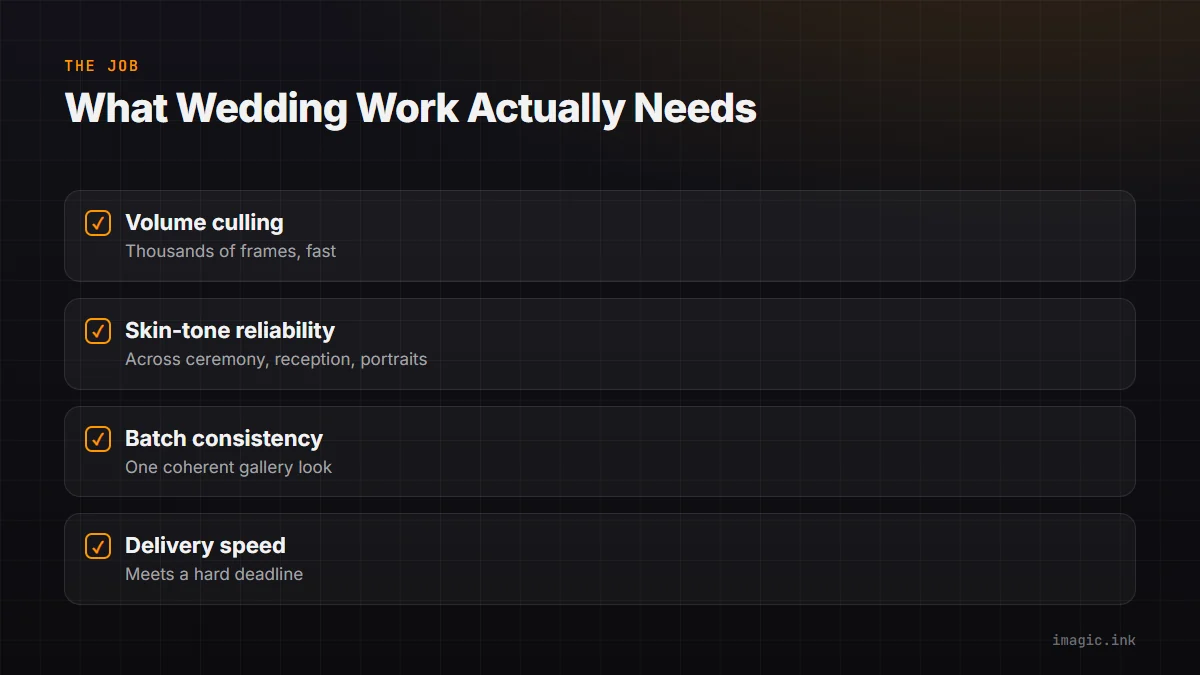
What Wedding Work Actually Needs
Volume culling that can handle thousands of frames without hours of manual scrubbing, reliable skin-tone rendering across ceremony, reception, and portrait lighting that all differ wildly within the same shoot, batch consistency so a couple's gallery does not look like it was edited by five different people, and export speed that meets a realistic delivery timeline. General-purpose editing power matters less here than throughput and consistency across a huge, varied batch.
AI Culling Tools Built for This Volume
imagic's AI quality scoring and duplicate/burst grouping are built for exactly this kind of shoot: closed-eye detection matters heavily for ceremony and portrait frames, and duplicate grouping collapses reception dance-floor bursts down to the best frame automatically. Combined with batch editing and one-click styles, a shoot can go from import to a consistent, delivery-ready set without the manual review bottleneck that eats a full day otherwise. See imagic for wedding photography for the workflow specifics, and How to Edit 500 Wedding Photos Fast for a practical walkthrough.
Batch Consistency Across Mixed Lighting
One-click styles applied consistently across a whole batch matter more for weddings than almost any other genre, since a single gallery spans candid low-light reception shots, bright outdoor ceremony frames, and controlled portrait lighting, all needing to read as one coherent set. A tool that can apply a learned style or a consistent preset across all of it at once, rather than adjusting each lighting situation by hand, is doing the actual job a wedding photographer needs from an editor.
Where Manual Speed Tools Still Matter
For same-day sneak-peek deliveries or second-shooter file handoffs under a tight timeline, a fast browsing tool like Photo Mechanic still earns its place for quick selects, even alongside an AI culling tool for the full-shoot pass. Ranked purely for the volume-culling-and-batch-editing job, though, AI-scoring tools built for this scale (imagic, Aftershoot, and similar) outperform manual-only browsing on time saved.
Ranked for the Wedding Job Specifically
For AI culling plus batch editing under one roof, paid once: imagic (Lite EUR 19, Plus EUR 49, Max EUR 99). For AI culling with a continuously updated AI editing subscription layered on top: Aftershoot. For studios that already live inside Lightroom's ecosystem and mainly need faster manual review: Lightroom's own flag and reject tools combined with a preset workflow. This ranking is specifically for wedding-volume culling and batch consistency, not a general best-editor list; a landscape or product photographer's ranking would look different. See imagic vs Lightroom Classic for the full feature comparison.
Building a Delivery Timeline Around the Tool
Once the tool is picked, the honest next step is timing a real delivery around it rather than guessing. Run one full past wedding through the candidate tool's cull-and-batch-edit pipeline, start to finish, and time it. That single number, hours from import to an export-ready gallery, is a far better planning input for quoting turnaround to future couples than any vendor's marketing claim about speed.
Frequently asked questions
How many frames does a typical wedding shoot produce?
Often somewhere around 2,000 to 4,000 frames across the full day, though it varies significantly by coverage length and shooting style.
Does AI culling handle mixed reception lighting well?
Quality scoring for sharpness, exposure, and closed eyes works across lighting conditions, though very low light or fast motion (dance floors) benefits from checking flagged frames by eye before finalizing a delivery set.
Can batch editing keep skin tones consistent across a whole gallery?
A consistent style applied across a batch helps significantly, but shots under very different lighting may still need individual adjustment for the best skin-tone match; batch editing handles the majority, not every single frame perfectly.
Try imagic free for 500 exports, no card required, and cull and batch-edit your next wedding gallery start to finish. Start the free trial.