
The advertised monthly number for Lightroom rarely reflects what a working photographer actually ends up paying. Storage tiers, the difference between the Photography plan and the full Creative Cloud suite, and years of incremental price increases all add up to a real lightroom price that is meaningfully higher than the headline figure most people quote from memory. Here is the full picture, laid out plainly.
The Photography Plan Tiers
Adobe's Photography plan bundles Lightroom and Photoshop with a set amount of cloud storage, typically the entry point most photographers start with. Higher storage tiers cost more per month, and photographers with large RAW libraries frequently outgrow the base storage allotment within a year or two, pushing them onto a pricier tier or forcing them to manage storage actively to avoid it. Check Adobe's current published pricing directly since it changes; the point here is the pattern, not a specific number that will be accurate by the time you read this.
Storage Upsells Are Where the Real Cost Creeps In
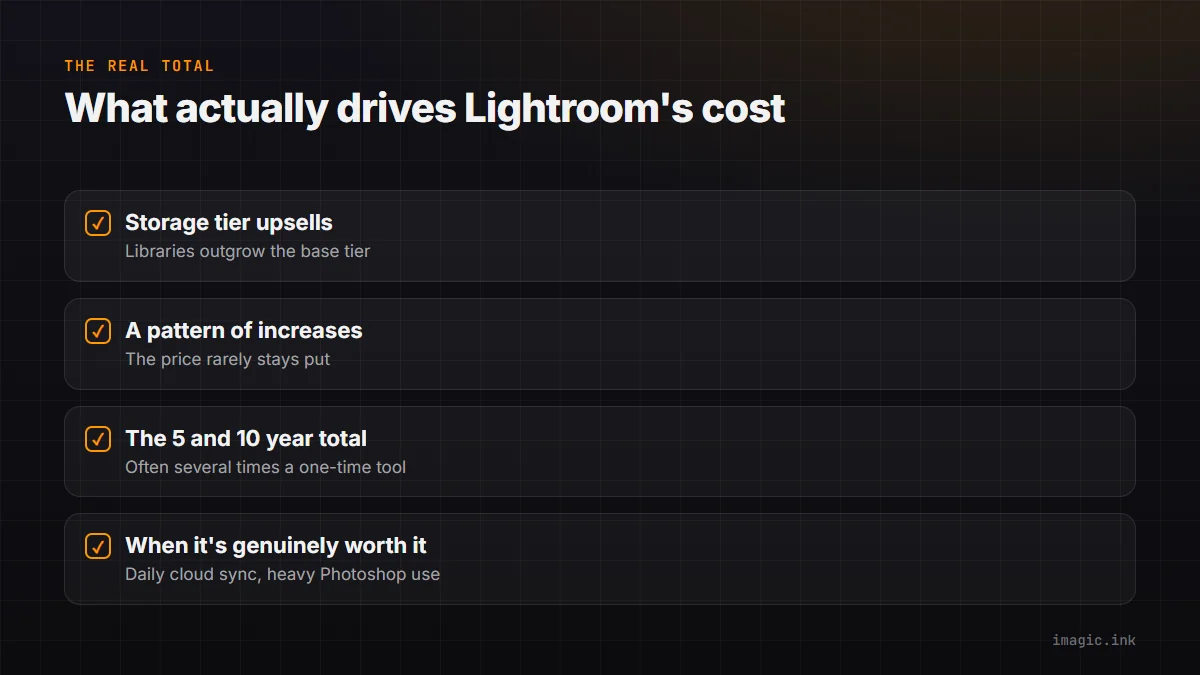
The entry-level storage allotment sounds generous until you consider RAW file sizes from a modern high-resolution sensor, especially across multiple active shoots. Photographers who want their whole library synced through Creative Cloud, rather than managed locally, tend to hit the storage ceiling and upgrade, which is a real cost increase beyond the plan's advertised base price. This is arguably the least-discussed part of Lightroom's actual cost.
Price History: A Pattern of Increases
Since Creative Cloud's subscription model launched, published pricing for the Photography plan and related bundles has moved upward incrementally over the years, along with periodic changes to what counts as a promotional versus standard rate. None of this is unusual for subscription software broadly, but it does mean the price you signed up at is not necessarily the price you are paying today, and it is worth checking your actual current billing against what you remember agreeing to.
The 5- and 10-Year Total
Multiply your actual current monthly cost, storage tier included, by 60 months for a five-year total and 120 months for a ten-year total. For most working photographers on a mid-tier storage plan, that ten-year number lands well into four figures, often several times what a one-time-purchase alternative would cost across the same period. That does not automatically make Lightroom the wrong choice, its catalog system, masking tools, and preset ecosystem are genuinely mature, but the real number is worth knowing before deciding it is worth it. See The Hidden Cost of Adobe Creative Cloud for a deeper breakdown of the bundle pricing specifically.
When the Subscription Is Genuinely Worth It
Lightroom's subscription earns its cost for photographers who rely daily on cloud sync across devices, who use Photoshop heavily alongside it, and whose workflow depends on the mature masking and catalog tools that took a decade to build. It is a weaker fit for a photographer who mainly wants AI culling and batch editing and does not need cloud storage or Photoshop at all, where a one-time tool like imagic (Lite EUR 19, Plus EUR 49, Max EUR 99) covers the actual job at a fraction of the ten-year total. See imagic vs Lightroom Classic for the feature-level comparison, and more industry insights on software pricing.
Frequently asked questions
Does the Lightroom Photography plan include Photoshop?
Yes, the standard Photography plan typically bundles Lightroom and Photoshop together; confirm current plan contents directly since Adobe's bundles have changed over time.
What happens if I exceed my Creative Cloud storage allotment?
You are generally required to upgrade to a higher storage tier or manage your library to reduce cloud usage; check Adobe's current storage policies for specifics.
Is a one-time tool a full replacement for Lightroom?
Not entirely. A one-time tool like imagic covers AI culling and batch RAW editing well but does not replace Lightroom's cloud sync, masking depth, or Photoshop integration.
Try imagic free for 500 exports, no card required, and compare a one-time cost against your actual Lightroom total. Start the free trial.