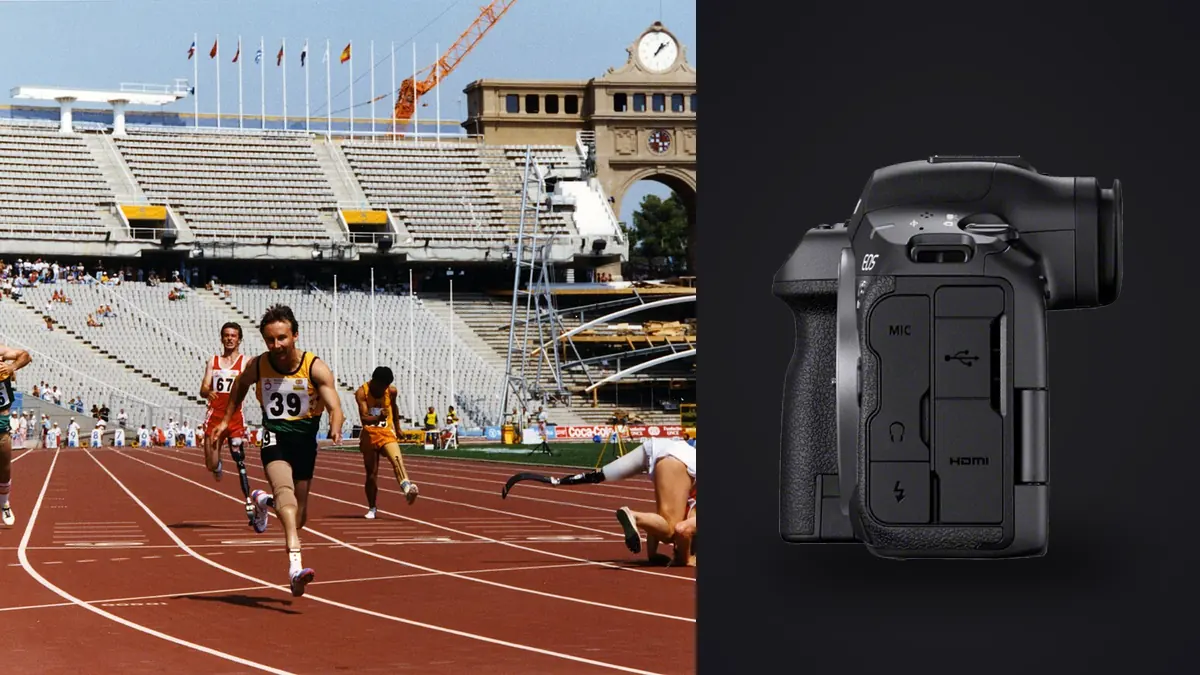
A useful Canon EOS R5 Mark II sports RAW Workflow begins before the first exposure and continues through a verified delivery. Track races, field sports, court games, and motorsport present different subject paths, lighting changes, access limits, and safety boundaries. Capture choices must produce sequences that can be protected, compared, edited, and traced without losing the meaning of the event.
The camera combines a high-resolution stacked full-frame sensor with fast continuous capture, subject detection, in-body stabilization, and two different card formats. Those capabilities are valuable when autofocus areas, shutter choice, file format, card routing, and review criteria work together. The goal is a predictable route from action to CR3 originals, reversible culling, coherent adjustments, and an export that matches the brief.
Define the RAW deliverable before capture
Begin with a short event map. Note where action starts, where it changes direction, which backgrounds are clean, and where officials or barriers limit movement. A sprint finish calls for reliable head-on tracking and enough depth for a runner moving toward the camera. A corner in motorsport emphasizes panning, wheel movement, and protection from debris. A field game requires rapid switches between isolated players and wider interactions.
Decide which moments the delivery actually needs. A publication may value faces, contact, score reactions, and context more than a long run of nearly identical strides. That decision determines whether a narrow tracking area or a broad acquisition area should be the default, how often to use the highest drive setting, and whether a second body should carry a wider lens.
Make one baseline configuration before arrival, then reserve a custom mode for a distinct situation such as slow pans or indoor light. Too many saved variants create uncertainty. The best setup is one that can be explained from memory: what the shutter does, what the focus button does, how the AF area changes, and where exposure compensation is reached.
Record focus choices that survive RAW review
Use continuous autofocus for subjects that move through the frame. Subject detection can help keep attention on an athlete, vehicle, or animal, but it should not be the only way to place focus. Start tracking with an area that matches the scene. A broad area is useful against an open background, while a zone or smaller point gives better control when fences, officials, advertising boards, or other players cross the frame.
Assign an AF-area override to a button that can be reached without changing grip. One practical arrangement keeps a moderate zone on the main focus control and places a broader whole-area option on a second control. The first handles crowded scenes; the second acquires an isolated subject quickly. Practice the switch while following warm-ups, since a clever assignment that cannot be found under pressure is not useful.
Tracking sensitivity should match obstructions rather than an abstract idea of speed. If focus jumps to every foreground player, favor persistence on the established subject. If the camera refuses to leave a subject after the play changes, make switching more responsive or release and reacquire deliberately. Check a short sequence at full magnification, including the first frame, the peak action, and the frame after an obstruction.
Prevent shutter artifacts from entering the archive
The stacked sensor makes electronic capture attractive for fast and quiet work, but lighting and subject motion still deserve a check. Photograph vertical lines, rotating wheels, sticks, rackets, and LED scoreboards during warm-up. If shapes bend or bands appear, change shutter mode or adjust the exposure approach. Do not discover an avoidable artifact after the decisive play.
Set shutter speed for the visual result. A crisp collision, ball, or wing requires a different choice from a pan that deliberately leaves motion in the background. Stabilization can reduce camera movement, but it cannot freeze an athlete. With long lenses, support and stance matter even when the selected shutter appears fast enough on paper.
Use manual exposure when the light on the playing area remains stable and backgrounds vary. Manual shutter and aperture with Auto ISO can work when subjects move between sun and shade, provided the ISO limits and exposure compensation are understood. Watch pale uniforms, reflective helmets, and white lane markings, because a small bright region can lose texture before the overall scene looks overexposed.
Create burst groups that remain cullable
High frame rates increase the chance of recording a narrow instant, but they also create more near-duplicates and can hide poor anticipation. Start a short burst just before the expected peak, continue through it, then release. For a hurdle, that might cover takeoff through landing. For a goalmouth sequence, it might cover the final pass, attempt, and immediate reaction.
Choose RAW or a compressed RAW option according to editing latitude, card capacity, compatibility, and deadline. Test the exact file choice with both card destinations before the assignment. The R5 Mark II uses CFexpress Type B and SD media, so overflow, separate recording, and duplicate recording do not all behave like a pair of identical cards. Confirm which file reaches which slot.
Pre-capture features can help with unpredictable starts, but they can also save frames made before the intended press. Treat them as a specialized mode, not a permanent safety net. Review how activation works, whether it changes file handling, and whether the extra sequence helps the real brief. Anticipation and a clear view remain more important than collecting every possible frame.
Separate changing light into editable groups
A daylight action preset can use continuous autofocus, a motion-freezing shutter, a working aperture that keeps the important plane sharp, and a flexible ISO strategy. An indoor preset can prioritize flicker checks, mechanical or electronic shutter behavior, and a white-balance reference. A panning preset can lower the shutter, reduce the drive rate, and use an AF area that stays controllable through the sweep.
Keep the presets meaningfully different. Saving tiny variations wastes custom-mode space and makes the dial harder to trust. Record the purpose of each mode on a phone note or card in the bag, including the settings that do not save as expected. Firmware and menu changes can alter behavior, so verify after an update rather than assuming every custom item remains untouched.
Before the first competitive moment, make a sequence with each preset and inspect focus, motion rendering, and highlight detail. Also check that silent operation, beeps, review duration, and display brightness comply with the venue. Setup includes everything that affects concentration, not just exposure values.
Preserve useful capture metadata and ratings
Sports coverage often alternates between horizontal and vertical framing. Place AF override, exposure compensation, and image rating where they remain reachable in both orientations, including when a battery grip is used. Avoid assigning a critical control to a button that is blocked by gloves, a rain cover, or the balance point of a heavy lens.
Separate focus activation from shutter release only if that method is already practiced. Back-button focus can make tracking and temporary focus pauses clear, but it is not inherently superior. A familiar half-press setup is safer than changing muscle memory on assignment day. Whichever method is chosen, disable duplicate controls that cause accidental focus starts.
Reduce viewfinder clutter. Keep the focus area, exposure state, remaining capacity, and any warning needed for the event, while removing guides that cover faces or the ball. A quick full-frame review should reveal composition at once. Magnified review is for checking critical focus between plays, not for studying every burst while action continues.
Protect CR3 files across cards and copies
Long zooms provide flexible framing from a fixed position, while fast primes can help in poor light and create cleaner separation. A second body with a standard or wide zoom protects against action arriving too close. Fit hoods, verify collars, and decide whether a monopod helps the expected movement. A support that restricts a rapid change of direction can become a liability.
Format cards only after their contents exist in a verified backup. Keep blank, exposed, and copied media physically distinct. Use cards whose camera compatibility and sustained writing have been checked with the selected file type. A nominal card label does not prove that a particular burst, backup arrangement, and temperature will behave as expected.
Start with charged batteries and create planned change points, such as halftime or a gap between heats. Wireless connections, bright displays, cold conditions, and frequent review affect endurance. The setup should avoid dependence on a promised frame count. Lens contacts, mount security, rain protection, and clock synchronization across bodies belong on the same pre-event check.
Turn the capture setup into a controlled RAW workflow
After the event, copy CR3 files to a clearly named working folder and create a separate verified backup before cards return to circulation. Preserve originals and keep editing decisions non-destructive. A consistent folder and filename scheme matters when several cameras, days, or photographers contribute to the same delivery.
imagic can ingest a folder on Windows or macOS, then assess sharpness, exposure, closed eyes, and composition while grouping bursts and near-duplicates locally. Culling changes a photo's status rather than deleting the original. That makes it suitable for a first technical pass, but a photographer still decides which play matters, whether the ball is visible, and which reaction tells the story.
The imagic desktop workflow describes local, non-destructive editing and JPEG or TIFF export. Related systems for sorting and finishing are collected in Workflow and Editing guides. If a saved verdict appears inconsistent, check whether its score is stale before re-ranking; reselecting uses stored scores, while stale files need reanalysis.
Use a capture-to-export RAW checklist
- Event map: identify peak action, clean backgrounds, safe positions, and movement limits.
- Autofocus: confirm continuous AF, default area, override area, and subject switching behavior.
- Shutter: compare electronic and mechanical results under the actual lighting.
- Exposure: protect important highlights and confirm the Auto ISO boundaries if used.
- Drive: select a purposeful burst setting and practice short sequences.
- Media: verify file type, slot routing, remaining capacity, and card status.
- Controls: test horizontal and vertical operation with the complete lens and support.
- Workflow: prepare folder names, backup space, and delivery requirements before capture begins.
Frequently asked questions
Should the R5 Mark II always use its fastest burst for sports?
No. The highest rate is useful for a narrow, unpredictable instant, but a slower rate or a short controlled burst is easier to time and review. Match drive mode to the action and the required delivery.
Is subject detection enough for reliable sports focus?
Subject detection assists tracking, but the photographer still needs an AF area that starts on the intended athlete or vehicle. Keep a smaller override available for crowded scenes and foreground obstructions.
Can imagic decide which sports frame tells the best story?
imagic can score technical qualities and group similar frames without uploading them. Editorial meaning, player importance, ball position, and narrative sequence remain human decisions.