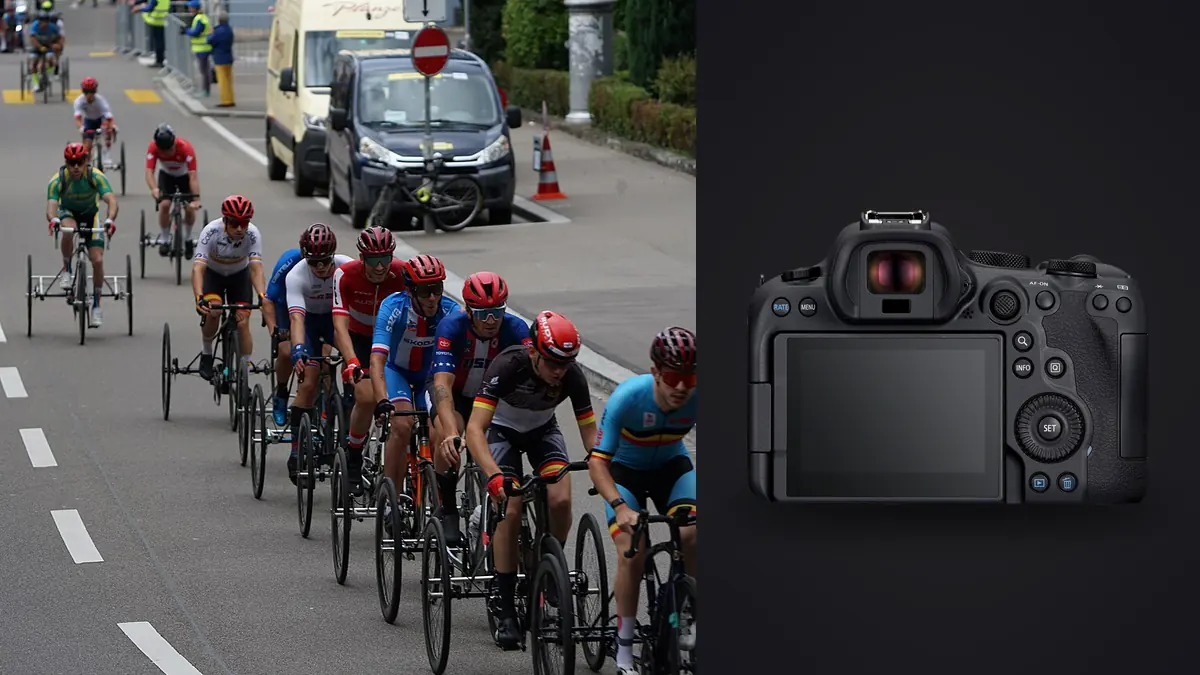
The Canon EOS R6 Mark II can create sports files faster than a careless workflow can protect or understand them. Electronic bursts, mechanical bursts, pre-shooting options, and repeated action all produce clusters in which the difference between a strong frame and a weak one may be one foot position or one unobstructed face. The solution is not to avoid volume completely. It is to give every file a clear path from card to final delivery.
This workflow begins before ingest, preserves the original CR3 files, separates technical culling from storytelling, and ends with verified JPEG or TIFF exports. It treats automated scoring as assistance, not authority, because sports selection depends on rules, context, gesture, and consequence as well as sharpness.
Make capture choices that the workflow can explain
Choose RAW or C-RAW based on tested quality, storage, and turnaround needs. Both remain editable Canon formats, but they differ in file size and compression behavior. Photograph a demanding scene with deep shadows, fine texture, and bright highlights, then process it at delivery size before selecting the default. Do not change format in the middle of an assignment without noting why.
Use burst rate according to the sport. A jump, finish, collision, or bat contact may justify a fast short burst. A runner moving steadily along a clean background may need only a few frames at the stride peak. Maximum rate on every press creates card pressure and makes selection slower without guaranteeing a better moment.
Synchronize camera clocks when more than one body or photographer contributes to the same delivery. Confirm card naming and reset behavior. Add a voice memo or written note for unusual sequences, key athletes, or a changed assignment. Those small capture choices become valuable when thousands of thumbnails look similar.
Ingest cards without creating hidden gaps
Create a job folder with clear subfolders for originals, work, and exports. Copy each card into a temporary card-number folder first. Verify counts and open files from the beginning, middle, and end. If a copy tool provides checksum verification, use it. Do not erase or format a card until the required independent copies exist and can be read.
Watch for duplicate filenames when a counter rolls over or two cameras use the same naming pattern. Rename only through a collision-safe method that preserves extension and capture order. A useful filename can include job code, camera identifier, and sequence, but metadata remains the stronger source for capture time and settings.
Keep CR3 files and any matching JPEGs together until the pairing strategy is established. If rapid on-site JPEGs were delivered, record exactly which files left the workflow. Later corrections should not silently replace a published file with a different frame under the same name.
Run a fast technical rejection pass
The first cull removes frames that cannot satisfy the brief: accidental ground shots, severe obstruction, empty frames, irrecoverable exposure, and focus that misses the intended action. Do not spend time comparing expressions yet. The pass should be quick and consistent, with a hold label for uncertain images.
Judge focus at the point that carries the play. The athlete's face is common, but a ball, baton, wheel, or point of contact may be equally important. A photograph can be sharp in a general sense and still fail because focus landed on a spectator. Conversely, intentional panning blur may be viable when the subject remains readable and the motion treatment is coherent.
Check exposure on bright uniforms, helmets, painted lines, and electronic boards. RAW latitude helps refine tone, but clipped channels and broad banding from artificial lights may be terminal. Mark recurring failures so the camera setup can be corrected before the next event, rather than treating culling as a one-time cleanup.
Compare bursts as moments, not file numbers
Group related frames from the same play. Within each group, look first for the moment that explains what happened: release, contact, separation, landing, celebration, or consequence. Then compare expression, limb position, ball visibility, overlap, and background. The middle file is not automatically the peak.
Choose one lead frame and perhaps one alternate with a genuinely different use. A vertical crop candidate and a wide storytelling frame can coexist. Five neighboring files with nearly identical posture do not add value to a normal delivery. Keep additional frames only when the assignment requires sequences or evidence.
Pre-capture features can include frames made before the full shutter press. Treat them like any other sequence and confirm that file order matches the action. Do not assume the first displayed frame is the beginning of the event. Metadata and visual progression should agree before captions or selections are assigned.
Use local automation as a navigation layer
On Windows or macOS, imagic can analyze sharpness, exposure, closed eyes, and composition locally and group duplicates or bursts. For a large R6 Mark II sports folder, that can surface likely technical keepers and reduce repetitive navigation. Photos stay on the machine, and culling sets a status rather than deleting originals.
Automated results do not know whether a foot was in bounds, a hand blocked the sponsor mark, or the decisive pass occurred just outside the frame. Review every final selection with knowledge of the sport and brief. If a score looks wrong, inspect the actual focus point and image rather than defending or dismissing the number by instinct.
Keep the initial score separate from the final editorial rating. One describes technical qualities; the other records the photographer's decision. This distinction makes it possible to revisit a sequence for a different story without losing the original assessment.
Make a story pass across the whole event
After choosing each local peak, zoom out to the assignment. A strong set usually includes context, preparation, competition, detail, reaction, and resolution. The exact balance depends on whether the client is a team, publication, sponsor, athlete, or venue. A sponsor may need clean brand visibility; an editorial set may favor consequence and atmosphere.
Look for repetition in angle and athlete. A folder can contain many excellent close action frames yet fail to describe the event. Add a wide venue image, officials, equipment detail, crowd response where permitted, and quiet transition moments. Remove a second-rate variation when it competes with a stronger frame.
Verify identities and caption facts from reliable event information. Do not infer names, results, or context from jersey numbers alone. Keep caption notes alongside filenames so the delivery does not depend on memory after multiple assignments.
Edit for consistency without flattening conditions
Set a baseline for white balance, exposure, and contrast by lighting zone. Outdoor sun, shade, indoor LEDs, and mixed corridors should not all receive one blind batch adjustment. Synchronize only settings that genuinely belong together, then inspect skin, uniforms, and venue color.
Crop for the client's output while leaving action room in the direction of movement. Avoid cutting joints at awkward points, and check that balls, equipment, and boundary lines remain meaningful. A 24-megapixel file provides useful flexibility, but repeated severe crops indicate that field position or lens choice needs attention.
Apply noise reduction and sharpening at a level that survives delivery size. Fine grain in a dim arena can be less distracting than waxy faces and smeared jersey texture. Inspect a representative high-ISO frame, a low-ISO frame, and a difficult crop before applying settings across the set.
Export, inspect, and hand off
Create a separate export folder with a version or date. Choose JPEG for common client and web delivery, or TIFF when the agreed downstream process needs it. Set dimensions, color space, compression, and metadata from the brief. Do not export an oversized file by habit if the recipient needs fast web use.
Open the exported files independently. Check the first, last, darkest, brightest, and most heavily cropped images, then scan the entire set as thumbnails. Confirm orientation, filename order, color consistency, embedded profile, and that no reject entered the folder. Count the exports against the final selection.
Deliver through the agreed channel and retain the source CR3 files, selection record, and non-destructive edits under the archive policy. A learned style can be applied through imagic after a profile has been trained from the photographer's own edits, but it should be reviewed across each lighting zone before JPEG or TIFF export. More repeatable practices are collected in the workflow and editing guides.
Prepare urgent sideline selects without breaking the archive
Some sports jobs require a handful of images before the event ends. Create a clearly labeled urgent-select folder inside the job rather than dragging files to an unrelated desktop location. Copy candidates from the verified ingest, keep original filenames traceable, and record which frame was transmitted.
Use a compact edit recipe built for the venue: crop, exposure, white balance, restrained noise reduction, output sharpening, caption, and export. Do not apply an untested batch style while the deadline is running. Inspect faces, logos, scoreboard information, and any visible credential before delivery.
Confirm athlete identity and result from an authoritative event source or the assigning editor. Speed does not justify guessing. If information is uncertain, label it for the desk rather than embedding an invented caption. Keep the transmission filename connected to the CR3 source so a corrected version can be found later.
After the urgent handoff, return those files to the normal culling sequence. A quick selection may not represent the final story, and it should not bypass backup or archive steps. Record any edit made under deadline so the final gallery does not drift visibly from the published images.
Keep a small export preset for the assigning desk, but verify it at each event. Required dimensions, color profile, caption fields, and filename pattern can change between publications. A saved preset is a starting point, not evidence that today's handoff meets the brief.
When connectivity is poor, queue completed files in order and note which transmission succeeded. Do not create several differently edited copies with ambiguous names. One controlled retry path protects both deadline speed and later reconciliation.
Before leaving the venue, compare the transmitted filenames with the urgent-select log. That final reconciliation prevents a failed upload from being mistaken for a delivered image.
Frequently asked questions
Should every R6 Mark II sports sequence use the fastest burst?
No. Use the rate that covers the action without creating unnecessary near-duplicates. Short high-rate bursts suit brief peak moments, while predictable movement often needs fewer frames.
Can technical scoring choose the decisive sports photograph?
It can help identify sharp, well-exposed candidates, but it cannot fully judge rules, consequence, expression, branding, or narrative. A knowledgeable human should approve every delivery frame.
When is it safe to format the memory card?
Only after the ingest has been verified and the required independent copies can be opened. Follow the photographer's backup policy rather than relying on a single folder or card.