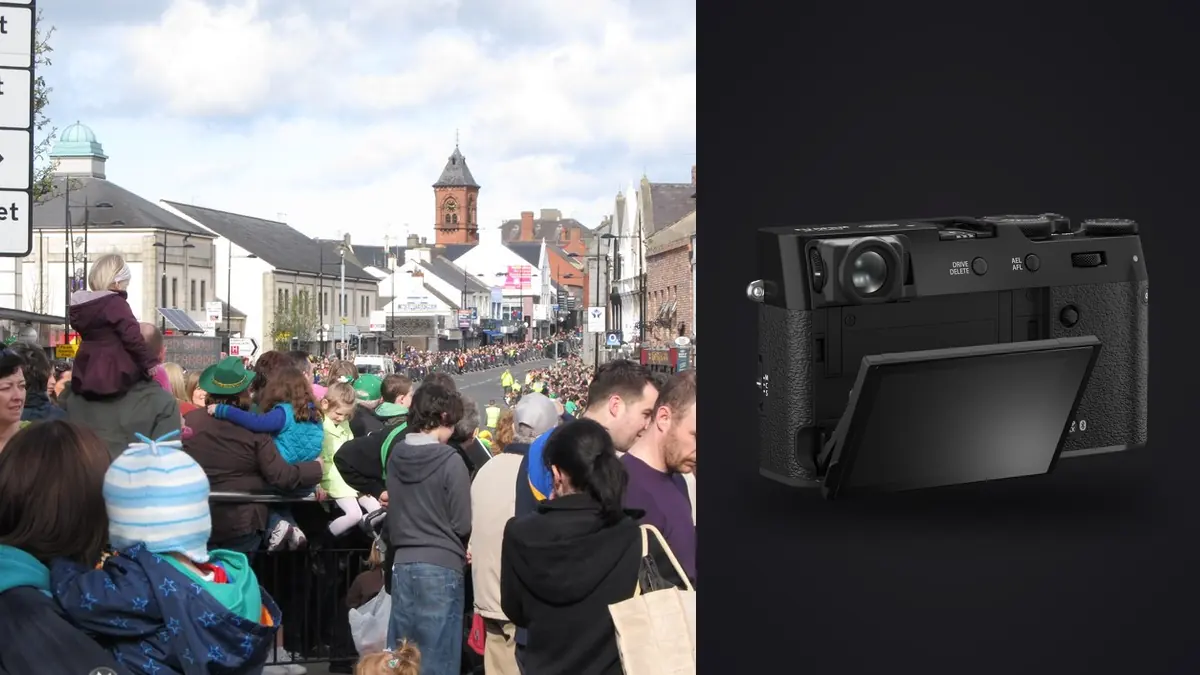
The Fujifilm X100VI encourages a compact, continuous way of photographing. Its fixed 35mm-equivalent view can move from a broad street scene to a close interaction without a lens change, while film-simulation JPEGs can provide an immediate visual direction. That fluidity makes chronology and context especially important: a folder can mix observation, reaction, transition, and personal reference within a few minutes.
This RAW Workflow preserves RAF and JPEG relationships, organizes sequences without stripping documentary context, respects the limits of cropping a fixed-lens frame, and connects publication files to verified captions and privacy decisions. The RAW source remains intact even when the final story uses a strong in-camera JPEG look.
Choose how RAF and JPEG will relate
RAF plus JPEG can serve two distinct purposes. The JPEG records the chosen film simulation and in-camera parameters, while the RAF preserves adjustment latitude and supports another interpretation. Decide whether the JPEG is a reference, a rapid delivery candidate, or the intended final. Store that policy in the project note.
Keep pairs together during ingest. A file browser may sort extensions separately, so use capture number and time to confirm correspondence. Do not delete an apparently redundant JPEG before determining whether it carries the visual intent used while shooting.
If several simulations or custom recipes are used, mark the transition. A camera setting name does not explain why it changed or whether the series should remain visually separate. Preserve the recipe details in notes because a future RAW recreation may not match the camera JPEG exactly.
Capture sequences that respect the fixed view
The fixed lens makes distance part of the visual record. A close frame carries a different relationship to the subject from a crop made later. Use short sequences when gestures develop, but include establishing frames that show place and relative distance. These surrounding images help an editor interpret the close moment.
Use single frames for static geometry and brief bursts for crossing action, interactions, or changing expressions. Stop when the scene changes. A continuous run through several unrelated moments turns culling into a search problem and can make the camera's quiet operation more intrusive than intended.
Set the camera clock accurately and note important locations or events without exposing sensitive details. Silence and compact size do not remove consent, access, or safety responsibilities. Respect clear objections and restrictions even when capture would be technically easy.
Ingest in chronological, card-specific folders
Copy each card into its own originals folder, verify counts and representative RAF and JPEG files, then create a second verified copy on separate storage. Keep source folders unchanged until paired files, clock order, and any duplicate names are reconciled.
Create separate areas for untouched sources, private review, caption research, developed masters, public selects, and delivery. A neutral project code protects identity better than a public filename containing a person's name or exact address. Store descriptive information in a controlled manifest.
When renaming, preserve capture order with a padded sequence and keep a mapping to the original name. Do not sort only by edit rating before the first contact-sheet review. The neighboring frames may explain gesture, direction, or the photographer's position.
Read the contact sheet before judging sharpness
Review the full day or event in chronological blocks. Identify recurring people, visual motifs, changes of neighborhood, and sequences with a clear beginning and end. Mark accidental frames, but leave context visible while the story structure is still being understood.
imagic supports RAF and can analyze sharpness, exposure, closed eyes, composition, and duplicate or burst relationships locally. Its culling statuses do not delete originals. Use grouped frames to compare alternatives, then decide whether subtle changes in expression, sign placement, or background alter documentary meaning.
A technically lower-ranked frame can carry essential context, while a highly ranked composition may repeat an idea already present. Keep technical, narrative, and publication-safety states separate. One star system rarely expresses all three reliably.
Diagnose focus and motion at the intended scale
Inspect the intended subject plane, then stationary edges nearby. If the background is sharp behind a soft subject, focus placement is implicated. If the whole scene moves directionally, camera movement is more likely. A readable face with moving limbs may be an intentional action frame.
Judge the file again at its final dimensions. Full-magnification review is useful for diagnosis but can encourage rejection of a convincing print or web image. Conversely, a small preview can hide focus failure that appears in a large editorial crop. Use both views.
When an automated score seems inconsistent, check freshness. Reselecting a different number of photos only re-ranks stored scores. A scorer change requires the stale-photo reanalysis path before a new technical verdict exists.
Set a crop limit that preserves perspective
A crop can refine the 35mm-equivalent frame, remove an edge distraction, or prepare a square or vertical layout. It cannot reproduce the perspective of a photograph made from another position. Excessive cropping also magnifies noise, focus error, and compression in the eventual derivative.
Keep the full RAF and store crop as a non-destructive instruction. Compare a tight version with the original before publication. If the wider frame reveals a relationship, safety condition, or spatial fact, removing it may change the meaning rather than merely improve composition.
Create channel-specific crops from the master, not from a prior social JPEG. Record important crop coordinates or keep the adjustment metadata so a future export can reproduce the intended frame without repeated resizing and sharpening.
Develop RAF files without erasing the camera reference
Begin with profile, lens correction, white balance, exposure, and contrast. If the JPEG reference drove capture, display it beside the RAW interpretation. The goal may be a close match or a deliberate departure, but the decision should be visible rather than accidental.
Use separate baselines for daylight, shade, transit interiors, and mixed artificial light. Do not neutralize every color cast when it is part of place. At the same time, protect skin and important signage from channel clipping or a grade that changes factual color.
Apply noise reduction and sharpening after crop and output size are known. Fine pavement, hair, rain, foliage, and fabric can become brittle under strong local contrast. Preserve a neutral RAW master even if the final sequence uses monochrome or a pronounced film-simulation look.
Make privacy and redaction a separate pass
Review faces, children, addresses, license plates, screens, documents, medical situations, and vulnerable people at full composition. A face crop alone may not anonymize someone whose clothing, companions, or location are recognizable. Consider purpose, harm, consent, and applicable editorial standards before publication.
Keep unredacted RAF sources restricted and create public derivatives separately. Document any crop, blur, or removal. imagic does not provide generative fill, and fabricated background replacement is particularly unsuitable for documentary claims. Use methods that obscure necessary information without inventing a plausible event.
Exact location metadata may expose a home, refuge, protest participant, or sensitive site. Remove it from public exports when it is not necessary and preserve private notes only under an appropriate retention basis.
Verify captions against sequence evidence
Write what the image and reliable notes establish. Verify names, event, place, and date from appropriate sources. Do not infer occupation, relationship, emotion, nationality, or motive from appearance. An uncertain detail should remain uncertain.
Use adjacent frames to test a caption. A gesture that looks confrontational in isolation may be part of a greeting; a sign may belong to someone behind the subject. Preserve the source sequence even when only one frame is published.
Related process guidance appears under Workflow and Editing, while the desktop page describes local RAF review. Software can organize evidence, but it cannot decide whether a caption is fair or publication is justified.
Export an intentional public set
Build delivery from an approved manifest, not from a broad rating filter. Export JPEG or TIFF with the required dimensions, color profile, naming, metadata, and output sharpening. Choose the destination explicitly and keep public files outside the private originals tree.
Inspect exported crops, orientation, gradients, profile, captions, and location metadata. View the sequence in delivery order and look for repetition or an implied chronology that the source does not support. A technically correct file can still weaken or distort the essay.
Archive RAF sources, paired JPEG references, manifests, captions, adjustment records, redaction notes, and delivered versions. Keep a second protected copy away from the working computer and retain only as long as the project is authorized to retain the material.
Preserve the film-simulation recipe as metadata
A JPEG look may depend on simulation, highlight and shadow settings, color, grain, white-balance shift, and other camera parameters. Record the complete recipe and firmware context in the project note rather than relying on a nickname. Two recipes with similar names can render skin and mixed light differently.
If the RAW development aims to reproduce the JPEG, compare matched pairs on a controlled display and accept that another engine may not render every parameter identically. Preserve the camera JPEG as the reference and save the RAW interpretation under a distinct version.
When the final essay mixes camera JPEGs and developed RAF files, inspect black level, color, grain, and sharpening across the sequence. A single visibly different rendering can look like an editorial time shift even when the frames were consecutive.
Audit the sequence for implied causality
Photographs placed beside each other invite viewers to infer a relationship. Verify that adjacent frames were made in the stated order and location. Do not use a reaction from another moment to intensify an event it did not answer.
Compare the final edit with the chronological source and field notes. Mark any image used illustratively and caption it accordingly. A visually smooth sequence should not come at the cost of false timing, identity, or cause.
Save the final order as a numbered manifest or contact sheet. This preserves the editorial work independently of a file browser's sort setting and makes later revisions explicit.
Retain a short note for every removed image that had been published previously. The note should identify the replacement or reason so archived links, captions, and later syndication do not quietly restore an outdated frame.
Frequently asked questions
Should X100VI JPEG files be deleted after RAF ingest?
Not automatically. A JPEG may preserve the intended film-simulation rendering or serve an approved rapid-delivery role. Define its purpose and keep it linked to the RAF source.
Can a crop make the fixed lens behave like a telephoto?
A crop narrows framing but does not change capture perspective or restore unsampled detail. Judge crop quality and documentary meaning at the intended output size.
Can imagic decide whether a street image should be published?
No. It can assist with local technical review and grouping, while consent, privacy, harm, context, and public-interest decisions require human editorial judgment.