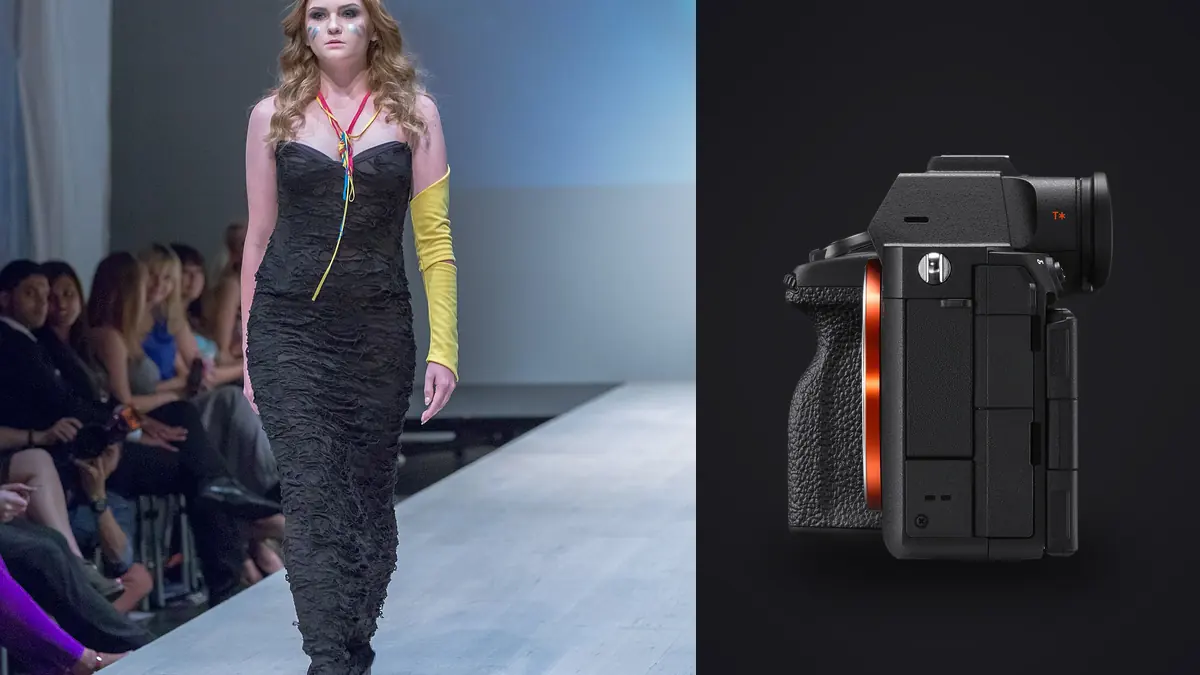
A commercial lookbook is not a loose collection of attractive portraits. It is a controlled record of garments, colorways, styling, and approved poses, usually delivered in an order that must make sense to a designer, retailer, or layout team. The Sony A7R V produces detailed ARW files that support cropping and close inspection, but that detail also exposes focus drift, fabric movement, lint, moire, and small inconsistencies across repeated looks.
This RAW Workflow organizes the job around look identifiers and required deliverables. It keeps tethered capture separate from later local culling, preserves a traceable path from card to approved export, compares focus at realistic output sizes, and establishes color before retouching. The objective is a complete, coherent product story rather than the highest-scoring individual frames.
Convert the shot list into a file map
Give every garment or styled combination a short, stable look code. Connect that code to the product name, colorway, sample size, required orientations, and intended channel in a protected shot list. Do not rely on the camera roll to remember which near-identical black jacket was Look 07 and which was Look 08.
Define required frames before capture: front, back, side, movement, close detail, horizontal banner, vertical social crop, or another client-approved variation. Mark mandatory coverage separately from optional editorial frames. During review, a technically excellent improvisation must not hide the absence of a required back view.
Synchronize cameras and tethering computers, then record a visual slate at each look change. If tethering is used, remember that imagic does not provide tethered capture. Files can be brought into its local workflow after they have been written and copied, while the camera manufacturer's or another compatible tethering tool handles capture.
Capture ARW sequences with stable references
Use an ARW setting appropriate to the quality and storage needs agreed for the job. Avoid switching RAW compression or aspect assumptions mid-look unless the change is documented. Record a color reference and a representative full-length frame under each stable lighting setup. Repeat the reference when light position, modifier, location, or dominant ambient source changes.
Hold white balance and exposure baseline across a look. Auto adjustments can shift as pale and dark garments fill different portions of the frame, making a contact sheet appear inconsistent even when the light did not change. Protect highlights in white fabric, sequins, jewelry, and skin, and inspect the brightest relevant area rather than trusting only the global histogram.
Use brief bursts around fabric movement and steps, then return to deliberate singles for required catalog views. Large unbroken bursts make expression and garment alignment harder to compare. Pause when a strap, hem, collar, or accessory is corrected so the later reviewer can see a clean boundary between the flawed and corrected sequences.
Ingest by card without losing the look code
Copy each card into its own source folder and verify file count, size, and representative ARW files. Create a second verified copy on separate storage before formatting media. Keep tethered captures and card copies distinguishable until duplicates and any missed transfers have been reconciled. A file present in the tether folder may still be absent from the card copy, or vice versa.
Rename only after original folders are safe. A useful working name includes project, look code, camera code, and padded sequence number. Maintain a mapping to the original camera filename. If the same look was revisited later, add a revision marker rather than placing the late frames silently inside the earlier sequence.
Separate originals, review previews, selects, RAW masters, retouching handoffs, proofs, and finals. Product identifiers can live in a manifest or metadata field rather than making filenames unreadably long. The file map should allow a producer to answer which look, which view, which version, and which approval state without opening every image.
Perform a requirement pass before an aesthetic cull
First confirm that every mandatory frame exists. Mark the strongest technically credible candidate for each required view, plus a backup where expression or fabric position is close. Only then build the editorial layer. This order prevents a dramatic walking image from distracting attention from a missing garment detail.
imagic supports ARW and can analyze sharpness, exposure, closed eyes, composition, and duplicate or burst relationships locally. Its statuses are reversible and do not delete source files. Use the signals to locate likely technical failures and comparison groups, but keep look codes and shot-list coverage as the controlling structure.
Closed eyes may be intentional during a turn, and a centered catalog frame may score differently from an asymmetric banner composition. Compare candidates at face, garment, and full-frame views. A fashion keeper must satisfy expression, pose, fabric, product accuracy, and layout, none of which can be reduced to one score.
Inspect high-resolution focus at delivery scale
High-resolution files invite full-magnification inspection, but the client receives a particular output size. Use magnification to diagnose where the focus plane landed and whether motion affected the eye, face, or product detail. Then judge the rendered crop at the intended use. A web listing, full-page print, and close detail insert have different tolerances.
Check several areas in order: intended eye, garment logo or defining seam, hands, moving hem, and background edges. If the face is sharp but the product feature falls outside depth of field, the frame may fail a catalog requirement even though it works editorially. Give those uses separate statuses rather than declaring the file universally good or bad.
If analysis appears inconsistent with visible detail, use the score-freshness check. Reselecting a different number of photographs only re-ranks stored results and does not reanalyze the ARW files. Reanalysis is the relevant step when the scorer version has changed.
Match color and tone look by look
Establish camera profile, lens correction, white balance, exposure, and neutral contrast from the reference frame. Sync only across images made under the same light. Compare the actual garment with an approved reference where color accuracy is contractual. Memory and a saturated display are not reliable product-color standards.
Watch dark fabric texture and pale fabric highlight separation. Lifting black garments too far can reveal noise and flatten the intended material; crushing them can erase seams. Strong local contrast may create false texture in knitwear or emphasize wrinkles that are not visible in the product. Keep adjustments subordinate to faithful material rendering.
A profile learned from the photographer's own approved edits can provide a starting point through imagic's style tools when such a profile exists. It should not be called a universal preset, and it cannot solve a mismatch between two lighting setups. Inspect every look for skin, fabric, brand color, and background continuity after any batch application.
Flag retouching issues without altering product truth
Create a retouch note tied to each selected filename. Separate temporary defects such as lint, dust, or a backdrop mark from product-defining details such as stitching, texture, fit, and construction. The client should approve any change that could make the delivered garment materially different from the sample.
Moire can appear on fine repeating textiles and may vary with pose, distance, crop, and processing. Check the fabric at useful magnification before choosing between near-duplicates. A neighboring frame with a slightly different body angle may solve the pattern more honestly than aggressive blur. Keep the untouched ARW as the reference.
Detailed retouching belongs in an application designed for local work. imagic provides non-destructive photo adjustments and export, but it does not provide layers, generative fill, or full retouching, although Plus and Max include a Heal / Remove brush with clone, red-eye correction and portrait polish for small fixes. Export a suitable master for the retouching handoff, maintain version links, and bring only approved finals into delivery.
Assemble, proof, and deliver the complete lookbook
Arrange the selected files in client order and run a completeness check against the shot list. Review aspect ratio, headroom, foot placement, background level, and color continuity as a set. A lookbook should not alternate unpredictably between warm and cool skin or between dense and lifted blacks unless the creative direction calls for it.
Export proof JPEGs to a dedicated destination with agreed dimensions, profile, naming, and watermark. Inspect the output files themselves. When approvals return, record them at filename level and create finals from the approved masters, not from compressed proofs. Export writes files, so the destination should be chosen explicitly.
The desktop workflow page explains local processing, and related automation topics appear under AI and Technology. Archive original ARW files, shot lists, mappings, adjustments, retouched masters, approvals, and delivered files so every published frame remains traceable.
Reconcile color and framing from additional cameras
A lookbook may combine the A7R V with another body used for motion, behind-the-scenes coverage, or a second focal length. Keep each camera's originals separate during ingest and identify the body in the working filename. Synchronize capture time, then build matched pairs from the same lighting setup rather than trying to compare unrelated frames.
Start camera matching with profile, white balance, exposure, and black level. Match a neutral reference and skin or fabric under the same light, then refine contrast and saturation. Two sensors and RAW processors will not produce identical pixel values, and forcing exact equality can damage one file. The goal is a coherent page sequence at the intended output.
Framing also needs normalization. Different aspect ratios, lens distortion, and camera heights can make product scale jump between pages. Use crop guides based on the approved layout, check vertical references in full-length frames, and preserve enough edge room for print bleed or responsive web crops.
Run a preflight against the commercial brief
Create a table with one row per required deliverable and columns for source ARW, approved crop, retouch version, client approval, and export filename. Resolve blank cells before final export. This catches a missing back view or outdated retouch more reliably than browsing a folder of attractive thumbnails.
Inspect logos, labels, fasteners, hems, shoe pairs, jewelry, and product color at useful magnification. Confirm that a retouch has not removed a defining seam or duplicated a pattern. Compare a selection contact sheet for pose and tone continuity, then inspect individual finals for technical defects.
Finally, open the delivery directory on its own and verify count, sort order, dimensions, color profile, and naming. Store the approved preflight record beside the archive so a later replacement export can be traced to the same source and instructions.
Frequently asked questions
Should the highest-resolution Sony A7R V frame always be the hero image?
No. Resolution supports crop and detail, but expression, product accuracy, focus placement, layout, and client requirements determine the useful frame. Judge the file against its intended output.
Can imagic tether the Sony A7R V during a lookbook?
No. imagic does not provide tethering. Use a compatible capture solution on set, then ingest supported ARW files into imagic for local culling, adjustments, and export.
How should moire on fine fabric be handled?
Compare adjacent poses first because a small angle change may reduce the interference pattern. If correction is still needed, preserve the original ARW and use controlled local retouching without erasing genuine textile detail.