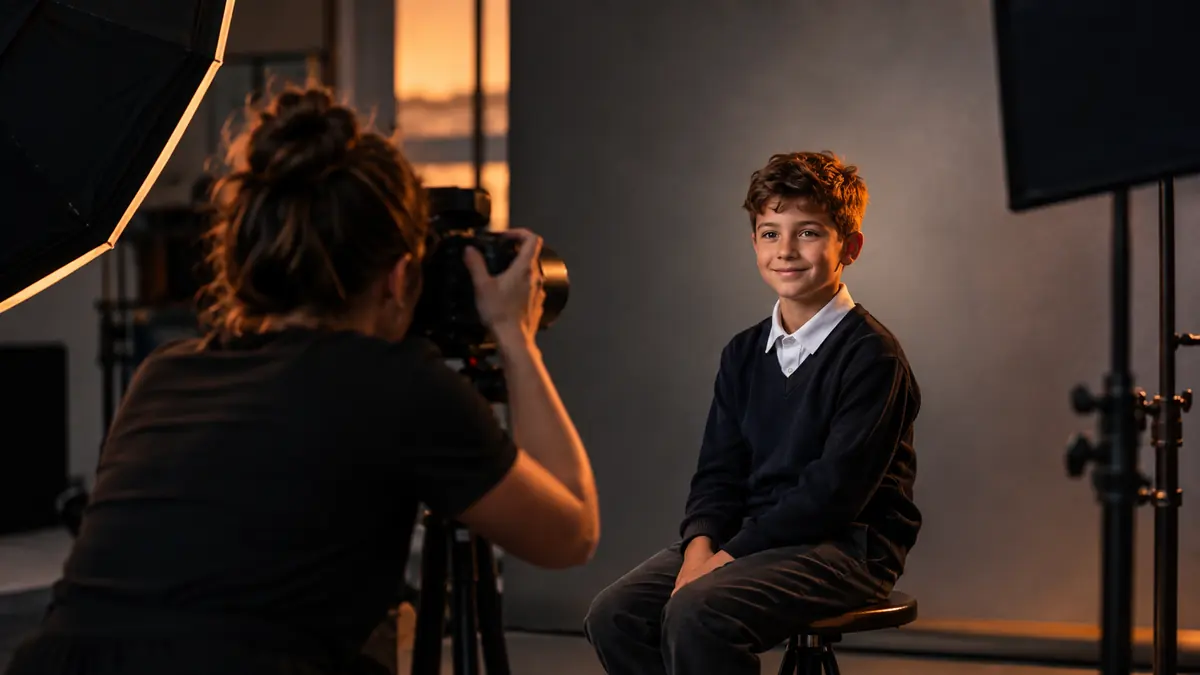
School photography is a volume problem disguised as a portrait job. A single day at one school can mean hundreds of students, each photographed in a nearly identical pose under identical lighting, and the entire job has to be processed, matched to a roster, and delivered on a schedule the school sets, not you. The workflow challenges here are almost the opposite of wedding or event work: less variety, far more repetition.
Per-Subject Best-Frame Picking
Most school photography sessions shoot 3 to 6 frames per student to guard against blinks and awkward expressions. Multiplied across 400 students, that is 1,200 to 2,400 frames representing only 400 final images. The job is not culling a shoot down by roughly half, like a wedding, it is picking exactly one best frame per subject out of a small identical-looking set, over and over, hundreds of times. AI quality scoring, specifically closed-eye detection, is well suited to this narrow, repetitive task: sorting each student's frame group by score surfaces the open-eyes, in-focus frame first instead of making you compare near-identical poses by eye each time.
The Blink Problem at Scale
Closed or half-closed eyes are the single most common reason a school portrait frame gets rejected, and at volume, manually checking every frame for this one issue is exhausting and error-prone by the two-hundredth student. This is exactly the kind of narrow, well-defined check AI scoring handles reliably, since open versus closed eyes is a measurable property, not a subjective call. Running that check first across the full set, then only opening frames flagged as borderline, cuts the tedious part of this job dramatically.
Roster Organization Matters as Much as Editing
The editing itself is usually the smaller half of a school job; matching each final image to the correct student name and class roster, correctly and without mix-ups, is the part that causes real problems if it goes wrong. A consistent folder and file naming convention tied to student ID or roster order at the point of capture (not reconstructed afterward) saves far more time than any editing shortcut, because fixing a misattributed photo after delivery is a parent-facing problem, not just an internal one.
Consistency Across Sessions and Days
Multi-day school seasons mean the same photographer, or different photographers, shooting similar setups across many schools over weeks. Lighting can drift subtly day to day even with a consistent studio setup: a strobe's output shifts slightly, ambient light through a gym window changes with weather. Batch applying one base color and exposure correction per session, rather than assuming last week's settings still apply exactly, keeps a season's worth of deliveries looking like one consistent product rather than a slow drift nobody noticed until a school compared this year's photos to last year's.
Where the Time Actually Goes
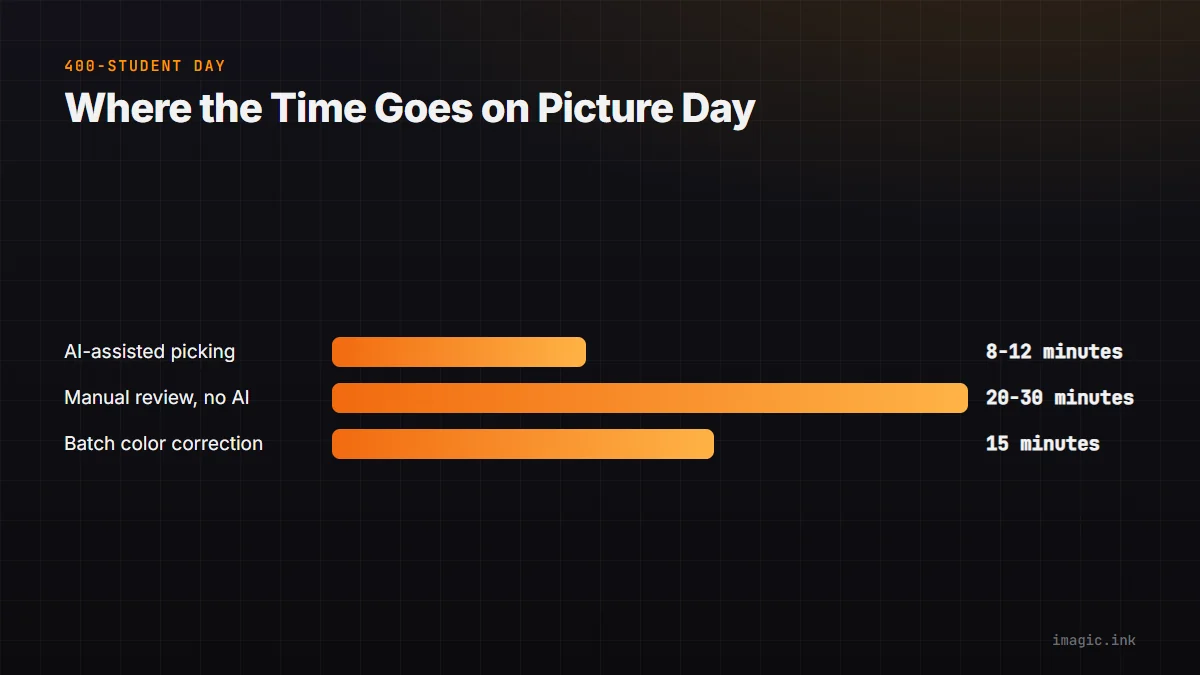
For a 400-student day: per-subject picking with AI-assisted scoring runs roughly 1 to 2 seconds per student once the blink-detection sort is in place, closer to 8 to 12 minutes total for the full roster, versus 20 to 30 minutes reviewing every frame group manually. Batch color correction across the day's sessions adds maybe 15 minutes. Export and roster matching is the remaining, largely mechanical step. See managing burst photography and how duplicate detection saves hours for related volume-processing techniques that carry over well to school and volume photography work, and the tips and workflow archive for more.
Frequently asked questions
How many frames per student is typical for school photography?
Most photographers shoot 3 to 6 frames per student specifically to have backup options for blinks, awkward expressions, or a stray strand of hair, then pick one final frame per subject.
Can AI scoring fix roster matching mistakes?
No, roster matching is a separate, organizational problem from image quality scoring; it needs to be solved with consistent naming and capture order, not with AI culling.
Does lighting really drift across a multi-day school season?
Yes, subtly, whether from strobe output changing over time, different gym or classroom setups, or ambient light varying with weather, which is why a per-session color check is worth the few extra minutes.