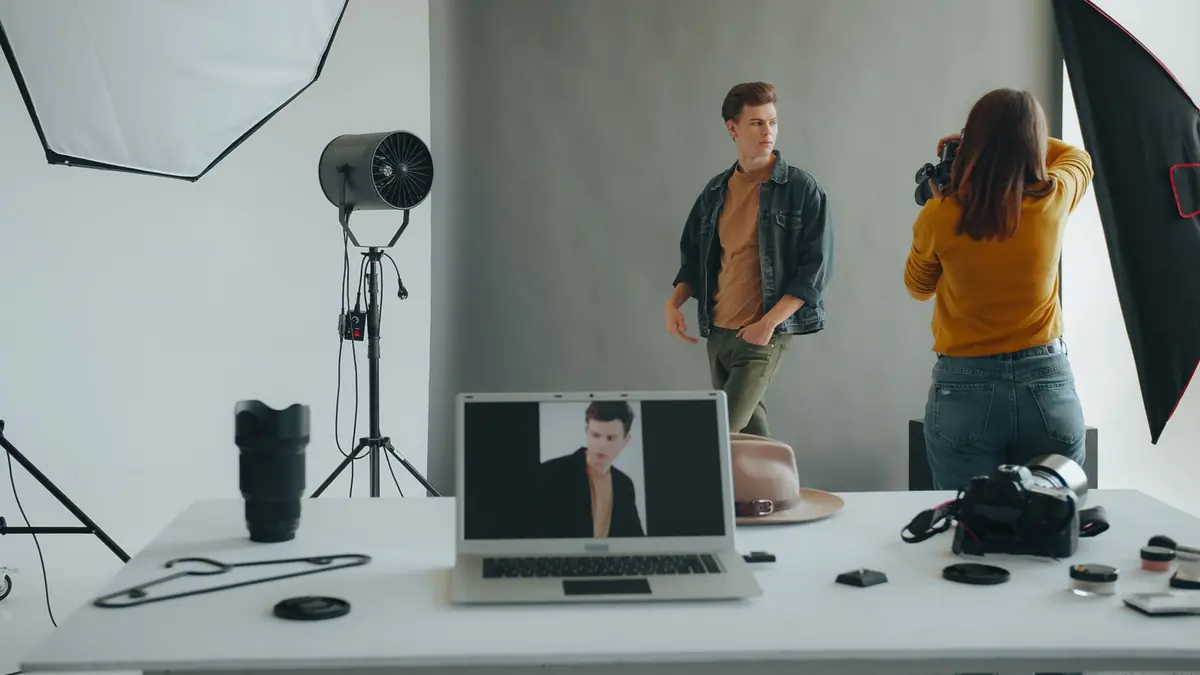
Worth saying plainly up front: imagic does not offer tethered shooting. If live, frame-by-frame tethered capture straight to a large monitor is a hard requirement for your studio, this is not the tool for that specific step, and dedicated tethering software exists for exactly that job. What follows is for the large number of studio photographers who either do not tether, or tether only sometimes and need a fast review rhythm the rest of the time.
Why Studios Tether in the First Place
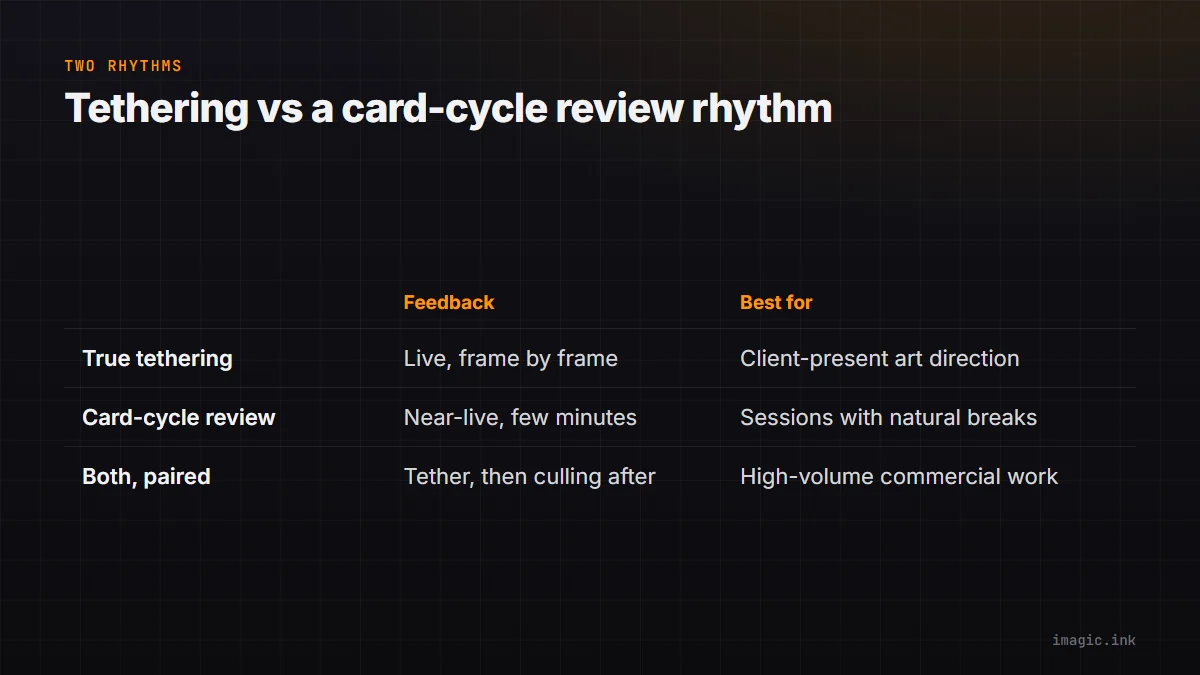
Tethering's real value is immediate, large-screen feedback during capture, useful for client-present shoots where art direction happens live, or for technically demanding setups (precise product lighting, group compositions) where a camera's rear screen is not enough to judge critical focus or framing in the moment. It is a genuinely useful workflow for the specific problem it solves. It is also not the only way to run a tight, fast-feedback studio session.
Card-Cycle Review Rhythm
An alternative rhythm that works well for many studio setups: shoot a set on one card, swap it out during a natural pause (a lighting change, a client break, a setup change), and import the completed set for a fast review while the next card is in use. With a fast card reader and a quick import-and-score pass, this cycle can take only a few minutes, giving you near-live feedback without a permanent tether cable and laptop tied to the camera. For studio work with natural breaks built into the shoot already (most product and portrait sessions have several setup changes per session), this rhythm fits naturally rather than feeling like a compromise.
Instant Culling Between Setups
The review step itself is where this approach either works or falls apart, and this is where automated quality scoring matters most. Importing a card and getting immediate sharpness and exposure flags across the set, rather than clicking through each frame manually, is what makes the card-cycle rhythm fast enough to feel responsive during a live session. A studio photographer moving between lighting setups can check the last set was technically clean in under a minute, catch a missed focus point before moving on, and keep the session moving at a pace that does not feel slower than tethering, just structured differently.
When True Tethering Is Worth a Separate Tool
Some situations genuinely need live tethering rather than a fast card-cycle approximation: client-present shoots where the client wants to see and approve frames in real time, technically unforgiving setups where you need to verify critical focus before moving the subject at all, or high-volume commercial work where every reshoot costs meaningful money. In those cases, pairing dedicated tethering software (like Capture One, which is built around tethered capture) for the live-capture step with imagic for the culling, batch editing, and export side afterward is a reasonable two-tool setup rather than a compromise.
Frequently asked questions
Does imagic support tethered shooting?
No, imagic does not offer live tethered capture. It is built for fast import, culling, and batch editing after capture, which pairs well with a card-cycle review rhythm or alongside dedicated tethering software for the capture step itself.
Is card-cycle review a real substitute for tethering?
For many studio setups with natural session breaks, yes, especially when paired with fast automated quality scoring on import. For client-present art direction or technically unforgiving setups, true live tethering still has a clear advantage.
Can I use tethering software and imagic together?
Yes, this is a common and sensible setup: dedicated tethering software for live capture and client review, then imagic for culling, batch editing, and export once the shoot is complete.
Relevant for product photography studios in particular. More in Tips & Workflow.