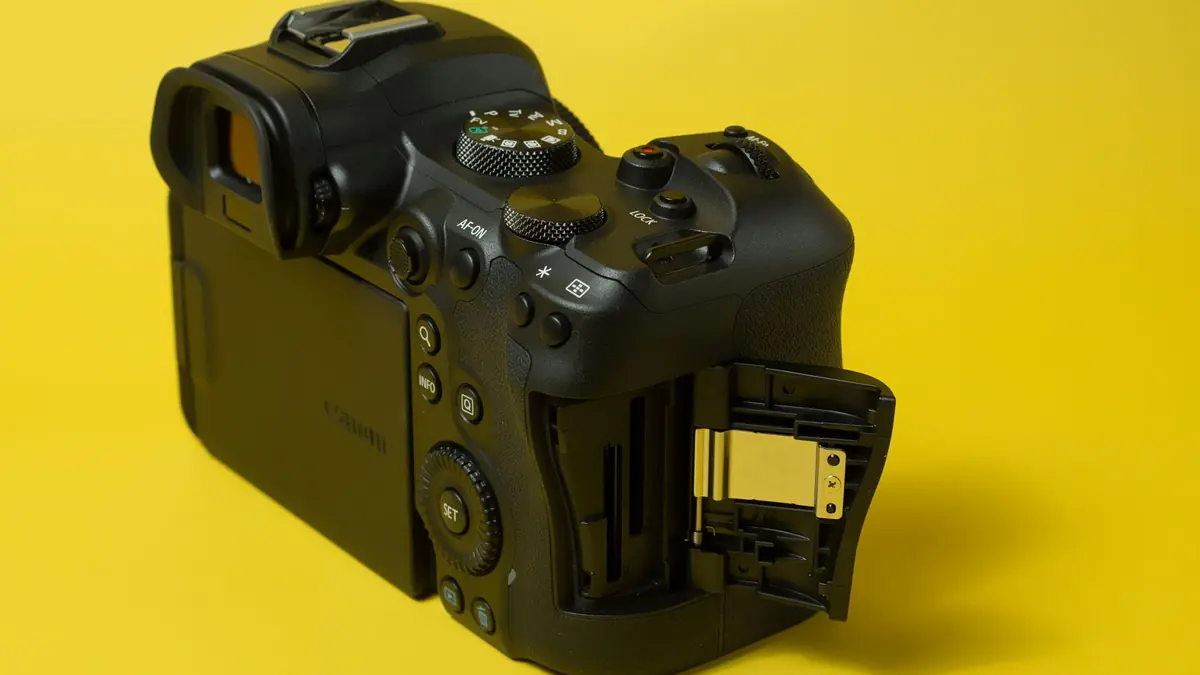
Dual card slots get set once during initial camera setup and then mostly forgotten, which is a shame, because the default configuration is rarely the best one for a given genre. RAW+JPEG dual-slot strategy is worth revisiting deliberately rather than leaving on whatever the camera shipped with.
The Three Real Configurations
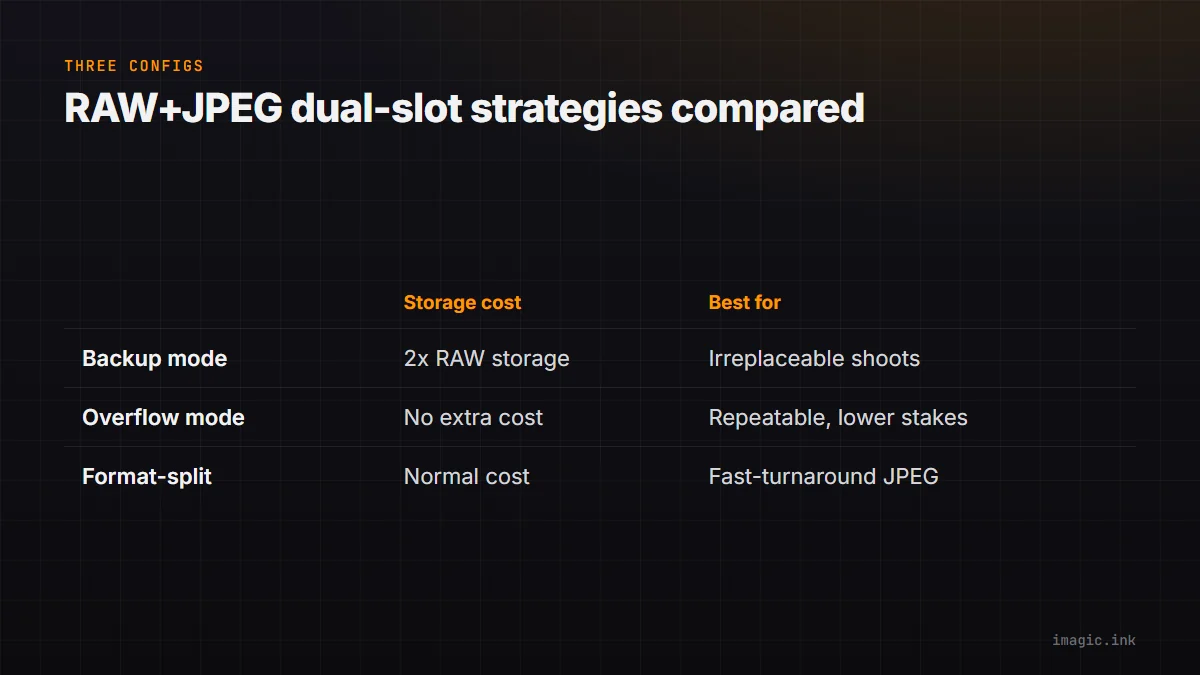
Most dual-slot cameras offer three genuinely different strategies, not just one "safe" default. Backup mode writes identical RAW files to both cards simultaneously, protecting against a single card failure at the cost of double the RAW storage per shoot. Overflow mode fills the first card and spills to the second only once it is full, maximizing usable capacity but leaving files split across two cards with no redundancy. Format-split mode writes RAW to one card and JPEG to the other, giving you a lightweight, immediately usable JPEG set alongside full RAW files, without the storage cost of duplicating RAW itself.
When Backup Mode Is Worth the Storage Cost
Backup mode makes the most sense for irreplaceable, single-attempt shoots: weddings, once-in-a-lifetime events, anything where a card failure mid-shoot would be a genuine catastrophe rather than an inconvenience. The doubled storage requirement is a real cost, but it is trivial compared to the cost of losing a wedding's worth of images to a single failed card with no redundancy. For repeatable or lower-stakes shoots, this cost usually is not worth paying.
When In-Camera JPEGs Are Real Deliverables
Format-split RAW+JPEG is most useful when the JPEG itself has a legitimate, immediate use case rather than being a redundant backup format. News and event photography sometimes require same-day or same-hour delivery, where a quick JPEG export straight off the card, with minimal or no editing, is the actual deliverable, and the RAW file exists purely for a later, more considered edit if one is ever needed. For corporate and event work with fast turnaround expectations, this split gives you both speed and a full-quality fallback without compromising either.
The Storage Cost of Always Shooting Both
Shooting RAW+JPEG as a permanent default, regardless of genre, adds meaningful storage overhead across every shoot, since you are essentially capturing every frame twice in different formats. For genres where the JPEG never actually gets used as a deliverable and exists purely out of habit, this is wasted storage and wasted card-write time with no real benefit. The better approach is choosing a dual-slot strategy deliberately per genre or even per shoot: backup mode for irreplaceable events, format-split for fast-turnaround work, RAW-only overflow for everything else where a single card failure would be recoverable rather than catastrophic.
Frequently asked questions
Should I always shoot RAW+JPEG for safety?
Not necessarily. RAW+JPEG backup mode helps most for irreplaceable shoots where card failure would be catastrophic; for lower-stakes or repeatable work, the added storage cost often is not worth it.
When do in-camera JPEGs actually get used as final deliverables?
Mainly in fast-turnaround genres like news and some event or corporate work, where same-day delivery matters more than the extra editing latitude RAW provides, and a lightly processed JPEG is genuinely good enough.
What is the downside of shooting RAW+JPEG on every shoot?
It roughly doubles the storage and card-write demand per shoot compared to RAW alone, which adds up quickly across a busy season if the JPEG files are not actually being used for anything.
See also RAW vs JPEG for workflow. imagic processes CR3 and other native RAW formats directly. More in Tips & Workflow.