AI picks your best shots, collapses duplicates, and batch-edits thousands of RAW files. Try the complete desktop workflow free for 500 exports, then pay once only if it fits.
Full desktop app · No credit card · Nothing to cancel
imagic Max ships an MCP server. Drive it from the AI tools you already use.
All product names and logos are trademarks of their respective owners. Compatibility does not imply endorsement.
Point Claude, Cursor, Codex or Copilot at your library and let it cull, edit and export. A short calibration on 8 of your own photos teaches it your taste, so automated passes match your style, not a preset.
Tap to see RAW
From folder to finished exports. No catalogues to manage, no import settings to configure. Point imagic at a folder and go.
Point imagic at any folder. It scans and catalogs every photo, RAW, JPEG and TIFF included, subfolders too. One click to begin.
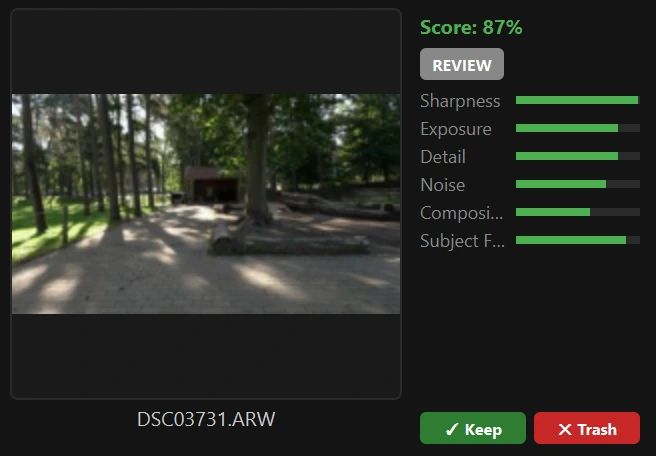
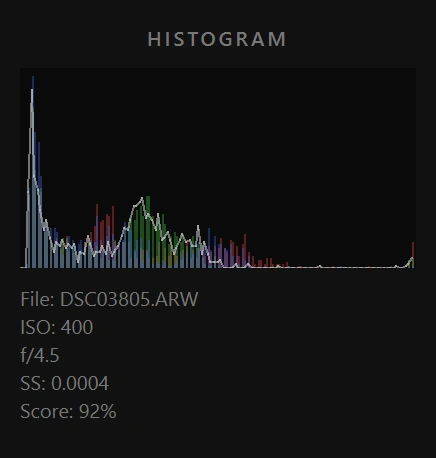
AI scores every shot on sharpness, exposure, noise, composition and detail. Duplicates are flagged automatically. Results in minutes, not hours.
See per-metric breakdowns at a glance, including face detection. Keep or trash each shot with one click, and the AI learns from every decision.
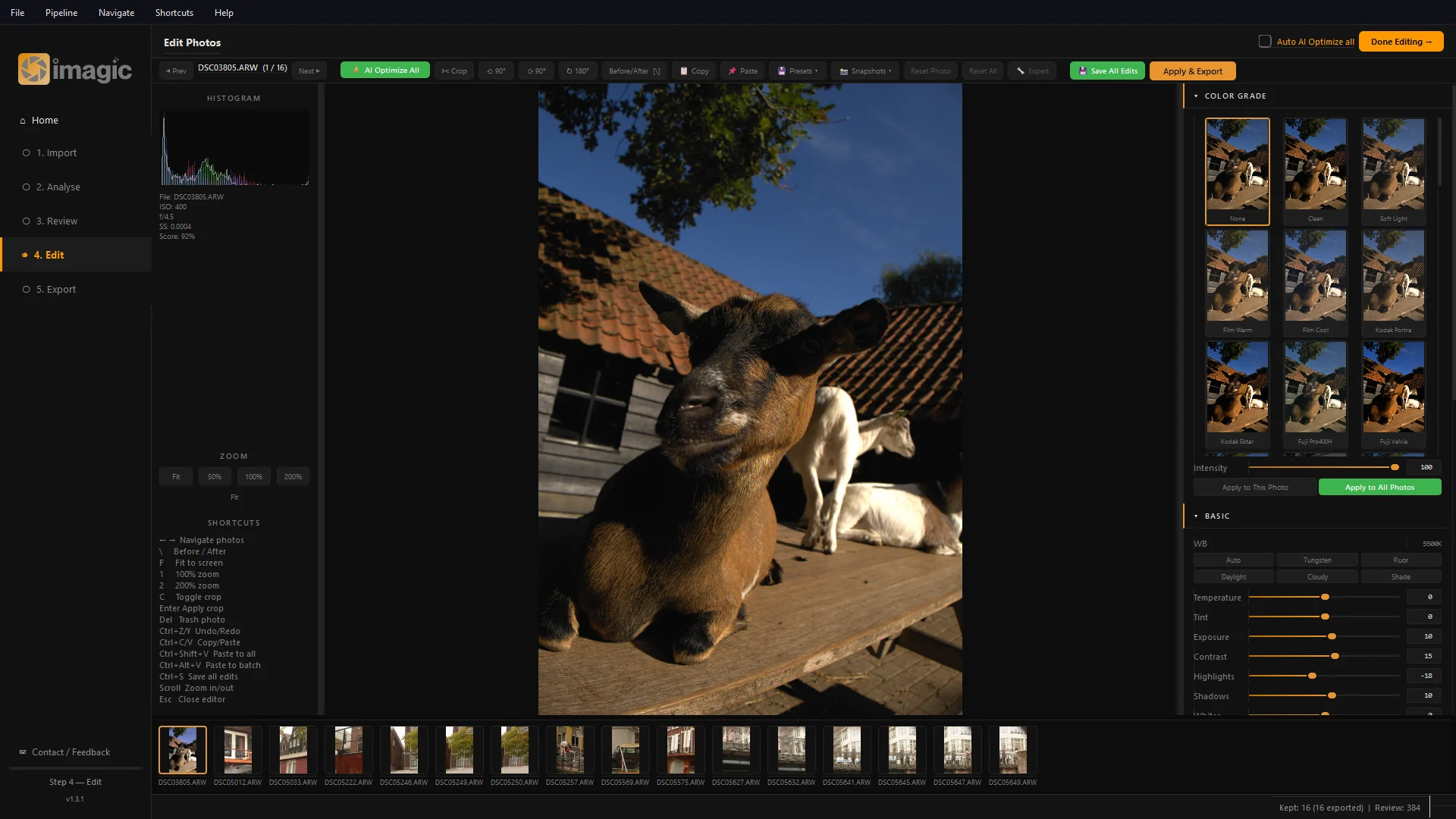
A full manual editor: exposure, curves, HSL, crop and local adjustments, plus presets, LUTs and cinematic grades with live previews. Non-destructive, always.
Parallel, multi-threaded export through imagic's own processing engine. Thousands of photos, hands-free, with your edits baked in.
Tap to see RAW
Scores, sorts, de-duplicates and batch-edits, then hands the creative decisions back to you. Every suggestion can be overridden.
Sharpness, exposure, noise, composition and detail, plus subject focus. One score you can sort by.
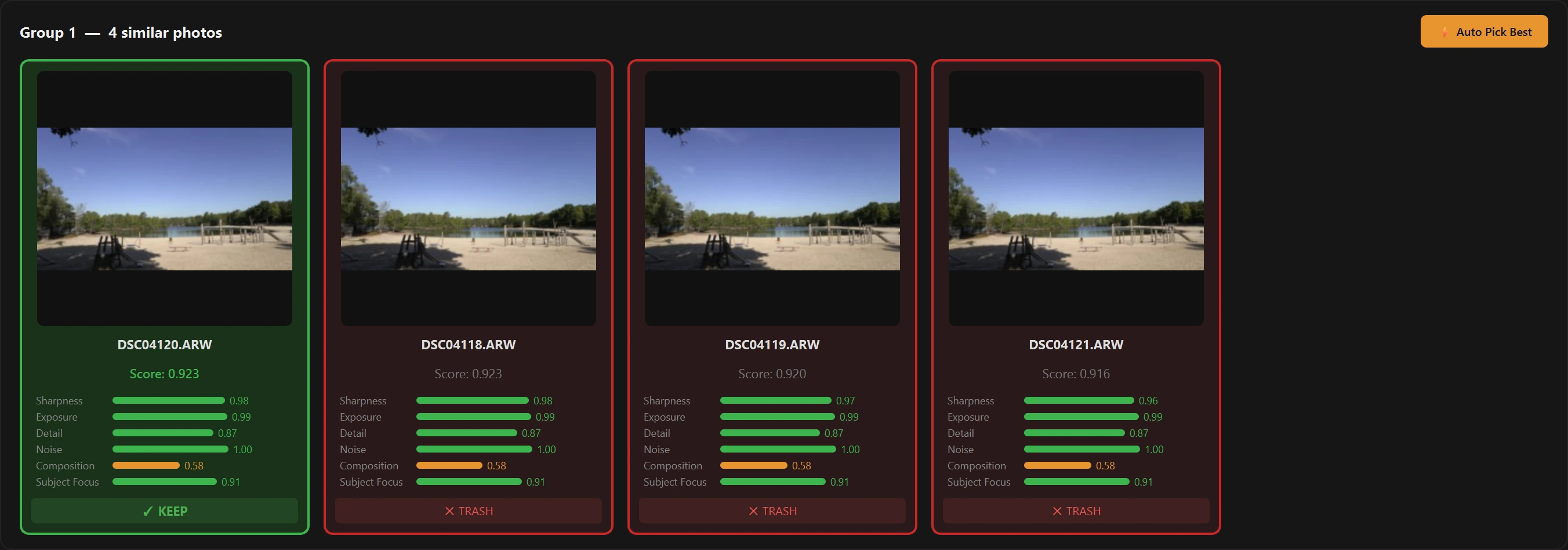
Bursts & duplicates
Perceptual hashing groups near-identical frames and pre-selects the sharpest. The rest are one click from the bin.
The keepers float to the top before you open a single file. Everything runs on your machine, nothing is uploaded.
Every keep and trash decision feeds back into the scoring weights. After a few sessions the AI's first pass looks like your own.
True demosaicing for Canon, Nikon, Sony, Fujifilm, Olympus, Panasonic, Pentax and DNG. Included at every tier.
AI masking for subject, sky, people and background, heal and clone, portrait polish, lens blur, watermarking for client delivery.
Heavy models when you need them: neural noise reduction, super-resolution upscale, enhance details, and CLIP search across the whole library.
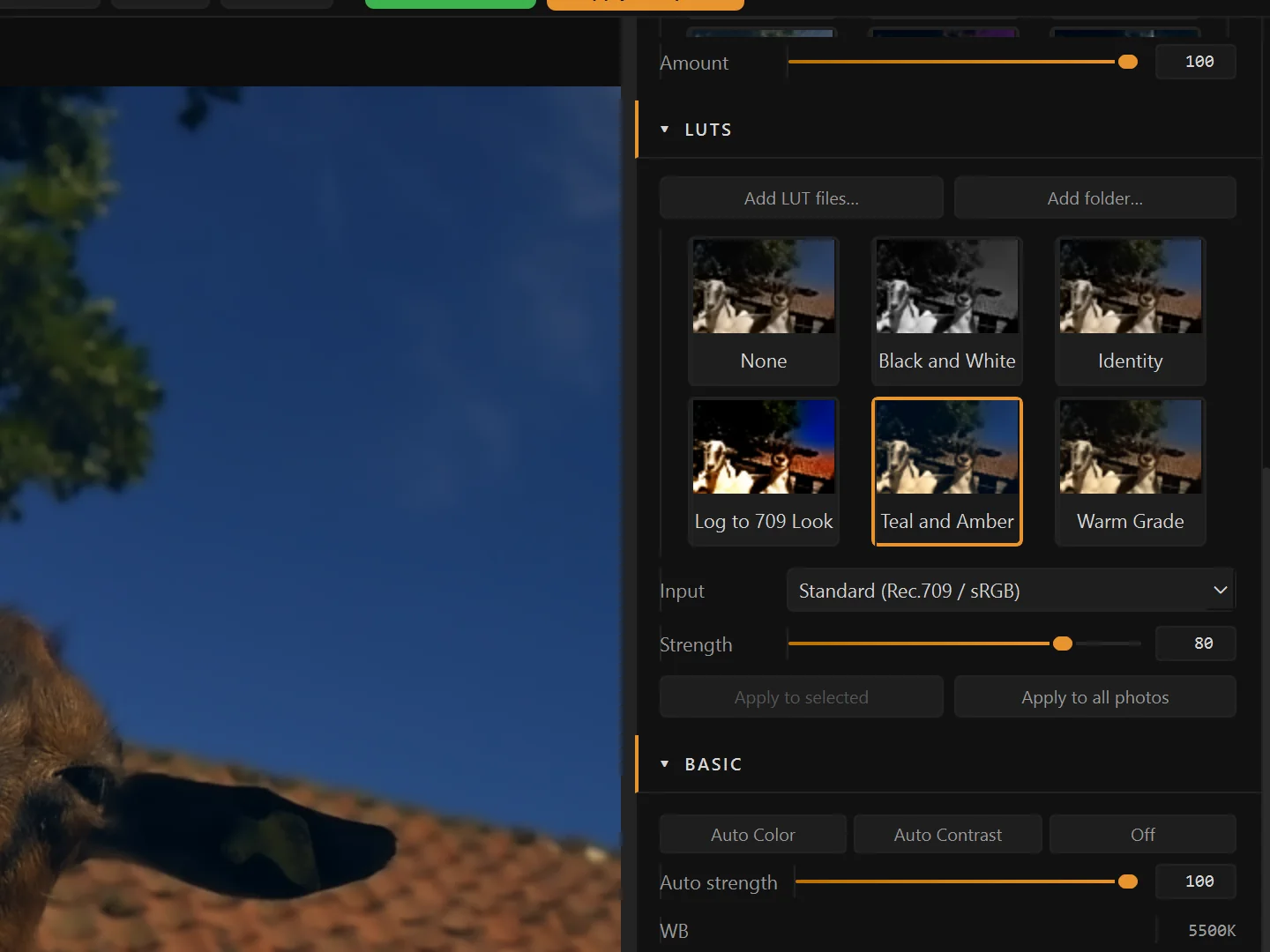
Load the looks you already own, set how strongly they land, and they are baked into every file you export.
Drag from no LUT to full strength. Most looks sit best somewhere short of 100, so every LUT gets a 0 to 100 slider. Try it on the photo.
Both frames are exported by imagic from the same RAW with the same edit. The look is a LUT we generated for this demo; the slider blends the two exports, which is what Strength does.
Load a log-to-Rec.709 LUT and a flat log frame comes out graded. Making a still look with a log LUT? Set the LUT's input to S-Log3, V-Log or F-Log and imagic converts the photo to that log space first.
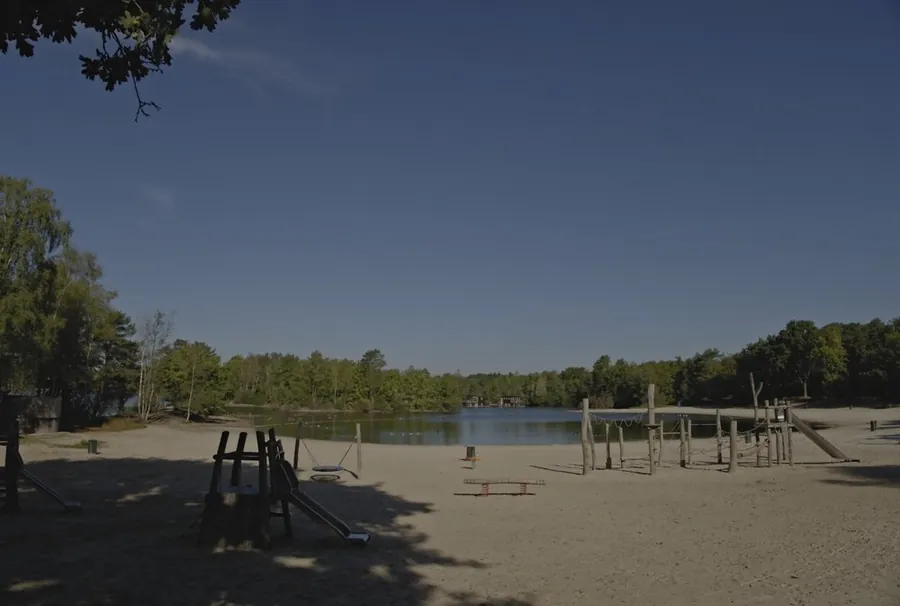
The flat frame is a Holland photo run through imagic's S-Log3 curve, standing in for camera log. The look is a log-to-Rec.709 LUT we generated.
Each tile previews the LUT on your own photo. Apply one to this photo, a selection or the whole shoot. It stays a setting, not a flattened file, so you can change it later.
LUTs come with every tier, Lite included; the AI assistant tools need Max, and the free trial includes everything in Max. imagic ships three free sample LUTs and bundles nobody else's. Your LUT is applied after the rest of your edit, on imagic's own render, so a look can differ from other editors. Sending a photo to Lightroom? LUTs do not travel in the XMP file, so imagic warns you and the exported file carries the baked look.
Tap to see RAW
imagic does what Lightroom does, faster, simpler, and without the $120-a-year subscription.
Tap to see RAW
“Makes my job so much easier. Wish it was a little more strict and I could say only keep my best 30.”
He asked for a keep limit. It shipped as the keep-limit bar in Review.
No subscription. Buy once, update forever: every licence includes all future imagic versions and new camera support for its tier. Upgrade any time for the difference. Every tier shares the same download and the same RAW engine.
The clean entry tier for a pro cull-to-export pass.
The retouch and masking toolkit for polished client galleries.
The full AI workstation, from agent-driven automation to every heavy model.
Upgrading later? Pay only the difference: Lite → Plus is €30, Plus → Max is €50, Lite → Max is €80. No markup, no re-buying what you already own.
Try the full desktop workflow free: cull and edit without limit, and your first 500 exports are on us. No card required, no subscription, and nothing to cancel. Buy during the launch sale and every tier is 50% off.
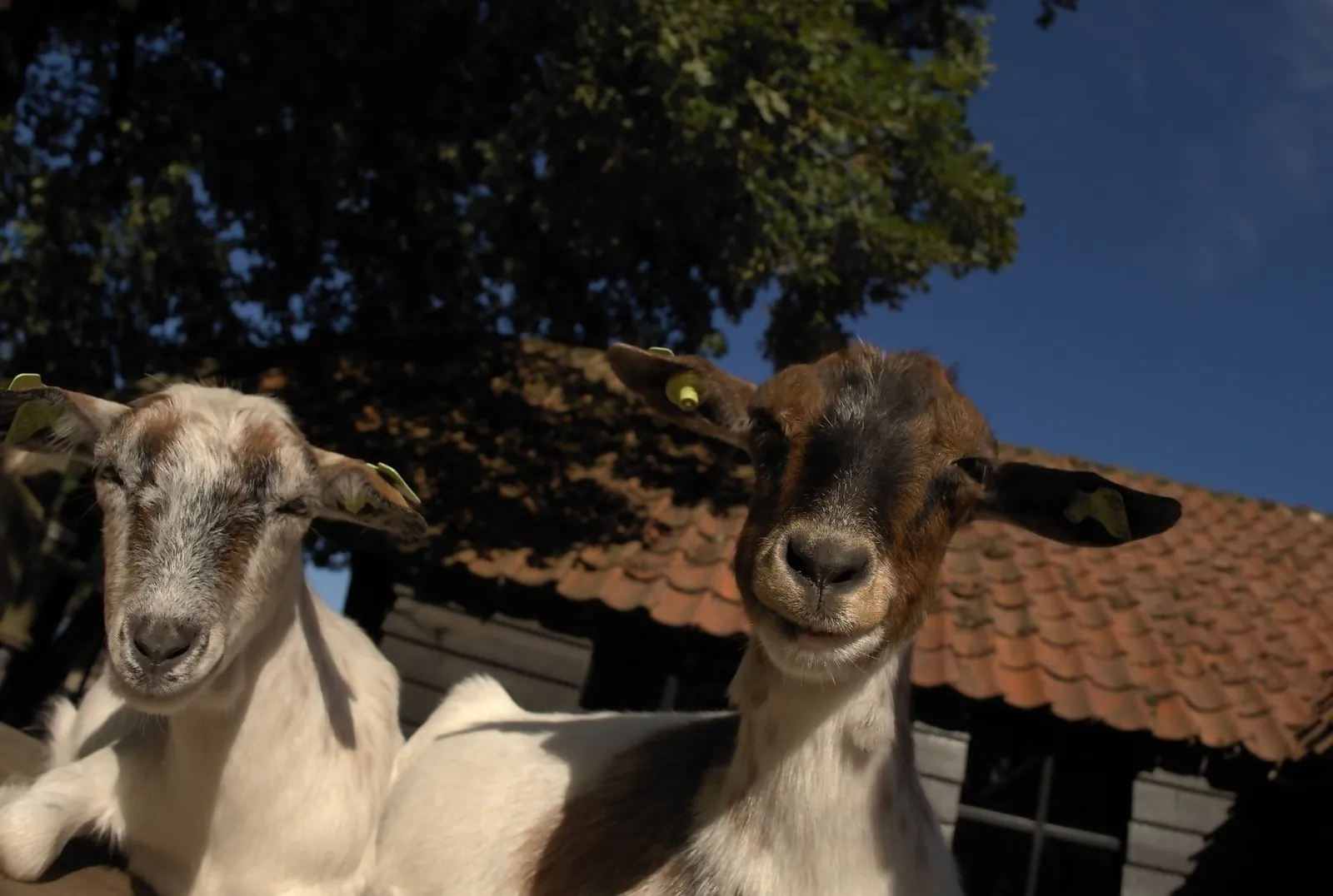
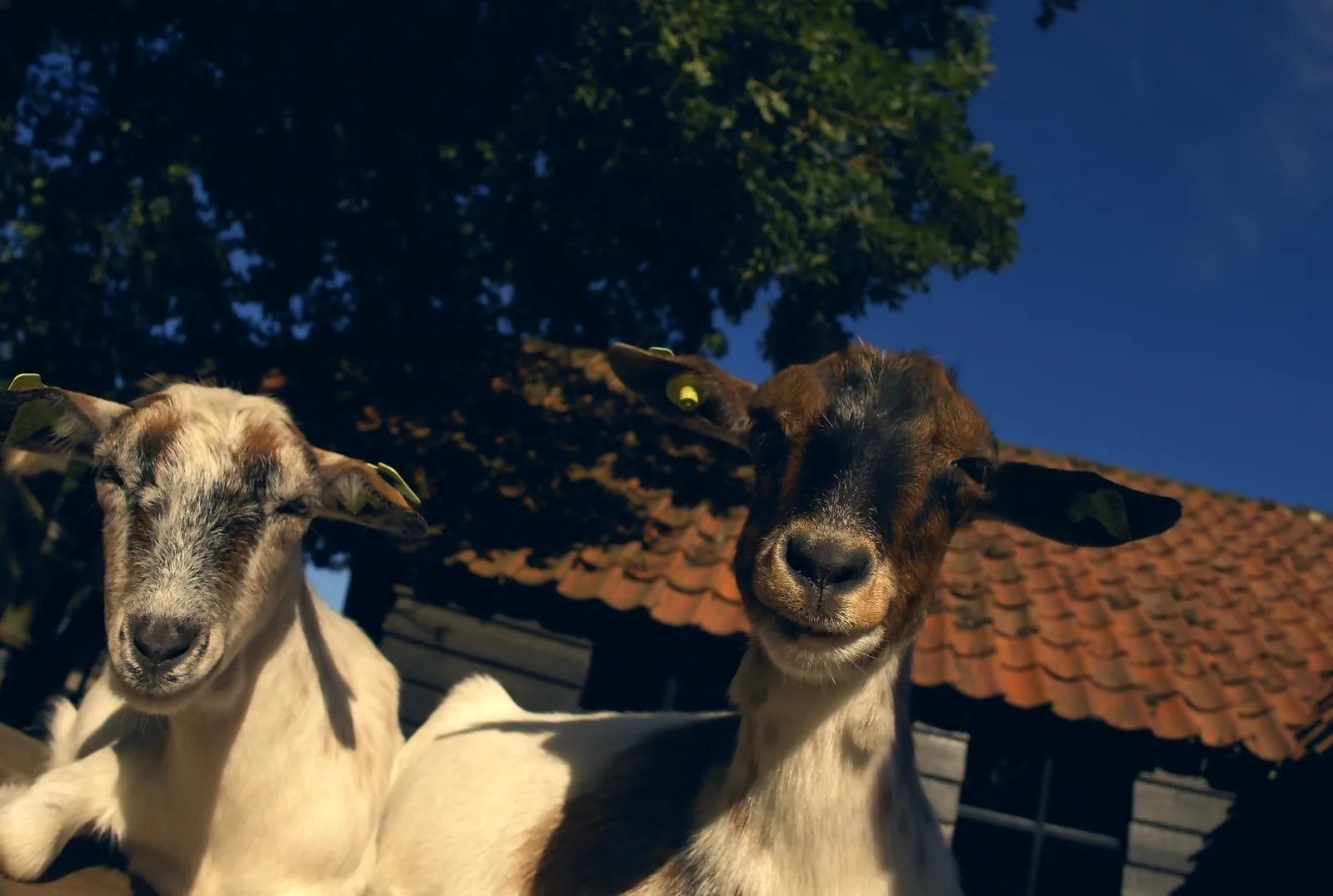
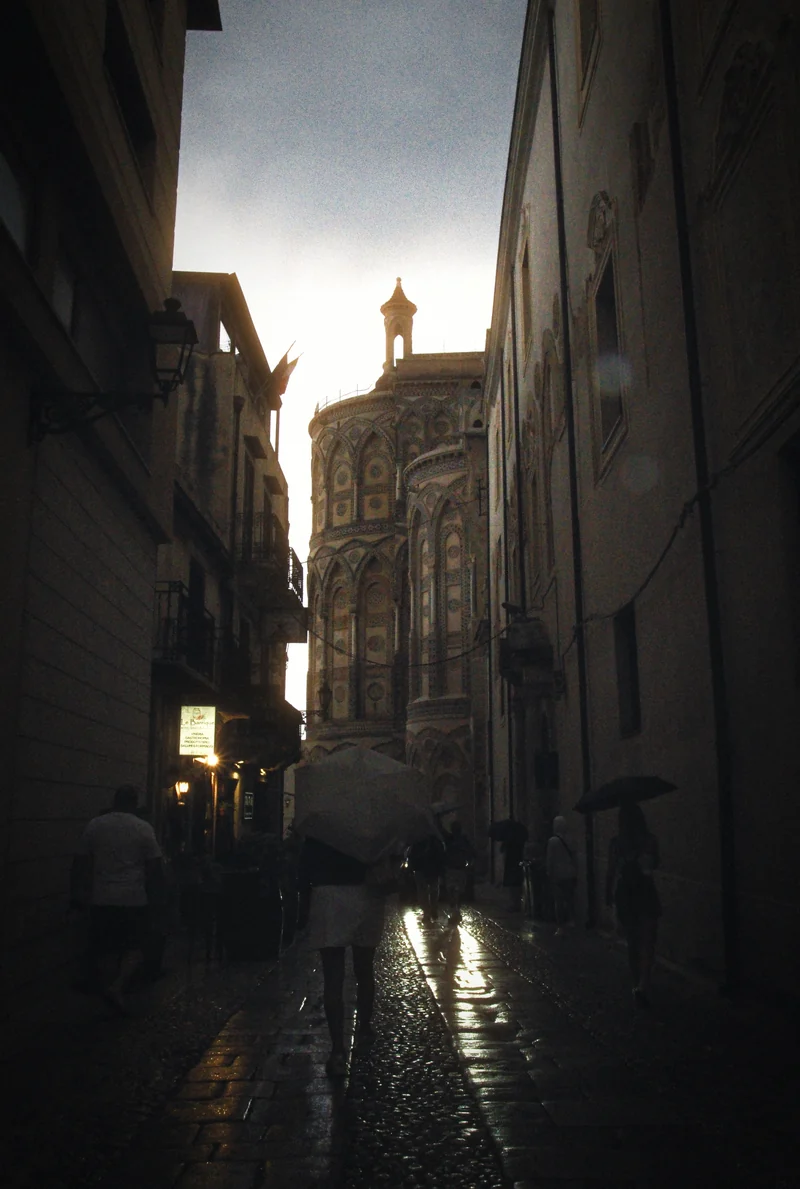
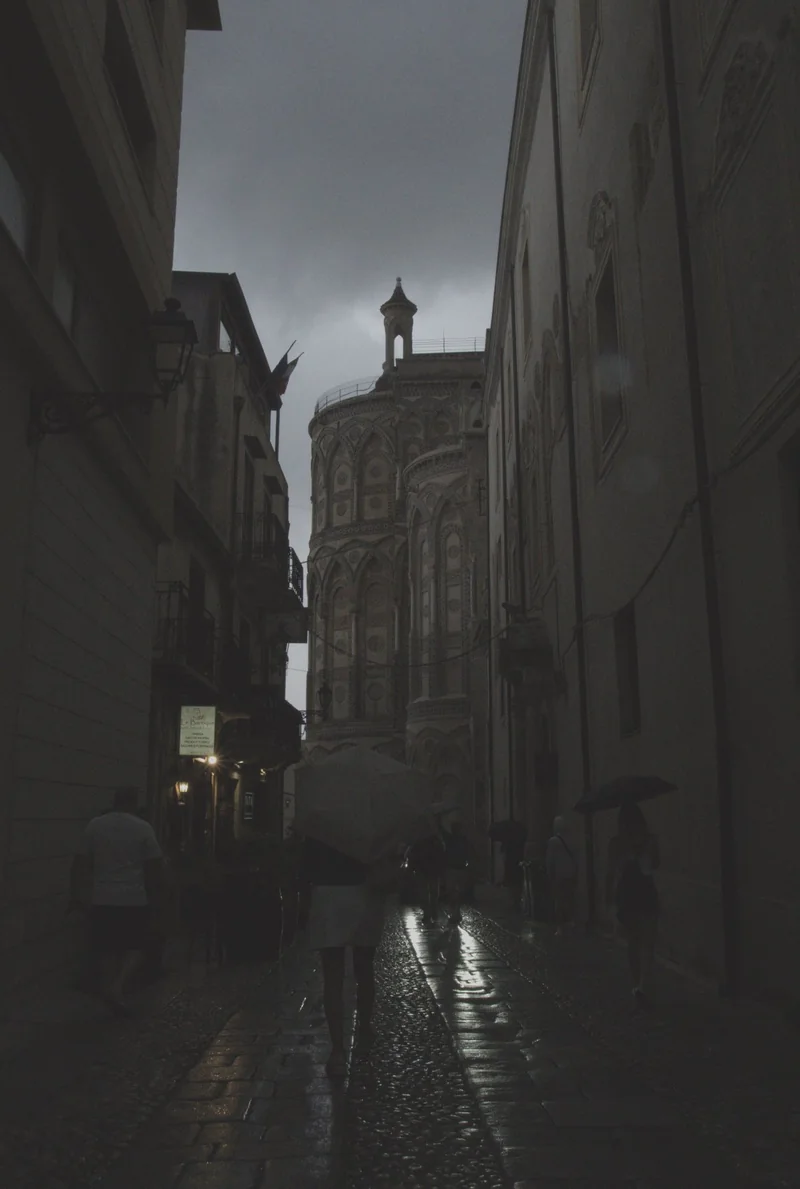
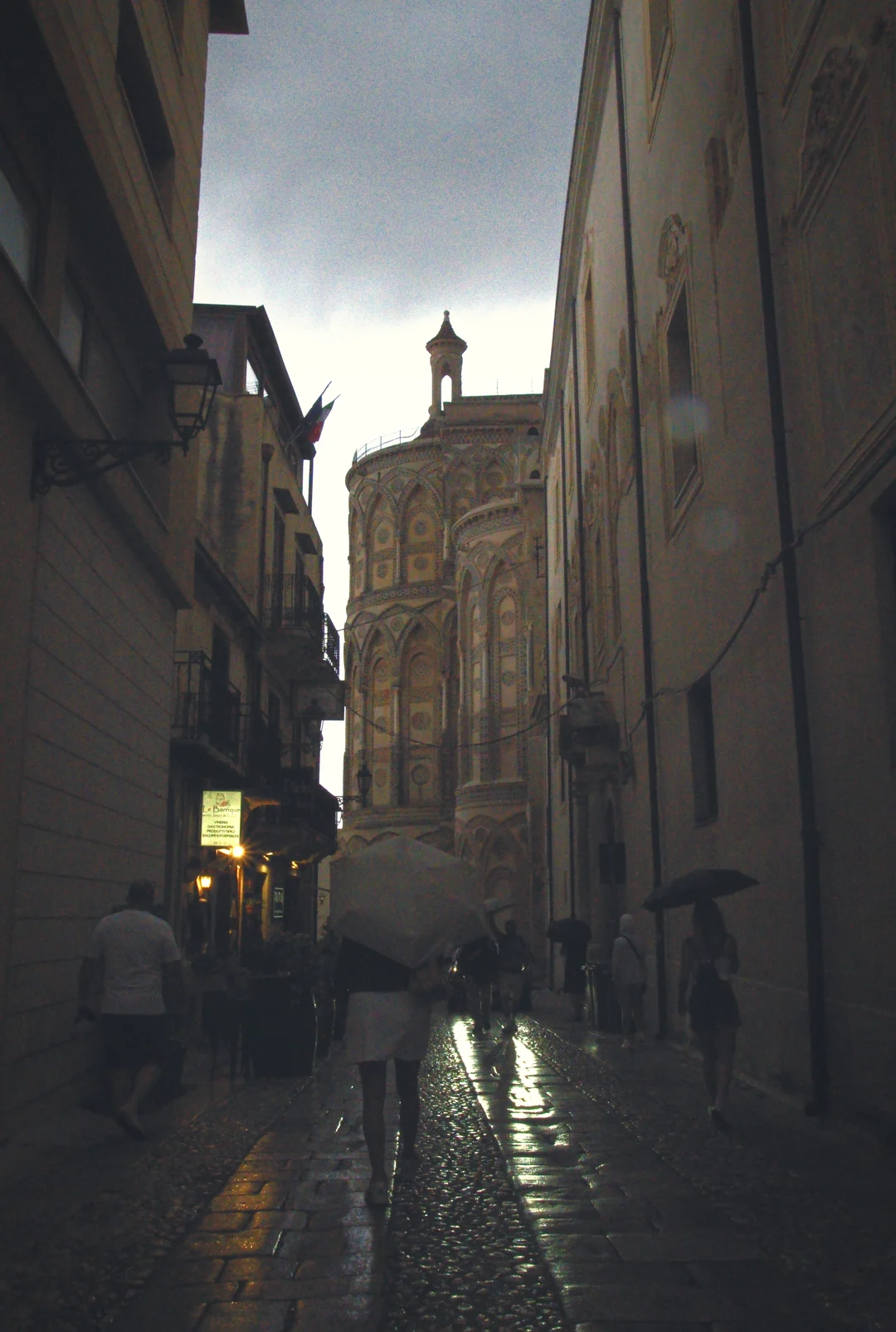
Same RAW, four of my edits.
Yes. Start with a free 500-export trial and no credit card, the trial includes everything in imagic Max. If imagic fits your workflow, keep it with a one-time license starting at €19 and no recurring fees. Three tiers: Lite, Plus, and Max.
Yes. Buy once, update forever: every licence includes all future imagic versions and new camera support for its tier. This covers Lite, Plus and Max alike, at no extra cost, for the life of the product: no paid major versions and no update plan to renew. Moving up a tier (Lite to Plus, Plus to Max) is the only paid change, and costs just the difference in price.
imagic runs natively on Windows and macOS, and the same license key activates on both. For Linux there is a portable .tar.gz on the download page, published less often than the Windows and macOS installers (currently version 1.3.11).
imagic supports all major RAW formats: CR2 & CR3 (Canon), NEF (Nikon), ARW (Sony), RAF (Fujifilm), ORF (Olympus), RW2 (Panasonic), DNG (Universal/Adobe), PEF (Pentax), plus JPEG, PNG, TIFF, and WebP.
imagic's AI analyses every photo across 5 quality metrics: sharpness, exposure, noise, composition, and detail. Each photo gets an overall score. The AI automatically flags duplicates and burst groups, selecting the sharpest shot from each group. You can keep or trash photos with a single click, and the AI learns your preferences over time.
For most photographers, yes. Try the full Lightroom-style workflow free for 500 exports, including built-in AI culling. If it fits, pay from €19 once instead of $9.99 every month. RAW processing is included at every tier.
Measured on a 14-core desktop PC, imagic imports 1,000 RAW files from 24 to 27 MP cameras in about a minute and analyses and sorts them in about 6 minutes. See the system requirements and dated benchmark for the hardware and method. Manually culling 1,000 photos in Lightroom takes 2 to 3 hours. imagic reduces culling time by up to 10×, meaning a typical wedding shoot of 3,000 photos takes minutes instead of a full day.
No. imagic processes everything 100% locally on your machine. No photos are ever uploaded to any cloud server. An internet connection is only needed for initial license key activation. This means your photos stay private and processing speeds are only limited by your hardware.
Yes. imagic's feedback learning system tracks your keep/trash decisions, the manual edits you make, and the color grades you prefer. Over time, the AI adjusts its scoring weights to better reflect your personal taste, like training a photo editor who knows exactly what you look for.
You already have imagic Max, forever, free. Every license bought before the tiers launched was upgraded automatically, no action needed on your end.
imagic used to be one $10 price. We split it into three tiers, Lite, Plus, and Max, so we can keep building the heavier AI features without pricing out hobbyists who just want a clean cull-to-export pass. Nobody who already bought lost anything.