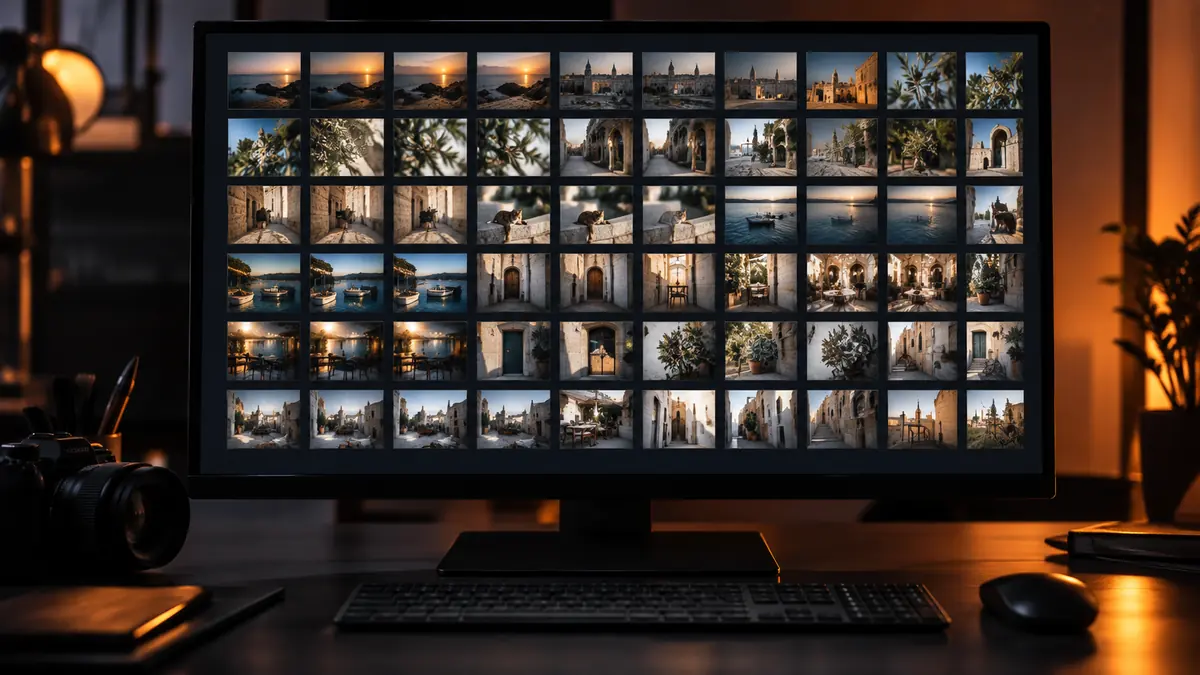
The fear that stops a lot of photographers from batch editing more aggressively is the cookie-cutter look: every photo getting the exact same treatment regardless of whether the light, scene, or subject actually calls for it. That fear is reasonable when batch editing is done carelessly. It is avoidable with a structure that keeps the speed of batch adjustment without flattening every image into the same look.
One Style as a Base Layer, Not a Final Answer
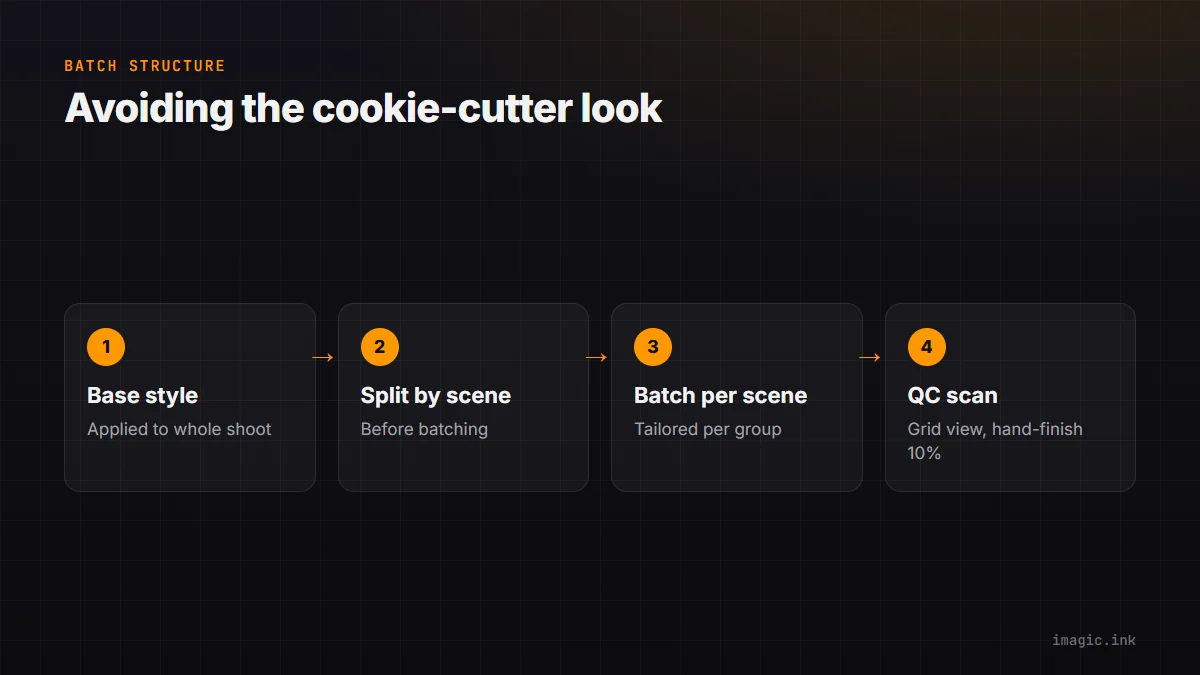
The mental shift that fixes most cookie-cutter batch editing is treating a batch-applied style as a starting point rather than a finished edit. A consistent base, your usual white balance tendency, contrast curve, and color grading, gets applied across the whole shoot first, doing the bulk of the repetitive work in one pass. What comes after that base layer, targeted adjustments on images that need something different, is what actually prevents the flattened look, and it is a much smaller, faster task than editing every image individually from a blank slate.
Scene-Splitting Before You Batch
Applying one style across an entire mixed shoot, indoor ceremony, outdoor golden hour reception, dim reception hall, is where cookie-cutter results actually come from, not from batch editing itself. The fix is splitting a shoot into scene groups first, by lighting condition, location, or time of day, before applying any batch adjustment, then applying a tailored base style to each group rather than one style to the entire shoot. This takes a few extra minutes of sorting up front and prevents the single most common batch editing failure: one exposure and white balance recipe fighting three genuinely different lighting situations within the same shoot.
The 90/10 Rule
A useful working rule: batch editing should handle roughly 90 percent of the total adjustment for most images, with the remaining 10 percent reserved for genuine hand-finishing on standout or problem images, hero shots, tricky mixed lighting, a moment worth extra attention. This is not a strict measurement, it is a reminder that batch editing is meant to handle the bulk of the repetitive work, not the entirety of it, and that reserving deliberate hand-finishing time for a small, chosen subset produces a better result than either fully manual editing of everything or fully hands-off batch processing of everything. imagic's batch editing tools apply a style across a full selection while leaving room for that final targeted pass on the images that need it. How to do batch photo editing without a subscription covers the mechanics of applying a batch style in more depth.
The QC Scan Technique
After a batch pass, a fast quality-control scan, scrolling through the finished set at thumbnail or grid size rather than opening each image individually, is the quickest way to catch the images that genuinely need special attention before delivery. At grid size, exposure or color mismatches that would blend into an image-by-image review become obvious, since your eye is comparing neighboring thumbnails rather than judging each image in isolation. This scan typically takes a few minutes for a few hundred images and catches the handful that actually need hand-finishing, rather than requiring a full individual review of every frame.
Why This Structure Beats Both Extremes
Fully manual, image-by-image editing produces the most tailored result but does not scale to volume; fully automated batch editing with no follow-up scales perfectly but risks the flattened look photographers rightly worry about. The base-layer-plus-QC-scan-plus-targeted-finishing structure sits between those extremes deliberately, keeping most of batch editing's speed while catching and fixing the specific images where uniform treatment would actually show. The guides section covers more workflow structures built around this same principle of separating repetitive work from judgment work.
Frequently asked questions
How many scene groups should a typical shoot be split into?
It depends on the shoot, but two to four groups based on distinct lighting conditions is typical for most events. Splitting further than the actual lighting changes warrant adds sorting time without improving the result.
Does the 90/10 rule apply to every genre of photography?
It is a general guideline more than a fixed rule, and the right ratio shifts by genre. Highly editorial or fine-art work often needs more hand-finishing, while high-volume event work can lean further toward batch.
Can a QC scan catch problems a per-image review would miss?
Yes, specifically consistency problems. Viewing images side by side at grid size surfaces mismatches between neighboring frames that are much harder to spot when reviewing each image individually and in isolation.