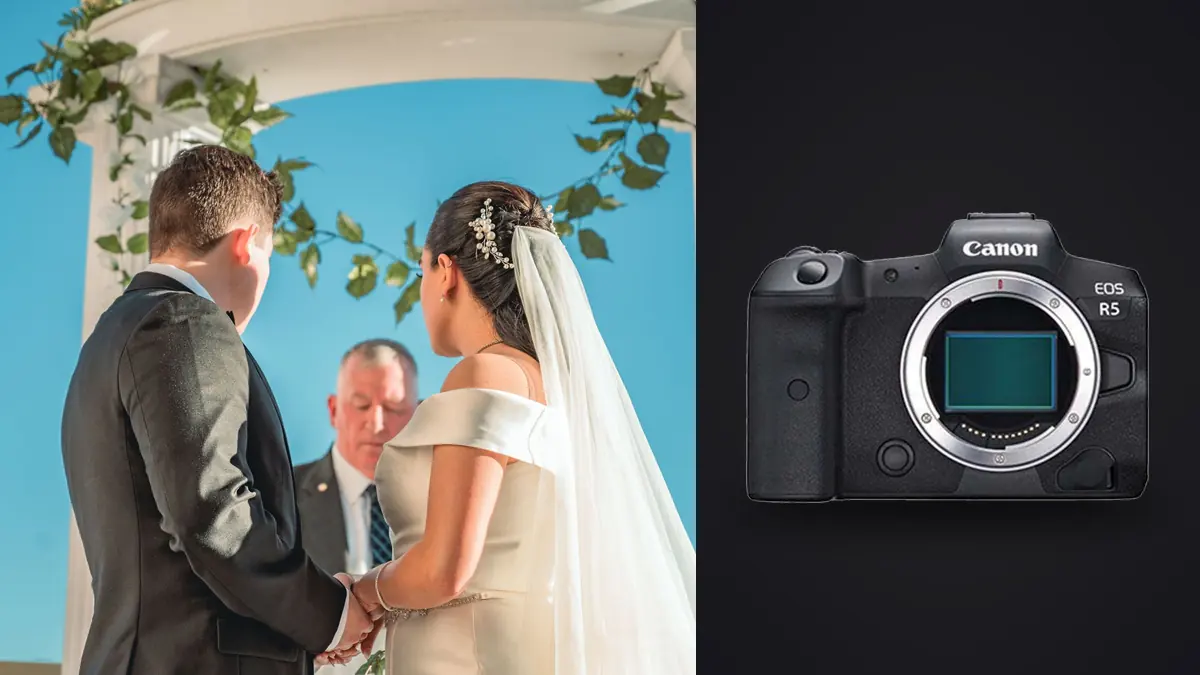
The Canon EOS R5's 45MP sensor is genuinely good for wedding work, cropping room for tight ceremony seats, detail for print-worthy portraits, but it also means a typical wedding produces file sizes and frame counts that punish a sloppy workflow. Here is a Canon R5 wedding photography workflow built around the specific pain points that resolution creates.
CR3 vs C-RAW: Choosing Before the Wedding Starts
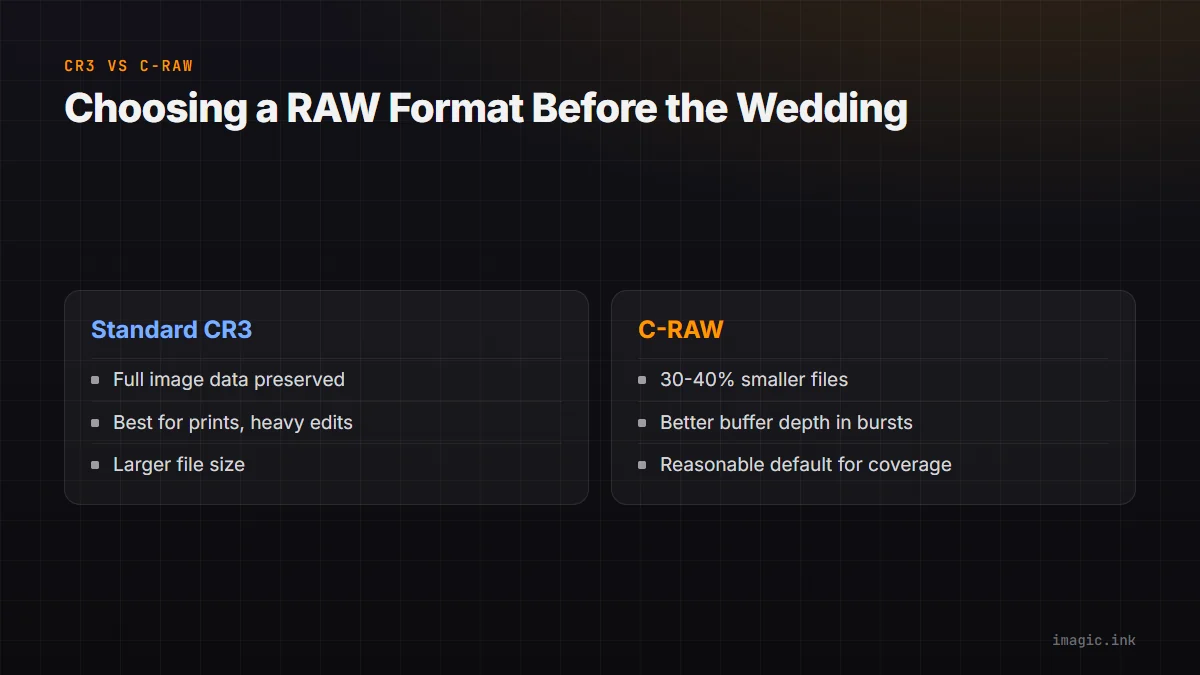
The R5 shoots standard CR3 or the compressed C-RAW variant, and the choice matters more at 45MP than it does on lower-resolution bodies simply because the file size gap is bigger in absolute terms. Standard CR3 preserves full image data; C-RAW trims file size through lossy compression, typically 30 to 40% smaller, with a quality cost that is hard to see at normal viewing and editing levels but can show up under heavy shadow recovery or extreme crops. For most wedding work, ceremony, portraits, reception, C-RAW is a reasonable default: buffer depth during bursts improves, card fill time slows, and backup volume drops. Reserve standard CR3 for portrait sessions or detail shots you know will be printed large or pushed hard in post.
Dual-Card Strategy
The R5's CFexpress and SD card slots are not interchangeable in practice. CFexpress handles the R5's fastest burst rates and buffer clearing without slowdown; SD is meaningfully slower and can bottleneck sustained high-speed bursts. A sensible split: CFexpress as primary with SD as simultaneous backup recording (not overflow), so a card failure during the ceremony does not mean lost coverage. Simultaneous recording to both slots costs some buffer depth versus CFexpress alone, but for a once-only event, the redundancy is worth it.
Culling 4,000 45MP Frames Without Losing the Weekend
A full wedding day on the R5 commonly produces 3,000 to 5,000 frames once ceremony, portraits, and reception bursts are totaled, and at 45MP those files are large enough that scrubbing through them one at a time in a standard viewer is genuinely slow. A practical pass order:
- Run AI quality scoring and duplicate/burst grouping first, before any manual review, so obvious technical rejects and near-duplicate bursts are pre-sorted
- Review the flagged shortlist rather than the full take; this is typically a 60 to 75% volume cut before you have made a single manual decision
- Do a second pass for taste calls: expression, timing, composition, the things scoring cannot judge
imagic's AI culling handles the first pass locally, scoring sharpness, exposure, and closed eyes and grouping bursts, which turns a multi-hour manual scrub into a shortlist review. See the full wedding photography workflow guide for the broader delivery pipeline.
Batch Consistency Across Mixed Lighting
A wedding day moves through wildly different lighting: outdoor ceremony, dim reception hall, harsh midday portraits. Applying one batch edit to the whole day flattens that variation badly. Split the batch by lighting condition or venue segment (ceremony, portraits, reception) before applying a look, then apply consistent adjustments within each segment rather than across the whole shoot. This keeps the delivered gallery visually coherent without forcing one exposure recipe onto scenes that do not share a light source.
Where imagic Fits an R5 Workflow
imagic reads CR3 and C-RAW natively, processes locally on Windows or Mac (nothing uploaded, which matters for client confidentiality), and handles AI culling plus batch export in one pipeline. Pricing is one-time: Lite around EUR 19, Plus around EUR 49, Max around EUR 99, with a free 500-export trial. See the Canon EOS R5 camera page, the CR3 format page, and Canon RAW Files: Free Editors for CR2 and CR3 for more detail, or browse wedding photography workflows.
Frequently asked questions
Should I shoot C-RAW or standard CR3 for weddings?
C-RAW is a reasonable default for most wedding coverage since the quality difference is minor at normal editing levels, while the storage and buffer benefits are real. Switch to standard CR3 for portrait sessions or shots you expect to print large.
How long does culling 4,000 R5 frames take manually?
A careful manual pass can take several hours across a full day's shoot. AI pre-scoring that flags technical rejects and duplicate bursts first typically cuts that to well under an hour of actual review time.
Does simultaneous dual-card recording slow down the R5's burst rate?
Somewhat, since SD write speed can bottleneck sustained bursts compared to CFexpress alone. For most wedding shooting (not sustained high-speed sports-style bursts), the difference is rarely the limiting factor.
Try imagic free for 500 exports, no card required, full CR3 and C-RAW support included. Start the free trial.