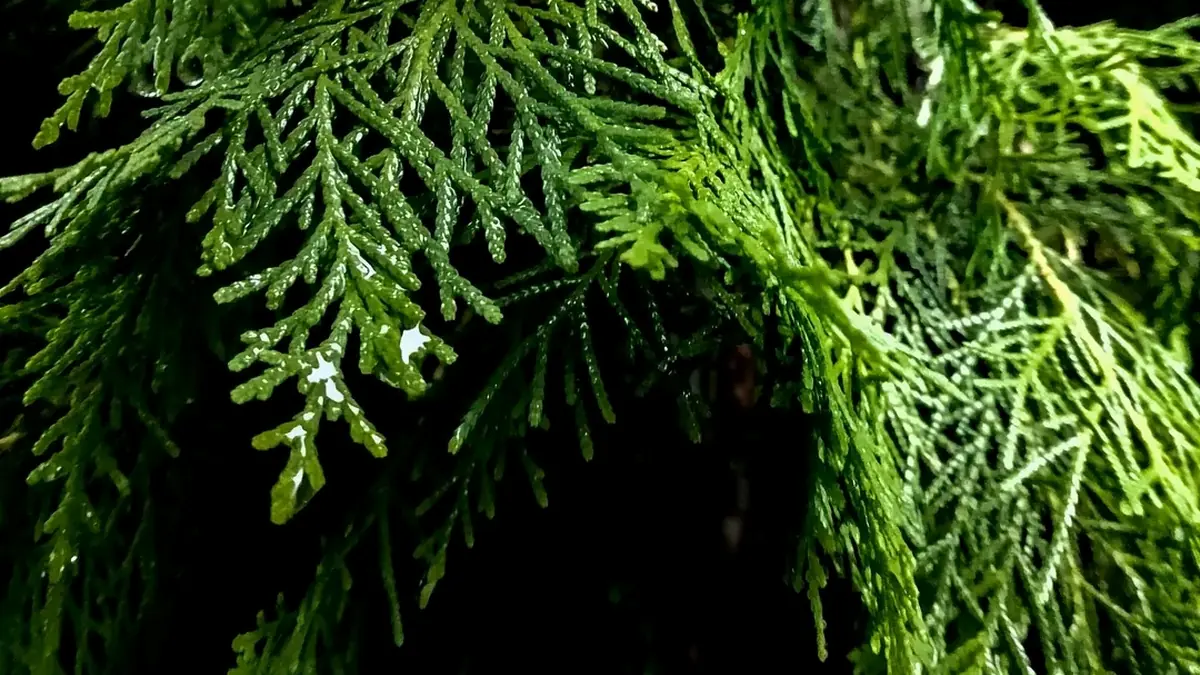
Fujifilm's X-Trans sensor uses a different color filter array than the Bayer sensors in most other cameras, and that difference is not cosmetic: it changes how well a given RAW processor can demosaic fine, repeating detail like foliage, fabric weave, or distant texture. Not every editor handles X-Trans equally well, and the gap has a real history. Here is where the best RAW editor for Fujifilm shooters actually stands in 2026.
Why X-Trans Needs Different Demosaic Handling
Bayer sensors use a regular, repeating 2x2 pixel pattern that most demosaic algorithms were originally built around. X-Trans uses a more complex 6x6 pattern designed to reduce moire without an anti-aliasing filter. A demosaic algorithm tuned for Bayer, applied naively to X-Trans data, can produce a smeared, watercolor-like texture in fine detail, most visible in grass, hair, and distant foliage. Processors that specifically support X-Trans's pattern avoid this; ones that treat it as a generic Bayer-style file often do not.
RawTherapee and imagic: Purpose-Built X-Trans Support
RawTherapee has long included demosaic algorithms specifically tuned for X-Trans, and its open development has kept that support current as Fujifilm has released new sensor generations. imagic's own built-in RAW processing engine handles X-Trans natively with its own tuned demosaicing, rather than a generic Bayer approach retrofitted for it. For a 40MP X-Trans body like the X-T5, that specific tuning is the difference between crisp foliage and a soft, smeared result at high magnification.
Capture One's Reputation and Lightroom's Rocky History
Capture One has generally had a solid reputation among Fujifilm shooters for X-Trans handling, particularly for color rendering, though it is a subscription or higher-cost perpetual license depending on the tier chosen. Lightroom's X-Trans support has a rockier public history: for several years, a portion of the Fujifilm shooting community reported "watercolor" artifacts in fine detail that took multiple release cycles to meaningfully improve. It has gotten better over time, but the reputation issue, and some lingering skepticism from photographers who were burned by it, has stuck around in Fujifilm forums and communities.
Film Simulation Handling: A Separate Question From Demosaicing
Fujifilm's film simulations (Classic Chrome, Acros, Velvia, and the rest) are baked into the camera's own JPEG engine, not into the RAW data itself. A RAW processor with strong X-Trans demosaic support does not automatically replicate film sims; that requires either a specific matching profile or manual color grading toward the target look. Some editors ship close approximations of the well-known sims as picture profiles; others leave it to the user to build a look manually. If film sim fidelity out of the box matters to your workflow, check specifically whether an editor ships profiles rather than assuming good X-Trans support implies it.
A Practical Ranking for X-Trans RAW Quality
| Editor | X-Trans demosaic | Cost model |
|---|---|---|
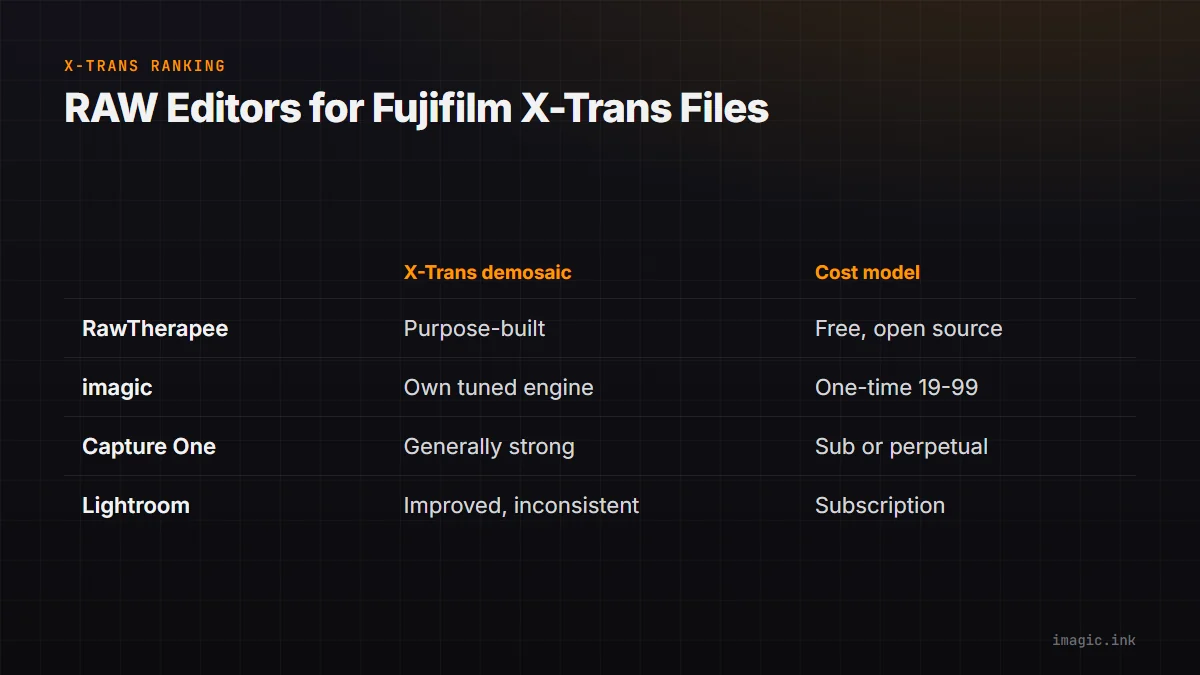
| RawTherapee | Purpose-built, actively maintained | Free, open source |
| imagic | Own built-in X-Trans-tuned engine, plus AI culling and batch editing | One-time, ~EUR 19 to 99 |
| Capture One | Generally strong, well regarded | Subscription or perpetual |
| Lightroom | Improved but historically inconsistent | Subscription |
For the RAF file mechanics specifically, see Fujifilm RAF Files: Free Editing Guide.
Where imagic Fits for Fujifilm Shooters
imagic supports RAF alongside eight other RAW formats, processes locally on Windows or Mac, and adds AI culling and batch editing on top of its own built-in engine's X-Trans handling. It does not ship dedicated film simulation profiles today, so photographers who lean heavily on exact Fujifilm color science should test that specifically during the free trial. See the Fujifilm X-T5 camera page, the RAF format page, and imagic vs RawTherapee for more detail, or browse Software Comparisons.
Frequently asked questions
Does Lightroom still have problems with X-Trans files?
It has improved significantly from its earlier reputation, but some photographers in Fujifilm communities still report occasional fine-detail softness compared to processors built specifically around the X-Trans pattern.
Why does X-Trans need special demosaic support at all?
Its 6x6 pixel pattern is more complex than the standard Bayer 2x2 pattern most algorithms were built for, so a generic approach can smear fine repeating detail that a purpose-tuned algorithm handles cleanly.
Do I need Capture One specifically for good Fujifilm color?
Not necessarily. It has a strong reputation for it, but other engines, including imagic's own built-in one, also handle X-Trans demosaicing well; color grading to taste is a separate step in any editor.
Try imagic free for 500 exports, no card required, full RAF support included. Start the free trial.