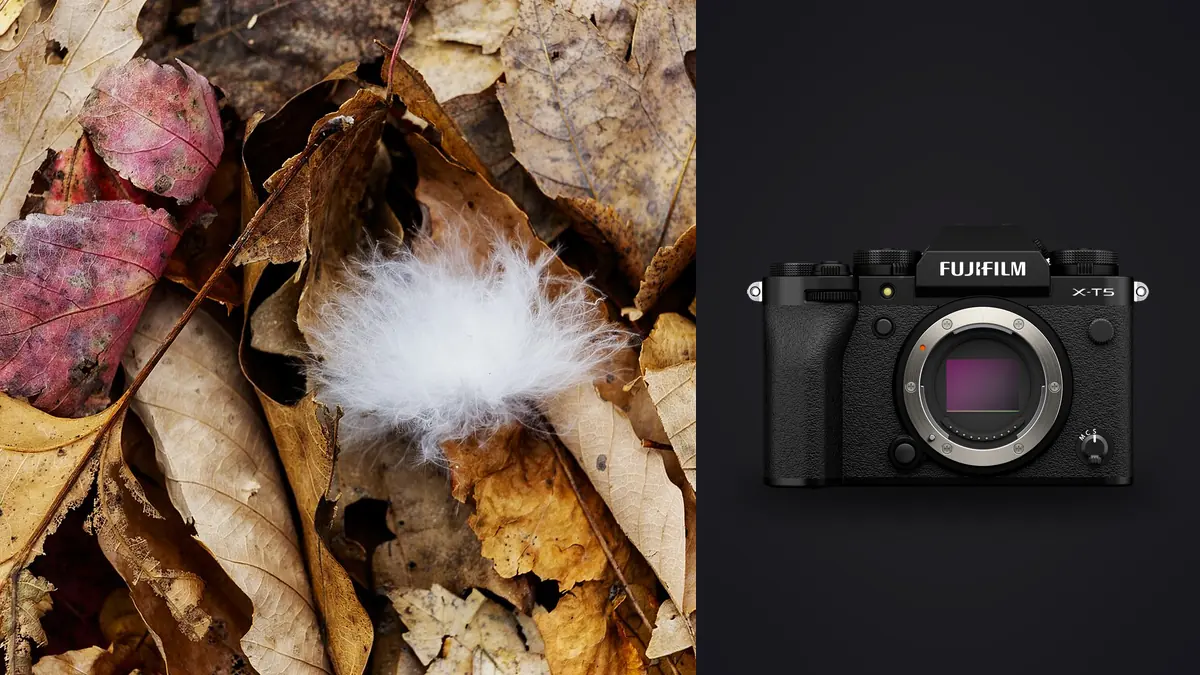
Jumping from Fujifilm's earlier 26MP X-Trans generation to the X-T5's 40.2MP sensor is a bigger workflow change than the megapixel number alone suggests. RAF files got noticeably larger, and the processor choice matters more than it used to, since a demosaic algorithm not tuned for X-Trans's pattern shows its weaknesses more visibly at higher resolution. Here is a practical Fujifilm X-T5 RAW editing workflow built around those two shifts.
Why RAF File Sizes Jumped at 40MP
The X-T5's RAF files typically run 45 to 55MB uncompressed and roughly 25 to 35MB in lossless compressed form, up substantially from the 26MP generation's 35 to 45MB uncompressed range. That is a meaningful storage and transfer time increase across a full shoot, and it is worth confirming your card and backup workflow before a paid job rather than discovering the difference mid-shoot. Lossless compressed RAF is the sensible default for most shooting; reserve uncompressed for work you know will be pushed hard in post.
Processor Choice Matters More Than Body Settings
At 26MP, a mediocre X-Trans demosaic implementation could get away with some softness because the resolution was forgiving. At 40MP, the same weak demosaicing shows up clearly as smeared fine detail in foliage, hair, and fabric texture, the classic "watercolor" artifact associated with poorly-tuned X-Trans processing. This means the choice of RAW processor is doing more work at 40MP than any in-camera setting. imagic's own built-in engine includes demosaic algorithms specifically built for X-Trans's 6x6 pattern rather than a generic Bayer approach, which holds up better at this resolution. See imagic vs RawTherapee for the fuller processor comparison.
A Film Sim Strategy for Batch Editing
Fujifilm's film simulations live in the camera's JPEG engine, not in the RAF data, so a RAW processor does not automatically reproduce Classic Chrome or Acros from the RAW file alone. Two practical approaches for batch work: shoot RAW+JPEG so the camera-rendered film sim JPEG exists as a reference even though you edit from the RAF, or build a one-time color grade in your editor that approximates your preferred sim and save it as a reusable batch preset. The second approach is more work upfront but scales across a whole shoot without re-deciding the look each time.
A Practical Session Order
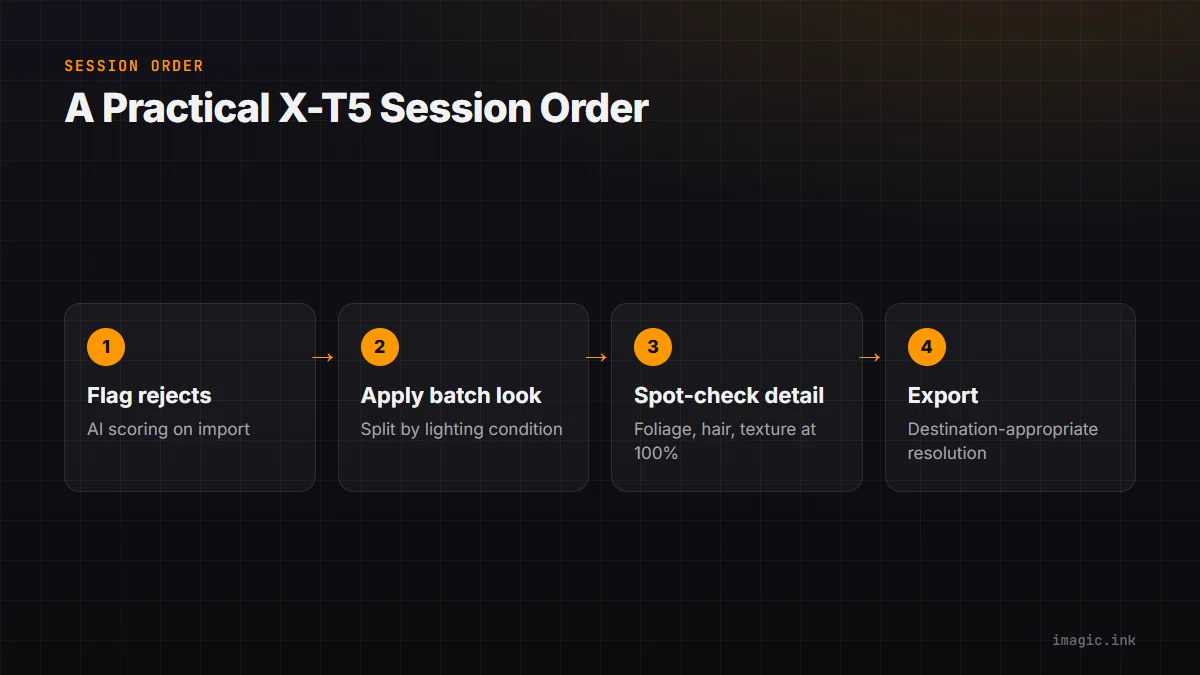
- Import and let AI quality scoring flag technical rejects and near-duplicate bursts before manual review
- Apply your saved batch look (film-sim-approximating or otherwise) across the shortlist, split by lighting condition if the shoot spans multiple scenes
- Spot-check fine detail areas (foliage, texture, hair) at 100% on a few frames to confirm the demosaic is holding up before exporting the full batch
- Export at destination-appropriate resolution rather than always full 40MP
Where imagic Fits an X-T5 Workflow
imagic supports RAF through its own built-in engine that handles X-Trans demosaicing well, plus AI culling and batch editing, all processed locally on Windows or Mac. It does not ship dedicated film simulation profiles, so photographers leaning heavily on exact in-camera color should test that specifically in the free trial. See the Fujifilm X-T5 camera page, the RAF format page, and Fujifilm RAF Files: Free Editing Guide.
Frequently asked questions
Should I shoot uncompressed or lossless compressed RAF on the X-T5?
Lossless compressed is a solid default for most work: full quality data at meaningfully smaller file size. Reserve uncompressed for shoots you expect to push hard in post.
Do I need Fujifilm's own software to get accurate colors from RAF files?
No, though it can help as a reference. A RawTherapee-based processor handles the RAW demosaicing well; matching a specific film simulation's color grade is a separate, optional step done in the editor.
Why does X-Trans processing matter more at 40MP than at 26MP?
Higher resolution makes demosaic weaknesses more visible in fine, repeating detail. A processor not specifically tuned for X-Trans's pattern shows smearing more clearly at 40MP than it did at lower resolutions.
Try imagic free for 500 exports, no card required, full RAF support built on X-Trans-aware processing. Start the free trial.