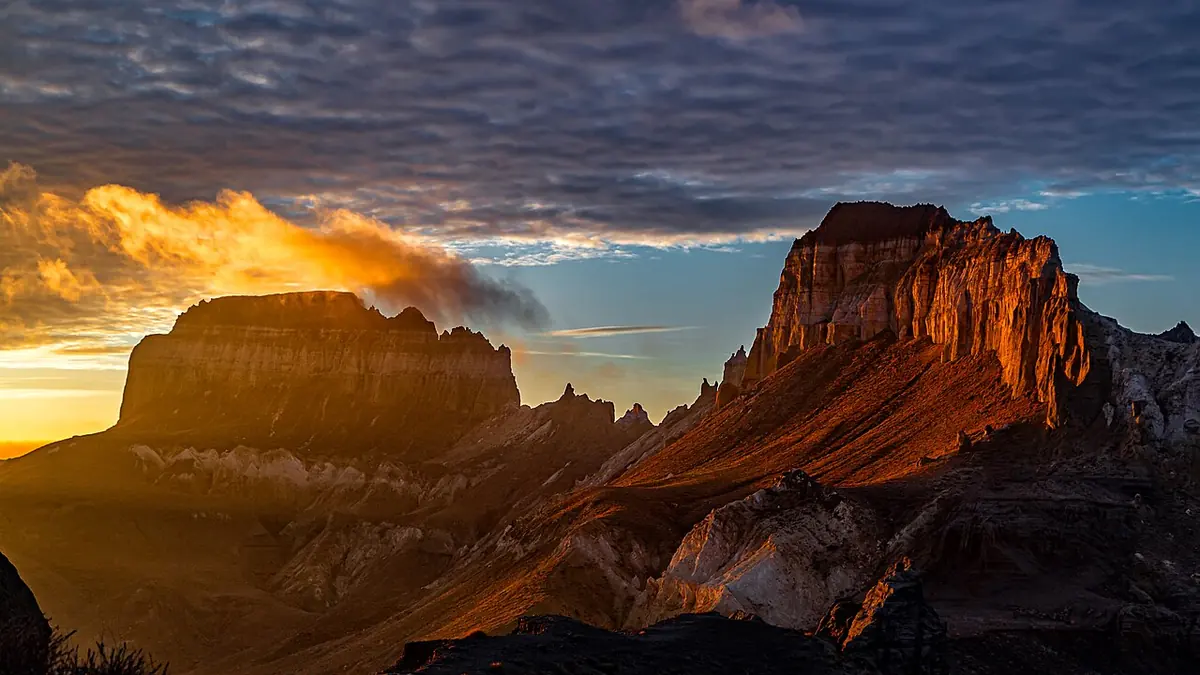
HDR Photography in 2026: Beyond the Over-Processed Look
HDR photography had a reputation problem in the 2010s — the tone-mapped, oversaturated, halo-riddled images that defined the early HDR era were widely mocked. But HDR done well is invisible: it simply extends the captured dynamic range to match what the eye actually sees in high-contrast scenes. In 2026, free tools can produce genuinely natural-looking HDR results.
When HDR Is Actually Necessary
Modern camera sensors have impressive dynamic range — often 14+ stops for full-frame mirrorless cameras. But high-contrast scenes like interior photography with bright windows, sunrise landscapes with dark foregrounds, or architectural shots still benefit from HDR when the single-frame dynamic range is insufficient. The alternative — graduated ND filters and careful exposure — isn't always practical.
Capturing the Bracket
A standard HDR bracket is three exposures: correct exposure, -2 EV, and +2 EV. For extreme scenes, a 5-shot bracket at -4, -2, 0, +2, +4 EV captures more range. Use a tripod and shoot in continuous mode to minimize subject movement between frames. Some cameras have auto-bracket modes that can capture 3-5 shots rapidly.
Using imagic for Bracket Selection
imagic's duplicate and burst detection groups bracket sets together automatically. For a real estate or landscape shoot with many HDR brackets, imagic can quickly identify which bracket sets are valid (no movement between exposures) versus problematic (wind moved branches, clouds shifted, subjects moved). This saves significant time in the HDR workflow by eliminating invalid brackets before you start merging.
Free HDR Merging: Luminance HDR
Luminance HDR (formerly QTPFSGUI) is a free, open-source HDR processing application. It supports all major RAW formats (via LibRaw, which reads the same formats imagic supports including CR2, CR3, NEF, ARW, RAF) and offers multiple tone mapping operators:
- Mantiuk 2006: Photorealistic, preserves local contrast. Best for natural-looking results.
- Fattal: Strong detail enhancement, can produce the classic HDR look if pushed too far. Use subtly.
- Reinhard: Simple and fast. Good for batch processing.
Single-Image HDR in RawTherapee
For cameras with sufficient dynamic range, single-image HDR (using the full RAW file's shadow and highlight recovery) is often preferable to bracket merging. RawTherapee's Tone Mapping tool (in the Exposure tab) provides local tone mapping on a single RAW file, simulating some of the benefits of HDR without the complexity of bracket alignment. For most real estate and landscape work with modern cameras, this approach produces cleaner results than bracket HDR.
Natural vs. Artistic HDR
- Natural HDR: Goal is to show what the eye saw. Subtle tone mapping, no halos, color matching to the natural scene. Best for real estate, architecture, and documentary work.
- Artistic HDR: Intentionally processed look with enhanced detail, vivid colors, dramatic skies. Best when the image is clearly an artistic interpretation rather than a documentary record.
The Affordable HDR Stack
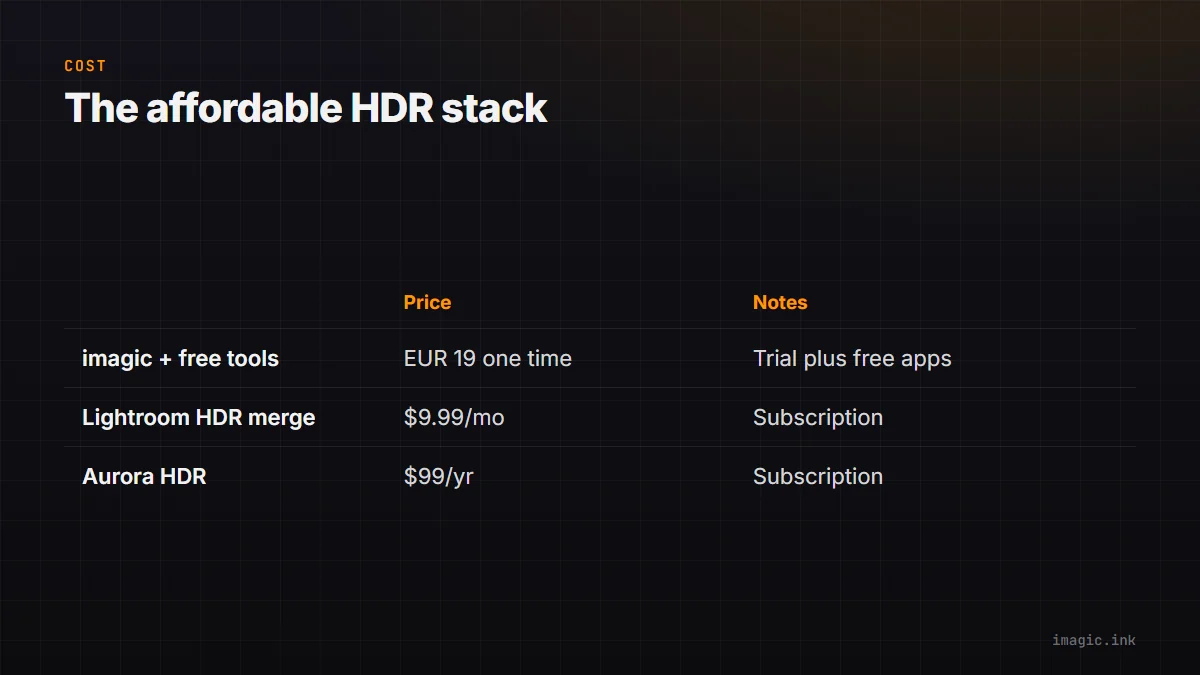
imagic (one-time purchase from EUR 19, free 500-export trial) for bracket selection and culling + Luminance HDR (free) for merging and tone mapping + RawTherapee (free) for final processing. Compare to Lightroom's HDR merge ($9.99/month) or Aurora HDR ($99/year). The stack produces comparable results for most use cases at a fraction of the ongoing cost.
Frequently asked questions
How many bracketed exposures do I need for HDR?
A standard bracket is three shots: correct exposure, -2 EV, and +2 EV. Extreme dynamic range scenes, like an interior with bright windows, may need a 5-shot bracket at -4, -2, 0, +2, and +4 EV to capture the full range without gaps.
Is single-image HDR from one RAW file as good as bracket merging?
For modern full-frame sensors with 14+ stops of dynamic range, single-image tone mapping in RawTherapee often produces cleaner results than merging brackets, since there is no alignment or ghosting risk from moving elements between frames.
Can imagic help select which HDR brackets are usable?
Yes. imagic's duplicate and burst detection groups bracket sets automatically, and its analysis flags sets where something moved between exposures, such as wind-shifted branches or passing clouds, before you spend time merging them. More workflow guides cover similar culling techniques for other genres.