
imagic in 2026: A Steadily Evolving Tool
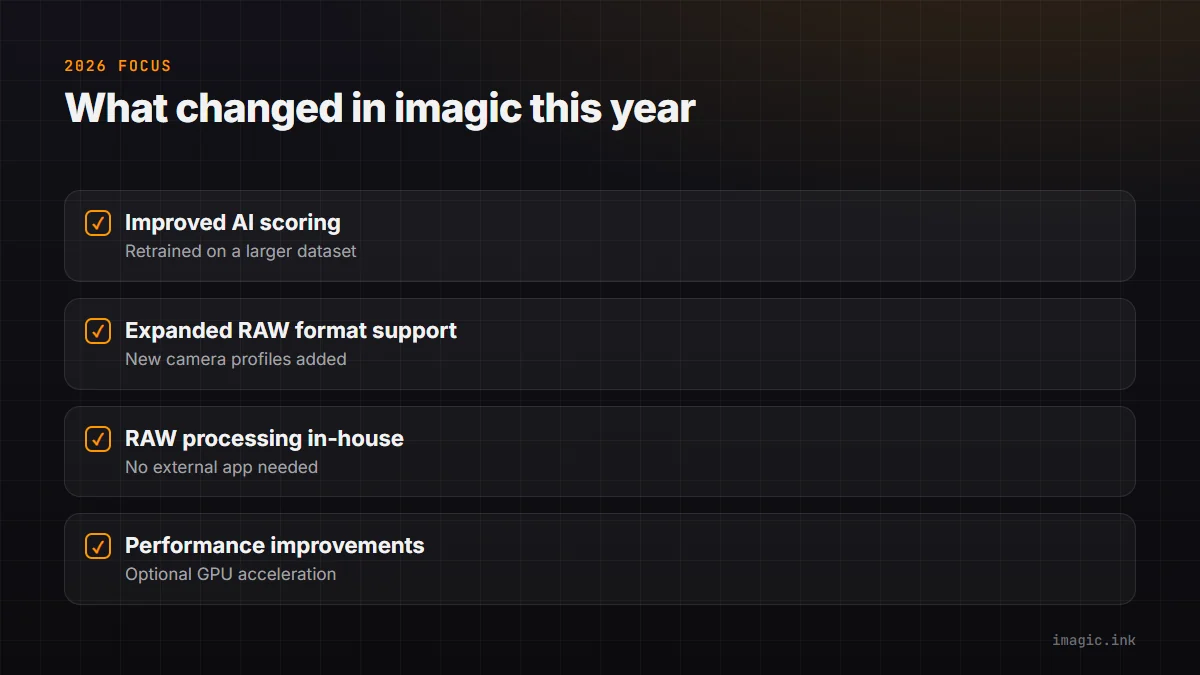
imagic has grown steadily since its initial release, with improvements driven by the core development team and direct user feedback. The 2026 updates focus on three areas: improved AI accuracy, expanded RAW format support, and RAW processing moving fully in-house.
Improved AI Scoring Accuracy
The core AI scoring models have been retrained on a significantly larger dataset of labeled photographs. The practical improvements:
- Sharpness: Better distinction between camera shake blur and intentional motion blur; improved handling of shallow depth of field where background blur shouldn't reduce the sharpness score
- Exposure: More nuanced handling of high-key and low-key intentional aesthetics; better identification of recoverable versus unrecoverable clipping in RAW files
- Composition: Improved subject detection for better centering and framing assessment, particularly for portrait work
Expanded RAW Format Support
imagic's LibRaw-based RAW reading has been updated to support the latest camera models released through 2025-2026. New camera profiles have been added for recent releases from Canon, Nikon, Sony, Fujifilm, OM System, and Panasonic. The DNG support has been updated to handle the latest DNG specification versions from DJI and Leica cameras.
RAW Processing Moves Fully In-House
Earlier versions could hand culled files off to a separate RawTherapee installation for development. That external step is gone: imagic's own built-in RAW engine (LibRaw decode plus imagic's processing pipeline) now handles decoding and rendering directly, with:
- One-pass batch development with no separate app, path, or profile file to configure
- The same built-in engine in the desktop app, the CLI, and the MCP server
- Consistent output whether you process one image or a few thousand in a batch
Performance Improvements
AI analysis speed has improved through better multi-threading and optional GPU acceleration. On machines with compatible NVIDIA or AMD GPUs, the analysis pipeline can now use GPU compute for the scoring models, reducing analysis time by 40-60% compared to CPU-only processing.
Feedback-Driven Additions
User feedback submitted through the site has shaped several features the core team hadn't prioritized on its own:
- A Digikam export plugin that sends imagic-selected files directly to a Digikam library
- A darktable export option for photographers who prefer that processing engine
- Improved localization support for non-English users
What's on the Roadmap
Planned improvements include enhanced face detection for portrait sharpness scoring, tethered shooting support for studio photographers, and a web API mode for integration with custom studio management systems. These features will ship as part of the regular imagic update cycle at no extra cost to existing license holders.
How to Update
imagic checks for updates automatically and prompts you to install them from within the app. The update preserves your existing sessions, profiles, and settings. Check the changelog on imagic.ink for details on each release.