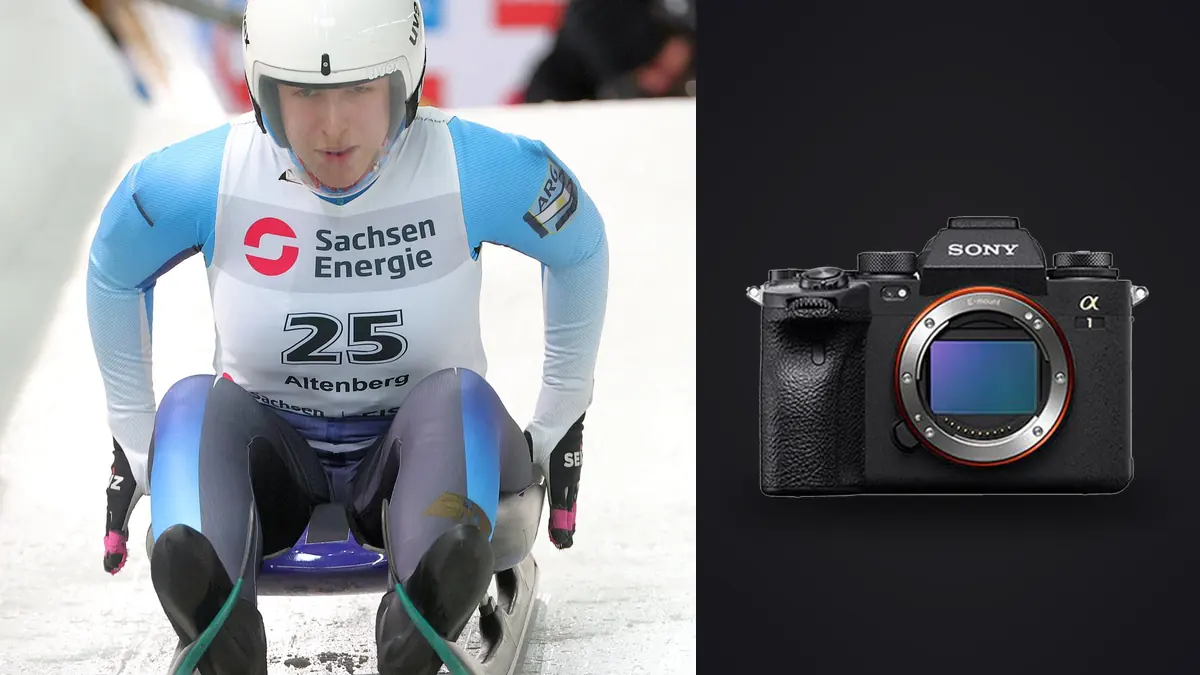
The Sony A1 combines high-resolution files with fast continuous capture, so an undisciplined sports assignment can create a large review problem without improving coverage. A professional workflow needs to preserve the card originals, keep each play or race segment together, identify the frame that best explains the action, attach reliable captions, and export to a known specification.
This route is built for editorial, event, team, or commercial sports stills. It does not assume a particular deadline or file count. Instead, it creates checkpoints that can be shortened for live delivery or expanded for a final archive: capture roles, dual-card safety, verified ingest, sequence culling, edit consistency, caption validation, and reproducible export.
Define the delivery before selecting a RAW mode
A live wire, sponsor gallery, team archive, and print campaign need different files. Confirm dimensions, crop flexibility, color profile, caption fields, naming, transfer method, and whether both immediate and final versions are required. The A1's resolution is useful only when the recipient or later crop needs it.
Choose uncompressed, lossless compressed, compressed, or available size options after testing compatibility and quality through the complete software chain. Firmware can change format choices, so use current Sony documentation. A smaller file may improve throughput, while a high-resolution original may protect a distant crop; the brief decides.
Save the chosen format in a sport memory and verify it at the start. Do not change RAW mode casually during the event, because mixed formats complicate transfer and can behave differently in applications.
Assign both card slots a clear role
The A1's two hybrid slots accept supported SD and CFexpress Type A media. Duplicate RAW recording protects irreplaceable captures when both cards and settings sustain the chosen performance. Separate RAW and JPEG can accelerate live delivery but does not duplicate the RAW original. Overflow extends capacity without redundancy.
Label cards by camera and set. Keep empty, exposed, and copied states physically distinct. Use matched capacities where that simplifies duplicate recording, and test sustained bursts before the assignment. A fast card label is not a substitute for camera compatibility and a real write test.
Never format at halftime merely because a transfer appears complete. A card remains an original until the copy is verified and a separate backup exists according to the job policy. Carry enough media to avoid making that decision under pressure.
Create event structure in camera
Synchronize clocks across bodies and photographers. Use distinct filename prefixes when available, and photograph a schedule, heat number, team sheet, or written slate at transitions. These markers preserve context when thousands of images later sort into one timeline.
Map custom controls for the assignment: normal tracking, an alternate smaller AF area, exposure compensation, and a recall state for a different shutter or subject pattern. The camera setup should reduce irrelevant frames by supporting anticipation. A short burst around a hurdle, tackle, finish, or celebration carries more variation than an uninterrupted run.
Note any clock offset, substituted player number, or unusual file split while it is known. A simple field log prevents guesswork during captions and makes multi-camera ingest auditable.
Ingest without destroying card boundaries
Create a job folder with original card folders, a working project, selects, exports, captions, and delivery records. Copy each card intact into its own original folder before renaming. This preserves chronology, camera source, and recovery options when filenames overlap.
Use checksum verification when the ingest tool supports it. Otherwise compare counts and byte totals and open samples from the beginning, middle, and end. Make a second verified copy on another physical device. Do not count a synchronized folder on the same drive as a separate backup.
Keep the original capture unchanged. Apply metadata and renaming in a working catalog or copy. If final filenames need an event code and sequence, retain original names in metadata or a mapping so a delivered frame can be traced back to its card.
Split live delivery from the deep cull
A live pass should answer only the immediate brief. Watch for required people, decisive action, celebration, context, and sponsor visibility, then send a small technically verified set. Do not attempt to solve the final narrative while the next event phase is beginning.
Use camera JPEGs only if their exposure, color, profile, dimensions, and metadata fit the destination. Otherwise develop selected ARW files with a tested rapid preset and inspect every export. Keep the live folder versioned so corrected files do not silently mix with the first transmission.
The deep cull happens after all sequences are secure. It can compare neighboring action at full resolution, balance coverage, and remove repeats across the day. Keep live selections marked so the final edit can include or deliberately replace them.
Cull by play, not by global score
Group each burst or continuous event: one sprint pass, jump, attack, save, pit stop, finish, or reaction. Within that group, locate focus on the intended face, helmet, eye, ball, vehicle, or number. Then compare body position, ball visibility, separation, expression, obstruction, signage, and background.
Select the frame that explains the event, not merely the sharpest fragment. A ball entering the frame can matter more than a perfect pose one instant later. Keep a short sequence when progression itself has editorial value. Remove near-identical frames that add no new information.
After sequence selection, review the set globally for teams, competitors, event phases, focal lengths, and visual rhythm. A folder dominated by one photogenic athlete may fail the assignment even when every frame is strong.
Use local culling with explicit human overrides
imagic can ingest Sony ARW files locally on Windows or macOS, score sharpness, exposure, closed eyes, and composition, and group duplicates or bursts. Rejected status does not delete the original. This can accelerate the technical pass while protecting unreleased sports images from a cloud upload.
Automated scores do not know the brief, player identity, result, sponsor, or editorial significance. Review every required sequence and override freely. If a result appears inconsistent with the pixels, check score freshness. Reselecting only re-ranks saved scores; stale files need the dedicated reanalysis operation.
Max users can also access the local CLI and MCP tools for approved automation, but any automated status or export workflow should be tested on a copy of a real job structure and should preserve reversible decisions. The automation overview explains the broader concept.
Caption while event knowledge is available
Captions should identify people, teams, location, date, event phase, and action only when verified. Use official rosters, timing data, or event notes rather than visual guesses. Distinguish what the frame shows from an inferred result.
Keep caption data linked to the source and selection. If a player's number changes or is obscured, flag the frame for verification instead of copying a nearby caption blindly. A technically correct image with the wrong identity is not ready for editorial delivery.
Avoid placing unnecessary personal information in filenames. Structured metadata is easier to correct and less likely to leak through a visible path. Check whether location or participant details have special restrictions for youth or private events.
Edit in lighting groups
Choose reference images for sun, shade, mixed artificial light, and evening. Apply white balance, baseline exposure, noise handling, and tonal contrast to each group, then refine individual frames. Uniforms, turf, track paint, and LED boards can bias automatic color.
Protect pale uniforms, faces in direct sun, reflective helmets, and signs. Raise shadows enough to reveal required detail without flattening the scene. Avoid excessive clarity around high-contrast edges, which can create halos and brittle texture.
Crop non-destructively and leave room for motion, text overlays, or publication aspect ratios. A high-resolution file can support correction, but severe cropping magnifies atmosphere, motion blur, and missed focus. Verify the final crop at delivery size.
Run export quality control as a separate pass
Export to a new versioned folder using the requested format, dimensions, color profile, compression, metadata, and naming. JPEG is common for delivery; TIFF can serve a larger rendered master when requested. Never overwrite the ARW originals.
Open the exported set outside the editor. Check count, order, orientation, profiles, captions, sharpness, noise, and color continuity. Inspect the first and last file and random samples across each lighting group. Compare live and final versions so filenames do not point to different images unexpectedly.
For local culling and non-destructive development details, see imagic desktop. The workflow and editing guides cover related delivery planning. A final recipient check should confirm that the transfer opens and the manifest matches.
Archive a reproducible delivery state
Retain verified ARW originals, card manifests, project data or sidecars, captions, final selections, export settings, and delivered files under the agreed retention policy. Keep at least one copy away from the active workstation and verify the archive periodically.
Record exactly what was sent, when, and through which method. If a caption or processing correction is needed, issue a new version and identify replaced files. Do not silently alter an archive that may need to support publication history.
Close the job by confirming card reuse eligibility, not by deleting work from the active drive immediately. Storage cleanup should follow the policy established before capture.
A compact sports workflow checklist
- Brief: confirm output, captions, timing, crops, profile, and transfer.
- Capture: test RAW mode, dual-card role, clocks, controls, and burst cadence.
- Ingest: preserve card boundaries and create two verified physical copies.
- Live edit: send a small checked set without replacing the final cull.
- Deep cull: compare each play, then balance the event narrative.
- Caption: verify identity and action from authoritative event information.
- Develop: edit by lighting group and inspect high-resolution crops.
- Deliver: validate exports, document transfer, and archive the state.
Rehearse the handoff and recovery path
Before the event, create a small mock job with files from both slots and run it through ingest, naming, caption entry, export, and transfer. Confirm that another authorized person can understand the folder and manifest without verbal explanation. This catches missing readers, duplicate filename rules, and unsupported RAW choices.
Also simulate one failure: a card copy that stops, a network transfer that disconnects, or an incorrect caption discovered after export. The recovery should preserve originals, create a new version, and identify what changed. Do not improvise destructive cleanup during a deadline.
Keep contact details, transfer credentials, and any embargo information outside public metadata and filenames. Operational access should be shared only with the people responsible for delivery.
Frequently asked questions
Should the Sony A1 record duplicate RAW files?
Use duplicate recording when the consequence of loss justifies it and both cards sustain the selected settings. Separate RAW and JPEG recording is useful for speed but is not RAW redundancy.
Can automated culling select the decisive sports frame?
It can surface sharp candidates and group bursts, but a human must judge ball position, identity, result, sponsor visibility, and editorial meaning. Treat the score as evidence, not the assignment brief.
When should high-resolution files be cropped?
Crop only after focus, motion, and atmosphere are checked at the intended output. The A1 offers useful latitude, but a deep crop cannot restore detail that was never recorded cleanly.