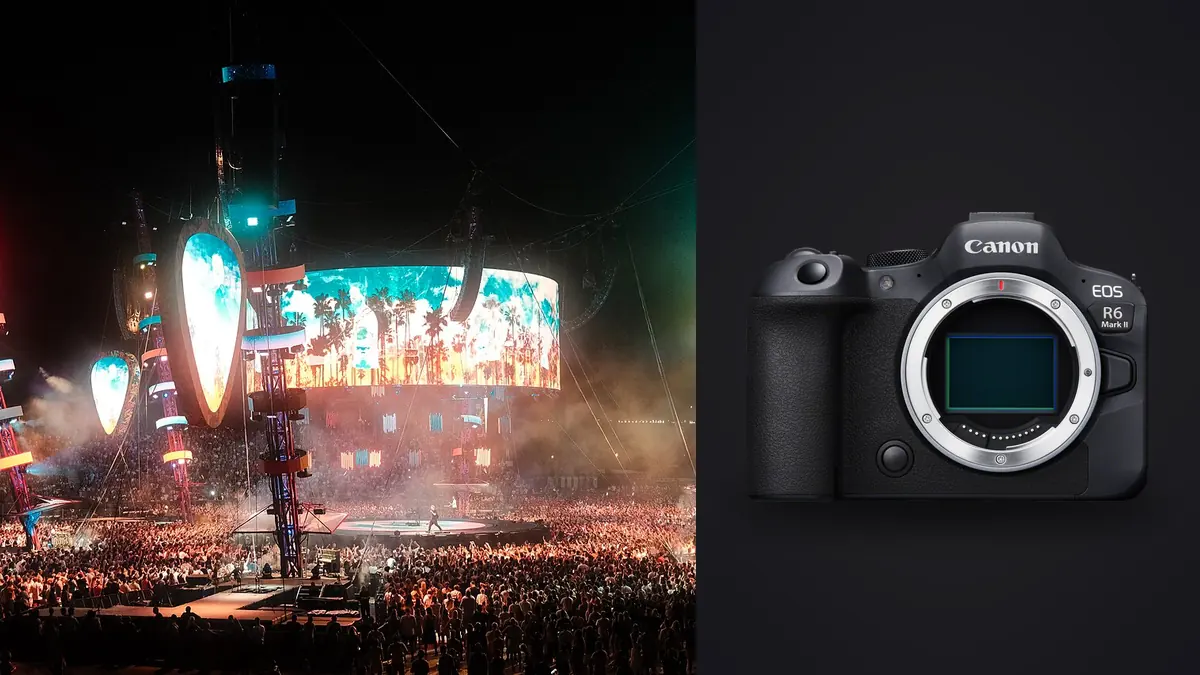
A Canon EOS R6 Mark II concert and live music RAW Workflow should preserve the relationship between CR3 files, songs, lighting cues, performers, and access positions. The camera's 24.2-megapixel full-frame files are manageable for many editorial uses, while fast electronic capture and dual SD slots can support busy shows. Neither feature removes the need to check LED artifacts or route files clearly.
The workflow starts with venue rules and clock synchronization, then moves through shutter tests, purposeful sequences, card verification, local culling, lighting-based development, captions, and export. Mechanical and electronic capture should be chosen from visible results under the actual stage fixtures, not from silence or frame rate alone.
Prepare event and caption structure
Record artist names, set order, venue, date, access window, flash rules, movement limits, and any embargo. If coverage is restricted to selected songs, note the exact start and finish of the permitted period. A correct clock helps file groups match the running order and caption notes.
Use a neutral project and card code. Keep contact details and credentials out of public filenames. When several artists perform, create separate segments before culling so support acts and headline frames do not share ambiguous names.
Identify required roles: venue context, full performer, interaction, instrument detail, audience relationship, and reaction. A short access window can easily produce many singer portraits and no drummer, keyboard player, or establishing frame unless coverage is tracked deliberately.
Select CR3 settings for the deadline
Choose RAW or a compressed RAW option only after confirming software compatibility. Make representative files with current firmware, open them in the developer, and render at expected publication dimensions. Preserve native CR3 originals even if an outlet receives only JPEG.
Resolution is sufficient for normal crop correction, but distant soundboard positions may still require a longer lens. Haze, movement, focus, and high ISO can constrain a crop. Frame with the lens whenever access allows and judge any deep crop at the actual output size.
Keep preview color and white balance stable within a lighting segment. Automatic white balance can chase every stage cue. RAW remains adjustable, but a fixed reference makes exposure and sequence comparison more consistent.
Test shutter behavior under the stage LEDs
The R6 Mark II uses a conventional, non-stacked sensor, so very fast electronic capture can render moving vertical objects with distortion. Pulsing LEDs can create bands or color variation. Photograph microphone stands, guitar necks, screens, and moving hands during an authorized warm-up or support set.
If artifacts appear, use mechanical shutter, compatible flicker controls, a different shutter speed, or another tested combination. One clean frame does not guarantee an entire cue is safe because light pulses can change phase. Inspect several consecutive exposures.
Shutter speed must also freeze the performance movement the image requires. Stabilization cannot stop a drumstick, hair, hand, or jumping performer. A sharp eye with a blurred instrument may reflect a motion choice rather than an autofocus failure.
Configure dual SD recording explicitly
Both slots use SD media. Decide whether they record duplicate CR3, split RAW and JPEG, or overflow, then read both cards after a test. Duplicate recording provides immediate redundancy, while split recording serves rapid previews and overflow only adds capacity.
Use compatible cards and keep blank, exposed, and copied media distinct. A card from an opening act should not be formatted during a later set because it appears to have transferred. Compare counts and open samples before reuse.
Create a stable working copy and separate backup after each practical event block. The two camera cards remain together during capture, so they are not a complete backup. Keep originals apart from catalogs, previews, and exports.
Make bursts follow musical gestures
Use short sequences around a jump, expression, bow movement, drum strike, or interaction. Release when the gesture resolves. Holding the shutter through an entire passage creates many frames with nearly identical microphone obstruction and light, making the edit slower without improving coverage.
Begin autofocus on the intended performer. Broad detection can switch to a nearer band member, face on a screen, or audience member. Keep a smaller area available for crowded stages. Verify the face and relevant instrument, not only the nearest detected eye.
Mark a new group when position, lens, performer, or dominant light changes. These boundaries make later batch adjustments safer. A side-lit profile and a front-lit center frame should not share a baseline merely because they come from the same song.
Copy and name files by set segment
Organize originals by event, artist, camera, and segment. Preserve timestamp and sequence number. If two cameras can produce the same base name, add a collision-safe camera prefix after copying while retaining a source mapping.
Keep a transfer log for each card: source, artist range, destination, verification, and card return. Open the first and last files in every range. An interrupted transfer may leave a folder that looks complete at a glance.
Store caption notes with stable file IDs. Performer identity should come from a roster or reliable event source. A musician moving between instruments or a guest appearance can make visual guesses unsafe.
Cull by song, performer, and light
First remove attention from tests, accidental frames, complete obstructions, and exposures without usable subject detail. Change status rather than deleting. Then compare each sequence for eye focus, expression, hands, instrument visibility, microphone overlap, and lighting.
A technically sharp frame can be weak when a red channel loses skin texture or a beam cuts across the face. An adjacent image under a better cue may be preferable. Keep purposeful motion blur when it communicates performance and the critical subject remains clear.
After sequence culling, audit the full set for artist and role coverage. Include venue context and relationships rather than delivering only isolated faces. Confirm orientations and crop space against the publication plan.
Use local culling with editorial limits
imagic supports CR3 files and processes them locally on Windows or macOS. It can score sharpness, exposure, closed eyes, and composition and group bursts or near-duplicates. That can reduce repetitive review, but it cannot know the headline artist, required instrument, song importance, or publication embargo.
Culling changes a status and never deletes the source. Keep alternates available for a late artist request, crop, or caption correction. If a stored score seems implausible, check freshness before re-ranking; reselecting uses stored values rather than analyzing again.
Do not use a score as permission to publish a medical incident, private backstage moment, or identifiable minor. Access and editorial judgment still apply to technically strong frames.
Develop by lighting cue, not by entire show
Group files by coherent position and stage cue. Set white balance, exposure, and broad contrast on a representative CR3, then synchronize conservatively. LEDs can shift within a song, so inspect every image after batch changes.
Preserve intentional color while protecting skin and fabric detail. A saturated wash should look saturated, not neutral gray, but a clipped channel cannot be repaired by reducing saturation. Choose another frame when the cue destroyed essential information.
Apply noise reduction and sharpening at publication size. Haze, hair, smoke, and instrument texture can be damaged by strong smoothing. Avoid bright halos around performers against dark stages. Crop only after the global tone is stable.
Keep monochrome decisions explicit
Monochrome can unify a concert story or emphasize gesture, but it should not be the default repair for poor color. Colored lighting is part of live performance and may identify a cue or atmosphere. Compare both versions before approval.
Maintain color and monochrome as non-destructive variants linked to the same CR3. Label which one was delivered. A later outlet may need color even when the original edit favored black and white.
Review the whole set for consistency. A single monochrome exception can work as a deliberate transition, but random alternation often looks like unresolved processing. Let story purpose guide the choice.
Separate deadline previews from final CR3 development
A venue or publication may need a small selection before the full edit is complete. Create a dedicated deadline status and render modest, clearly named previews from a conservative lighting-group baseline. Do not move or rename CR3 originals to build that set.
Verify performer identity, song or set, credit, embargo, and usage before sending. A strong frame from the wrong artist or restricted song is not a valid substitute. Keep the preview filename linked to the source CR3 and caption record.
After the show, revisit every transmitted source at full size. Check bands, focus, stage color, crop, and noise treatment before making the final master. If a corrected file is sent, use a new version and tell the recipient which earlier derivative it replaces.
Archive the deadline manifest with delivery time, destination, captions, and restrictions. This makes later corrections possible without treating a rushed preview as the permanent master. Keep the original sent file when policy permits so a later question can be answered against the exact derivative, not a recreated approximation. Record any embargo expiration separately and verify it before a preview is reused in a portfolio or public gallery.
Export with captions and restrictions
Confirm JPEG or TIFF, color space, dimensions, compression, sharpening, filename, caption, credit, rights, and destination. Remove private credentials, exact backstage details, or unrelated GPS information. Export only approved IDs or status groups.
The imagic desktop workflow explains local non-destructive processing, while Camera Hardware offers wider system context. imagic is not a rights catalog or transfer service, so those policies need separate tools.
Open every rendered file and inspect bands, gradients, colored highlights, crop, profile, and caption. Compare the count and artist coverage with the approved list. Archive CR3 originals, notes, edits, masters, and delivery records.
Use an R6 Mark II concert RAW checklist
- Rules: record artist, access window, embargo, flash, and movement limits.
- Format: verify CR3 compatibility and expected output.
- Shutter: check LEDs, straight lines, and fast motion under real light.
- Cards: confirm duplicate, split, or overflow recording.
- Sequences: capture short musical gestures and mark lighting changes.
- Copies: verify working and backup storage before formatting.
- Cull: compare performer, gesture, obstruction, focus, and color.
- Develop: batch by actual cue and preserve stage atmosphere.
- Captions: verify identities, songs, rights, and restrictions.
- Export: audit bands, profiles, crops, counts, and destination.
Frequently asked questions
Should the R6 Mark II use electronic shutter at concerts?
Use it only after checking the stage LEDs and fast movement. Bands, color variation, or rolling distortion can make mechanical shutter the better option.
Can imagic identify the most important performer?
No. It can score technical qualities and group bursts, but artist priority, song context, instrument coverage, and embargo rules require human editorial review.
Are dual SD cards a complete concert backup?
No. Duplicate recording is useful in the camera, but both cards share the same body and location. Create verified working and separate backup copies after capture.