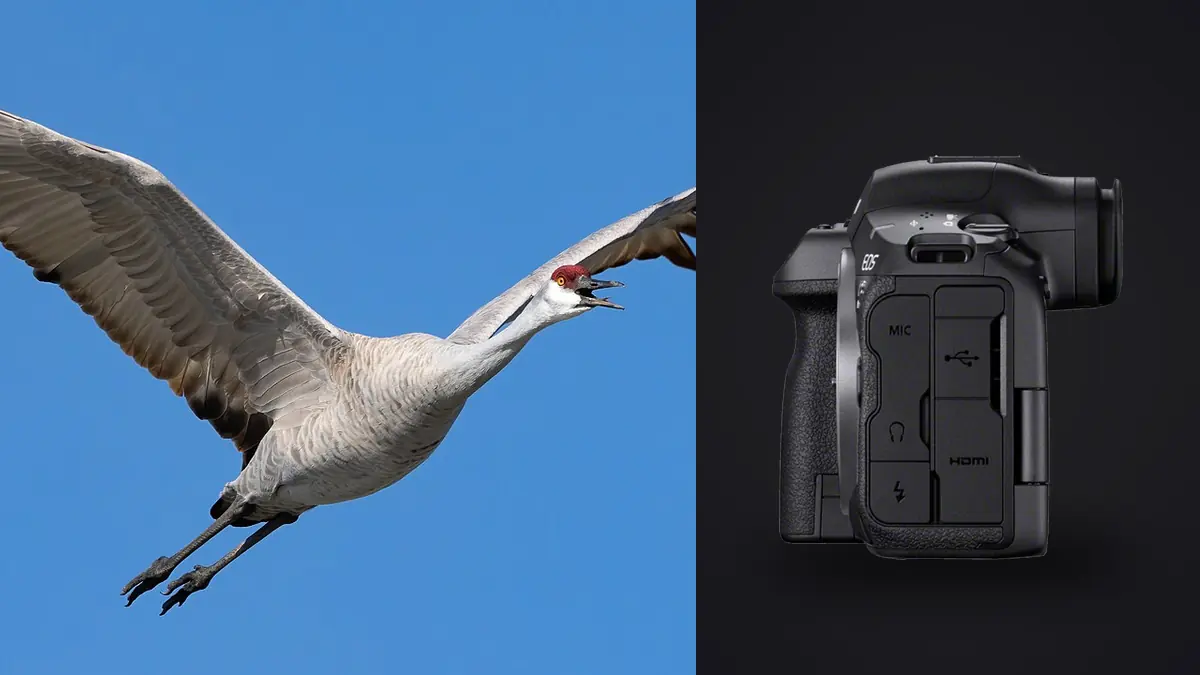
The Canon EOS R5 Mark II can generate demanding birding folders. Its 45-megapixel back-illuminated stacked full-frame sensor, subject-detection autofocus, and fast drive modes encourage short sequences around takeoff, landing, feeding, and wing position. The useful workflow begins by treating those files as irreplaceable field records, then reducing them without losing the behavioral frame that makes the sequence matter.
This guide follows the job from cards to delivery. It assumes RAW capture and a mix of single frames and bursts. The objective is a verified archive, a cull that respects both technical quality and natural behavior, consistent non-destructive edits, and exports suited to their destination.
Troubleshoot the birding workflow from output backward
Troubleshooting a birding delivery should begin with the failed outcome. Missing frames may trace to an incomplete card copy, an overlooked folder, or a filter that hid unrated files. Repeated near-identical selections mean burst comparison was too shallow. A technically sharp set that lacks behavior means the cull favored scores over wing position, eye contact, or interaction. Inconsistent color often begins with mixed camera previews or edits copied across different light. Trace one example back through export, adjustment, selection, and ingest until the first divergence appears. Preserve rejected files and original RAW data while correcting the process so a workflow mistake does not become an irreversible deletion.
Make capture choices that simplify ingest
The camera uses CFexpress Type B and SD media. Decide whether the second slot is a simultaneous backup, overflow, or a separate JPEG destination. For non-repeatable wildlife travel, duplicate RAW recording may be desirable, but the chosen SD card and settings must keep pace with the intended sequence. Test the pairing before leaving.
Synchronize the camera clock and set a consistent filename prefix if several bodies are in use. Keep each card assigned to one camera or clearly record when it moves. Avoid deleting individual frames in the field; deletion interrupts observation and does not replace a verified backup.
Choose RAW compression with the full pipeline in mind. Larger files may provide a preferred editing path, while compressed options reduce card and disk pressure. The right choice is the one already verified in the photographer's processor and output, not the largest format by habit.
Ingest without turning a copy into a single point of failure
Create a job folder before connecting media. A useful structure is date_location_subject/camera_card, with separate folders for originals, selects, working files, and exports. Copy files from each card without mixing card identities, then verify file counts and open representative RAW files from the destination.
A second copy should exist on a separate physical device before any card is formatted. Mirroring to another folder on the same drive is not protection from drive failure. Keep cards write-protected or set aside until both copies are confirmed and the next field use genuinely requires them.
If the camera recorded the same files to both slots, retain one card set as a temporary field backup while ingesting the other. Do not import both into the same originals folder and create apparent duplicates. Preserve the redundant card independently until verification is complete.
Separate sessions and bursts before judging frames
Break the take into locations, species, behaviors, or hides. A dawn perch sequence should not compete directly with a midday flight pass. This organization makes coverage visible and stops a technically dramatic species from hiding quieter but required frames.
Group near-duplicates by event: one takeoff, one landing, one feeding exchange. Within each group, compare the eye, head angle, wing shape, foot position, background separation, and behavior. The best technical frame may not be the clearest biological moment. A sharp wing with a hidden eye is not automatically stronger than a slightly less crisp frame showing interaction.
Use a two-pass cull. The first pass removes unmistakable failures such as severe focus misses, accidental frames, blocked subjects, and unusable exposure. The second pass compares viable frames within each behavior group. This prevents fine-grained comparison from consuming time on images that never met the brief.
Use automated scores as evidence, not authority
imagic can analyze sharpness, exposure, closed eyes, composition, and duplicate or burst groups locally on Windows or macOS. For birding, sharpness and grouping can be useful, but closed-eye logic designed around portraits may not describe a bird's nictitating membrane or natural blink correctly. Treat the score as one signal.
Culling in the app changes status rather than deleting originals. That makes it safe to inspect rejects when a rare behavior is missing from the keepers. If an old analysis looks inconsistent with visible detail, check score freshness before defending the number; stored scores may predate a newer scorer and can be reanalyzed when stale.
Do not use reselection as if it were new analysis. Reselection ranks stored scores against a different keeper target. It is useful when the request changes from a broad gallery to a tighter set, but it cannot repair an outdated technical assessment.
Confirm focus at the intended output, then at full detail
Start with the eye or head at useful magnification. For a flying bird, inspect whether the sharp plane sits on the head, a nearer wing, or the background. Directional blur across the bird may be intentional in a pan; softness from missed focus is a different failure.
Then zoom out to the final crop. A frame that looks imperfect at pixel level can still be excellent at web or moderate print size, especially when behavior and composition are strong. Conversely, a sharp eye does not rescue clipped wings or a cluttered branch crossing the head.
Apply consistent thresholds within a sequence. If two adjacent frames differ only by a tiny amount of feather detail, choose the stronger gesture and move on. Reserve side-by-side full-resolution comparison for genuine finalists.
Build a balanced wildlife edit
A delivery made only of tight flight frames can become repetitive. Include habitat, approach, behavior, portrait, detail, and departure when the session supports them. Vary orientation and subject scale. The collection should explain where the bird is and what it is doing, not merely prove that autofocus worked.
A simple coverage table helps:
| Frame role | Selection question | Common mistake |
|---|---|---|
| Establishing | Does habitat read clearly? | Bird is too small without compositional purpose. |
| Portrait | Are eye, posture, and background clean? | Choosing detail over expression. |
| Action | Is the behavior understandable? | Selecting an awkward wing position only because it is sharp. |
| Interaction | Are both subjects readable? | Missing overlap or blocked faces. |
| Closing frame | Does it add pace or direction? | Repeating another action image. |
Keep conservation context accurate. Do not describe baited, captive, staged, or rehabilitated animals as unassisted wild encounters. Remove exact nest-location metadata from public delivery when disclosure could create disturbance.
Edit RAW files without flattening natural light
Establish white balance and exposure before color style. Bird plumage can contain subtle neutral and iridescent areas that shift easily. Use the environment as context: snow, open shade, golden light, and reflected green foliage should not all be forced to the same neutral appearance.
Recover highlights conservatively on white feathers and preserve shadow separation around dark eyes. Excessive texture or clarity can make feathers brittle and backgrounds noisy. Noise reduction should support the intended output without erasing the fine edges that define plumage.
Apply a learned personal style only after confirming it suits the species and light. The apply_my_style function uses a profile learned from the photographer's own edits, not a generic preset. Review outliers manually, and remember that the adjustments remain non-destructive until export.
Prepare separate outputs from one approved master set
Lock the selection before creating variants. Keep a master crop and edit, then derive publication-specific copies. Social platforms may need smaller JPEGs and alternate aspect ratios. Editorial or print delivery may require full-size JPEG or TIFF, a defined color space, and intact captions.
Use filenames that remain unique outside the folder. Include a job code and sequence number rather than leaving repeated camera names such as R5M2_0001. Embed species, location at an appropriate level of precision, creator credit, and usage information where the recipient expects metadata.
Inspect exports rather than assuming the render matched the working preview. Open the first and last files, a bright bird, a dark bird, and any extreme crop. Confirm dimensions, orientation, sharpening, color, and that no rejected frame entered the delivery.
Audit rare behavior before closing the cull
Fast technical selection can unintentionally remove the only record of an uncommon behavior because it is softer or partly obscured. Before locking the gallery, scan each rejected burst as a sequence and ask whether it contains an event missing from the keepers: prey transfer, territorial display, failed landing, interaction between species, or a change in habitat use.
Keep a separate documentary tier when a frame has informational value but does not meet the aesthetic delivery standard. Label it clearly so it is not exported accidentally. This tier is especially useful for researchers, conservation partners, or a long-term personal record, provided species and location information is handled responsibly.
Finally, compare capture timestamps with field notes. A note about behavior can identify why a seemingly weak sequence was made. Culling without that context favors visual polish and can erase the reason the shutter was pressed. Technical ranking should narrow attention, not rewrite the field record.
When two frames document the same rare action, retain the one whose surroundings make the behavior interpretable. A tighter crop is not always stronger. Habitat, another bird's position, or the direction of travel can turn an isolated gesture into evidence of what actually happened.
Preserve one frame before and after the peak when they explain cause and result. A bird lifting its wings, leaving the perch, and entering open air can be more useful as a short editorial sequence than as three unrelated technical rankings.
Close the job without losing reversibility
Keep original RAW files, the selection state, and final exports according to the retention plan. Consolidate temporary previews only after the job is safe. Do not delete rejected RAW files merely because culling marked them; wildlife behavior can gain value with later context.
The local desktop workflow covers ingest through export, and Workflow and Editing contains related organization guides. Neither page replaces a separate backup policy, but both can help keep the active review process local.
End-to-end birding workflow checklist
- Record cards, camera time, location, and ethical context before leaving the field.
- Copy each card into a named source folder and verify representative RAW files.
- Create a second copy on a separate device before formatting media.
- Group by species, behavior, and burst before comparing detail.
- Use technical scores to narrow the field, then judge behavior and coverage manually.
- Apply non-destructive corrections to an approved master selection.
- Export purpose-specific JPEG or TIFF sets and inspect the actual files.
- Retain originals and selection data according to the archive plan.
Frequently asked questions
Should both R5 Mark II card slots record RAW?
It is a strong option for irreplaceable work if both cards sustain the selected settings. Test the exact media pair and understand that simultaneous recording can be limited by the slower destination.
Can a sharpness score choose the best wing position?
No. It can identify technically strong candidates, but wing shape, eye visibility, behavior, background, and narrative remain human decisions.
Does culling delete rejected bird photos?
In imagic, culling sets a status and leaves source files on disk. A rejected frame can be reviewed and restored when behavior or context outweighs its technical ranking.
Should every delivery include full-resolution files?
No. Export dimensions and format should match publication, print, archive, or web needs. Keep an approved high-quality master and derive purpose-specific copies from it.