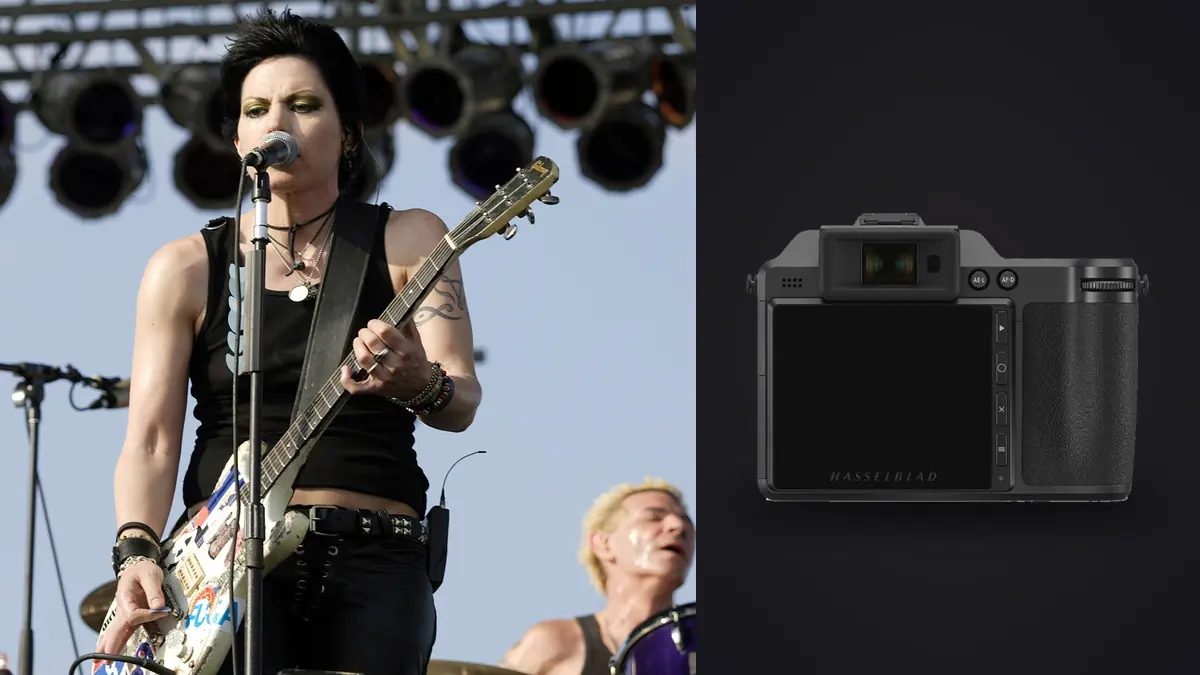
A Hasselblad X2D 100C concert and live music RAW Workflow should emphasize deliberate frames rather than continuous coverage. The camera's 100-megapixel medium-format files, in-body stabilization, internal SSD, and XCD leaf-shutter lenses can produce detailed portraits and rich venue scenes, but the system is not shaped around the longest rapid bursts or the fastest lens apertures in concert photography.
Its useful role is often a controlled theater, acoustic set, rehearsal, portrait during soundcheck, or a position where movement can be anticipated. The workflow must protect native 3FR originals, separate camera storage from verified backup, account for changing stage light, and avoid treating high resolution as a substitute for shutter speed, focus, or reach.
Define the X2D role within the show
List the scenes where detail and tonal control matter more than rapid response: a seated performer, a quiet side-lit song, instruments, backstage still life with permission, stage architecture, or a posed portrait. Pair the X2D with another camera when the assignment also requires unpredictable jumps, dense crowd movement, or continuous fast action.
Choose the approved location before selecting a lens. XCD lens apertures and focal lengths may require a different position or ISO strategy than a fast full-frame concert kit. A medium-format file can tolerate a considered crop, but a distant soundboard view still needs enough focal length and atmospheric clarity.
Record venue rules for shutter sound, access, flash, bags, and movement. Leaf shutters operate within lens-specific limits, and electronic capture may have different implications. Make a warm-up frame under the actual LEDs and subject motion rather than assuming one shutter choice is always clean.
Capture native 3FR files with stable previews
Use native RAW when the editing chain supports it, and verify that support with current camera firmware and applications before the event. Keep white balance stable through a lighting segment so previews can be compared. RAW allows later correction, but an automatic preview that changes every frame can hide exposure drift.
Set shutter speed from the performer's movement. Stabilization can reduce camera shake, but it cannot freeze a hand, bow, hair, or turning face. High resolution reveals small movement clearly, so inspect both the intended focus feature and moving details during a pause.
Protect meaningful stage highlights such as skin, pale fabric, and reflective instruments. A lamp or beam may remain featureless if it is not part of the subject detail. Do not underexpose the entire performance for a tiny source and then depend on extreme shadow lifting.
Use a deliberate sequence rhythm
Anticipate a phrase, gesture, or lighting cue and make a short series around it. Leave time for the camera and photographer to settle between moments. The X2D's value in this setting comes from choosing a strong instant with controlled technique, not from producing a dense stack of nearly identical frames.
Review enough to confirm focus and exposure, but do not let the rear screen consume the performance. Check a representative frame after a major lighting or position change. If focus misses repeatedly, simplify the composition, choose a more stable subject phase, or change the camera role rather than collecting more uncertain files.
Mark a new segment when the lens, location, performer, or lighting design changes. A quick note or spoken memo can preserve the reason for the group. This helps later culling distinguish a technical test from an intentional sequence.
Reconcile internal SSD and CFexpress storage
The X2D includes substantial internal SSD storage and a CFexpress Type B slot. Decide which destination is authoritative and how files move between them. Do not assume that a photograph visible in playback exists in both places. Make test exposures, inspect storage status, and write the policy into the event checklist.
After the show, copy every used source to a working directory and separate backup. If the SSD and card overlap, compare names and file identity before creating unnecessary duplicates. If they contain different ranges, reconcile the timeline and verify that no segment remains only inside the camera.
Do not erase either source until the copies are complete, content has been checked, and the next use is understood. High-capacity internal storage can encourage postponing transfer, but the camera is not an archive. It can be lost, damaged, or needed for another assignment.
Preserve 3FR originals through conversion
Keep native 3FR files unchanged even when another application needs a derivative. Process them in compatible Hasselblad or third-party software and record the version and profile used. If a DNG conversion becomes part of the workflow, verify color, metadata, crop, and highlight behavior on representative files before converting the whole set.
imagic's supported RAW list includes DNG, not native 3FR. A converted DNG can enter its local workflow only after a separate compatible conversion, while the native 3FR remains the archival source. Do not imply that changing a filename extension converts the file.
Store derivatives in a distinct directory with traceable base names. Avoid mixing converted DNG, exported TIFF, and native 3FR files in a way that causes duplicate review or accidental replacement. A manifest can identify which derivative came from which source and conversion settings.
Cull for stage light and expression together
Begin by separating tests, severe focus misses, accidental frames, and unusable obstructions. Then compare expression, hand position, instrument visibility, microphone overlap, and stage color. A perfectly sharp face under a color cue that destroys skin detail may be weaker than an adjacent frame with gentler light.
Inspect dark clothing and bright sources at full size. Medium-format detail does not rescue clipped channels or movement blur. At the same time, do not reject a frame because a deliberately moving hand is not frozen if the face and musical gesture remain convincing.
Build variety by role: venue context, full performer, interaction, instrument detail, portrait, and closing reaction. The X2D may contribute fewer final images than another body, but each should add a distinct visual quality rather than duplicate coverage.
Develop by lighting cue
Group files made under the same stage cue and position, then establish white balance, exposure, and broad contrast on one representative frame. Synchronize cautiously. Stage LEDs can change intensity and color between exposures, so confirm the full group instead of assuming one adjustment fits a complete song.
Preserve saturated atmosphere without letting a single channel erase facial or fabric texture. Some cues are intentionally red, blue, or magenta and should not be neutralized. When color is unusable, compare a nearby frame or consider monochrome only if it supports the editorial set, not as an automatic repair.
Apply noise reduction and sharpening at output size. Fine instrument texture, hair, haze, and stage smoke can be damaged by aggressive smoothing. High resolution encourages close inspection, but the finished image should be judged at the dimensions and medium in which it will appear.
Handle retouching and local work separately
RAW development can correct lens behavior, tone, color, and overall detail. More complex removal of cables, distracting signs, or skin issues requires a suitable layer-based editor and permission under the assignment. Do not change permanent stage elements or performance context in a way that misrepresents the event.
imagic can make non-destructive adjustments to supported files and export JPEG or TIFF, but it has no layers or generative fill. If converted DNG files are used for culling, keep their status separate from the 3FR archive and return any specialist edit to a filename that preserves source identity.
Maintain an editable master for approved local work. A flattened delivery file is not enough when a crop, profile, or correction is requested later. Record whether the master came through native development or a conversion route.
Create review files without losing source identity
Full-resolution medium-format files may be unnecessary for initial selection. Generate clearly labeled review derivatives from the compatible native development route, keep their base identifiers, and store them outside the 3FR directory. A proxy is a convenience, not a new master, and ratings must map back to the source reliably.
Use one review color space and rendering so participants compare photographs rather than inconsistent conversions. If a second proof is made after color work, give it a new version instead of replacing the first silently. This preserves the reasoning behind changes and prevents an older selection from pointing to an unrelated file.
After approval, reconcile every selected proxy with its 3FR, converted intermediate, and editable master. Remove temporary review caches according to policy, but retain enough manifest information to rebuild the chosen set if software or output requirements change. Confirm that proxy crops did not hide focus problems or edge distractions before committing the full-resolution source to final development. The selected native file should be opened directly at least once. Verify its checksum or copy status again when it moves into secure long-term archival storage.
Export a coherent concert set
Confirm color space, dimensions, compression, sharpening, filename, caption, credit, and metadata for the recipient. JPEG is common for finished delivery, while TIFF may serve a high-quality downstream stage. Generate all derivatives from the approved master rather than independently editing several copies.
The imagic desktop page describes its local non-destructive workflow for supported files. The Camera Hardware section provides broader system context. Native Hasselblad development, conversion, long-term cataloging, and layered retouching remain separate parts of the production plan.
Open every export outside the editor and inspect dark gradients, colored highlights, fine edges, profile, crop, and captions. Compare the delivered set with the intended X2D role. Archive the 3FR originals, conversion manifest, editable masters, and final derivatives according to the event agreement.
Use an X2D concert RAW workflow checklist
- Role: assign deliberate portraits, details, and controlled performance phases.
- Compatibility: verify native 3FR support throughout the editing chain.
- Capture: set shutter for subject motion and protect meaningful highlights.
- Segments: mark changes in performer, lens, position, and lighting cue.
- Storage: reconcile internal SSD and card files explicitly.
- Copies: create verified working and backup storage before clearing sources.
- Conversion: preserve 3FR originals and document any DNG derivatives.
- Cull: compare focus, expression, gesture, obstruction, and stage color.
- Develop: batch by real lighting cue and judge detail at output size.
- Deliver: audit profiles, names, captions, count, and source traceability.
Frequently asked questions
Can imagic open native Hasselblad 3FR files?
Native 3FR is not in imagic's stated supported RAW list. Preserve the original and use compatible software; a verified DNG derivative can enter a DNG-supported workflow if needed.
Is the X2D 100C suited to fast concert bursts?
Its strengths favor deliberate high-detail frames and predictable moments rather than the densest rapid action coverage. Pair it with a faster action-oriented body when the assignment requires both roles.
Does internal SSD storage replace a backup?
No. It is a capture location inside the camera. Copy every authoritative file to verified working and separate backup storage before clearing the SSD or card.