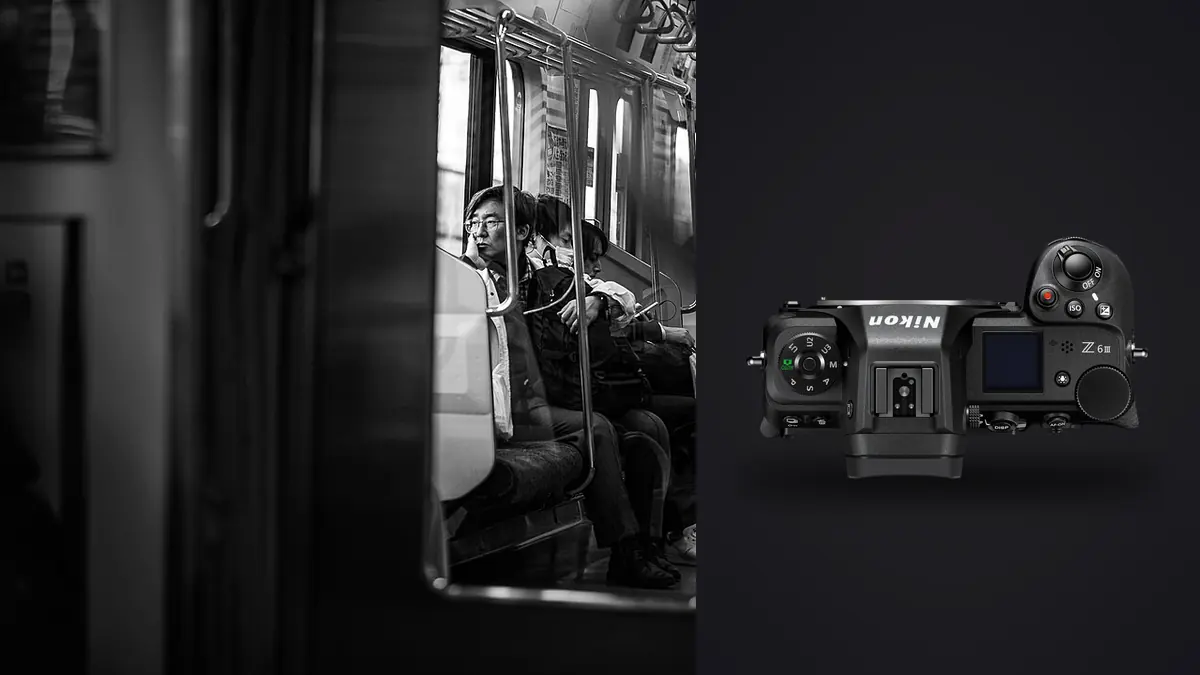
A Nikon Z6 III street and documentary RAW Workflow should preserve the meaning around a moment, not only the sharpest NEF. The camera's 24.5-megapixel partially stacked full-frame sensor, stabilization, responsive autofocus, and mixed media slots support quick work across daylight, transit, shops, and evening streets. Ethical context and accurate captions remain human responsibilities.
The workflow establishes purpose, shutter checks, card routing, verified copies, chronology, reversible culling, scene-based development, crop and privacy review, and final delivery. It keeps the original NEF intact while public derivatives contain only the information appropriate for the story and audience.
Define what the street project is documenting
Decide whether the work is a personal daily study, a neighborhood essay, an event report, or a commissioned documentary. Each purpose changes what must remain in the edit. A single-frame practice can choose one peak, while a story needs establishing views, transitions, relationships, and quieter evidence.
Write ethical boundaries appropriate to place and use. Consider children, vulnerable people, medical situations, private interiors, distress, religious spaces, and identifiable homes. Legal permission to photograph is not the same as responsible publication.
Carry a method for notes. Record verified names with permission, event details, broad location, and observed facts. Mark uncertainty. Keep sensitive contact data and exact access information outside metadata that may travel publicly.
Choose NEF settings for a stable archive
Select a RAW compression mode after verifying current support in every intended application. Make representative Z6 III files with the present firmware, open them in development and metadata tools, and render normal outputs. Preserve the native NEF as the source.
Use a restrained preview profile and a consistent white balance for each scene. A finished-looking preview can hide blocked shadows or clipped color. Check important highlights and the histogram, then make the interpretive look during non-destructive development.
Set resolution and crop expectations from the deliverable. The native file allows normal correction, but a distant face still depends on lens detail, focus, movement, atmosphere, and final size. Do not plan every composition around a severe later crop.
Test quiet shutter choices under city lights
Electronic shutter can reduce sound, yet fast movement and pulsing LEDs may show distortion, bands, or uneven color. Test signs, displays, fluorescent interiors, vehicles, and straight architectural lines under the actual lighting. Inspect several frames because flicker phase changes.
Use a different shutter choice or timing when artifacts appear. Silence can be valuable, but it does not justify unreliable files. In sensitive environments, consider whether photographing at all is appropriate rather than treating silent capture as invisible permission.
Shutter speed should match the visual goal. Freeze a fleeting face or hand when that detail carries the picture, or allow controlled motion when it expresses flow. Stabilization reduces camera movement but cannot stop a walking subject.
Route CFexpress or XQD and SD intentionally
The Z6 III combines a CFexpress Type B or XQD slot with an SD slot. Configure duplicate NEF, RAW and JPEG separation, or overflow deliberately, then inspect both cards. Different media can affect the practical recording plan.
Label cards and keep blank, exposed, and copied media physically distinct. Duplicate recording adds immediate redundancy, but both copies remain in the same camera until separated. A card is not ready to format because a thumbnail browser displayed it.
Create a verified working copy and separate backup. Compare counts and open files from each walk or assignment segment. Keep original NEF files apart from catalogs, previews, and exported derivatives.
Preserve walks, scenes, and chronology
Organize originals by date, project, camera, and meaningful walk or assignment segment. Preserve timestamps and sequence numbers. If another body is used, synchronize clocks or document the offset before combining files.
Use collections, ratings, and keywords for themes instead of duplicating one NEF into several folders. A photograph can belong to transit, labor, weather, and color studies while retaining one authoritative source file.
Keep a small sequence around a selected moment until the story is settled. Frames before and after eye contact may show a different relationship with the camera. Chronology can also verify whether a caption implies an event that the sequence does not support.
Cull chronologically before magnifying
Make a first pass at a moderate size. Mark place, transitions, recurring people, gestures, details, and endings. This reveals narrative gaps. Starting with close focus inspection can produce a technically polished edit without context.
In the second pass, compare short sequences for expression, focus, edge relationships, body language, and subject awareness. A slightly softer frame can remain important when it carries unique factual or emotional information. Mark why it stays.
On the third pass, build variety and verify captions. Do not rearrange chronology in a way that implies false cause or sequence. A layout may be thematic, but its text should remain accurate.
Use imagic as a technical organizer
imagic supports NEF files and processes them locally on Windows or macOS. It can score sharpness, exposure, closed eyes, and composition and group near-duplicates. These signals help with repeated gestures, but they cannot judge public interest, dignity, consent, or factual meaning.
Culling sets status and does not delete originals. A context frame can return during the story edit even if it ranked below a cleaner portrait. Make a human review of every included person, edge, reflection, sign, and caption.
If a score seems inconsistent, check freshness. Reselecting a different keeper count ranks stored values and does not perform new analysis. Reanalyze stale photos only when updated scoring is required.
Inspect full-resolution privacy details
Review candidates for badges, addresses, phone screens, vehicle plates, medical information, access codes, and distant bystanders. A small contact sheet can hide text that becomes readable in the delivered file. Choose another frame, crop, or apply an approved correction when disclosure would cause harm.
Check reflections in windows, mirrors, vehicles, and polished surfaces. They may reveal private interiors, the photographer, or people outside the apparent composition. Documentary correction must follow an editorial policy and should not rewrite evidence casually.
Remove exact GPS and private notes from public exports unless needed and safe. Preserve controlled records for captioning and correction. Privacy and traceability can coexist when metadata destinations are designed deliberately.
Develop by real scene light
Group NEF files by coherent conditions such as hard daylight, open shade, transit interiors, shop windows, or mixed night sources. Establish exposure, white balance, and broad contrast on one frame, then synchronize conservatively and inspect the group.
Keep the atmosphere credible. Warm street lamps, cool evening shade, and colored signs can remain part of the scene. Correct distracting casts without pretending every location had neutral light. Protect skin and important signs from clipped channels.
Apply noise reduction and sharpening at final output size. Fine rain, hair, brick, fabric, and distant text can be damaged by aggressive smoothing. Avoid bright halos around silhouettes and architecture.
Keep color and monochrome reversible
A monochrome preview can help emphasize line and gesture, but the NEF retains color. Preserve that option. Color may carry factual information in clothing, signals, signs, weather, or lighting and should not be discarded solely to simplify mixed sources.
Create non-destructive color and monochrome variants with clear labels. Record the approved version for each delivery. Do not overwrite the only edited master when an outlet asks for a different treatment.
Review the sequence for consistency. A deliberate change of treatment can support a transition, while random alternation often reflects unresolved editing. Let story structure guide exceptions.
Crop without changing the claim
Inspect the full frame before narrowing it. Peripheral people, signs, and objects can establish place or explain a gesture. A crop can also alter perceived distance or remove evidence, so composition and meaning must be reviewed together.
Create aspect-ratio variants linked to the source ID. Label vertical, square, and wide derivatives clearly. Judge each at final size and keep a master that can return to the full NEF framing.
Do not describe a deep crop as extra lens reach. Focus, motion, atmosphere, and noise remain visible. If the crop cannot support the output, choose another frame or keep the wider contextual image.
Maintain captions and publication history
Attach verified names, location at an appropriate level, date, event, observed action, credit, and rights to stable IDs. Separate fact from interpretation. Correct captions when new information arrives and propagate changes to every derivative.
Record which outlet received which crop and caption. A withdrawal or correction is only useful when affected copies can be found. A folder called final does not replace a publication log.
Protect sensitive notes and exact locations from casual access. Long-term documentary value may require retaining source context, but public exports should include only what their use needs.
Use review files without flattening the story
Create modest review JPEGs with the full frame, stable ID, consistent profile, and enough detail to judge expression and context. Keep proposed crops as separate variants. A reviewer should be able to see what a crop removes before approving it.
Reconcile approved review files with their NEF sources before final development. Confirm focus, private edge details, and caption facts at full size. Delete temporary proxies only after the selection and correction history are recorded. Keep the approval manifest inside the controlled project archive.
Export and audit the documentary set
Confirm JPEG or TIFF, color space, dimensions, compression, sharpening, filename, caption, credit, rights, safe metadata, and destination. Export only approved IDs or statuses. Keep proofs and final assets separate.
The imagic desktop workflow explains local culling and export, and Workflow and Editing provides broader process guidance. Full rights management and archive cataloging remain separate responsibilities.
Open every output outside the editor. Inspect crop, profile, text, private details, caption, and sequence order. Archive NEF originals, notes, edits, masters, derivatives, and publication history according to policy.
Use a Z6 III documentary RAW checklist
- Purpose: define the story, audience, ethics, and caption standard.
- Format: verify NEF through the complete software chain.
- Shutter: test LEDs, displays, straight lines, and motion.
- Cards: confirm mixed-media routing and both backup copies.
- Chronology: preserve walk segments, time, and sequence numbers.
- Cull: build context before technical ranking.
- Privacy: inspect full-resolution text, reflections, and metadata.
- Develop: batch by actual light and keep versions reversible.
- Caption: verify facts, rights, deliveries, and corrections.
- Export: audit profiles, crops, sequence, and source identity.
Frequently asked questions
Should the Z6 III always use electronic shutter on the street?
No. Quiet capture can help, but pulsing lights and fast movement may produce artifacts. Test the scene and choose a shutter method that produces reliable files.
Can imagic judge whether a street photograph is ethical?
No. It can provide technical scores and group similar frames, but consent, dignity, harm, public interest, and context require human editorial judgment.
Does reselecting NEF files refresh their scores?
No. Reselection ranks stored scores. Check freshness and reanalyze stale files when current analysis is needed.