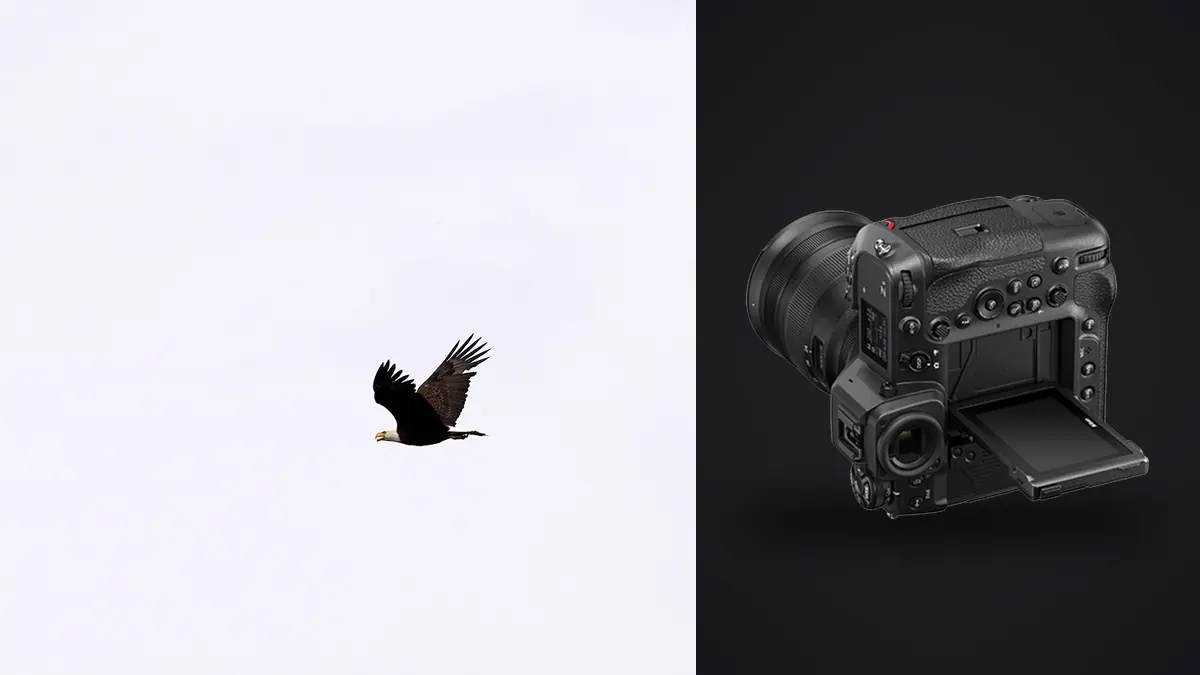
A Nikon Z9 bird-in-flight session can produce long sequences in which wing position, eye visibility, background overlap, and focus differ by a fraction of a movement. A dependable RAW workflow must protect every NEF before review, reduce repetition without erasing context, and preserve a clear path back to the original. The workflow begins in the camera and ends only after the delivered files and backups are verified.
The Z9 combines a high-resolution stacked sensor, electronic shutter operation, and two media slots that accept compatible high-performance cards. Those features support sustained action capture, but they also make careless file handling more expensive. This guide treats culling as a reversible set of decisions, not as deletion, and keeps biological behavior and storytelling under human control.
Decide what the NEF must preserve
Choose the Z9 RAW option by balancing editing latitude, compatibility, card capacity, and the needs of the assignment. Lossless compressed and high-efficiency choices are not interchangeable in every editor or archive. Make representative files before an important trip, open them in the full software chain, apply normal corrections, and export at delivery size. Compatibility must be confirmed with the actual camera firmware and applications in use.
Keep exposure decisions tied to the bird rather than to an empty sky. Pale feathers, reflective water, and sunlit wing tops can lose texture while the background remains moderate. Dark plumage against a bright sky can tempt severe underexposure. Use the histogram, highlight warnings, and a short review sequence, then adjust while the light and behavior are still available.
Set the camera clock accurately and synchronize any second body. Correct timestamps make it easier to reconstruct a sequence, combine focal lengths, and relate frames to field notes. Preserve metadata at ingest. Species, location sensitivity, permit restrictions, and nest protection may require a separate controlled record rather than public keywords embedded in every export.
Use both card slots intentionally
Two slots do not automatically create a safe backup. Decide whether the camera records duplicate NEF files, separates RAW and JPEG, or continues to the second card after the first fills. Confirm the selected behavior on the information display and by reading both cards after a short trial. A menu assumption can leave one card empty or place only smaller files there.
Use compatible cards that sustain the chosen file type and sequence length, and keep firmware and card preparation stable before travel. Format in the camera only after every prior file exists in verified storage. Mark blank, exposed, and copied cards physically. In rain or dust, change media in shelter and close card doors fully before returning to the field.
Card capacity should influence burst discipline, not encourage continuous capture of behavior that has not changed. Begin just before takeoff, banking, prey transfer, landing, or interaction, then release after the useful phase. Shorter sequences preserve context while making review more meaningful. They also reduce the chance that an important later event arrives during avoidable housekeeping.
Create two verified copies before culling
At the workstation, copy files to a clearly named working folder and to separate backup storage. Verification means more than seeing matching folder names. Compare file counts and sizes, or use a copy method that verifies content. Open samples from the beginning, middle, and end of each card. Do not format cards until both copies are present and the working copy can be read.
A useful folder structure separates date, location at an appropriate privacy level, camera, and card or session. Keep original filenames or add a collision-safe prefix when several bodies can produce the same sequence. Rename only after copying, and retain a mapping if the archive policy requires original camera names. Avoid folders called merely select or final without a date and project context.
Place catalogs, previews, and exports outside the immutable original folder where possible. The original directory should contain what came from the card, not a mixture of derivatives and temporary files. Non-destructive editing records can be backed up separately. This boundary makes later audits, migrations, and recovery easier.
Ingest before asking software to analyze
imagic works in a defined order: first scan the source directory, then analyze ingested photographs. It supports Nikon NEF files and processes them locally on Windows or macOS, so wildlife locations and unreleased images are not uploaded. Re-scanning is safe because files already known to the library are skipped.
After ingest, analysis can score sharpness, exposure, closed eyes, and composition and can group bursts and near-duplicates. These are technical and visual signals, not a judgment about rarity or behavior. A frame of an uncommon interaction may deserve selection even when a cleaner portrait receives a stronger technical score.
Keep the working folder available throughout analysis. Moving or renaming files mid-process can break a carefully planned path. If the archive needs a different final location, complete the approved workflow or update it through supported operations rather than dragging folders unpredictably between stages.
Review bursts in passes, not as one giant grid
First remove obvious technical failures from attention without deleting them: frames made while raising the camera, complete obstructions, accidental ground views, or exposures with no recoverable subject. Next compare each burst for eye focus, wing position, head angle, prey visibility, and background separation. Finally review the whole event for behavior and narrative variety.
Within a flight sequence, the sharpest frame is not automatically the strongest. A wing may hide the eye, a branch may intersect the bill, or the bird may face away. Keep an adjacent frame when it provides a different useful gesture. For identification or research use, a technically ordinary side view may carry more information than a dramatic silhouette.
Use ratings or statuses consistently. Define what keeper, reject, alternate, and delivery candidate mean before the review starts. imagic culling changes status and never deletes the source file, so a rejected frame remains available for reconsideration. Physical deletion, if part of a later retention policy, should happen only after the review and backup state are unambiguous.
Check score freshness before defending a verdict
Stored analysis scores can predate a newer scorer. Re-selecting a different number of photographs only re-ranks the saved numbers; it does not analyze the pixels again. If a technically strong bird frame appears to have an implausible verdict, check score freshness before assuming the result reflects the current analysis behavior.
The freshness check reports how much of the library may be stale. Reanalyze stale photographs when the updated scorer is needed, then review the affected bursts again. Do not rerun the entire analysis merely because the requested keeper count changed. Reselection is the correct operation when the scores are current and only the target count or threshold needs adjustment.
Record whether a delivered edit was based on old or refreshed scoring when reproducibility matters. The human selection criteria should remain written separately: species priority, action, habitat, scientific relevance, publication orientation, and ethical restrictions are not encoded fully by a quality score.
Make the human wildlife edit explicit
Review sensitive behavior with field ethics in mind. Avoid publishing precise nest or roost locations when disclosure could cause disturbance. Exclude frames that normalize unsafe approach, baiting, habitat damage, or rule violations. A visually strong image is not worth encouraging harmful practice.
Build the final set by role. Include an establishing habitat frame, behavior, a clean identification view, a portrait, and variations required by layout rather than filling every slot with similar flight poses. Check sequence chronology before changing timestamps or arranging a story. Captions should distinguish observation from inference.
When several birds overlap, automated subject or eye cues may favor the nearest or clearest animal. Verify which individual matters. Inspect edges for clipped wings, background birds, and human structures that alter the meaning. These decisions require knowledge of the event and cannot be delegated to a technical score.
Apply a restrained RAW baseline
Correct white balance and exposure on a representative frame from each light condition, then synchronize only settings that truly belong together. A bird moving from open sky to reflected foliage may need a different color and tonal treatment within seconds. Avoid one broad batch adjustment across shade, sun, water reflection, and backlight.
Set noise reduction and sharpening while viewing meaningful detail at final output size. Fine feathers can be mistaken for noise, while aggressive sharpening can create bright edges around wings against sky. Mask adjustments appropriately in an editor that supports the needed local tools. Preserve a natural transition between detailed plumage and softer background.
imagic stores adjustments per photograph and applies them at export without rewriting the original RAW. Its style feature uses a profile learned from the photographer's own edited work, not a generic preset, and it is only available after such a profile has been built. A learned starting point still needs review across species, light, and backgrounds.
Export a defined selection to a confirmed destination
Set the recipient's color space, dimensions, compression, file naming, metadata, and orientation requirements before rendering. JPEG is appropriate for many publication and web deliveries, while TIFF may suit a later high-quality handoff. imagic can export either format, but it does not perform HDR or panorama merging, print management, or full archive cataloging.
Confirm the destination directory rather than inventing a new one, especially in an automated workflow. Export only the intended photo IDs or status group when the delivery is narrower than all keepers. Inspect representative highlights, dark feathers, gradients, and edge detail in the rendered files, then compare the count against the approved selection.
The desktop page explains local culling and non-destructive export. Max users who need agent-driven operation can review the same tool surface on the MCP page, while broader practice lives in Workflow and Editing. Automation does not remove the need to verify paths, counts, and wildlife context.
Use an end-to-end Z9 RAW checklist
- Capture: choose a compatible NEF option and protect important feather highlights.
- Cards: verify duplicate, split, or overflow behavior before the field session.
- Copies: create and verify working and backup copies before card reuse.
- Ingest: scan the stable source folder before running analysis.
- Technical pass: review focus, exposure, obstruction, and burst groupings.
- Freshness: check stored scores when a verdict looks inconsistent.
- Meaning: select behavior, species value, variety, and ethical context manually.
- Edit: synchronize only frames that share light and scene conditions.
- Export: confirm destination, format, dimensions, names, and output count.
Frequently asked questions
Should every Z9 bird sequence be captured at the highest rate?
No. Use faster capture for brief, unpredictable phases and release when behavior stops changing. Short purposeful sequences are easier to protect, compare, and describe.
Does reselecting photos create new imagic scores?
No. Reselection re-ranks stored scores and can change the requested keeper set without reanalysis. Check freshness and reanalyze stale files when the scorer itself needs updating.
Can imagic identify the most important wildlife behavior?
No. It can provide technical scores and group similar frames, but rarity, ethics, species context, and narrative importance require a knowledgeable human review.