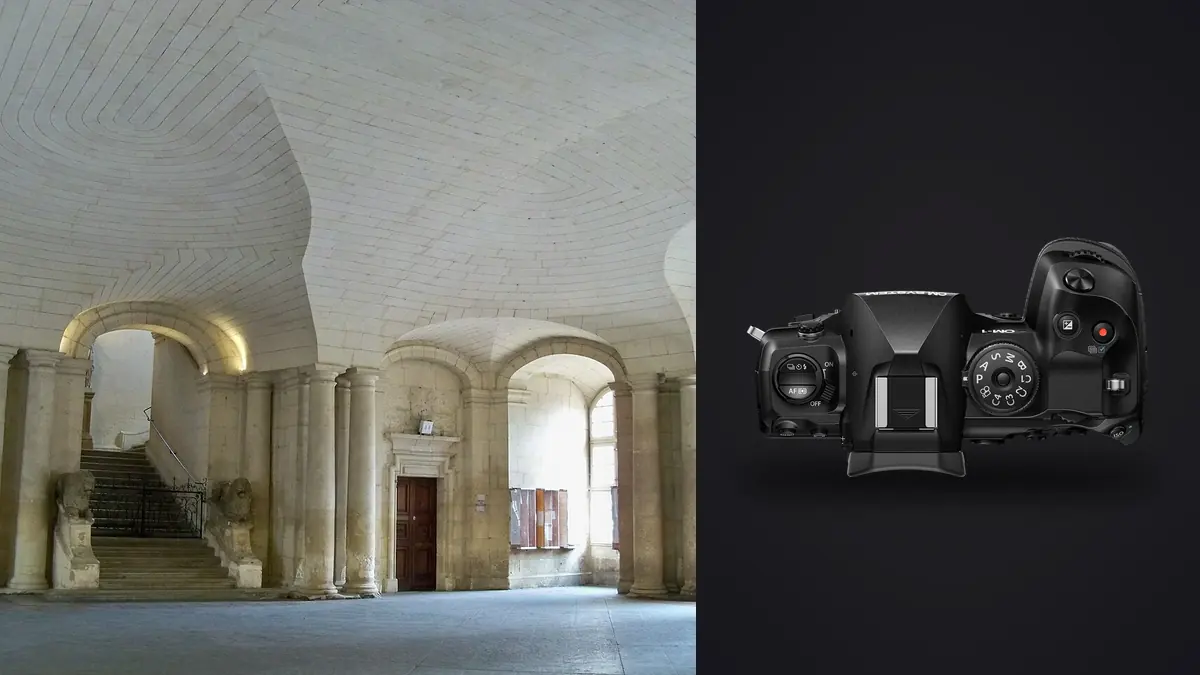
I shoot interiors, the sort of finished spaces that get documented for portfolios and press. For years that meant a full-frame body, a tilt-shift lens, and a tripod I resented carrying up three flights of stairs in a converted warehouse. When I had a tight two-hour window to shoot a compact live/work loft before the tenants moved back in, I brought the OM System OM-1 Mark II instead of my usual kit, mostly out of curiosity about whether a Micro Four Thirds body could keep up. Eighteen months and probably forty interior shoots later, it has become the camera I reach for on most residential work, and the reasons have less to do with the sensor size everyone argues about online and more to do with three specific features that solve real problems on real shoots.
The sensor-size objection, and why it matters less than you'd think
Anyone who has spent time in architecture photography forums knows the objection before you finish the sentence: Four Thirds sensor, 2x crop factor, why would you shoot interiors on a sensor half the area of full-frame when dynamic range and high-contrast window scenes are the whole game? It's a fair question, and I don't think the OM-1 Mark II wins a straight dynamic range shootout against a full-frame body like a Nikon Z8 or a Sony A7R V. In a single exposure, blown highlights outside a window start showing up a stop or so earlier than they do on the bigger sensors, and shadow detail in a dim hallway needs more work to recover cleanly at ISO 800 and above.
What changes the calculation is that almost nobody worth hiring shoots a finished interior in a single exposure anyway. Every serious interior photographer I know brackets or blends, whether that's a three-frame HDR merged in post or flash-fill layered under ambient. Once you're already committing to multiple exposures per composition, the sensor's single-shot dynamic range stops being the bottleneck, and the camera's other strengths, in particular a feature OM System added specifically to fight this problem, start to matter more.
Live GND is the reason I switched
The Mark II added a graduated neutral density simulation called Live GND, and it is, without exaggeration, the single feature that changed how I shoot bright-window interiors. You set a strength (roughly equivalent to 1, 2, or 3 stops) and a transition point, and the camera computationally darkens the top portion of the frame in real time, live in the electronic viewfinder, before you press the shutter. For an interior shot with a bright window and a darker room, that means I can expose for the room and let Live GND pull the window highlights back into range in a single frame, instead of shooting a bracket and building a luminosity mask later.
It isn't a replacement for bracketing in every situation. A window with strong sun behind it still needs a proper HDR blend. But for the everyday case of a north-facing window on an overcast day, or a lit room shot at dusk against a bright sky, Live GND gets me a usable single file straight out of camera. On a job where I'm shooting fifteen or twenty compositions in a two-hour window, cutting even half of those down to one exposure instead of three saves real time, both on site and later at the desk.
Capture modes I actually use, and where each one earns its place
The OM-1 Mark II ships with more capture modes than any one photographer needs, and figuring out which ones were worth building into an interior workflow took a full renovation season of trial and error. Here's what I've settled on.
| Mode | Output | Tripod required | Where it earns its place | Where it lets you down |
|---|---|---|---|---|
| Standard RAW | 20.4MP (5184 x 3888) | No | Walkthroughs, detail shots, anything with people or movement in frame | File size is thin for large-format print work |
| Handheld High Res Shot | 50MP | No | Hero living-room and kitchen shots when a tripod isn't practical between furniture | Struggles with fine repeating patterns like radiator grilles or venetian blinds |
| Tripod High Res Shot | 80MP | Yes, and the room needs to hold still | Empty, static rooms for print-ready hero images or material close-ups | Any movement (curtains, ceiling fans, traffic through a window) creates visible artifacts |
| Live GND | 20.4MP, single exposure | No | Bright-window rooms shot under even daylight | Doesn't fully replace bracketing under direct sun or mixed color temperature |
| Live Composite | 20.4MP, stacked long exposure | Yes | Dusk exteriors where you want the ambient sky plus interior lights building up gradually | Needs a genuinely stable tripod and several minutes per frame |
The two I didn't expect to use as much as I do are Live Composite for dusk exteriors, where watching the interior lights build up on the rear screen while the sky settles into that deep blue is genuinely useful for judging exposure in real time rather than guessing at a shutter speed and checking the histogram after, and Tripod High Res Shot for material detail work: cabinet hardware, tile grout lines, the grain in a piece of walnut millwork. At 80MP those files hold up to a two-page magazine spread without upsampling, which single-shot 20.4MP files sometimes can't.
Handheld stability in rooms where a tripod isn't welcome
Not every interior shoot happens in an empty, staged space. A lot of my work is for designers documenting completed residential projects, which means shooting around furniture, in occupied homes, sometimes with a homeowner standing in the doorway asking how much longer this will take. A tripod in a narrow hallway or a small ensuite bathroom is often more trouble than it's worth, and that's where the in-body stabilization actually changes what's possible.
Paired with the 8-25mm f/4 PRO, I can reliably hand-hold a hallway or stairwell shot at a quarter second and get a sharp frame more often than not, which lets me shoot at ISO 200 instead of pushing to 1600 to keep shutter speed up. That's not a party trick. It directly affects image quality in the shadow areas, which in an interior shot is usually most of the frame. I still bring a small tabletop tripod for anything requiring bracketing or the high-res modes, but for maybe a third of my compositions on a typical job, I never open the tripod bag at all.
The lenses that actually make sense for this work
Micro Four Thirds' 2x crop factor cuts both ways for architecture work. The M.Zuiko 7-14mm f/2.8 PRO gives a 14-28mm full-frame equivalent field of view, which is genuinely wide enough for most residential interiors without the extreme barrel distortion you get pushing a full-frame 14mm to its edges. I use it for maybe 60% of my compositions in smaller rooms. The 8-25mm f/4 PRO (16-50mm equivalent) has become my walkaround lens for anything that isn't a tight room, because it covers the awkward middle ground between wide establishing shots and tighter material or furniture details without a lens change.
What I miss is a true architectural tilt-shift. OM System doesn't make one, and there's no adapted MFT tilt-shift option that's actually practical to use handheld. For jobs where converging verticals genuinely matter, grand stairwells, double-height great rooms, anything going to print at a size where the correction is visible, I still shoot slightly wide and correct verticals in post, which costs some resolution at the edges of the frame. It's a real limitation and I won't pretend otherwise.
Getting through the take without losing a day to it
A two-hour interior shoot with bracketing, high-res variants, and detail shots easily produces 600 to 900 frames once every bracket exposure counts as its own file. Sorting that by eye used to eat half a day per job, especially when half the frames in a bracket set look nearly identical at thumbnail size and the difference only shows up at 100% crop on focus or a stray reflection.
I run the take through imagic before I open anything in Lightroom now. It scores actual sharpness and focus locally on the machine rather than relying on file metadata, which matters a lot with bracket sets where every frame in a group of five looks fine until you check corner sharpness on the one that's actually going to press. It also clusters the near-duplicate exposures from a bracket or a burst so I'm reviewing one representative frame per set instead of scrolling through all five, which is the single biggest time saver in the whole workflow. There's a decent explanation of how that clustering works in this breakdown of how AI photo culling works if you want the mechanics. Because it runs entirely offline, I've also started culling the morning's take on a laptop with no wifi in a half-finished house during breaks between setups, which isn't something I'd trust a cloud-based tool to do reliably.
The other habit that's actually saved me time, not just on OM-1 Mark II jobs but generally, is covered in this rundown of workflow shortcuts, and most of it applies regardless of camera brand.
For the edit itself, I trained imagic's apply_my_style preset on a batch of my own finished interior work. The white balance and contrast curve I use for most residential shoots is pretty consistent job to job, so now it gets most new interiors most of the way to my usual look before I touch a slider, which is a bigger deal on volume work than it sounds like on paper.
Where I'd still reach for something else
I want to be straight about the limits. If the goal is a single hero shot for a magazine cover, or a commercial space that needs tilt-shift-corrected verticals with zero cropping headroom, I still book a full-frame body with a proper shift lens. The OM-1 Mark II's 20.4MP base resolution, even boosted through high-res shot, doesn't quite match a dedicated 45 or 61 megapixel full-frame sensor for extreme crop-and-print scenarios, and the high-res modes fall apart the moment anything in frame moves, which rules them out for occupied, lived-in spaces more often than the spec sheet suggests. For the bulk of residential and small commercial interior work though, the trade-off has gone the other way: lighter kit, faster setup, and Live GND doing in one frame what used to take three.
Frequently Asked Questions
Is the OM-1 Mark II's sensor big enough for professional interior work?
For single-exposure, print-ready files at large sizes, a full-frame or medium format sensor still has an edge in dynamic range and per-pixel detail. For blended or bracketed interior work, which is how most professional interiors get shot regardless of camera brand, the smaller sensor is far less limiting than it looks on a spec sheet. I'd think twice before using it as my only body for large-format print campaigns, but for web, portfolio, and standard print delivery it holds up.
How does the 2x crop factor change lens choices for architectural photography?
You need wider glass than you're used to on full-frame to get the same field of view, which is why the 7-14mm f/2.8 PRO (14-28mm equivalent) does most of the heavy lifting on my interior shoots rather than something closer to a nominal 14mm. The upside is that the smaller image circle keeps those lenses noticeably lighter and cheaper than full-frame wide zooms with similar equivalent coverage.
Does Live GND actually replace HDR bracketing for bright interiors?
Not entirely. It handles the common case of a bright but even window against a normally lit room well, and I use it for probably half my window-facing compositions now. Strong direct sun, mixed color temperature between window light and interior tungsten, or scenes with very wide dynamic range still need a proper bracket blended in post. Think of it as cutting the number of bracketed shots you need in a day, not eliminating bracketing altogether.
Is the OM-1 Mark II durable enough for active construction or renovation sites?
The IP53 weather sealing and magnesium alloy body have held up fine through dusty, half-finished renovation sites and a couple of unplanned light-rain exteriors. I wouldn't call it a construction-site tool in the sense of surviving drops onto concrete, but for the dust and occasional moisture that comes with shooting a project mid-renovation, it's handled worse conditions than my old full-frame body ever felt comfortable in.