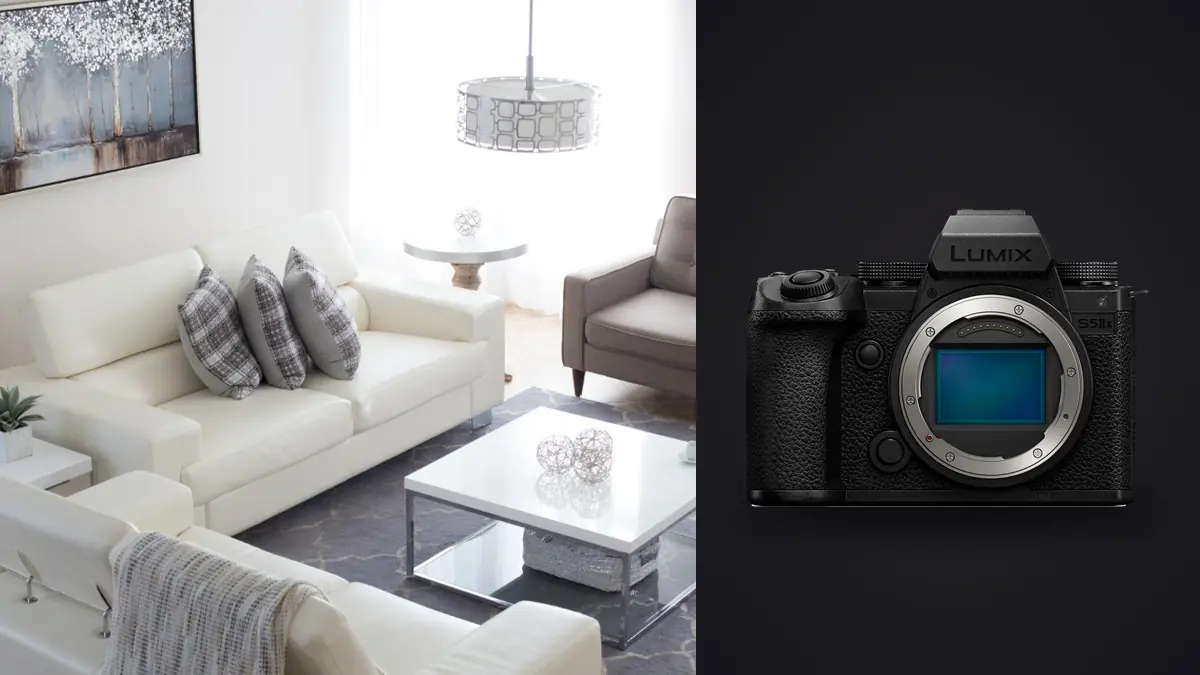
Why this camera kept coming up on interior jobs
Picture a friend renovating a block of mid-century apartments who wants the finished units shot for a listing and a small design portfolio, the kind of job that's really two jobs wearing one trench coat. Say you already have a Lumix S5II in your bag for personal work, but a video-focused colleague is renting an S5IIx that same month for a hotel client's walkthrough reels, and you end up borrowing it for three interior days sandwiched between his exterior twilight setups. That's really the only reason anyone would have opinions about the S5IIx specifically rather than the plain S5II: it's the same 24.2-megapixel body with the video-oriented extras (internal ProRes, waveform and vectorscope overlays, all-black cosmetics, IP streaming) bolted on for people who need both stills and serious video out of one camera. None of that video plumbing changes how the thing behaves in a room. What matters for interiors and architecture is the sensor, the stabilization, the autofocus, and what glass you can actually mount, so that's where I'm going to spend most of this.
What 24 megapixels actually buys you in a stairwell
24.2 megapixels sounds modest next to the 60-plus megapixel bodies some architecture photographers have moved to, and for a specific reason that matters more indoors than out: perspective correction eats resolution. Point a 24mm-equivalent lens up a stairwell or across a living room with sightlines that aren't quite square to the walls, and you'll be pulling the verticals straight in post, which crops in from the edges before you've done anything else to the file. On a 24-megapixel sensor that correction can leave you with something closer to 18 or 19 usable megapixels, which is fine for a listing website or a design blog and starts to feel tight if a client wants a two-page magazine spread or a large lobby print.
The S5IIx's answer to that is its sensor-shift high-resolution mode, which fires a burst of shifted exposures and stitches them into a single file somewhere around 96 megapixels. On a locked-off tripod, in a room with nothing moving (no ceiling fan, no curtain catching a draft, no pet wandering through), it's genuinely useful for the one or two hero shots per project that need to survive a big crop and a big print. I wouldn't shoot an entire unit that way; it's slow enough, and finicky enough about motion, that it only makes sense for the shots you know in advance are going to matter most.
The lens gap nobody mentions until you're on site
Here's the part that actually changed how I worked: there is no native tilt-shift lens in the L-mount catalog, not from Panasonic, not from Leica, not from Sigma. If you've shot architecture on a system with a dedicated shift lens, you're used to correcting converging verticals optically, in the viewfinder, before the shutter ever fires. On the S5IIx you're either correcting digitally after the fact or adapting an old manual tilt-shift lens, since shift and tilt movements are purely mechanical and don't need any electronic communication with the body to work. A Canon FD or Nikon PC tilt-shift on a cheap mechanical adapter functions fine, manual aperture and manual focus and all, and a couple of the architecture photographers I know locally have gone further and picked up a Cambo Actus-style bellows system, which turns the S5IIx into something closer to a compact view camera with real front standard movements.
For everyday interior work I didn't bother with any of that. I shot the Sigma 14-24mm f/2.8 DG DN Art almost exclusively, which is about as clean at 14mm as any wide zoom I've used, meaning the digital correction in post has less garbage barrel distortion to fight with before it starts pulling lines straight. That's the real workaround on this system: buy the sharpest, lowest-distortion wide lens you can and let the correction step do less work, rather than trying to avoid correction altogether.
How I actually split up capture modes on a shoot
Once I stopped treating "take the photo" as one decision and started treating it as four different decisions depending on the room, the S5IIx made a lot more sense. Here's roughly how a typical shoot broke down, room by room.
| Capture mode | Typical output | Time to capture | Tripod needed | Best for | What ruins it |
|---|---|---|---|---|---|
| Standard single frame | 24.2MP RAW | Instant | No | Hallways, closets, quick walk-through coverage | Dim rooms with bright windows blow out or go muddy |
| 3-frame exposure bracket | 3x 24.2MP, merged later | 1-2 seconds | Strongly recommended | Rooms with a bright window and a darker interior in the same frame | A ceiling fan or moving curtain ghosts across the blend |
| Sensor-shift high-res | ~96MP composite | 4-8 seconds | Mandatory | The one or two hero shots per job destined for print | Any subject or light-source movement during the burst |
| Manual focus stack | 5-8 frames, blended | 10-20 seconds | Mandatory | Tight bathrooms or foyers with close foreground detail and a distant window in focus | Reflective floors and mirrors misalign between frames |
Most rooms in a residential unit got the standard single-frame treatment. Kitchens and living rooms with a big window almost always got the three-frame bracket, since Panasonic's dynamic range is decent but not magic, and a bright afternoon window next to a dim interior will still clip one end or the other in a single exposure. The high-res mode came out maybe three or four times across the whole apartment block, always on the shot the client had specifically asked for.
Autofocus you don't expect to need indoors
I went in assuming autofocus would barely matter, since most interior work is locked-off tripod shots at f/8 with plenty of time to nail focus manually. That held true for empty rooms, but the job also included a handful of lifestyle-adjacent shots with the interior designer walking through a finished space for a portfolio image, and that's where the S5IIx's phase-hybrid autofocus earned its keep. It's Panasonic's first full-frame body with real phase-detect points (779 of them) rather than the contrast-only DFD system the brand leaned on for years, and the difference shows up as confident, non-hunting focus even in mixed window light, which is exactly the kind of light interiors throw at a camera. For a photographer who mostly shoots static rooms, this won't be the reason you buy the camera, but it's the reason the odd human-in-the-frame shot doesn't slow you down.
Stabilization and the shots you take without a tripod
Panasonic rates the in-body stabilization around 6.5 stops on its own and closer to 8 when paired with one of their Dual I.S. 2 lenses. In practice that meant handheld detail shots (a light fixture, a stack of towels on an ottoman, a tight shot of tile pattern) at shutter speeds I wouldn't have trusted handheld on older bodies, without setting up a tripod for every single frame. It mattered more on the exterior twilight side of the job than indoors, honestly. Real estate twilight shots, the ones with the interior lights glowing and the sky still holding some blue, usually get shot on a tripod anyway for the long exposure, but on a couple of properties where a tripod wasn't practical (a narrow front path, a homeowner who didn't want gear blocking the entrance during a showing), the stabilization made a handheld twilight shot at a half-second exposure genuinely usable instead of a guaranteed miss.
What happens to the files afterward
Nobody warns you about this part going in: a single mid-size apartment shoot with bracketing on half the rooms and a couple of focus stacks generates an absurd number of near-identical frames. Multiply that by an entire apartment block and you're looking at thousands of RAW files that all look the same at thumbnail size until you actually open them. This is where the shoot stops being about the camera and starts being about triage.
I run everything through imagic before I touch Lightroom now, mostly because it clusters those bracket sets and focus stacks together automatically instead of leaving me to scroll past six nearly identical frames per room trying to remember which set belongs to which exposure. It's a smaller thing than it sounds like until you're doing it for the fortieth room of the day. If you want the mechanics of how that clustering actually works, we've written about it separately in how AI photo culling works.
The other place it helped was color consistency across a job that stretched over three separate visits. Repeat design and hospitality clients tend to want a recognizable look across every project, warm but not orange, contrast without crushed shadows, and re-creating that from memory room to room gets sloppy by the third day. imagic's apply_my_style feature builds an AI preset from a set of your own past edits rather than a canned filter, so you can point it at a batch of interiors you've already graded for the same project and let it apply a consistent starting point across the new rooms before doing the fine adjustments by hand. It's not a substitute for actually grading the images, but it closed the gap between "day one work" and "day three work" a lot faster than eyeballing it.
Confidentiality mattered on this job too, in a way I hadn't thought much about before. Two of the units weren't released to the market yet and the owner had asked, reasonably, that nothing leave the laptop until the listing went live. All of imagic's processing happens locally, no cloud upload at any stage, which made it an easy yes when the client asked how the files were being handled. That's a genuinely useful property for anyone shooting unreleased developments or private residences under an informal NDA, not just a nice-to-have. If you're trying to tighten the whole pipeline from shutter to delivery rather than just the culling step, our workflow speed tips cover more of that ground.
Frequently Asked Questions
Does the missing native tilt-shift lens actually matter if I'm mostly shooting for listings, not magazines?
Honestly, less than you'd think. Digital perspective correction in Lightroom or Capture One handles the mild convergence you get from a wide lens shot roughly level, and a listing photo doesn't need to survive a large print or a tight architectural crop. It starts to matter more for genuine architecture work where you're photographing full building facades or grand interior spaces and need every pixel at the edges to be clean after correction, which is when the adapted manual tilt-shift or a bellows system becomes worth the hassle.
Is the 96-megapixel high-resolution mode usable in an occupied, lived-in space, or only empty rooms?
It's usable in occupied spaces as long as nothing in frame is moving during the multi-second capture window, which in practice means you're staging the room the same way you would for any tripod shot anyway (fans off, curtains still, pets elsewhere). It's not something you can fire off casually while a stylist is still adjusting cushions in frame; you need a genuinely static scene for those few seconds.
How does the S5IIx handle the mixed lighting you get in real interiors, tungsten lamps next to daylight windows next to fluorescent kitchen strips?
Reasonably well straight out of camera, though I still shoot RAW and set white balance manually per room rather than trusting auto white balance across a mixed-light scene, since no camera fully solves three color temperatures fighting in one frame. The dual native ISO circuitry helps more with the darker corners of a room than with the color mixing itself; that part is still a post-processing job, usually with a local adjustment on the tungsten-lit corner separate from the window light.
Is the S5IIx worth the premium over the plain S5II if I never touch the video features?
For stills-only interior and architecture work, no, not really. The sensor, autofocus, stabilization and lens mount are identical between the two bodies; the x variant's extra cost buys you internal ProRes recording, waveform monitoring, and streaming tools that a photographer shooting rooms and buildings will likely never open. If you're already doing walkthrough video for the same clients, the calculation flips and the x starts paying for itself.