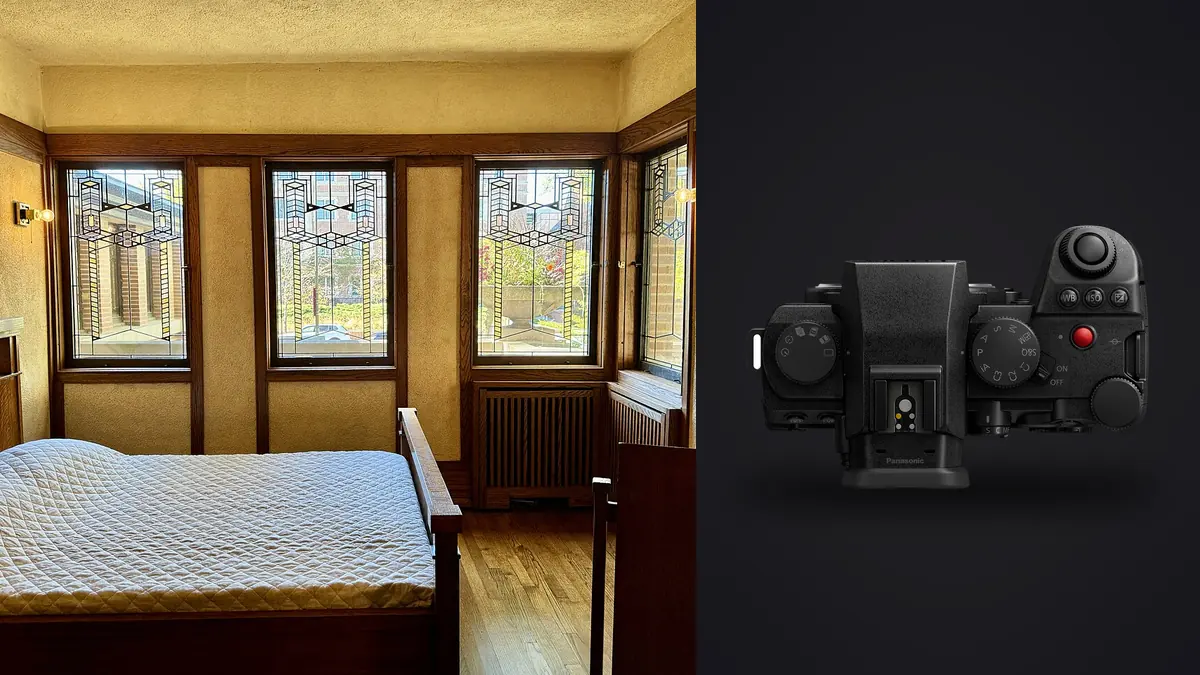
Boudoir files demand more than accurate color and sharp focus. They may contain sensitive poses, private locations, and images that the subject has approved only for a limited use. A technically efficient process is incomplete if previews spread across cloud services, filenames expose a client's identity, or an unapproved alternate reaches a delivery gallery. The Panasonic Lumix S5IIX records RW2 RAW files that can support a careful, local process from capture through export.
This RAW Workflow puts consent and access control beside ordinary photographic tasks. It preserves capture groups, separates technical culling from expression and permission review, creates a consistent skin-tone baseline, and keeps retouching outside tools that are not designed for it. The result should be a traceable set in which every delivered frame has both a visual reason and an approval status.
Translate the consent agreement into file states
Before capture, define what may be photographed, who may view the images, how proofs will be delivered, which uses require separate approval, and when non-selected files will be removed under the agreed retention policy. A model release and a session conversation serve different purposes. The release records legal permission, while the conversation establishes practical boundaries and can be narrower.
Turn those boundaries into explicit states such as private review, client approved, portfolio approved, delivery only, and do not share. Do not encode sensitive details in public-facing filenames. A neutral project identifier can connect the files to a protected client record without exposing a name in thumbnails, export links, or support logs.
Permission is attached to the image, not merely the session. A client may approve one pose from a setup but reject a near-duplicate with a different expression or crop. Keep approval records at filename level and preserve the communication that established them. No automated aesthetic score can infer consent.
Capture RW2 groups that stay coherent later
Use RAW capture for adjustment latitude and record a reference JPEG only if it serves a defined proofing or color purpose. Keep white balance stable within each lighting setup, even when the final look will be warm. Auto white balance can shift between adjacent frames as skin, bedding, or a dark garment changes the composition, creating unnecessary matching work later.
Start each setup with a neutral reference and a wider scene frame that shows the relationship between key light, practical lights, and room color. Capture short runs around a clear direction rather than a continuous stream. A pose transition, change of wardrobe, change of permission boundary, or lighting move should begin a new group.
Watch highlight warnings on pale fabric, reflective satin, jewelry, and skin closest to the key light. The overall histogram can look safe while a small important area clips. Stabilization helps with camera movement, but it does not freeze breathing, hair, hands, or fabric. Choose shutter speed for the person first, then adjust aperture, light, and ISO around the intended depth of field.
Secure the handoff from cards to working storage
Keep cards in direct control and disable wireless transfer features that are not part of the approved workflow. At the workstation, copy each card to a restricted originals folder, verify the expected count and representative RW2 files, then create a second verified copy on separate protected storage. Do not erase cards until the backup policy has been satisfied.
Use separate folders for untouched originals, review previews, working derivatives, retouching handoffs, client proofs, and finals. Access should be limited to people whose role requires it. Full-disk encryption helps if a device is lost, but it does not replace careful account permissions, strong authentication, or a plan for exported files.
Avoid automatic cloud synchronization unless the client has explicitly accepted that service and its terms. imagic processes supported RW2 files locally on Windows or macOS, so photos do not need to leave the machine for culling and non-destructive adjustment. Local processing reduces one exposure path; it does not secure an otherwise poorly controlled computer.
Cull in three separate passes
The first pass removes obvious technical failures from the active set: missed focus, unrecoverable exposure, accidental frames, and movement that does not serve the picture. Set a reject status rather than deleting the source immediately. The second pass compares expression, pose, hand shape, fabric position, and variation across a sequence. The third pass applies consent, narrative, and delivery requirements.
imagic can analyze sharpness, exposure, closed eyes, composition, and duplicate or burst relationships. Those signals can narrow a large RW2 folder, but boudoir expressions are contextual. Closed eyes may be intentional, a technically imperfect movement frame may feel more natural, and the most flattering image is not always the one with the highest generic composition score. Human review remains decisive.
Compare near-duplicates side by side at both face magnification and full composition. Check the nearer eye, mouth tension, fingers, garment edges, and background intrusions. Select enough alternatives to support client choice without presenting a tiring wall of almost identical proofs. Keep private rejects out of the proof export even if they remain protected in the source archive.
Establish color before judging skin texture
Begin development with a consistent camera profile, lens correction, white balance, and exposure baseline for each setup. Mixed window and practical light should be handled intentionally. Neutralize the sources, separate them with gels, or retain a controlled warm-cool relationship, but do not let frame-by-frame automation create random skin shifts across a sequence.
Protect bright skin and fabric before raising shadows. Skin evaluation should happen on a calibrated display in stable room light where possible. Saturation, orange luminance, and magenta tint interact, so correct broad color before making local decisions. Compare several frames from the same setup, not one isolated portrait.
Texture is not a defect by default. Strong clarity and sharpening can exaggerate pores, lace, and bedding, while heavy smoothing can remove identity and material detail. Apply capture sharpening conservatively and judge at intended output size. Detailed skin cleanup belongs in a retouching application with layers or equivalent local controls; imagic does not provide layers, generative fill, or full retouching, although Plus and Max include a Heal / Remove brush with clone, red-eye correction and portrait polish for small fixes.
Prepare a controlled retouching handoff
Export only approved selects for retouching, preferably as high-quality TIFF files when the downstream application and storage plan support them. Include a contact sheet or notes that identify requested changes, crop intent, and any feature that must not be altered. A retoucher should not have to infer whether a scar, tattoo, garment line, or room detail is important to identity or story.
Keep retouched masters separate from the RAW originals and preserve a version link through the filename or project manifest. Do not overwrite an approved natural version with a stronger edit. When an external retoucher is involved, use a transfer method and retention agreement appropriate to sensitive content, and send only the minimum necessary files.
Batch adjustments can establish a baseline, but every final portrait deserves individual review. A style learned from the photographer's own edits may be applied in imagic only when a style profile exists. It should be treated as a starting point, not as permission to standardize skin or mood across different lighting setups.
Proof without leaking unapproved frames
Generate proof files in a dedicated directory with the intended dimensions, color space, and optional watermark. Remove precise location metadata when it is not needed. Check that sequence numbers do not expose deleted gaps in a way that invites requests for private rejects, and make the client-selection method clear.
Before upload or handoff, compare the proof directory against the approved-for-proof list. Open several exported files to verify crop, orientation, color, and watermark placement. A correct editor view does not guarantee a correct exported JPEG. Count verification is especially useful when two similar setups have nearly identical thumbnails.
The imagic desktop page describes the local application, and broader process guidance appears in AI and Technology. Neither link changes the consent obligation: the photographer remains responsible for deciding which files may leave protected storage.
Deliver and archive according to the agreement
Create a final-delivery directory from the approved master list, not from the proof folder. Export JPEG or TIFF according to the agreed use, then inspect the exact files that will be sent. Confirm naming, dimensions, color profile, crop, metadata, and the absence of unintended alternates. Record the delivered filenames and date in the project manifest.
Delivery access should expire or be revoked according to the agreement. A password alone may be inadequate if the link can be forwarded, so choose controls proportionate to sensitivity. Communicate how the client should download and store the files without implying that any online gallery is perfectly private.
After delivery, apply the promised retention policy to originals, rejected frames, proofs, masters, and temporary transfers. If deletion is required, include backups and external collaborators in the plan. If retention is required, preserve consent states and access restrictions with the archive. A tidy folder is not enough when the meaning of each file has been lost.
Audit previews, caches, and temporary handoffs
Sensitive photographs can persist outside the obvious project folder. RAW browsers may create preview caches, operating systems may generate thumbnails, and retouching applications may write recovery files. Map those locations before the session and include them in the retention plan. Clearing a delivery folder while leaving unrestricted previews on a shared account does not satisfy a privacy promise.
Temporary exports should carry an expiration purpose in the manifest, such as client proof, retoucher transfer, or print test. Once the purpose ends, confirm that the recipient has completed the handoff and remove the temporary copy according to the agreement. Do not use a shared desktop or downloads folder as long-term storage simply because it is convenient.
Backups require the same care as working files. Encryption, access records, and physical control should match the sensitivity of the originals. If a service provider stores a backup, understand where the data resides and who can access it before including that provider in the workflow. Local processing does not make an external backup local.
Finish the audit by signing out of temporary accounts and checking recent-file lists on shared machines. Record completion in the project manifest so privacy cleanup is a verifiable task, not an assumption made after delivery.
Frequently asked questions
Can AI choose the most flattering boudoir portrait?
AI can provide technical signals and group similar frames, but flattering expression, body language, and client preference are contextual. Final selection should remain a deliberate human and client decision.
Does local processing remove every privacy risk?
No. It avoids uploading files for the processing step, but device access, backups, exports, transfers, and collaborators still require controls. Privacy depends on the complete workflow.
Should rejected RW2 files be deleted immediately?
Not unless the agreed retention policy requires immediate deletion and verified backups are no longer needed. A reject status is reversible, while deletion can remove a frame that later proves important to the approved sequence.