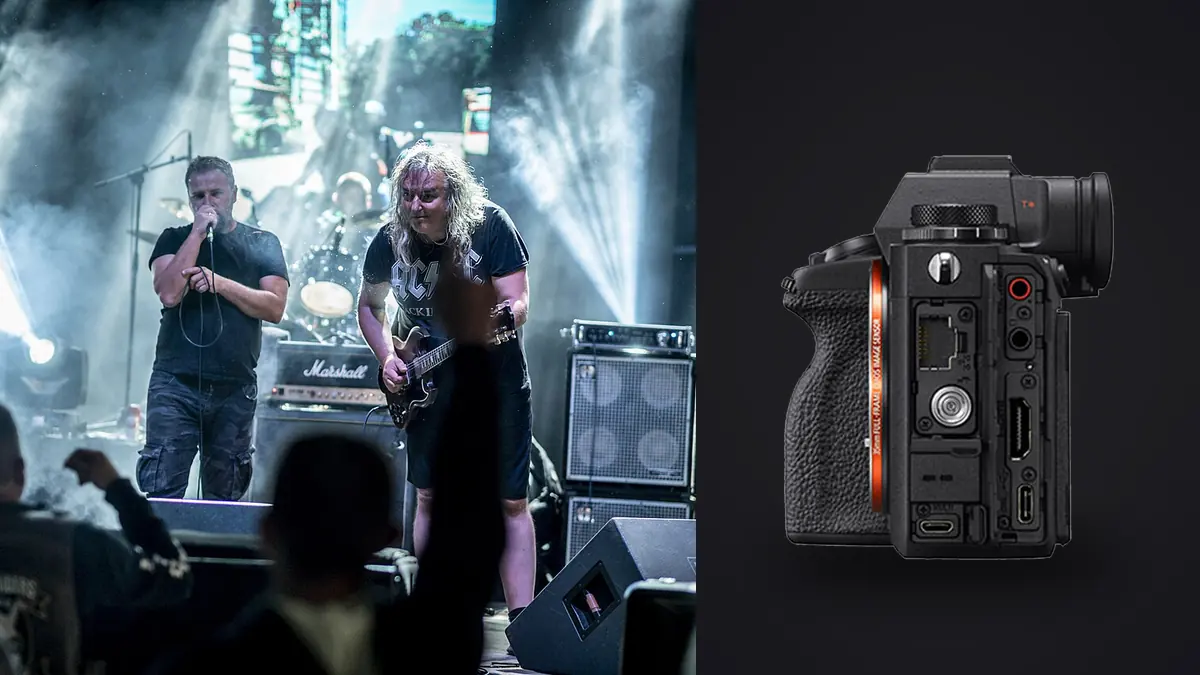
The Sony A1 combines a 50.1 megapixel stacked full-frame sensor, up to 30 fps electronic capture under supported conditions, subject tracking, dual card slots, and broad video capability. At a concert, those features matter only after access and focal length have been solved. A pit, balcony, soundboard, stage wing, and crowd floor each require a different visual plan.
This Lens and Location Guide maps those positions to practical lens roles, safe routes, stage height, lighting cues, and second-body coverage. It treats the A1's speed and resolution as support for a planned viewpoint, not as substitutes for the credential or the correct glass.
Translate the credential into a lens map
| Position | Lens role | Primary picture |
|---|---|---|
| Small-club floor | Wide prime or standard zoom | Performer, audience, and room together |
| Center or side pit | Standard zoom plus short telephoto | Full and tight stage action |
| Front of house | Fast telephoto zoom | Isolated performers from distance |
| Balcony | Telephoto plus wider establishing option | Lighting design and compressed stage layers |
| Stage wing with permission | Wide or normal lens | Profiles, transitions, and backstage context |
Mark which positions are available during each song and whether movement is allowed. Assign one required deliverable to every position. The A1's speed and resolution are useful margins, but the lens map should work even at a moderate drive rate and without a severe crop.
Let access govern focal length and route
No body compensates for a distant position with the wrong lens. Confirm pit access, first-song limits, approved aisles, soundboard rules, stage permission, and whether movement is allowed. Translate those positions into required focal lengths. A 24-70mm may cover a small pit, while a 70-200mm or longer lens may be essential from front of house. A wide prime serves atmosphere and crowd context rather than every close portrait.
The 50.1MP file can support a moderate crop, but cropping is not a replacement for viewpoint. It reduces final resolution and magnifies noise, atmospheric haze, and focus error. If the credential keeps you far away and the client expects tight faces, budget for the appropriate lens before upgrading the body.
Lens speed also has costs. A wide aperture gathers light and separates a performer, but depth can become too thin for two band members or a face angled away. Large fast zooms add weight in a crowded pit. Test the complete body-lens combination for balance, control access, and your ability to hold it through the shooting window.
Use 50.1 megapixels as crop margin, not reach
High resolution is valuable for large print, detailed editorial use, multi-format crops, and assignments where one frame must serve several layouts. It also increases transfer, preview, backup, and editing demands. Estimate a real event's data volume from a representative sequence using the RAW mode you intend to choose. Do not multiply the maximum frame rate by the entire show; disciplined shooting should be much lower.
For immediate press transmission, smaller JPEG or HEIF files may be useful alongside RAW, provided the recipient supports them. Define which card receives which file and how those files move to the editor. A high-speed camera attached to a slow card reader, congested laptop, or vague naming process does not produce fast delivery.
If the normal output is a modest online gallery and crops are light, a lower-resolution body may simplify the same work. Compare final exported images at their actual size. A specification difference that disappears in delivery should not dominate the purchase.
Use 30 fps only when action phases matter
The A1 can reach up to 30 fps in electronic shutter with compatible lenses and settings. That is useful for a jump, drumstick toss, brief pyrotechnic cue, or a fast gesture where small timing differences matter. It is unnecessary for a singer holding a microphone or a guitarist standing in stable light. Maximum rate creates dense groups in which expression and limb position barely change.
A practical concert setup keeps single frame or a moderate burst readily available and reserves the highest rate for known cues. Learn whether the lens, RAW choice, shutter setting, and flicker functions affect the desired rate. Make a controlled test before the show rather than trusting the number in isolation.
Pre-shoot planning often beats extra frames. Watch sound check or earlier songs for repeated movements and light patterns. Begin a short sequence just before the cue and stop after the visual peak. This preserves card space and makes the contact sheet intelligible.
Evaluate low light without inventing a universal ISO limit
Concert image quality depends on exposure, color of the light, subject motion, lens aperture, crop, and output size. There is no honest maximum ISO that applies to every photographer. Download or make representative RAW files, process them in your software, export at client size, and decide where color and detail cease to meet the brief.
Set shutter speed according to movement. Stabilization helps with camera shake but cannot freeze a singer turning or a drummer moving. Protect important highlights because saturated LEDs can clip one channel before the overall histogram looks alarming. Allow unlit areas to remain dark when that reflects the show rather than opening every shadow into gray noise.
Autofocus performance also depends on contrast, lens, obstruction, and light. Microphone stands, smoke, hands, and backlight can hide an eye. Configure a smaller focus area as a fallback and practice moving the target. Subject recognition is assistance, not a substitute for confirming what the camera selected.
Test silent shooting under the actual lighting rig
The stacked sensor reduces rolling-shutter problems compared with slower-readout designs, but electronic shutter and stage lighting still require a test. LED walls, dimmed fixtures, and lasers can produce banding or broken patterns at particular speeds. Use the camera's anti-flicker or variable shutter options where appropriate, and keep a mechanical alternative if venue sound allows it.
Silent capture is most valuable at rehearsals, acoustic performances, theater-adjacent events, and quiet backstage moments. At a loud arena show, mechanical sound may be irrelevant while electronic artifacts remain a risk. Choose shutter mode for the light and motion, not simply because silent sounds more advanced.
Never aim at a direct laser beam or place the sensor in a known hazardous path. Ask production staff about laser use and shooting restrictions. Sensor damage and eye safety are production concerns, not creative challenges.
Coordinate still and video locations honestly
The A1's video specifications can justify the body for a creator who repeatedly delivers professional stills and motion from the same events. One mount, common batteries, shared color planning, and a familiar autofocus interface can simplify a small crew. The schedule must still allocate time, support, audio, and shot coverage to video.
If you are hired only for stills, do not count advanced video as future value without a plausible plan. Compare a stills-oriented body plus appropriate lenses with the total A1 package. Conversely, if one operator must deliver both high-resolution stills and demanding video, replacing two specialized bodies may be the strongest argument for it.
Plan second-body coverage and lens transitions
Concert assignments often require a second body because lens changes in a short pit window are impractical and a single failure cannot be repaired during a song. Decide whether the A1 will be paired with another A1, a lower-resolution Sony body, or a dedicated video camera. Shared batteries, cards, menus, color response, and button layout reduce switching errors, while mismatched file dimensions and controls can slow the edit.
Check rental and service availability where you work. A flagship is only operationally resilient when a replacement body, compatible charger, and critical lens can be obtained in time. Keep current settings backed up where the camera supports it, document custom controls, and practice moving the assignment to the second body. This resilience may justify the system more than one extreme specification.
Also evaluate physical endurance. The A1 with a fast telephoto zoom is a substantial combination in a crowded pit. Handle the complete kit for the length of a normal assignment, including a second body, credentials, and transfer equipment. A lighter setup that stays responsive through the final song may produce the stronger coverage.
Check routes, cards, and deadline handoff
Dual media slots can support redundancy or separate RAW and ready-to-send files. Use approved cards, readers, and cables, and test sustained sequences. Confirm that both cards receive what you expect. Network transfer features require current configuration, credentials, and venue access; they should not be assumed to work in a crowded arena without a fallback.
After the event, copy and verify files before formatting. imagic desktop can scan supported ARW folders and analyze them locally, with culling statuses that do not delete originals. It can apply stored edits at export, but it does not replace detailed retouching or a full asset-management system. Camera discussions continue in Camera Hardware.
High frame rates make near-duplicate grouping useful, but final selection still requires expression, gesture, light, identity, and editorial context. If a stored score looks outdated, check freshness and reanalyze stale files. Reselecting alone merely changes the ranking from the same numbers.
Finish with a position-by-position show plan
Write a short sequence for the actual access window: wide venue frame before the show, primary singer coverage from the cleanest pit position, side angle for band relationships, long-lens portraits if front-of-house access exists, and crowd response at the permitted end. Include the lens already mounted for each move and the safe route to get there.
When access is distant, give priority to an appropriate fast telephoto rather than expecting the 50.1 megapixel file to supply unlimited reach. When access is close, use a wider lens to show the room and reserve the second body for tighter expressions. The plan succeeds when every position adds a different part of the story without crossing cables, blocking spectators, or negotiating rules during a song.
Save the final route with the show notes, including lens assignments, lighting cues, and any restriction communicated by security. That record makes a return to the venue more efficient while still requiring fresh confirmation for the next event.
Frequently Asked Questions
Is 30 fps necessary for concert photography?
No. It is useful for brief, fast actions where small timing differences matter. Most performance moments are covered more efficiently with single frames or controlled moderate bursts.
Are 50.1 megapixels too many for live music?
They are valuable for large output and flexible crops, but they increase storage and processing load. The right answer depends on the final use and the discipline of the capture workflow.
Can the Sony A1 shoot every concert silently without artifacts?
No camera setting should be assumed safe under every stage rig. Test electronic shutter with the actual LEDs and screens, use anti-flicker options where suitable, and keep a fallback mode.