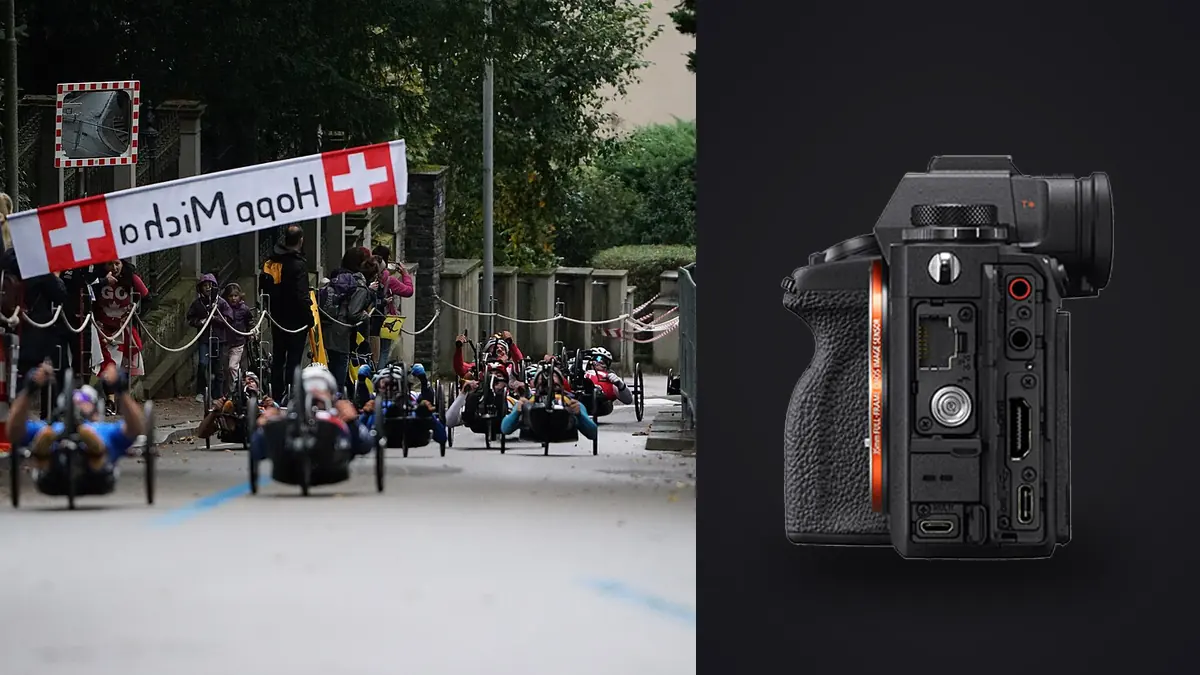
A Sony A1 sports and track action RAW Workflow must turn dense, high-resolution ARW bursts into a defensible edit without losing the event's meaning. The stacked sensor and fast continuous capture can record narrow changes in ball position, foot placement, expression, and contact. The 50.1-megapixel files also preserve enough detail to make poor focus, movement, and deep cropping visible.
The workflow starts with an event shot plan, not with the fastest drive setting. It routes the two media slots deliberately, protects originals, groups sequences, checks automated scores, applies human editorial judgment, and exports only the frames and formats the assignment requires.
Define the sports file roles
List the required photographs: opening context, key players, peak action, score consequence, reaction, officials, details, and closing scene. Add orientation and crop needs. A vertical cover candidate and a wide web banner should not be discovered accidentally after the event.
Map likely action zones and approved positions. Decide which moments deserve short high-rate bursts and which need one timed frame. A sprint finish, ball release, or collision has a narrow peak; a portrait, bench interaction, or venue view often benefits from deliberate timing and lower volume.
Synchronize camera clocks and use a consistent filename prefix when a second body is present. Accurate timing allows wide context and tight action to be paired and keeps captions aligned with heats, periods, or matches.
Select ARW settings for output and compatibility
Choose a RAW compression option that the full software chain supports. Make representative A1 files with current firmware, open them in the developer and archive, and render the normal output. Preserve native ARW originals even when a downstream system needs another format.
High resolution offers crop flexibility, but it increases storage and review demands. Use it because the assignment benefits from detail or multiple output ratios, not merely because it is available. Framing, focus, motion, atmosphere, and lens quality still determine usable crop.
Keep a stable preview rendering and white balance within one light segment. Check meaningful highlights such as white kits, lane markings, helmets, and sunlit skin. A vivid preview can hide clipped color or make an underexposed face look more dramatic than useful.
Route the two hybrid card slots
Both A1 slots support SD and compatible CFexpress Type A media. Configure duplicate ARW, RAW and JPEG separation, or overflow intentionally. Read both cards after a test and confirm that the selected file type and drive mode behave as expected.
Use compatible media and label every card. Keep blank, exposed, and copied cards in distinct physical states. Duplicate recording provides an immediate second copy, but both cards remain in the same camera until one leaves the body.
Create a verified working copy and separate backup before formatting. Compare counts and open files from the start, middle, and end of each card. A preview that appears in a browser does not prove that every high-resolution ARW is complete.
Make every burst answer a question
Start a short burst before the expected peak and release after the phase resolves. For a hurdle, that could cover takeoff through landing. For a pass, it could include release, flight, reception, and immediate reaction. Continuous capture through unchanged play adds files without adding choices.
Use autofocus areas that give the intended athlete priority. A broad area can acquire an isolated subject, while a zone or smaller area helps through officials, fences, or other players. Review whether the eye, face, number, or equipment required by the story is actually the sharp subject.
Check electronic shutter under venue light and fast movement. Straight lines, rotating objects, and LED boards can reveal artifacts. Use the shutter behavior that produces clean files for the event rather than relying on its headline speed.
Copy by event segment, not one anonymous folder
Organize originals by date, event, camera, and meaningful segment such as session, heat, quarter, or race. Preserve sequence numbers and timestamps. Put previews, catalogs, edits, and exports outside the immutable ARW directory.
Record card ranges in a transfer log when media changes during coverage. A log should show camera, card ID, first and last segment, copy destinations, verification, and return status. This prevents an unlabeled card from being formatted in a later break.
Keep caption notes associated with the correct segment. Player names, bib numbers, results, and event phases should come from reliable sources. Do not identify a person solely by resemblance or infer a result from one frame.
Cull within burst groups first
Start with obvious technical failures: frames made while raising the camera, complete obstructions, or exposures with no usable subject. Change status rather than deleting. Then compare each burst for eye focus, gesture, ball or equipment visibility, body position, and background overlap.
The sharpest file can still be editorially weaker. A hand may hide the face, the ball may leave the frame, or a sponsor board may intersect the subject. Keep a neighboring frame when it solves a different requirement or shows the consequence of the action.
After burst selection, review the whole event. Check player and team coverage, orientations, sequence, and reactions. A set filled with one athlete or one viewpoint can pass technical review and still fail the brief.
Use scores without treating them as verdicts
imagic supports ARW files and runs locally on Windows or macOS. It can score sharpness, exposure, closed eyes, and composition and group near-duplicates or bursts. These signals can reduce repetitive comparison, but they cannot know the decisive play, required athlete, or publication layout.
Stored scores can become stale after scorer changes. If a visible result seems wrong, check score freshness. Reselecting a different number of keepers re-ranks stored values and does not analyze pixels again. Reanalyze stale files only when updated scoring is needed.
Culling in imagic sets status and never deletes originals. Keep the human editor able to restore an alternate when a caption, layout, or late result changes. Archive deletion should follow a separate retention policy after delivery and backup verification.
Judge crops at real delivery sizes
Open the full frame before cropping. Peripheral officials, scoreboards, lane lines, or spectators may establish the event, while an awkward edge can weaken it. Cropping changes meaning as well as composition, so preserve context when it carries factual value.
Create non-destructive variants for horizontal, vertical, square, or banner uses. Label each derivative with a stable parent ID and crop suffix. Do not overwrite the master framing simply because one outlet needs a narrow aspect ratio.
Inspect a deep crop at final size. Atmospheric heat, high ISO, missed focus, motion, and lens detail can limit it despite the source resolution. Sharpen for each output scale rather than applying an aggressive setting to the entire ARW.
Develop by light and playing surface
Group files by coherent light: open sun, shade, stadium LEDs, mixed indoor sources, or reflective water and ice. Establish exposure, white balance, and broad tone on a representative frame, then synchronize only within that condition.
Protect uniform color and skin without neutralizing every venue cue. Colored surfaces can reflect onto faces and clothing. A global correction may fix one region while shifting another, so use appropriate local tools when the delivery requires precise color.
Apply noise reduction and sharpening at output size. Turf, hair, mesh, water spray, and crowd detail can become brittle under strong clarity. Preserve a natural subject edge and avoid halos that make an athlete look cut out from the background.
Maintain caption and rights traceability
Keep athlete identity, event, phase, result, location, date, photographer credit, and rights against the stable file ID. Separate verified facts from assumptions. If results change after capture, update the caption record and any affected derivative.
Review badges, medical moments, minors, and private areas before publication. A high-resolution wide frame may reveal information missed in a small preview. Apply the assignment's privacy and editorial policy rather than assuming every visible detail can be distributed.
Record which outlet received which crop and caption. This makes a correction or withdrawal actionable. A generic final folder without delivery history is not enough for ongoing editorial work.
Build a deadline edit without altering the archive
For rapid delivery, copy approved IDs into a collection or status view rather than moving their ARW originals. Apply a conservative baseline by light group and render small review files first. The source folder, timestamps, and burst relationships should remain untouched while the deadline set is assembled.
Label deadline candidates, editor-approved files, and final exports as separate states. A photograph sent for consideration is not automatically cleared for every later use. Keep caption corrections tied to the stable source ID so an updated result or athlete name reaches each derivative.
After the deadline, reopen delivered ARW files at full size and compare them with their exports. Correct any issue through a new version rather than silently replacing the archive. Record the recipient, date, filename, crop, caption, and superseded copy in the delivery log. Confirm that every transmitted player name and event result matches the authoritative record available for that deadline. Later corrections should cite the changed field explicitly for every recipient.
Export an auditable sports delivery
Confirm JPEG or TIFF, color space, dimensions, compression, sharpening, filename, caption, rights, and destination. Export only the approved photo IDs or status group. A keeper is not automatically a delivery file.
The imagic desktop workflow explains local culling and non-destructive export, and Workflow and Editing provides broader process guidance. Long-term event cataloging and rights history remain separate responsibilities.
Open every output outside the editor. Inspect crop, profile, highlights, subject edge, caption, and metadata. Compare count and sequence with the approved list, then archive ARW originals, notes, edit records, masters, and derivatives.
Use an A1 sports RAW workflow checklist
- Brief: define action, context, reactions, people, and output ratios.
- Format: verify the chosen ARW through the complete software chain.
- Cards: confirm both slot destinations and compatible media.
- Bursts: capture short named action phases.
- Copies: verify working and backup storage before formatting.
- Cull: compare within groups, then audit event-wide coverage.
- Scores: check freshness before relying on an unexpected rank.
- Crop: preserve context and develop variants non-destructively.
- Metadata: verify identities, results, rights, and privacy.
- Export: audit formats, profiles, captions, counts, and source links.
Frequently asked questions
Should the Sony A1 always use its fastest sports burst?
No. Use the highest rate for brief unpredictable peaks and shorter or slower sequences elsewhere. Every burst should correspond to a meaningful action phase.
Does reselecting photos refresh imagic analysis?
No. Reselection ranks stored scores. Check freshness and reanalyze stale files when the updated scorer is required.
Can high resolution replace a long sports lens?
No. Cropping helps within limits, but focus, motion, atmosphere, lens detail, and final output still matter. Use suitable focal length whenever position and access allow it.