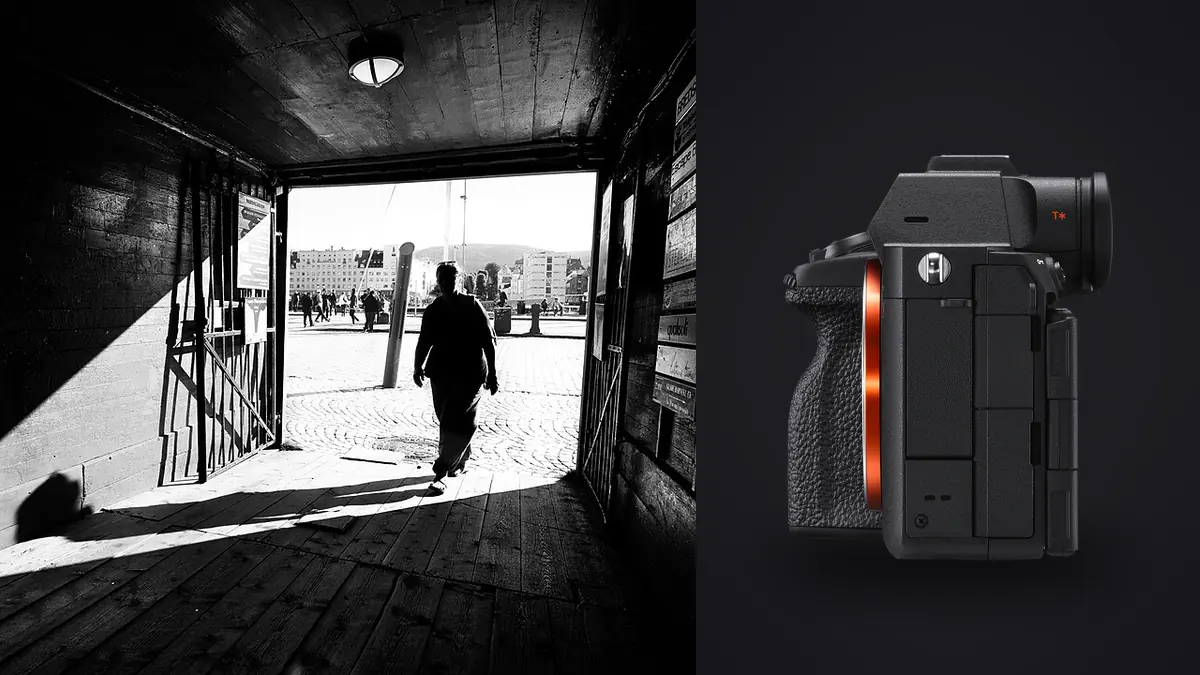
A Sony A7R V street and documentary RAW Workflow must manage high-resolution ARW files without letting resolution dominate the edit. The camera can preserve fine signs, faces, textures, and crop options, but a documentary photograph succeeds through context, timing, accuracy, and ethical use. More detail also means that private information and distant bystanders may remain legible.
The workflow should establish a purpose before capture, route the two card slots clearly, preserve sequence and captions, use automated scores only for technical filtering, and make crop and privacy decisions at full resolution. The original ARW remains unchanged while derivatives carry only the information appropriate to their audience.
Define the documentary purpose before the walk
Identify whether the work is an open street study, a neighborhood essay, a commissioned report, or an event record. A daily visual note can favor one decisive frame, while a long essay needs place, transitions, relationships, and repeated visual themes. This purpose determines what should be retained beyond the most dramatic moment.
Record legal and ethical boundaries for the location and intended publication. Pay particular attention to children, vulnerable people, medical situations, private interiors visible from outside, and moments of distress. Lawful capture does not automatically make publication responsible. Consent and harm require situational judgment.
Use a field-note method for verified names, event details, broad location, and observed facts. Separate facts from interpretation. Store sensitive contact information and exact locations in controlled records rather than fields likely to travel inside every JPEG.
Choose ARW options for compatibility and volume
The A7R V provides several RAW choices. Select one only after confirming that every required application can decode it with the current camera firmware. Make representative files, apply normal corrections, and export at expected sizes. Preserve the native ARW even if another stage requires a converted intermediate.
Keep a stable creative look and white balance for previews within a project segment. A contrast-heavy preview can conceal shadow relationships, while a saturated look can influence color judgment. The histogram and important highlight channels are more dependable for exposure than the emotional pull of a finished-looking preview.
High resolution does not remove the need for accurate focus and shutter speed. It can make small movement more visible. Set capture parameters for the subject and final use, then inspect representative files rather than assuming every high-megapixel frame supports a deep crop.
Configure both card slots with a written purpose
The A7R V slots accept SD media and supported CFexpress Type A media. Decide whether the camera creates duplicate ARW files, separates RAW and JPEG, or uses overflow. Verify the exact behavior with test captures and by reading both cards. Mixed media can have different operational limits.
Label cards by camera and number. Keep blank, exposed, and copied cards physically distinct. Duplicate recording helps with immediate redundancy, but both cards remain in one body until separated. Build a transfer and backup process that does not treat the second slot as the final archive.
After the walk or assignment segment, create a verified working copy and separate backup. Compare counts and open files from the beginning, middle, and end of each card before formatting. Keep catalogs, previews, and exports outside the original ARW directory.
Preserve chronology and camera intent
Synchronize the camera clock and any second body. Preserve original sequence numbers and timestamps during ingest. A series around a gesture can show how awareness of the camera changed, and the chronology may determine which frame is an observation and which is an interaction.
If custom buttons or crop guides were used to anticipate a framing, retain that intent in notes or metadata without discarding the full ARW. A later editor may need the peripheral context. Do not permanently crop at import merely to match the viewfinder idea.
Organize physical folders by date and project, then use collections, ratings, or keywords for themes. Copying one ARW into several thematic folders creates needless duplicates and uncertain masters. Maintain one authoritative original with multiple references.
Cull first for story structure
Make a chronological pass before magnifying. Mark establishing views, transitions, recurring subjects, gestures, details, and endings. This reveals what the project needs. Starting with the sharpest isolated faces can produce a set without place or movement.
Next compare short sequences for expression, focus, edge relationships, and subject awareness. A frame made before eye contact can carry a different meaning from one made after. Keep both until the editorial relationship is decided. Avoid assuming that candid automatically means more truthful.
Build a sequence with visual and factual variety. Include context that supports captions, not only abstract fragments. When chronology is altered for layout, do not imply a sequence of events that did not occur.
Use technical scoring as a reversible filter
imagic supports ARW files and processes them locally on Windows or macOS. It can assess sharpness, exposure, closed eyes, and composition and group near-duplicates. These signals help navigate repeated moments, but they cannot judge dignity, public interest, or whether a background detail changes meaning.
Culling sets status and does not delete a file. That allows a context frame or alternate gesture to return during story editing. Keep a human pass across every person, edge, reflection, sign, and caption before final selection. A high score does not grant publication permission.
If a verdict seems inconsistent with the visible file, check score freshness. Reselecting a different keeper count uses stored numbers. Reanalyze stale photos when the current scorer is needed, but do not rerun analysis merely to ask for a broader edit.
Inspect high-resolution privacy risks
Review full-resolution candidates for names on badges, addresses, vehicle plates, phone screens, medical information, security codes, and distant people. A detail that disappears in a contact sheet may become legible in a large crop. Decide whether to choose another frame, crop, obscure information in an appropriate editor, or withhold the image.
Reflections in windows, mirrors, and polished surfaces can reveal the photographer, private interiors, or people outside the obvious composition. Check them before publication. Do not use automated object removal to rewrite documentary evidence without a clear editorial policy and disclosure where required.
Strip exact GPS and private notes from public derivatives unless they are necessary and safe. Keep the full record in controlled storage. Privacy protection should not destroy the traceability required for captions and corrections.
Develop by scene rather than by calendar day
Group ARW files by coherent light: open shade, hard sun, transit interior, shop light, or night street. A single hour can include several. Establish white balance, exposure, and broad contrast on a representative frame, then synchronize conservatively and inspect every image.
Preserve the visual character of the place. Lifting all shadows can remove depth and reveal distractions, while crushing them can erase people or facts. Colored artificial light may be part of the scene. Correct unwanted casts without pretending the environment was neutral.
Apply noise reduction and sharpening at expected output sizes. Fine brick, hair, rain, foliage, and signs can be damaged by aggressive processing. High-resolution magnification encourages overwork, so compare a close view with the final display scale.
Make crop decisions from meaning and output
Begin with the full frame. Ask what peripheral objects establish place, direction, risk, or relationship. A tighter crop can improve emphasis but can also remove evidence, alter perceived distance, or exclude the person who explains a gesture.
Create non-destructive crop variants for specific layouts. A square social image, vertical page, and wide banner may need different compositions. Keep each derivative linked to the ARW and label the aspect or outlet. Do not overwrite the only master crop.
Judge deep crops at delivery size and from normal viewing distance. Atmospheric haze, focus, motion, lens quality, and noise can limit a crop before pixel count alone. Describe the result as a crop, not as added optical reach.
Control monochrome and color versions
Monochrome can unify distracting color and emphasize form, but it should not be an automatic repair for mixed light. Color may carry factual information in signs, clothing, traffic signals, uniforms, or weather. Compare what each version communicates before choosing.
Keep conversions non-destructive. The ARW retains color even when a monochrome preview guided capture. Label approved color and monochrome variants separately so later requests do not replace one silently.
Review a full sequence in one mode. Alternating treatments without a clear narrative reason can make a documentary set feel arbitrary. Consistency can allow exceptions, but those exceptions should carry purpose.
Create review proxies without losing context
High-resolution ARW files may be larger than a reviewer needs for an initial story edit. Generate clearly labeled, color-managed proxies that preserve the full frame, stable ID, and enough detail to assess expression and relationships. Store them outside the original directory and never promote a proxy into the archival master.
Use the same rendering and dimensions across a review round so visual differences come from the photographs, not inconsistent conversions. If a crop is proposed, provide it as a separate variant while keeping a full-frame reference available. This lets an editor see what context would be removed.
Reconcile every approved proxy with its ARW before final development. Open the source directly, confirm focus and edge details, and record the selected crop. Delete temporary review caches only after the approval manifest can rebuild the selection reliably.
Export with captions and source identity intact
Confirm JPEG or TIFF, color space, dimensions, compression, sharpening, filename, caption, credit, rights, and safe metadata. Use stable identifiers so a correction maps to the ARW and exact derivative. Do not rely on gallery order for caption delivery.
imagic stores edits non-destructively and can export JPEG or TIFF. The desktop workflow explains that local route, while Workflow and Editing provides wider process guidance. Long-term rights and publication history require an archive beyond simple culling.
Open every final outside the editor. Inspect profiles, crops, small text, private details, captions, and sequence order. Record where each image was delivered and any later withdrawal or correction. Archive originals, notes, edits, masters, and derivatives according to the project policy.
Use an A7R V documentary RAW checklist
- Purpose: define the story, audience, ethics, and caption standard.
- Format: verify the chosen ARW through the full software chain.
- Cards: document duplicate, split, or overflow behavior.
- Copies: verify working and backup storage before formatting media.
- Chronology: preserve time, sequence, and observed facts.
- Cull: build context and story before technical ranking.
- Privacy: inspect full-resolution edges, reflections, text, and metadata.
- Develop: batch by real scene light and keep versions reversible.
- Crop: preserve meaning and judge every variant at final size.
- Deliver: audit captions, profiles, rights, sequence, and source links.
Frequently asked questions
Does 61-megapixel resolution make every street crop usable?
No. Focus, movement, lens detail, atmosphere, ISO, and output size still limit a crop. Context can also be lost even when the remaining pixels look sharp.
Can imagic decide whether a documentary frame is ethical to publish?
No. It can provide technical scores and group similar files, but consent, dignity, public interest, privacy, and factual context require human judgment.
Should both A7R V card slots always record ARW?
Duplicate ARW is useful for immediate redundancy, but split and overflow arrangements serve other needs. Verify the chosen routing and still create separate storage backups.