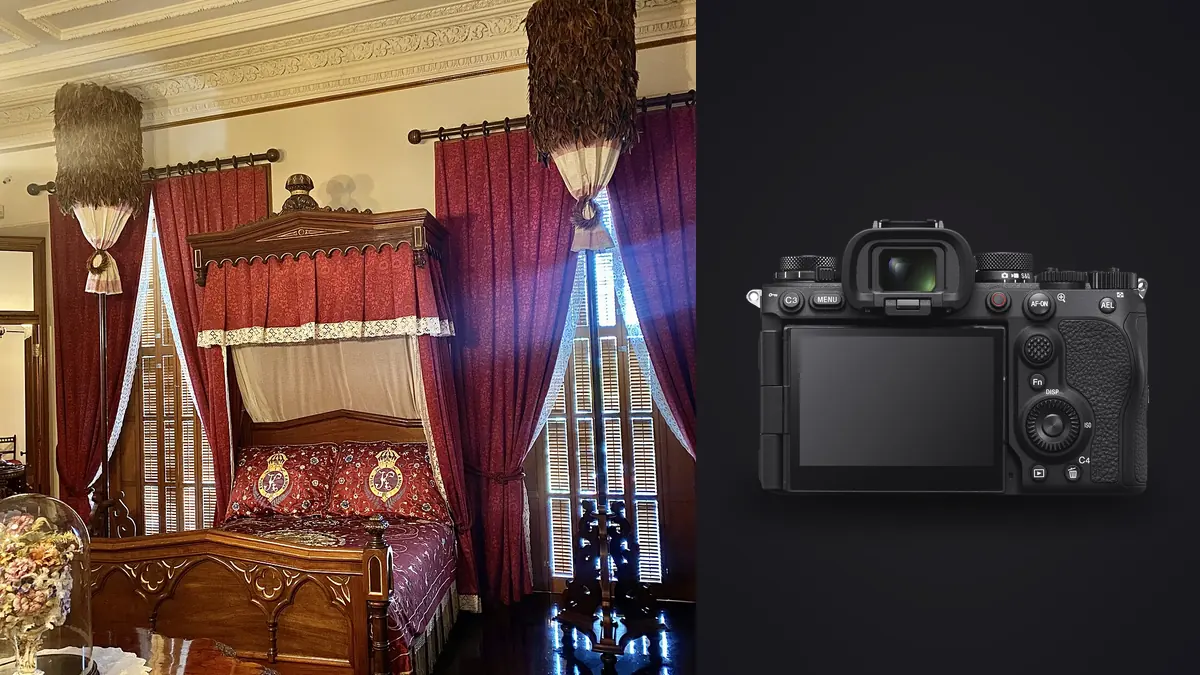
The Sony A9 III's global shutter reads the full-frame sensor without the line-by-line timing associated with a rolling shutter. That makes it unusual for boudoir and intimate portraiture: rapid movement keeps its shape, and compatible flash equipment can synchronize across an exceptionally broad shutter range. The camera can also shoot up to 120 fps with autofocus and exposure tracking, but that maximum rate is rarely useful for directed portraits.
The advanced opportunity is light control. A faster synchronized shutter can reduce ambient contribution while flash lights the subject, helping a photographer work near a bright window or preserve a shallow aperture. The advanced risk is treating a technical capability as a default. Flash output, subject comfort, recycle behavior, lens aperture, fixture flicker, and file volume still set practical limits.
Use global shutter for a defined visual problem
A global shutter is valuable when the scene contains movement or when flash timing needs more flexibility. Hair tossed across the frame, moving fabric, a quick turn, or a subject crossing close to the camera can be recorded without the skew that a rolling readout may introduce. For a still reclining portrait under window light, that benefit may be invisible. Choose the A9 III because the assignment uses its behavior, not because the specification is novel.
High shutter speed with flash can darken continuous ambient light while preserving a flash-lit subject, but each stop of faster shutter does not create more flash power. The flash duration, output, modifier, distance, trigger support, and camera compatibility determine whether the desired exposure is possible. Very high synchronized settings work only with compatible equipment and specific conditions, and the maximum shutter may be limited at very wide apertures.
Build three looks before the session: ambient-led, balanced flash and ambient, and flash-led. Record the shutter, aperture, ISO, flash level, modifier position, and white balance for each. Switching among proven states is safer than discovering the edge of synchronization while the subject waits.
Test the complete flash chain
Compatibility includes more than the flash firing once. Confirm that the trigger communicates at the intended shutter speed, each frame receives even illumination, color remains stable through a short sequence, and recycle time supports the selected drive rate. Inspect the entire frame for gradients or partial output. Repeat the test at the modifier distance planned for the session.
Large soft sources often suit skin, but they require space and secure support. A modifier placed too close to a wall may create a bright spill patch; placed too close to the subject's movement path, it becomes a safety and comfort problem. Sandbag stands, route cables away from feet, and keep the photographer's movement path clear.
| Lighting state | Shutter purpose | Control priority |
|---|---|---|
| Window-led | Freeze subject while retaining room light | Highlight protection and color |
| Balanced flash | Set ambient-to-flash ratio | Natural transition and recycle |
| Flash-led | Reduce ambient contribution | Modifier size, power, and background |
| Continuous LED | Freeze motion under pulsed fixture | Flicker and color verification |
Use an ordinary object or consenting clothed stand-in for technical tests, not sensitive client frames. If firmware, trigger, flash, lens, or radio channel changes, repeat the relevant test. A saved camera state cannot compensate for a changed light chain.
Control ambient rather than erasing it accidentally
A shutter fast enough to suppress daylight can also remove the atmosphere that made the location appealing. Decide how bright the window, lamp, or room should appear relative to the subject. Meter or test ambient first, then add flash. The final ratio should support the mood rather than advertise the technique.
Practical lamps can remain visible even when they contribute little exposure, but their shades and bulbs may clip. Protect those highlights or reduce lamp output when permitted. If the flash is daylight balanced and the room lamps are warm, choose whether that contrast is intentional. A corrective gel on the flash can bring sources closer, while a fixed white balance keeps the sequence stable.
Global shutter prevents rolling readout, but it does not guarantee every LED fixture will have constant output or color. Anti-flicker tools and variable shutter settings may still be relevant under pulsed continuous light. Test the final dimmer state and inspect adjacent frames for variation.
Direct movement without using 120 fps by default
Movement should have a repeatable cue and a visible peak. Ask for one controlled turn, fabric release, hair motion, step, or change of posture. Demonstrate the direction without touching the subject, establish a stop mark, and make sure the movement stays clear of stands, furniture, and cables. Capture a short sequence around that peak.
At 120 fps, even a fraction of a second creates many near-identical files. Lower continuous rates are usually sufficient for human-scale directed motion and make expression comparison easier. Use the speed boost or maximum rate only when the movement contains an exceptionally brief transition that matters to the concept.
The global shutter protects shape, not focus. Use AF-C, begin tracking before movement, and choose a focus area that identifies the intended face. Stop down enough to cover expected movement along the lens axis. A perfectly undistorted but out-of-focus eye remains a failed portrait.
Select lenses for working distance and light shape
A 35mm lens can include the set and emphasize movement, but close placement can distort near features. A 50mm balances context and intimacy. An 85mm simplifies backgrounds and allows more distance, but it can compress a small room and make directing less conversational. The A9 III's E-mount offers many choices; a large catalog is not a reason to bring many lenses into a private set.
Match aperture to pose depth and flash behavior. A very wide aperture can support a shallow look, but it reduces focus tolerance and may limit the camera's absolute maximum shutter setting. A smaller aperture increases depth and may require more flash output. Treat aperture, shutter, flash, and working distance as one exposure design.
Keep one primary lens mounted through each lighting state. Repeated swaps slow the session, expose the sensor, and create opportunities for a lens or cap to enter the subject's space. Change only at a planned reset with the camera turned away and the new lens prepared.
Configure autofocus for poses that hide the eye
Human recognition can identify a face or eye through many pose changes, but hair, hands, fabric, profile angles, and low contrast can interrupt detection. Start with a limited tracking area over the subject instead of giving the camera the whole room. Register a button for a small focus point when recognition fails.
For a face turned away, focus on the visible near eye if that is the intended point. For a detail frame without a face, switch subject recognition off or use a flexible spot so the camera does not search for a person elsewhere. Confirm focus at the capture aperture, especially when jewelry, lace, or foreground fabric offers stronger contrast than skin.
Avoid reviewing only the highest-ranked frame. Compare neighboring images for relaxed hands, balanced shoulders, fabric edges, and expression. Technical focus is necessary, but the emotional clarity of the pose is the final criterion.
Configure viewfinder and display feedback so silent capture remains legible without becoming distracting. A subtle frame indicator helps the photographer know that a sequence is recording, while clear verbal direction tells the subject when movement begins and ends. Check remaining card space and battery state at planned lighting resets. The absence of shutter sound should never lead to accidental continuous capture or an unclear session rhythm.
Protect highlights and tonal transitions
Flash can create small, intense highlights on skin, satin, sequins, jewelry, and glossy furniture. A histogram averaged across a dark room may not make them obvious. Use highlight warnings and inspect the brightest materials. Move or enlarge the source, adjust angle, lower flash contribution, or change the reflective surface when a highlight loses required detail.
Do not underexpose all ambient work simply to protect one tiny reflection. Change the reflection geometry where possible, or accept a controlled specular point if it is not important texture. Preserve smooth transitions across shoulders, face, and fabric by feathering the modifier rather than pointing its center directly at every pose.
Maintain one color reference for each light state, but evaluate skin locally. A gray reference cannot correct mixed light falling from opposite sides or colored reflections from walls. Color consistency begins with controlled sources and stable settings.
Keep capture and culling private
Disable unapproved wireless transfer, use neutral job identifiers, and prepare an encrypted local folder before the session. Copy each card, verify the data, and create a separate second copy before reuse. Restrict display, workstation, and backup access to authorized people and follow the agreed retention schedule.
imagic can run locally on Windows or macOS to score sharpness, exposure, closed eyes, and composition and group duplicate or burst sequences. That is useful when a movement cue creates many adjacent frames, and the photographs remain on the machine. The software does not decide consent, expression, or final delivery, and culling changes status rather than deleting the original.
Apply non-destructive edits only after the keeper set is confirmed. A learned style based on the photographer's own edits can provide a starting point, followed by individual review for flash ratio, skin tone, highlight texture, and mixed light. Export JPEG or TIFF to a destination that has been confirmed rather than inferred.
Visit the desktop app page for the local workflow and AI and Technology for more on automated review boundaries. The camera's global shutter is a capture tool; it does not change the privacy obligations attached to the photographs.
Advanced flash and movement checklist
- Define the ambient-led, balanced, and flash-led looks before the session.
- Test the exact camera, trigger, flash, modifier, and shutter combination.
- Inspect full-frame illumination, color, and recycle through a short burst.
- Secure stands, cables, and movement paths.
- Choose a drive rate proportionate to the movement's actual peak.
- Start AF tracking early and use enough depth for motion toward the camera.
- Check reflective highlights on skin, fabric, jewelry, and practical lamps.
- Disable unapproved transfer and verify two local copies.
- Cull expressions and hand positions manually after technical grouping.
Frequently asked questions
Does the Sony A9 III need 120 fps for boudoir?
No. Lower rates are usually easier to direct and cull. Reserve the maximum rate for a concept with a genuinely brief movement peak.
Can any flash synchronize at the camera's fastest shutter?
No. Very high-speed synchronization depends on compatible flashes, triggers, settings, aperture, and output. Test the complete chain and follow the manufacturer's compatibility guidance.
Does global shutter eliminate LED flicker?
It removes rolling readout, but a pulsed light can still vary in brightness or color over time. Test the actual fixture and dimmer level with the intended settings.
Is a global shutter automatically better for intimate portraits?
Only when its motion rendering or flash flexibility solves a real need. Comfort, light quality, focus, privacy, and direction remain more important than the sensor architecture alone.