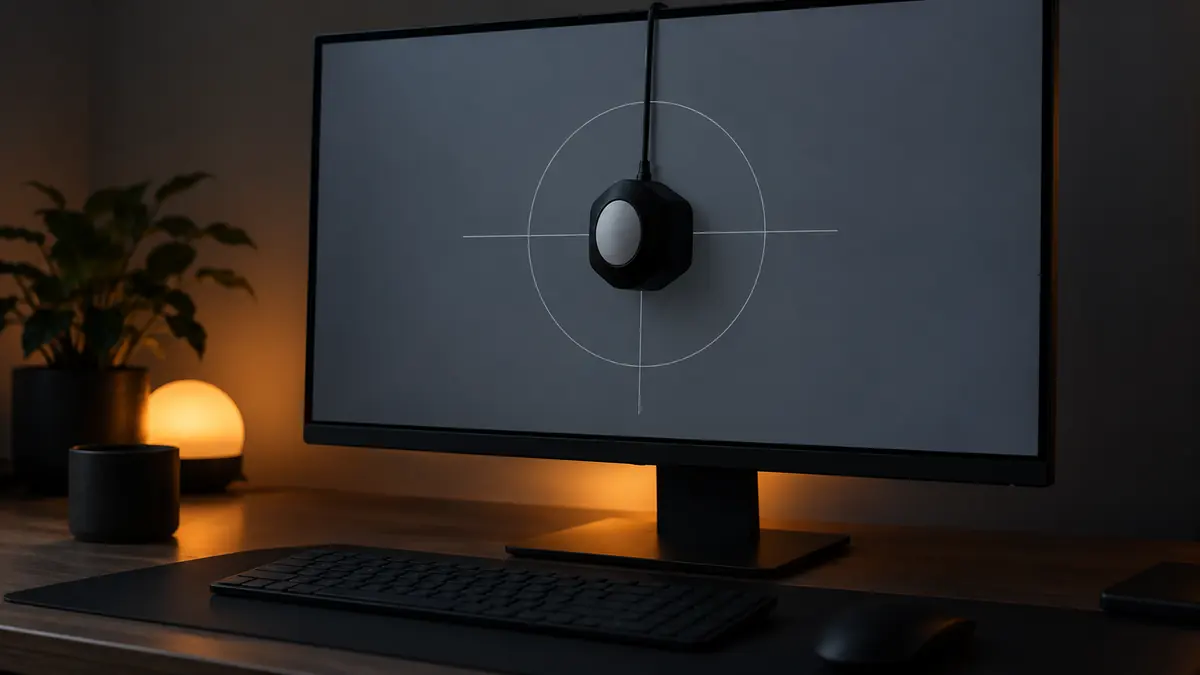
A print comes back too dark, too warm, or with skin tones that looked fine on screen and look off in your hands. Before blaming the print lab, check the screen: an uncalibrated monitor is one of the most common, least glamorous causes of edits that do not survive the trip from screen to paper or to another person's device.
Why Prints Come Back Wrong
Every monitor ships with its own default brightness, contrast, and color temperature, usually tuned for looking good in a bright showroom, not for accurate editing. If your display runs brighter or cooler than a calibrated reference, you unconsciously compensate: pulling exposure down because the screen looks bright enough already, or adding warmth because the display skews cool. Those compensations feel correct on your screen and wrong everywhere else, which is exactly the pattern behind "it looked fine when I edited it."
Hardware Calibrators vs Eyeballing
A hardware calibrator, a small sensor that sits on the screen and measures actual output against a target, is the only reliable way to know what your monitor is really doing. Built-in eye judgment cannot correct for it because your eyes adapt to whatever is in front of them within minutes; a monitor running 15% too warm stops looking warm to you almost immediately, even though it is still shifting every photo you edit. Consumer calibrators are a modest one-time cost and typically take under 15 minutes to run. For anyone delivering client work, especially print products, this is one of the few pieces of hardware that pays for itself the first time it prevents a reprint.
Brightness Targets That Matter More Than People Think
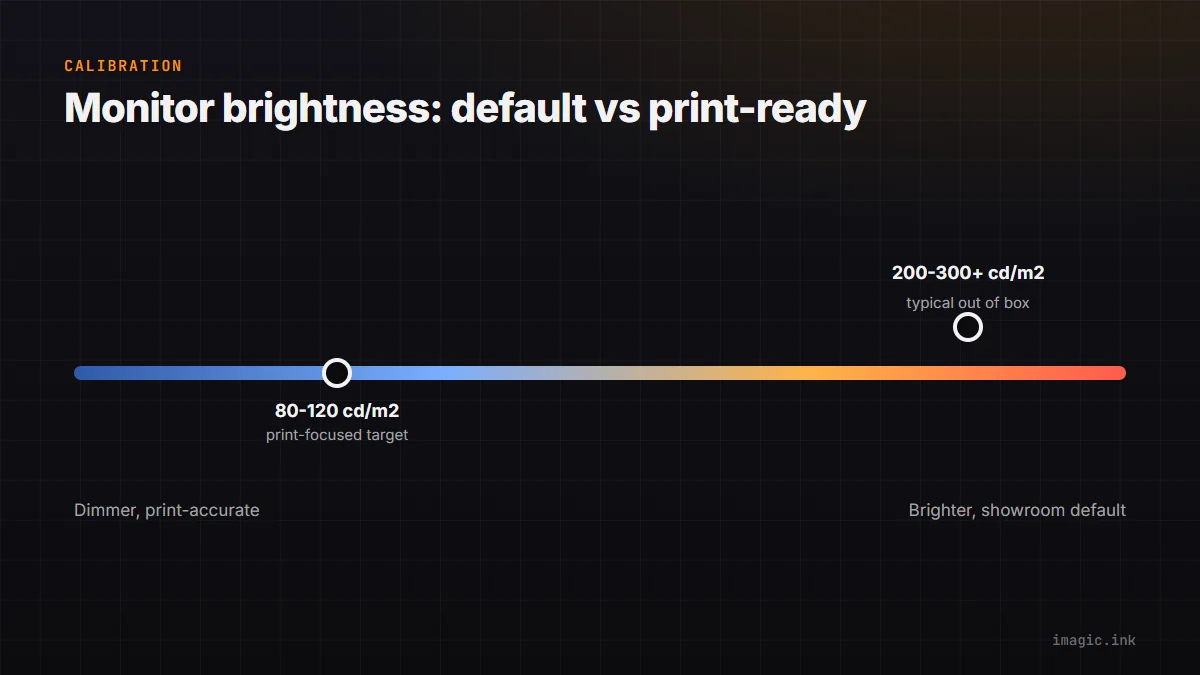
Color accuracy gets the attention, but brightness (luminance) is often the bigger practical issue for print work. Most displays run far brighter than a typical print viewing environment expects, commonly calibrated around 80 to 120 cd/m2 for print-focused work versus 200 to 300+ cd/m2 out of the box. Editing on an overly bright screen makes you darken images to compensate, and those images then look correctly bright on the screen but too dark once printed or viewed on a dimmer device. If nothing else about calibration gets tackled, dialing brightness down to a sane, consistent level closes most of the gap. The complete guide to photo color grading covers how this interacts with grading decisions specifically.
When Calibration Matters Less
Not every workflow needs a calibrator. If delivery is exclusively digital, social media and online galleries viewed on a huge range of uncontrolled devices, no amount of calibration on your end guarantees how a client's phone renders the image anyway. Calibration still helps keep your own edits internally consistent from shoot to shoot, but the payoff is smaller when there is no fixed physical output (a print, a specific client's monitor) to match against. Photographers doing print sales, product photography for catalogs, or any work with a defined physical target get the most benefit; a hobbyist posting exclusively to Instagram gets comparatively little.
A Practical Starting Point
If you deliver any prints at all, a basic hardware calibrator used monthly is worth the cost. Set brightness to a print-appropriate target, keep the ambient room lighting reasonably consistent while editing, and recalibrate on a schedule rather than only when something looks obviously wrong, since drift happens gradually and is easy to miss day to day. Consistent input matters most when batch editing a whole shoot with one style, covered in the guides section, since a miscalibrated screen means every image in the batch inherits the same error.
Frequently asked questions
How often should a monitor be recalibrated?
Monthly is a reasonable default for active editing work, since display output drifts gradually over weeks. Recalibrate sooner if you notice consistent complaints about color or brightness in delivered work.
Do laptop screens need calibration too?
Yes, arguably more so, since laptop panels often run brighter and cooler out of the box than external monitors built for editing. Hardware calibrators work on laptop screens the same way they do on desktop displays.
Is an expensive monitor a substitute for calibration?
No. A high-end display can hold calibration more accurately over time and cover a wider color gamut, but it still ships with an uncalibrated default profile and needs the same measurement step as a budget monitor.