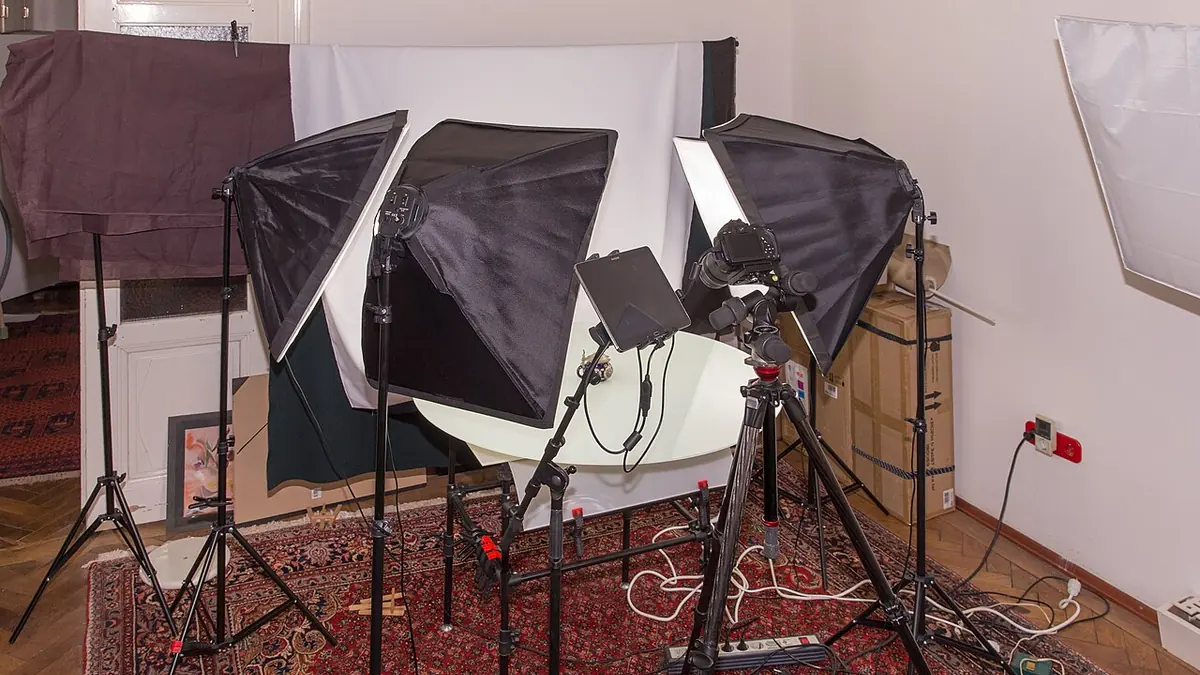
A 200-SKU catalog shoot lives or dies on consistency, not on any single photo looking great. A buyer scrolling a category page notices immediately if one product's white background is slightly gray next to its neighbors, even if they could not say exactly why the page feels off. Getting this right is mostly a capture and batching discipline, not a per-photo editing skill.
Exposure Consistency Starts at Capture
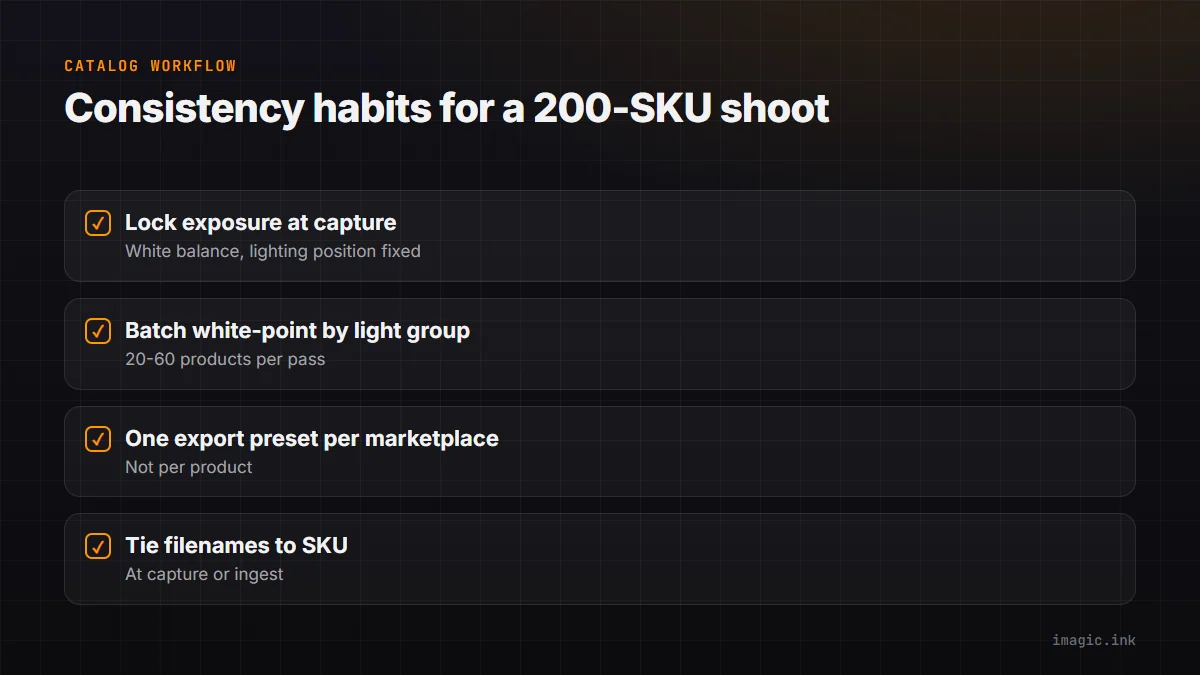
The best fix for an inconsistent white background is not needing to fix it at all. Locking exposure settings, white balance, and lighting position for the full shoot session, and checking a test shot's histogram periodically rather than trusting your eye on a monitor, prevents the small drift that creeps in over a long shooting day as light modifiers shift slightly or a bulb's output changes with warm-up time. A catalog shoot with consistent capture settings needs far less correction work afterward, which is where most of the real time savings in this workflow actually come from.
Batch White-Point Correction
Even with careful capture, some drift across a 200-product session is normal, and this is where batch editing earns its place. Rather than correcting each product's background individually, group products shot in the same lighting setup and session block, then apply one white-point and exposure correction across the group. imagic's batch editing lets a correction applied to one image in a group be copied across the rest, so a session of 40 products under the same lights gets one consistent fix in one action instead of 40 separate manual adjustments, each one a chance to introduce a slightly different shade of white.
Per-Marketplace Export Specs
Amazon, Shopify, and other marketplaces each specify their own image requirements: minimum resolution, background purity thresholds, aspect ratio, sometimes a minimum percentage of frame the product must fill. These specs do not change SKU to SKU within one marketplace, which makes them a natural fit for a saved export preset applied as a batch across the finished catalog rather than configured manually for each product. Running the same 200-image catalog through two different marketplace presets, if you sell on both, is two batch export passes, not 400 manual exports.
Naming Conventions That Survive 200 SKUs
File naming matters more at catalog volume than it does for almost any other genre in this list, because a single misnamed or mismatched file means a wrong image on a live product listing, a mistake customers notice immediately. Tying file names directly to SKU numbers at the point of capture or ingest, rather than reconstructing the mapping afterward from memory or a spreadsheet, is the single habit that prevents the most common and most visible error in catalog photography.
| Stage | Per-SKU approach | Batched approach |
|---|---|---|
| White-point correction | 200 manual adjustments | 4 to 6 batch passes by lighting group |
| Export | 200 manual exports per marketplace | 1 batch export pass per marketplace preset |
See product photography batch export and batch exporting photos step by step for more on the export side. imagic's batch tools apply directly to product photography catalog work at this scale, and more volume workflows live in the tips and workflow archive.
Frequently asked questions
How many products can share one batch correction pass?
Group by lighting setup and session block rather than by a fixed number; typically anywhere from 20 to 60 products shot under the same continuous lighting can share one correction safely.
What causes white background drift even with locked settings?
Small factors like a bulb's color temperature shifting slightly as it warms up, a reflector moving between products, or ambient light changing through a nearby window over a long session.
Should marketplace-specific exports be a separate batch each time?
Yes, save a distinct preset per marketplace and run each as its own batch pass; mixing specs into one export risks a size or background requirement failing on one platform.