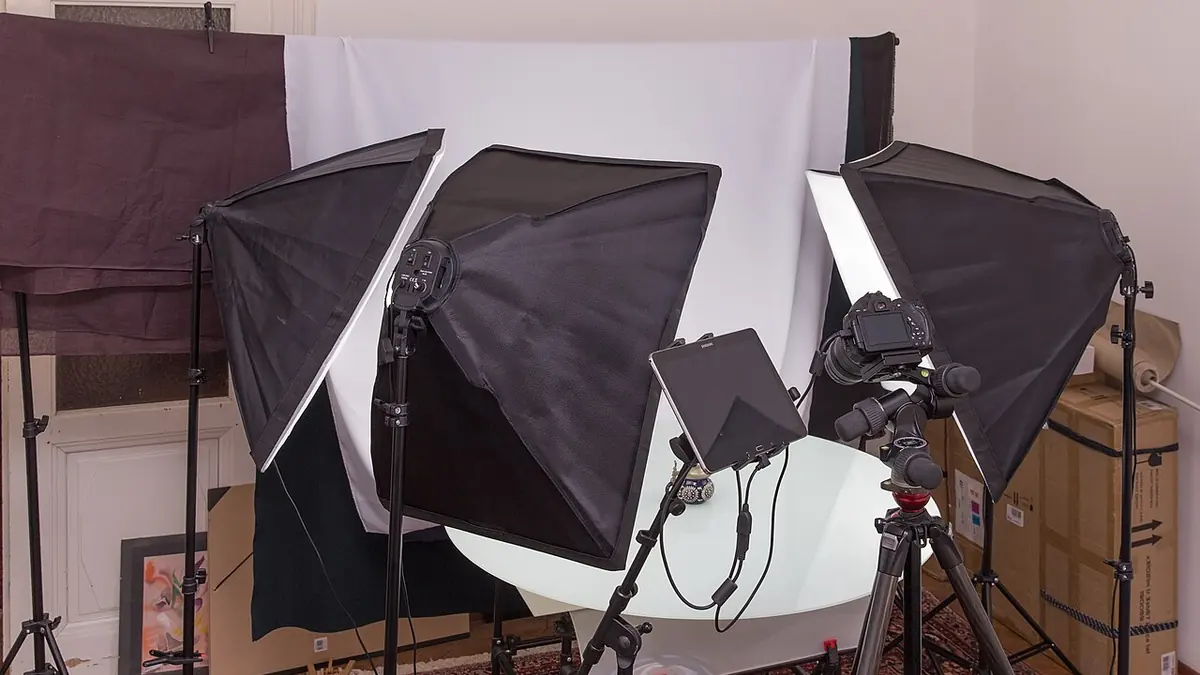
Product Photography at Scale
E-commerce product photography is a volume business. A catalog shoot for a fashion brand might involve 200 products with 4-8 angles each — 800 to 1,600 RAW files from a single day. The deliverable is consistent, color-accurate images on a white or neutral background, delivered quickly enough for the catalog to go live on schedule.
The Color Consistency Problem
Product photography's biggest quality requirement is color accuracy. A blue shirt that looks purple in the delivered image generates returns and damages client trust. Every image in a product range needs to be processed with the same white balance, the same tone curve, and the same color rendering. Manual per-image adjustments at scale are too slow and introduce inconsistency.
AI Culling for Product Photography with imagic
imagic accelerates the culling stage for product work in several ways:
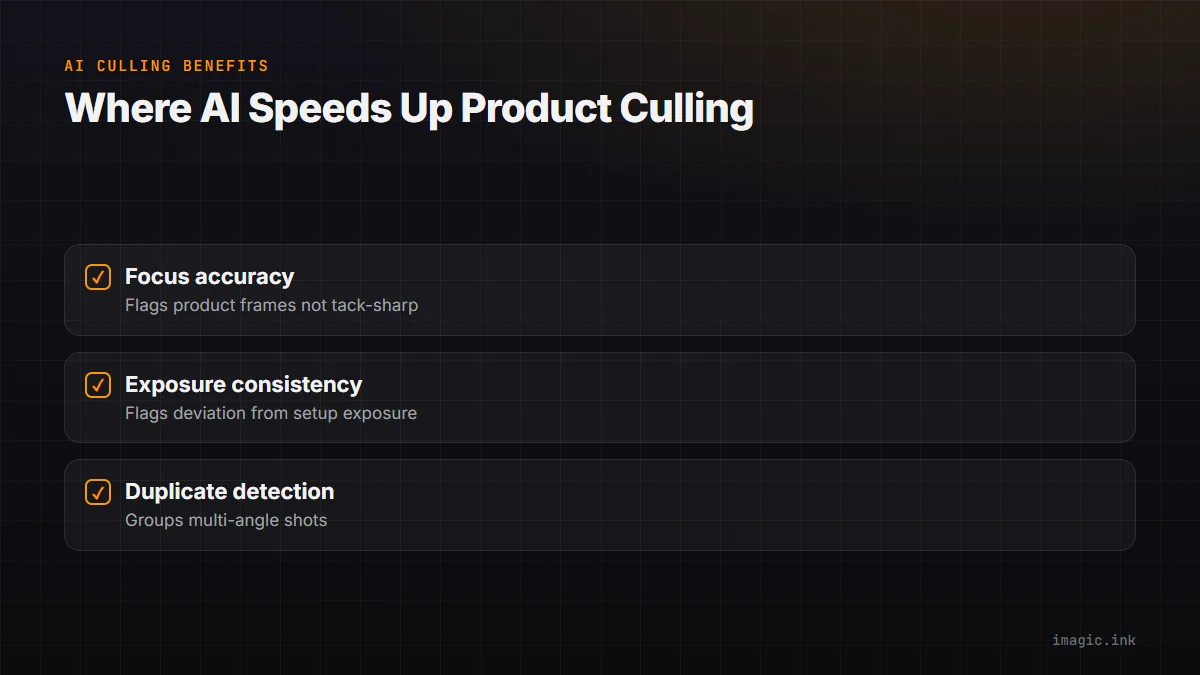
- Focus accuracy: The sharpness score identifies frames where the product wasn't tack-sharp — a non-negotiable requirement for e-commerce.
- Exposure consistency: The exposure score flags frames that deviate from the correct exposure for the setup, which happens when studio lights recycle slowly or a reflector was positioned incorrectly.
- Duplicate detection: For multi-angle product shoots, duplicate detection groups similar angles, making it faster to select one hero image per angle.
Building a Consistent Processing Profile
The key to consistent product batch processing is a well-calibrated base look. Using a color checker card (like X-Rite ColorChecker) at the start of each setup, you can dial in white balance and color correction once inside imagic's own built-in RAW engine. Apply that same starting point to every image from that setup with imagic's batch export.
White Background Optimization
Most e-commerce platforms require images on a pure white background (RGB 255,255,255) or within a specified lightness range. imagic's own tone controls let you set the background to the correct level consistently. This eliminates the manual background cleanup step in Photoshop for many shots, reducing post-processing time substantially.
Export Specifications
Different platforms have different requirements: Amazon requires specific image sizes and file size limits; Shopify has its own standards; print catalogs need high-resolution TIFFs. imagic's own batch export accepts per-format output settings, so you can export different versions (web JPEG, print TIFF) from the same RAW file in a single pass, cull to export, without a separate app in the middle.
The Cost Advantage
A product photography studio running Lightroom for every team member pays $9.99/month per seat. imagic is a one-time purchase from EUR 19 per license, with no recurring per-seat subscription fees. For studios processing thousands of product images per week, this is a meaningful operational saving.