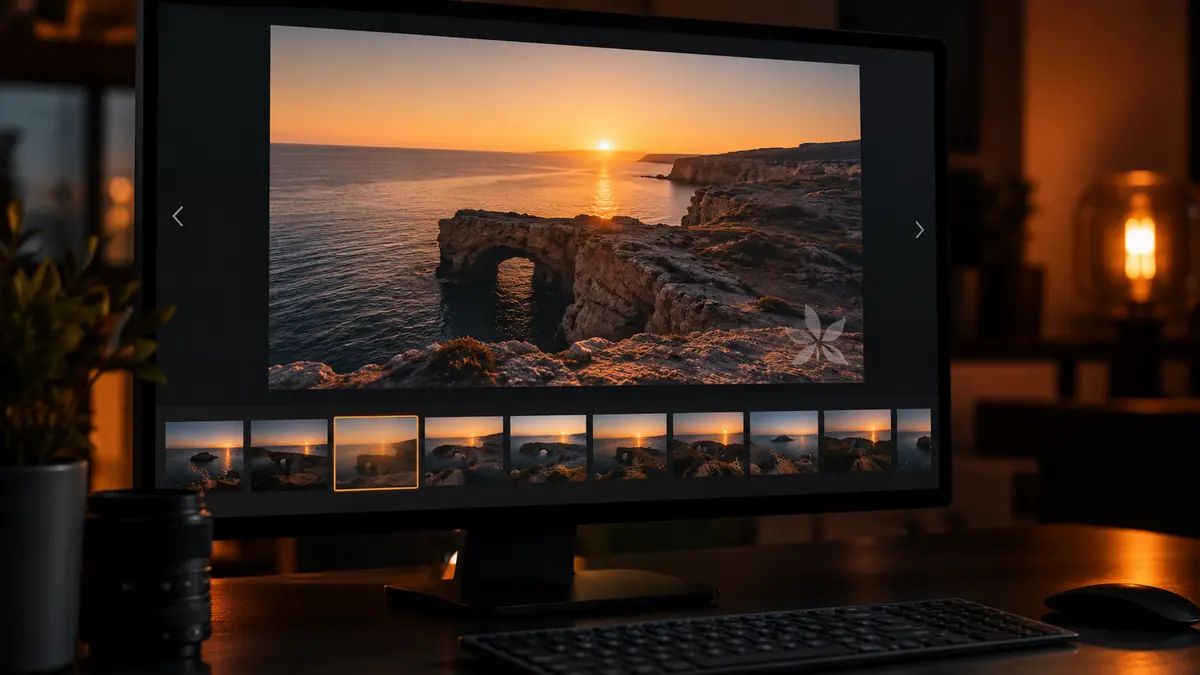
Somewhere in most photographers' first year, a client's photo turns up on a stranger's website and the instinct is immediate: watermark everything, forever. It is worth slowing down on that instinct. Watermarking has real uses, but it also has real costs, and the two are easy to mix up when you are angry about a stolen image rather than thinking about your actual delivery workflow.
Does a Watermark Actually Stop Theft?
A visible watermark does not stop a determined thief. Anyone with basic editing skills can crop it out, clone-stamp over it, or just screenshot around it if it sits in a corner. What a watermark actually does is raise the friction slightly and, more usefully, brand the image as it circulates unedited: a repost with your logo still visible is free advertising, not a loss. That reframing matters for deciding when watermarks earn their keep. They are a light deterrent and a marketing surface, not a security measure, and treating them as security leads to over-applying them in ways that annoy paying clients.
Gallery-Level Protection vs Marking Every Image
Most theft happens from web galleries, not from delivered files, so gallery-level protection often does more work than per-image marks. Disabling right-click save, serving downsized preview resolutions, and requiring a password for full-size downloads all reduce casual copying without putting a logo across every frame a client will eventually print or frame. Per-image watermarks matter more for sneak-peek posts, social previews, and any image a client has not paid to unlock yet. The general rule: protect the gallery as a system first, then reserve visible marks for images that are explicitly not final deliverables.
When a Contract Requires It (and How to Batch It Fast)
Some clients, especially in commercial and stock work, contractually require a watermark on proofs before final payment clears. When that is the case, batch application is the only sane approach: apply one consistent mark (logo, opacity, position) across an entire shoot in one pass rather than placing it image by image. In imagic, a batch style or export preset can carry a consistent watermark treatment across a full culled selection, so the proofing set goes out looking uniform and professional instead of like an afterthought bolted onto individual files.
A Watermark Policy That Does Not Annoy Clients
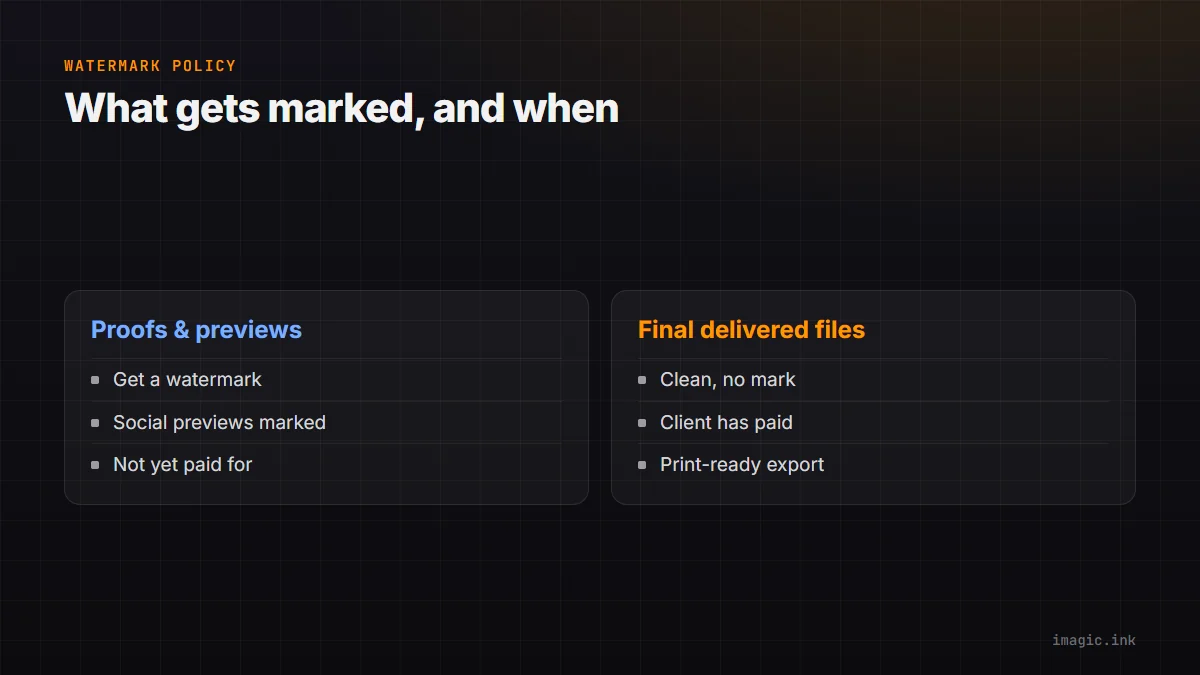
The photographers who get the least pushback treat watermarks as a proofing-stage tool, not a permanent feature of their work. Proofs get a mark; final delivered files do not. Social previews get a mark; the print-ready export does not. Writing this down as a one-line policy (what gets marked, when it comes off, at what point in the payment or approval flow) removes the temptation to apply it inconsistently, which is what actually reads as unprofessional to clients browsing a wedding gallery or a portrait proofing set.
Frequently asked questions
Should I watermark every photo I deliver to a client?
Generally no. Final delivered files that a client has paid for should usually be clean; reserve visible watermarks for proofs, sneak peeks, and social previews where the image is not yet a finished deliverable.
Where should a watermark sit on the image?
A corner placement at low opacity is the common default because it is easy to batch-apply consistently and does not distract from the photo. Center placements deter theft slightly better but noticeably hurt the viewing experience, which is a real cost for a gallery clients are supposed to enjoy browsing.
Does imagic support batch watermarking?
imagic's batch editing and style tools let you apply a consistent treatment, including overlay-style marks, across a full culled set in one export pass, which is the efficient way to handle a proofing batch instead of marking files one at a time.
For the delivery side of this, see how other photographers structure their handoff in deliver photos faster to wedding clients and the broader toolchain in the wedding photographer software stack writeup. More workflow guides live in the Guides section of the blog.