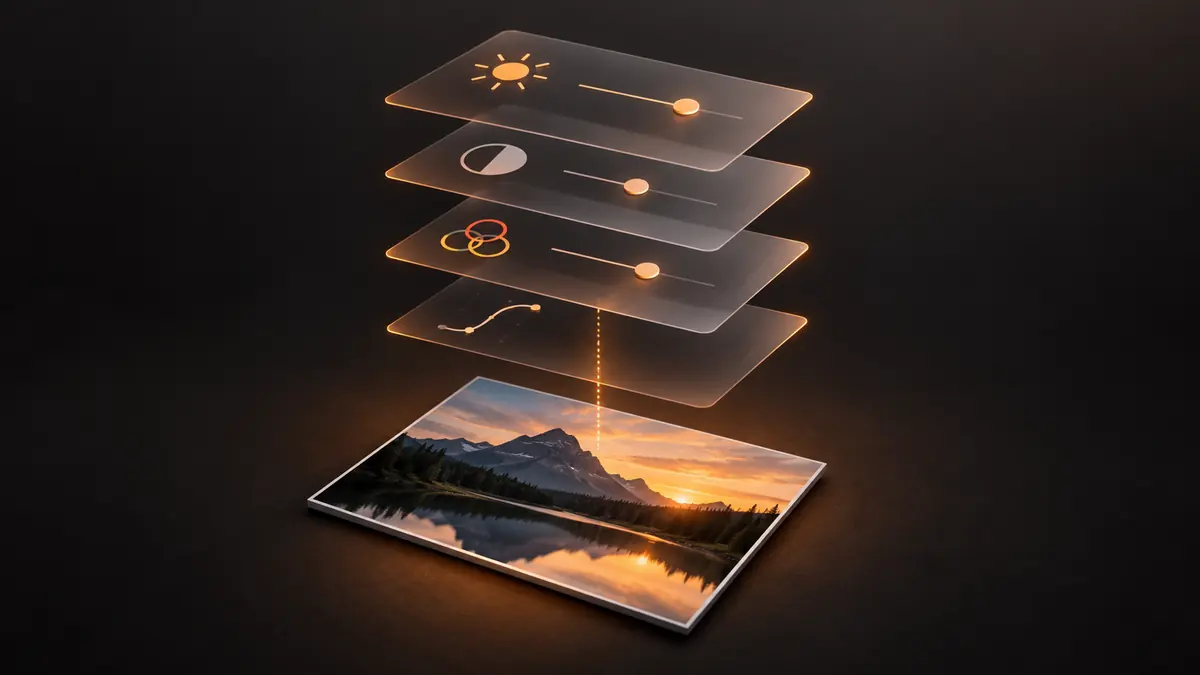
A client emails eight months after their wedding asking for one photo re-edited in black and white, and the original file has been overwritten by the color export. This is a rare but entirely preventable failure, and it comes down to one habit: never edit the original pixel data directly, ever, for any reason.
What Non-Destructive Editing Actually Means
Non-destructive editing keeps your adjustments as a separate, editable record instead of baking them permanently into the source file. The RAW file (or a copy of a JPEG) stays untouched; the crop, exposure, color, and style choices you make live in a sidecar file or an app's own project data, applied on top at export time. This matters because it means every edit is reversible and every original is recoverable, no matter how many times you reprocess the same shoot. It also means storage for "versions" is cheap: you are not duplicating gigabytes of RAW data per edit, just a small file of instructions.
Sidecar Files and Where Your Adjustments Actually Live
A sidecar file sits next to the original RAW (same filename, different extension) and stores the edit recipe without touching the source. This is standard practice across RAW workflows and is exactly why RAW formats like DNG remain useful long after a shoot: the pixel data and the edit history are cleanly separated, so opening the same file a year later in the same or different software still gives you a recoverable, editable starting point rather than a file that has quietly become the export.
Export Naming That Preserves Lineage
The other half of versioning is naming your exports so you can tell, at a glance, what an export actually is relative to the original. A simple convention (original filename plus a suffix for purpose and date, such as a client-ready export marked separately from a social crop) prevents the single most common accident: exporting over a file that was supposed to stay untouched, or losing track of which export is the "real" final one when three exist. Keep exports in a folder separate from originals entirely; never let export and source folders merge.
Handling the Re-Edit Request Months Later
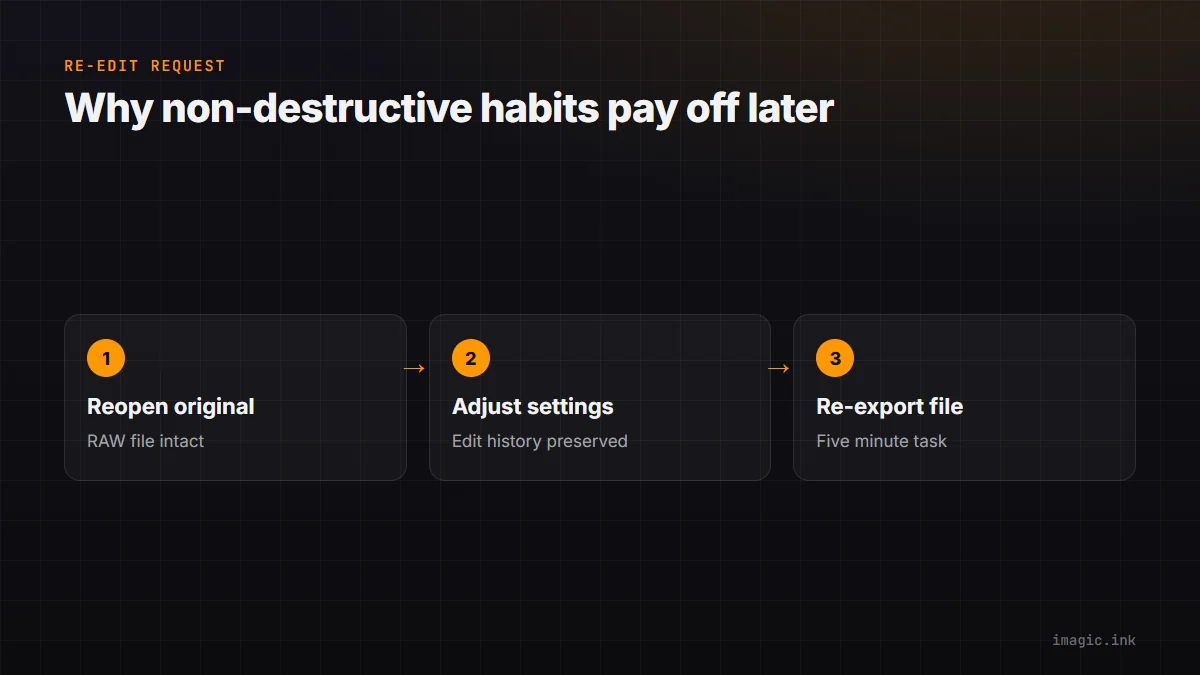
This is where non-destructive habits pay for themselves. If the original RAW file is intact and your edit history is preserved, a re-edit request from months ago is a five-minute task: reopen the original, adjust, re-export. If the original was overwritten at any point, that same request becomes a forensic exercise in trying to recreate a look from a JPEG that has already been compressed and color-graded once. Photographers who back up consistently and never touch originals directly are the ones who can say yes to these requests without dread.
Frequently asked questions
What is the difference between non-destructive and destructive editing?
Non-destructive editing stores your changes separately from the original file, so the source stays intact and edits can be revisited or undone at any time. Destructive editing overwrites the pixel data directly, so once you save over the original, earlier states are gone unless you kept a separate backup copy.
Do I need to keep sidecar files forever?
Keep them alongside the RAW originals for as long as you keep the originals, which for most working photographers means indefinitely for at least contracted client work. They are small text-based files, so the storage cost of keeping them is negligible compared to the RAW files themselves.
What if a client wants a different crop or style a year later?
If the original RAW file and its edit history are both intact, this is a quick reprocessing job rather than a recreation project. This is the practical reason versioning discipline matters more than it seems to on a normal, uneventful week.
For the backup side of this discipline, see RAW file backup strategy and photo metadata management tips. More on file handling is in the Guides section.