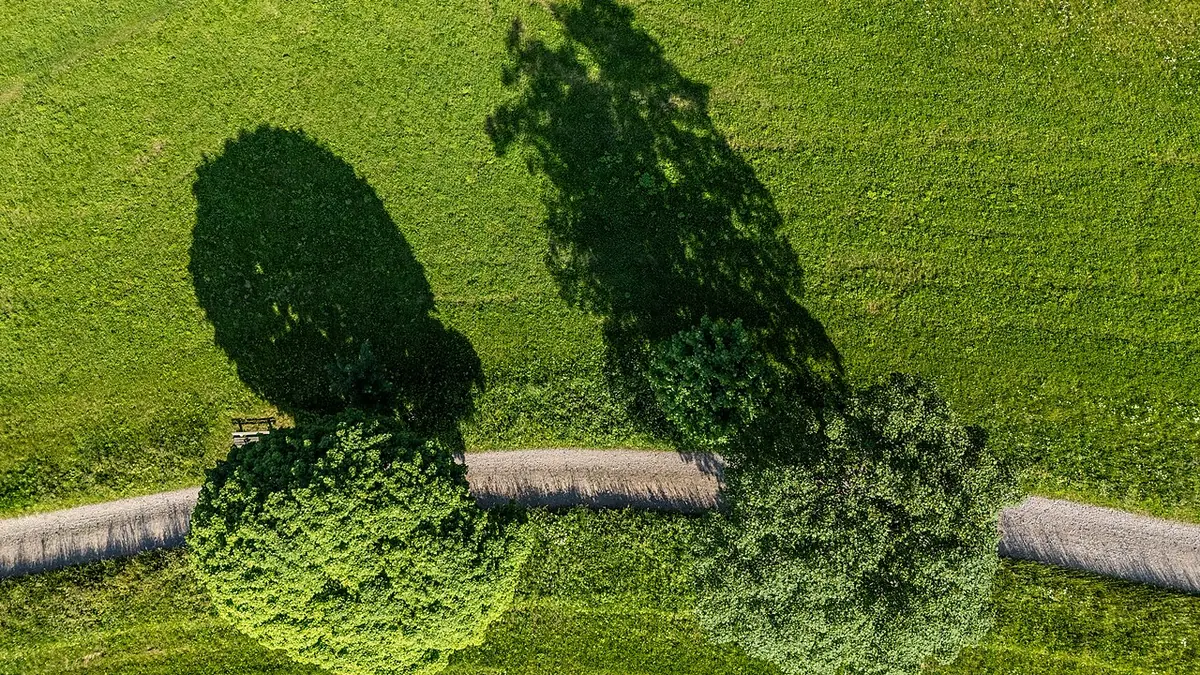
Drone Photography: A Different Kind of Volume
Drone photography generates high volumes quickly and effortlessly — automated orbits, hyperlapse sequences, and bracket shots accumulate hundreds of frames in minutes. The challenge isn't capturing the images; it's sorting through them efficiently. Many drone photographers end up with thousands of frames from a single location visit, most of which are nearly identical shots in slightly different positions.
Common Drone Photography RAW Formats
DJI drones typically output DNG files — Adobe's open RAW format — when shooting in RAW mode. imagic supports DNG natively alongside all major camera RAW formats. DJI Mavic and Air series cameras also output JPEG+DNG pairs, and imagic handles the DNG files for full-resolution AI analysis.
AI Culling for Drone Footage
imagic's AI scoring is particularly useful for drone work:
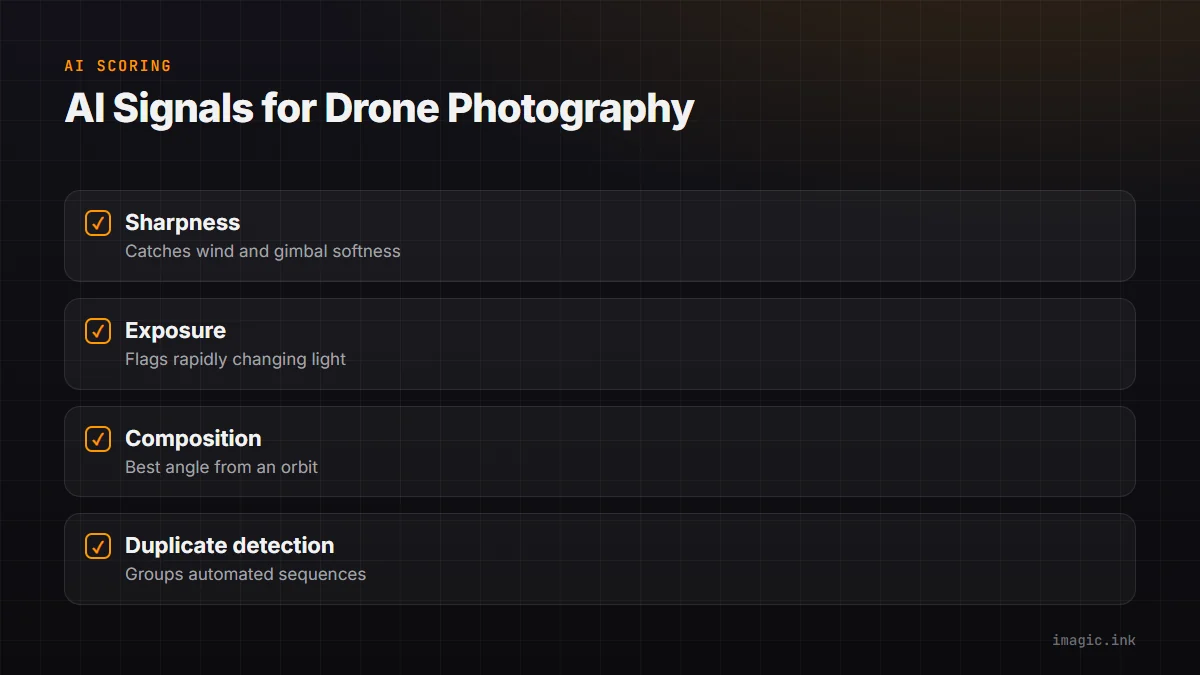
- Sharpness: Wind movement and gimbal calibration issues can cause soft drone images even at fast shutter speeds. The sharpness score identifies these quickly.
- Exposure: Aerial photography often has rapidly changing lighting as the drone changes altitude or direction. The exposure score flags the correctly exposed frames.
- Composition: From an automated orbit or progression, imagic's composition scoring helps identify the angles with the best visual balance.
- Duplicate detection: Groups the very similar frames in an automated sequence so you can select the best angle without reviewing each frame individually.
Hyperlapse and Automated Sequence Management
DJI's automated flight modes (ActiveTrack, Hyperlapse, Master Shots) generate large numbers of frames in short sequences. These need to be grouped and the best frames selected for use in final edits or compiled into the sequence. imagic's burst detection handles this grouping automatically, making sequence management much faster.
DNG Processing in RawTherapee
RawTherapee has excellent DNG support and can read the camera profile data embedded in DJI DNG files to apply accurate color rendering. Aerial landscape images often benefit from:
- Strong highlight recovery (bright skies are common in aerial shots)
- Shadow lifting (foreground detail in shadow areas)
- Dehaze adjustment to cut through atmospheric haze (available in RawTherapee's Haze Removal tool)
- Color vibrance boost to enhance the aerial view's naturally wide color palette
Consistent Processing for Mapping Projects
Drone photographers doing mapping, photogrammetry, or agricultural surveys need consistent processing across thousands of frames. imagic's batch workflow ensures that only the correctly exposed, sharp frames are passed to the processing pipeline, reducing errors in 3D models and orthomosaics that can result from using suboptimal source images.
The Cost Factor
Drone photography already involves significant equipment investment — a DJI Mavic 3 Pro is $2,200, accessories add hundreds more, and licensing and insurance add ongoing costs. Adding $9.99/month for Lightroom is one more subscription in a growing pile. imagic's one-time cost, from EUR 19, fits the budget reality of drone photographers much better.
Frequently asked questions
What RAW format do DJI drones use?
Most DJI drones, including the Mavic and Air series, shoot DNG when RAW capture is enabled. DNG is an open format that imagic and most RAW processors read natively, so no conversion step is needed before culling or editing.
How do I quickly cull a large batch of near-identical orbit or hyperlapse frames?
imagic's burst and duplicate detection groups visually similar frames from an automated flight sequence automatically, so you review one representative frame per group instead of every individual shot in the orbit or hyperlapse.
Why do drone photos need extra highlight recovery compared to ground shots?
Aerial shots frequently include large bright sky areas in the frame, which pushes highlights toward clipping more often than typical ground-level compositions. Strong highlight recovery in RawTherapee, plus dehaze for atmospheric haze, are standard steps in most drone workflows. See more workflow guides for other genre-specific editing approaches.