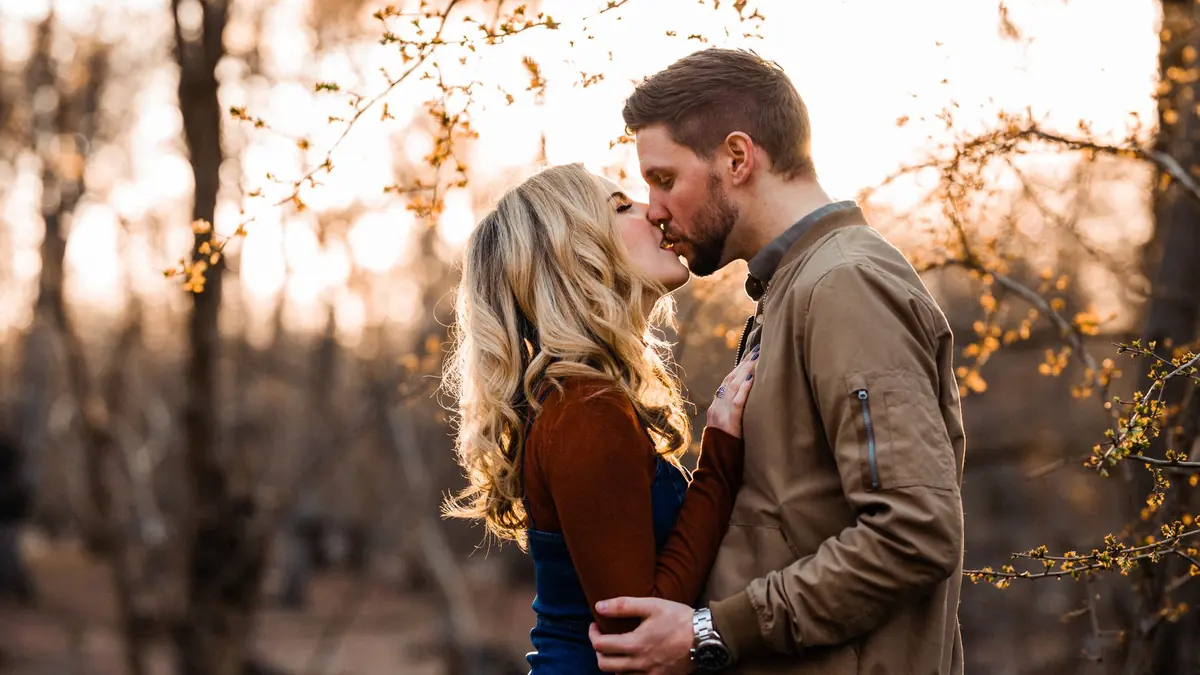
Engagement Sessions Set the Visual Tone
An engagement session is more than practice for the wedding day. For most couples, it is the first time they see how a photographer actually edits their work, and it sets expectations for the gallery they will receive months later. The editing needs to feel cohesive, warm, and personal rather than a rough draft of the real thing. Getting the color grade, the pacing, and the delivery timeline right on the engagement session builds the kind of confidence that carries straight through to the wedding booking.
The Volume and Cull Ratio
A one to two hour engagement session typically produces a few hundred frames, and the delivered gallery is usually a small fraction of that, often somewhere in the range of one delivered image for every four or five captured. That cull ratio demands an efficient selection process, especially for photographers booking multiple couples per week during peak engagement season, which tends to cluster around spring and fall. AI-assisted culling handles the technical pre-screening quickly: flagging frames where a subject's eyes are closed, where focus missed, or where a backlit frame is too underexposed to recover. That narrows the pile to technically sound candidates, leaving the photographer to make the final call based on expression, connection, and composition, the parts of selection that genuinely need a human eye. The same discipline applies to the wedding day itself at a much larger scale, and the workflow patterns in this wedding photography workflow guide are worth building alongside an engagement session process, since studios usually run both under the same editing system.
Building a Warm, Romantic Color Grade
Engagement photography typically calls for a warm, soft aesthetic rather than punchy, high-contrast color. A dependable starting approach for RAW processing:
- Warm the white balance slightly beyond neutral rather than correcting it to a clinical gray.
- Lift the black point a little for a soft, faded feel instead of deep, crushed shadows.
- Roll off contrast gently in the highlights so skin does not blow out in bright, sunlit frames.
- Apply warm split toning: a golden tint in the highlights, a touch of magenta or lavender in the shadows.
- Nudge skin tone warmth in the reds and oranges slightly toward yellow, which reads as healthier and more flattering than a neutral or cool cast.
- Add a subtle vignette where it helps draw the eye toward the couple without becoming an obvious effect.
The goal is a look that feels consistent across the whole gallery, not a single striking frame edited in isolation. Building this as a reusable base profile rather than adjusting each image from scratch keeps the whole set visually unified and makes batch processing genuinely fast, which matters when the same style needs to carry through dozens of session galleries a year.
Handling Multiple Locations and Lighting Conditions
Engagement sessions frequently span several locations or lighting conditions in a single afternoon: golden hour in an open field, a shaded wooded path, an urban setting drifting into blue hour. Each environment needs slightly different treatment rather than one blanket adjustment applied everywhere:
- Golden hour: usually needs a touch of highlight reduction; the warmth is often already present naturally and does not need to be added.
- Open shade: tends to run cooler and bluer than open light and typically needs a deliberate white balance correction plus a bit of added warmth.
- Urban blue hour: can look striking with minimal correction, though shadow areas often benefit from gentle lifting to keep detail visible.
Routing different subsets of a session to different base profiles based on lighting condition, rather than forcing one profile to cover every scenario in the shoot, avoids the flat, slightly wrong look that comes from applying a single golden-hour preset to a shaded or blue-hour frame. Checking exposure with the histogram rather than by eye on a bright outdoor screen is especially useful across mixed-lighting sessions like this; the fundamentals are covered in this guide to reading a histogram for exposure.
Working With RAW Files From the Session
Whatever camera system was used for the session, sharpness, exposure, and composition scoring during the initial cull work the same way regardless of the underlying RAW format, which matters for photographers shooting with more than one camera body across a season. Formats like CR2, CR3, NEF, ARW, RAF, ORF, RW2, DNG, and PEF are all handled in the same import and analysis pass, so mixing bodies between sessions, or even within a single session if a second camera is used for detail shots, does not complicate the editing workflow. For a deeper look at organizing that RAW output once it is captured, see this guide to managing a RAW file library.
Black and White for a Handful of Timeless Frames
Including a small proportion of black and white images, roughly one in every eight to ten delivered photos, adds variety and a timeless quality to an otherwise warmly toned gallery. The strongest candidates are usually images with clear emotional connection or striking light and shadow patterns, since black and white removes color as a distraction and leans entirely on composition and expression. Frames with strong detail and structural composition tend to convert best; a technically soft or flatly lit frame rarely improves by removing color from it.
Delivering Quickly Without Cutting Corners
Couples tend to be genuinely excited after an engagement session and check their email within days looking for a preview. Delivering the full gallery within one to two weeks, well ahead of the three to four week turnaround that is common industry-wide, makes a strong impression before the wedding itself and often becomes a talking point couples mention to friends who are also getting married. A fast turnaround depends on an efficient workflow more than on working longer hours: a fast technical cull, a reusable base color profile, and batch export together make a one-week delivery realistic even for a busy season without sacrificing the quality of individual edits. Consistent editing across an entire gallery, rather than reworking each frame from a blank slate, is the workflow habit covered more broadly in our workflow and culling tips.
Editing With Social Sharing in Mind
Most couples share a handful of engagement photos on social media within hours of receiving the gallery, often before looking through the rest of it carefully. That makes it worth thinking about how the strongest two or three images will look cropped to a square or vertical format, since a wide landscape frame that works beautifully in a full gallery can lose its impact when a platform crops it awkwardly. Flagging a few frames during editing specifically as social-friendly picks, composed with enough headroom to survive an aspect ratio crop, gives couples an easy starting point and increases the odds that shared images actually represent the gallery well rather than an oddly cropped version of it.
Common Editing Mistakes in Engagement Galleries
A handful of recurring mistakes show up often enough in engagement editing to be worth naming directly:
- Over-warming every frame uniformly. A warm grade that works beautifully in golden hour can look distractingly orange applied without adjustment to a shaded or overcast frame from the same session.
- Delivering too many near-duplicates of the same pose. Three or four very similar frames of the same pose dilute a gallery rather than strengthening it; one strong selection almost always beats several similar options.
- Inconsistent skin tone across the gallery. Skin tone shifting noticeably from one image to the next, especially between locations, is one of the fastest ways to make an otherwise well-shot gallery feel unpolished.
- Ignoring the couple's actual skin tones when building a warm preset. A warmth adjustment tuned on one skin tone will not always translate evenly to another; checking the grade on real frames from the actual session, rather than trusting a preset blindly, avoids an uneven or unflattering result.
Presenting the Gallery to the Couple
How a gallery is delivered matters almost as much as the editing inside it. A short, well-sequenced gallery that opens with a strong establishing frame and closes on an emotional high point reads as more polished than a longer gallery with no clear structure, even if the individual edits are similar in quality. Resist the temptation to deliver every technically acceptable frame just because it passed the initial cull; a tightly edited gallery of eighty genuinely strong images almost always lands better with a couple than a loosely edited gallery of one hundred and fifty images padded with near-duplicates of the same pose.
A Repeatable Editing Checklist
Studios running several engagement sessions a week benefit from turning the process above into a fixed checklist rather than re-deciding it each time:
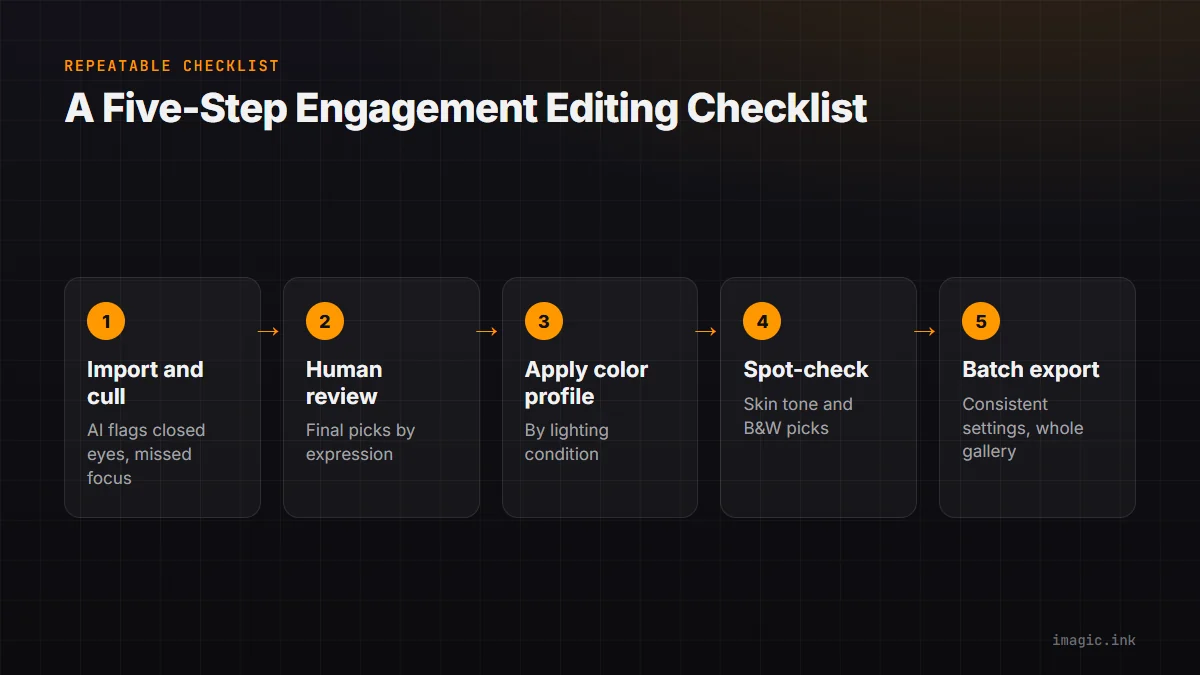
| Step | What happens |
|---|---|
| 1. Import and technical cull | AI scoring flags closed eyes, missed focus, and unusable exposure |
| 2. Human review of the shortlist | Final selection based on expression, connection, and composition |
| 3. Apply base color profile by lighting condition | Golden hour, shade, and blue hour each get the right starting point |
| 4. Spot-check skin tone and black-and-white candidates | Catches uneven warmth and picks the strongest monochrome frames |
| 5. Batch export and deliver | Consistent output settings applied across the whole gallery at once |
Running the same five steps in the same order every time removes the guesswork that slows editing down, and it makes it much easier to spot where a particular gallery is taking longer than usual, since a bottleneck at a specific, named step is far easier to fix than a vague sense that editing is taking too long overall.
Frequently asked questions
How many images should a typical engagement gallery include?
Most delivered engagement galleries land somewhere between sixty and one hundred images from a one to two hour session, though this varies by studio style and by how many locations the session covered. The right number is the count that keeps every image genuinely strong, not a fixed target to hit regardless of quality.
Should engagement session editing match the eventual wedding day style exactly?
It should be recognizably consistent with the wedding day style, since the engagement gallery is often a couple's first impression of what their wedding photos will look like, but it does not need to be identical. Engagement sessions typically allow for a slightly softer, more relaxed grade than a full wedding day, which usually includes a wider range of lighting conditions and moments to balance.
What is the fastest way to speed up engagement session editing without lowering quality?
Building a reusable base color profile for the studio's signature look, rather than grading every session from a blank slate, is the single change that saves the most time while keeping quality consistent. Combined with AI-assisted technical culling to remove the frames that were never going to make the final cut, most of the manual editing time can go toward the images that actually matter.