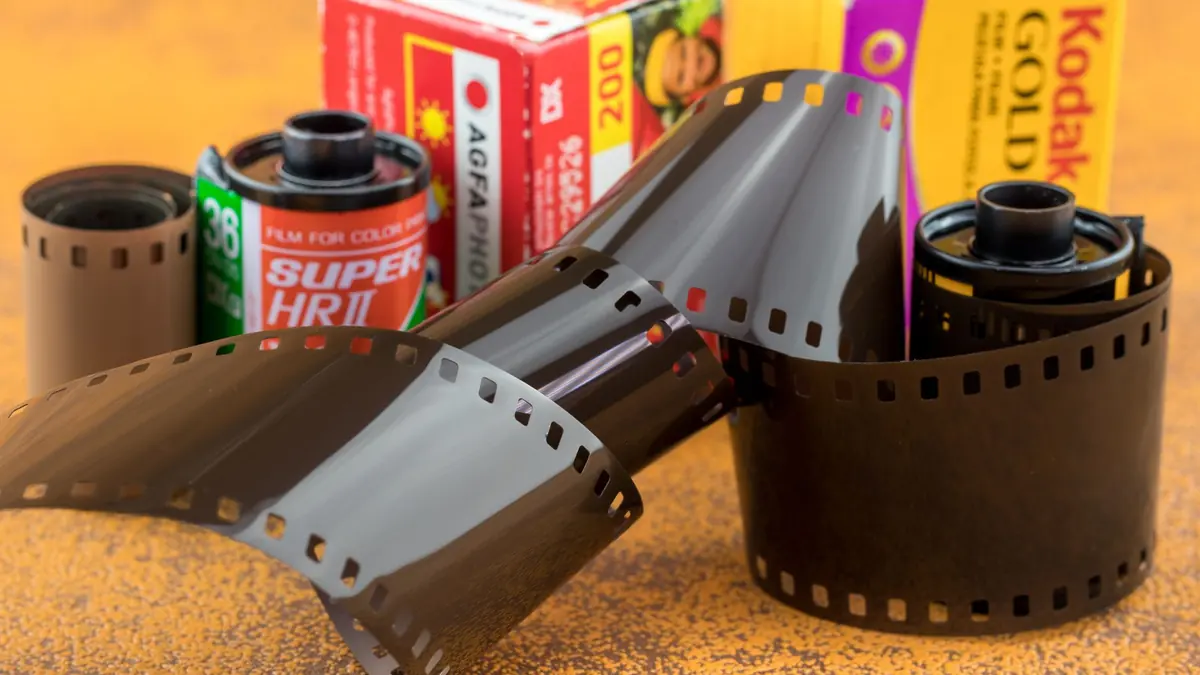
The Enduring Appeal of Film Emulation
Digital photography has been technically superior to film for over a decade by most objective measures, yet film emulation remains one of the most popular aesthetic choices in 2026. The grain, the color response, the characteristic tonal roll-off of film — these qualities give images a character and emotional resonance that straight digital often lacks. Film emulation brings these characteristics to digital RAW files.
What Film Emulation Actually Does
A film emulation profile replicates the measurable characteristics of a specific film stock:
- Tone curve: Films have characteristic shoulder roll-off in highlights and toe behavior in shadows
- Color response: Different films rendered colors differently — Fujifilm Velvia boosted greens and blues; Kodak Portra had warm, skin-friendly tones
- Grain structure: Film grain varies by ISO, film stock, and development process
- Color cross-talk: Film channels bleed slightly into each other, giving a characteristic "film look" to colors
Free Film Emulation in RawTherapee
RawTherapee supports ICC profiles and custom tone curves that can approximate film stock behavior. The community has produced several excellent free film emulation profile packs:
- Film Simulation Pack by RawTherapee community: Includes profiles based on Kodak Portra, Kodak Ektar, Fujifilm Velvia, Fujifilm Provia, and others
- HALD CLUT LUTs: RawTherapee's Film Simulation panel accepts HALD CLUT files — a format used by many free film emulation packs available on GitHub
Fujifilm In-Camera Simulations
Fujifilm shooters have an advantage: the X-Trans JPEG simulations (Provia, Velvia, Classic Chrome, Eterna, Acros, etc.) can be applied during RAW processing. RawTherapee includes Fujifilm film simulation support through its processing profiles. If you shoot Fujifilm, imagic imports your RAF files natively, and RawTherapee can apply the exact simulation profiles to the RAW data — giving you the in-camera look as a starting point for further editing.
Building Your Own Film Look
For photographers who want a custom film look rather than an exact emulation:
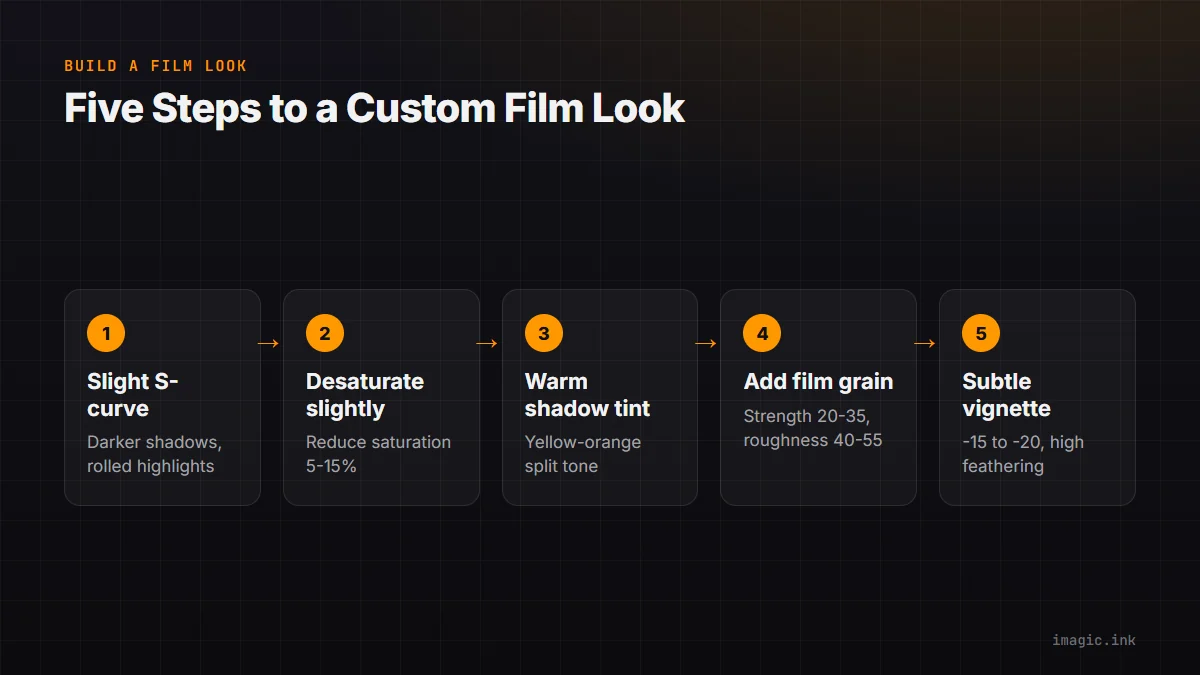
- Start with a slight S-curve: slightly darker shadows, slightly brighter midtones, rolled-off highlights
- Desaturate slightly overall (reduce Saturation by 5-15%)
- Add warm tint to shadows via Split Toning (a touch of yellow-orange)
- Add film grain (Strength 20-35, Roughness 40-55)
- Apply subtle vignette (-15 to -20 with high feathering)
Save this as a RawTherapee profile and apply it via batch to your culled imagic exports.
VSCO-Style Presets Without VSCO
VSCO's film presets are popular but require either their mobile app or a Lightroom plugin. The underlying color treatment — lifted blacks, faded colors, warm or cool tone shifts — is fully reproducible in RawTherapee. The free HALD CLUT packs from RawPedia include Kodachrome, Ektachrome, and other classic stock emulations.
Performance and Workflow
Film emulation profiles add negligible processing time when applied via batch in RawTherapee. Run your imagic cull, export keepers with your chosen film emulation profile, and have a complete, stylized gallery ready in the same time it would take to manually apply presets in Lightroom — without the $9.99/month subscription.