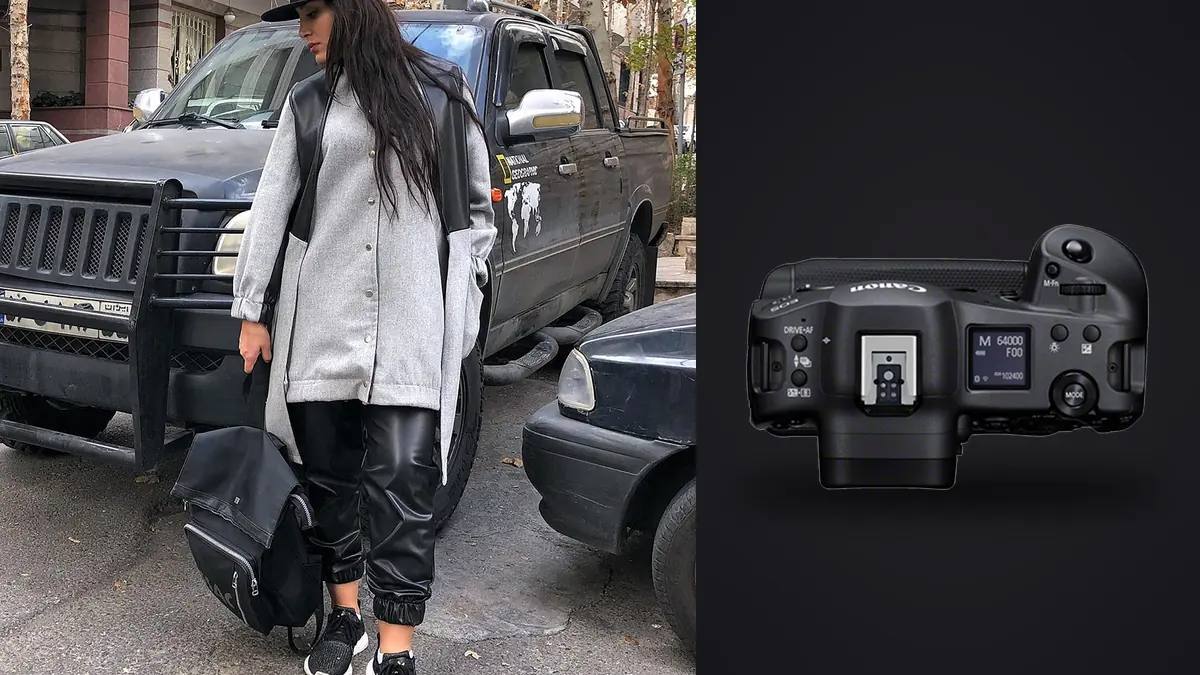
Why a sports camera keeps turning up on fashion lookbook sets
The Canon EOS R3 was built and marketed around motorsport panning shots and pitch-side football coverage, so it looks like an odd choice for a rail of resort wear and a model walking the same six feet of studio floor for two hours. Picture three full lookbook days with one (borrowed for the first, rented for the other two), and the reasons it earns its place on a fashion set have almost nothing to do with the reasons Canon built it. It comes down to buffer depth, a genuinely blackout-free viewfinder during continuous bursts, and a body that survives twelve hours of being picked up, set down, and picked up again without complaint.
Lookbook production is a volume game that looks nothing like a portrait sitting. A tight commercial job might run 35 to 55 looks in a single day, each one getting anywhere from four to fifteen seconds of active shooting once the stylist steps back and the model starts moving through poses. Multiply that out and you're routinely closing a day with 2,500 to 4,500 frames on the cards. The camera's job in that environment isn't really about resolution or dynamic range in the way it would be on a landscape trip. It's about not missing the frame where the fabric falls right and the expression reads, while the client and art director are standing behind the tether monitor waiting to say "next."
The buffer and card-slot math that actually decides your shooting day
On paper the R3 does 30fps in electronic shutter mode and 12fps mechanical, and most fashion work doesn't need either extreme. What matters more is that at a realistic working rate of 8 to 10fps, the buffer on a CFexpress Type B card doesn't fill up mid-sequence the way it would on some older mirrorless bodies I've used. Picture a denim shoot where the stylist is doing rapid outfit swaps and you're shooting six to eight-frame bursts to catch a jump sequence for a set of "movement" shots. On a camera with a shallow buffer, the fourth or fifth frame in a burst like that starts to lag, and that's exactly where the best frame in the sequence tends to land. The R3 didn't stutter through those bursts even shooting 14-bit RAW.
The dual card slots matter for a different reason on a commercial set: liability. One CFexpress and one SD, and they can run as overflow rather than mirrored RAW+RAW, which some studios require by contract for backup redundancy. If the client's insurance or the agency's production terms specify simultaneous recording to two cards, the R3 handles that without forcing you to drop to a slower card format for both slots, which some competing bodies still do.
| Shooting scenario | Approx. frames generated | Realistic burst rate used | Card slot behavior |
|---|---|---|---|
| Static rack shot, single look, key poses only | 15-30 frames | 1fps to 3fps, single shots mostly | Single CFexpress, SD as overflow |
| Standard walking/movement sequence per look | 60-120 frames | 8-10fps electronic | CFexpress primary, buffer holds through full sequence |
| Wind machine or fabric-motion sequence | 150-250 frames | 15-20fps electronic | CFexpress required; SD alone will bottleneck |
| Full day, 40-look lookbook | 2,800-4,200 frames | Mixed, averaging 6-8fps | Two 160GB CFexpress cards, swapped at lunch |
Eye Control AF: genuinely useful, but not on every model
Canon's eye-controlled autofocus is the feature everyone brings up first about the R3, and on a fashion set it's a mixed bag rather than the game-changer it's sometimes described as. It works by tracking where your eye is looking through the viewfinder and shifting the AF point there, which sounds perfect for reframing quickly between a full-body shot and a tight crop on jewelry or a collar detail. In practice, it needs a proper calibration for each shooter (it doesn't transfer between people well even with the saved profiles), and it gets noticeably less reliable once you're wearing sunglasses yourself, shooting through a monitor loupe, or working in low-contrast studio light where your pupil isn't easy for the sensor to read.
Where it earns its keep is on a moving sequence where the model is walking toward camera and you want to snap the AF point from her face to a bag she is carrying and back, without taking your eye off the viewfinder to move a joystick. That's a real use case, not a gimmick, but it only pays off on maybe one set in three. On straightforward beauty and product-forward lookbook work where the subject stays in roughly the same plane, Face + Eye Detect with the joystick for zone selection remains the safer default, because it's more predictable and you don't lose a frame to a mis-tracked eye point during a critical burst.
24.1 megapixels: fine for the catalog, tight for the billboard
This is the spec that trips people up. Coming from an R5 or a5-series body north of 40 megapixels, 24.1MP feels like a step down, and for a lookbook that's going on a brand's e-commerce site, a look-book PDF, or Instagram, it's genuinely enough resolution with room to spare for cropping. Where it gets tight is when a client decides mid-campaign that they want three of the lookbook images blown up for in-store window displays or a print catalog spread. I've had that happen twice, and both times the R3 files held up fine to roughly A2 print size with good technique (tripod, controlled light, low ISO) but I wouldn't want to push much past that without upsampling.
If a job is confirmed print-heavy from the brief, reach for a higher-resolution body anyway. But for the bulk of commercial fashion lookbook work, which lives online and in seasonal look-books rather than billboards, the R3's file size is actually a practical advantage: smaller RAW files mean faster culling, faster transfers to the retoucher, and a lot less storage pressure across a multi-day campaign shoot.
Handling on a twelve-hour set day
Fashion lookbook days are physical in a way people who haven't done them underestimate. You're shooting from low angles for leg-line shots, standing on an apple box for a wide group shot, holding the camera overhead to get a downward angle on a flat-lay of accessories, and doing it all again forty more times before wrap. The R3's integrated vertical grip means there's no separate battery grip to bolt on and off, and the body balances the same whether you're shooting landscape or turning it 90 degrees for a portrait-orientation frame, which is most of a lookbook's actual deliverables. The in-body stabilization also lets you drop the shutter speed in a dim corner of the studio between light changes without reaching for a tripod, which saves real time when the art director keeps calling for "just one more angle, quickly."
Battery life across a full day was a non-issue; I never swapped batteries mid-shoot even shooting continuous bursts, using the rear screen for review, and running Wi-Fi transfer to a tethering laptop for part of the afternoon. That last part matters for lookbook work specifically, since a lot of commercial shoots still want a live feed to a monitor for the art director and client, and the R3's wireless transfer speed held up well enough that you may not need to run a cable across the studio floor.
The part nobody puts in the camera review: what happens after wrap
None of the above matters if you can't turn 3,500 frames into the 45 hero images and 90 supporting shots the client actually needs by the next morning. This is the part of a lookbook job that eats the most hours and gets the least attention in gear reviews. Sorting a full day's shoot by eye, frame by frame, checking focus on the eyes and hands, catching motion blur on fabric, and flagging duplicates from a burst is a three or four hour job on its own before you've even started color work.
I run everything through imagic before it touches Lightroom now. It scores sharpness and focus locally on the machine, so it's actually looking at where the plane of focus landed rather than guessing from thumbnail contrast, which matters a lot with eye-tracking AF sequences where focus can drift a frame or two into a burst. It clusters the near-duplicate frames from each burst so I'm reviewing one representative group instead of scrolling past 40 nearly identical shots of the same pose, and because it processes everything on the laptop rather than uploading an unreleased collection to a cloud service, it sidesteps the worry about the NDA every studio makes you sign before the shoot. For a fashion job specifically, that offline processing isn't a nice-to-have; a lot of commercial contracts explicitly prohibit uploading unreleased product or campaign imagery anywhere before the client has approved a release, and a local tool sidesteps that question entirely.
The other piece that's specific to lookbook work is consistency across a huge number of frames from a single day, often shot across two or three lighting setups as the studio moved from the white cyc to a location corner and back. imagic's apply_my_style feature builds a preset from edits I've already made on my own images, so once I've graded the first handful of looks the way I want them, later batches from the same day pick up a consistent starting point instead of me manually matching white balance and contrast look by look. It's not replacing a retoucher's beauty work, but it gets the base grade close enough that the retouch pass starts from something usable rather than raw camera output. If you want the mechanics of how automated culling actually scores a frame rather than just guessing, this breakdown of how AI photo culling works covers it in more depth, and there's a broader set of pacing tips in our faster workflow guide that applies whether or not you're shooting an R3.
Where the R3 doesn't make sense for this work
I want to be straight about the tradeoffs rather than sell the camera. If your fashion work is mostly still-life product shots, single-subject beauty work, or anything where you're shooting fifteen frames of a look rather than eighty, the R3's speed advantage is wasted and you'd get more resolution per dollar from an R5 II or similar high-megapixel body. The R3 is also genuinely expensive relative to what a lot of fashion photographers actually need, and the eye-control feature that headlines its marketing is, as I said above, situational rather than essential for most lookbook days. I'd point a photographer toward it specifically when the job involves movement, rapid look changes, and enough volume that buffer depth and card-slot flexibility actually get tested during a shooting day, which is most true for lookbook, e-commerce action shots, and any fashion job with a wind machine involved.
Frequently Asked Questions
Is 24.1 megapixels actually enough for a commercial fashion lookbook?
For web catalogs, e-commerce galleries, social content, and standard print look-books, yes, with room for moderate cropping. It gets tight if a client later wants large-format print output like window displays or trade show banners from the same files, so it's worth confirming print intentions in the brief before the shoot rather than after.
Does Eye Control AF work reliably through sunglasses or heavy eye makeup on the model?
Eye Control AF tracks the photographer's eye through the viewfinder, not the model's, so what the model is wearing doesn't affect it directly. What does affect it is what you, the shooter, are wearing or doing: your own glasses, a viewfinder loupe, or shooting in low-contrast light can all reduce tracking accuracy and require recalibration.
How many CFexpress cards should I carry for a full lookbook day?
Two 160GB or larger cards covers most 35-to-55-look days comfortably, with one as the active card and one as a swap at lunch or during a wardrobe-heavy break. For jobs with heavy movement sequences (wind machines, walking shots, jump sequences) I'd carry a third as backup, since frame counts climb fast once you're shooting continuous bursts rather than single frames.
Is the R3 worth it over an R5 II specifically for fashion lookbook work?
It depends on how much of the day involves movement versus static poses. If most of your looks are shot as a handful of controlled frames, the R5 II's higher resolution is the better trade. If your days involve a lot of walking, fabric motion, or rapid sequences where buffer depth and blackout-free viewing matter, the R3 earns the extra cost, mainly through fewer missed frames rather than through image quality itself.